

Àpèjúwe
Enhance your Elementor page building experience with custom tab, accordion.
Demo
Buy Premium Version
🔥 WHAT’S NEXT
If you like Icon Element, then consider checking out our other WordPress Plugins:
🔔 The Pack Addon – Best elementor addon including 110 widgets, 130 sections and cloud templates
🔔 Xl Tab – Best elementor tab & accordion plugin
Àwọn àwòrán ìbòjú
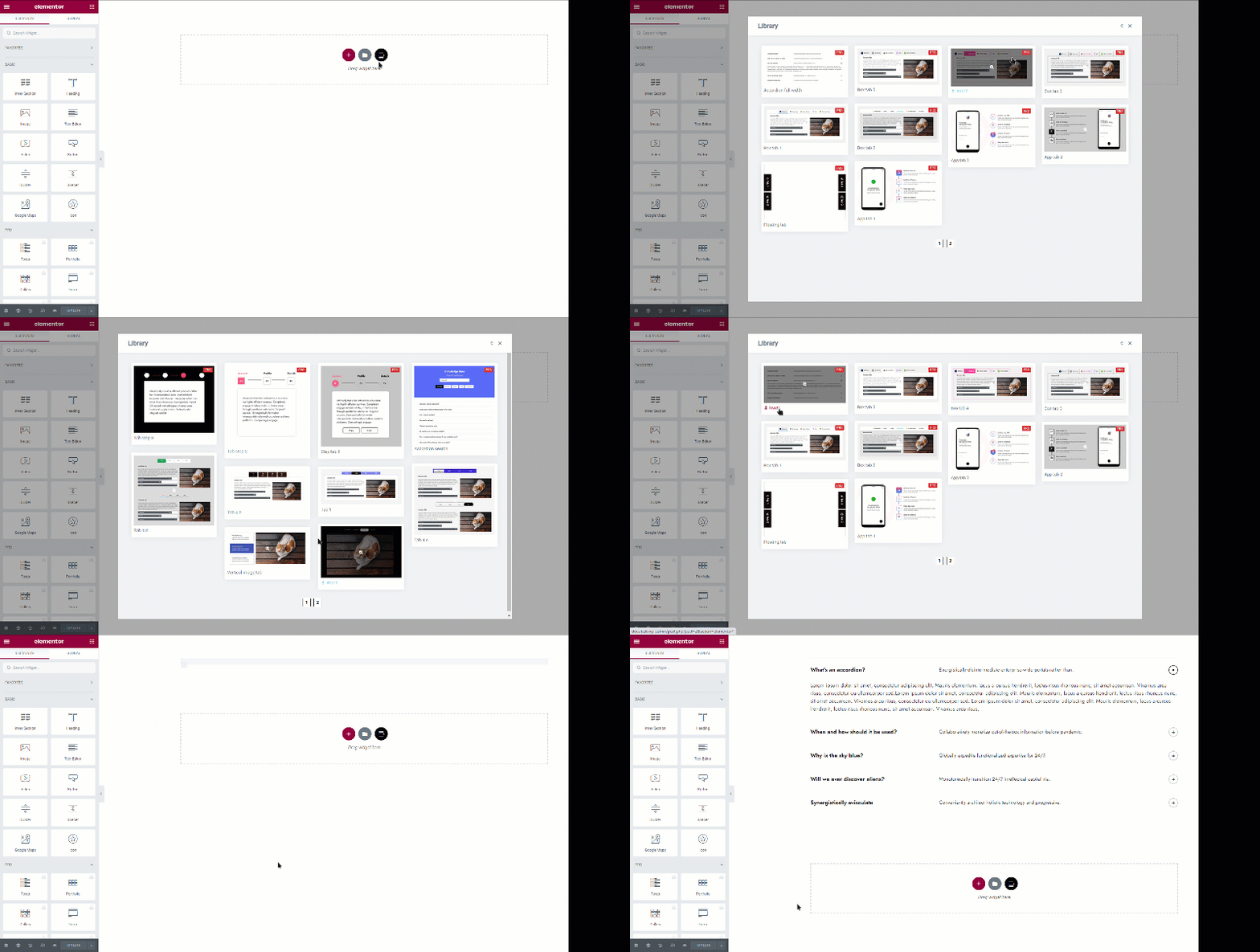
Ìgbéwọlẹ̀
Note : This plugin works with Elementor. Make sure you have Elementor installed.
- Upload the plugin folder to the
/wp-content/plugins/directory, or install the plugin through the WordPress plugins screen directly. - Activate the plugin through the ‘Plugins’ screen in WordPress
- You can type “XLTab” on your element tabs within Elementor editor and all the avialable elements will appear.
FAQ
-
Can I use the plugin without Elementor Page Builder?
-
No. You cannot use without Elementor since itÌtumọ̀ Yorùbá: ’s an addon for Elementor.
-
Does it work with any theme?
-
Absolutely! It will work with any theme where Elementor works.
-
Your existing elements/content will work with premium version. So you wonÌtumọ̀ Yorùbá: ’t lose your developed contents.
Àwọn àgbéyẹ̀wò


Àwọn Olùkópa & Olùgbéejáde
“XLTab Ìtumọ̀ Yorùbá: – Accordions and Tabs for Elementor Page Builder” jẹ́ ètò ìṣàmúlò orísun ṣíṣí sílẹ̀. Àwọn ènìyàn wọ̀nyí ti ṣe ìkópa sí plugin yìí.
Àwọn Olùkópa
Túmọ̀ “XLTab Ìtumọ̀ Yorùbá: – Accordions and Tabs for Elementor Page Builder” sí èdè rẹ.
Ṣe o nífẹ̀ẹ́ sí ìdàgbàsókè?
Ṣàwárí koodu, ṣàyẹ̀wò ibi ìpamọ́ SVN, tàbí ṣe àgbékalẹ̀ sí àkọsílẹ̀ ìdàgbàsókè nípasẹ̀ RSS.