
Àpèjúwe
This plugin makes it easy for you to add custom scripts to the head and footer sections of your site. A theme can also add theme support to enable the insert of custom code (HTML, Javascript, and CSS) at the top of a page, above header, below header, above content, and below content.
Àwọn àwòrán ìbòjú
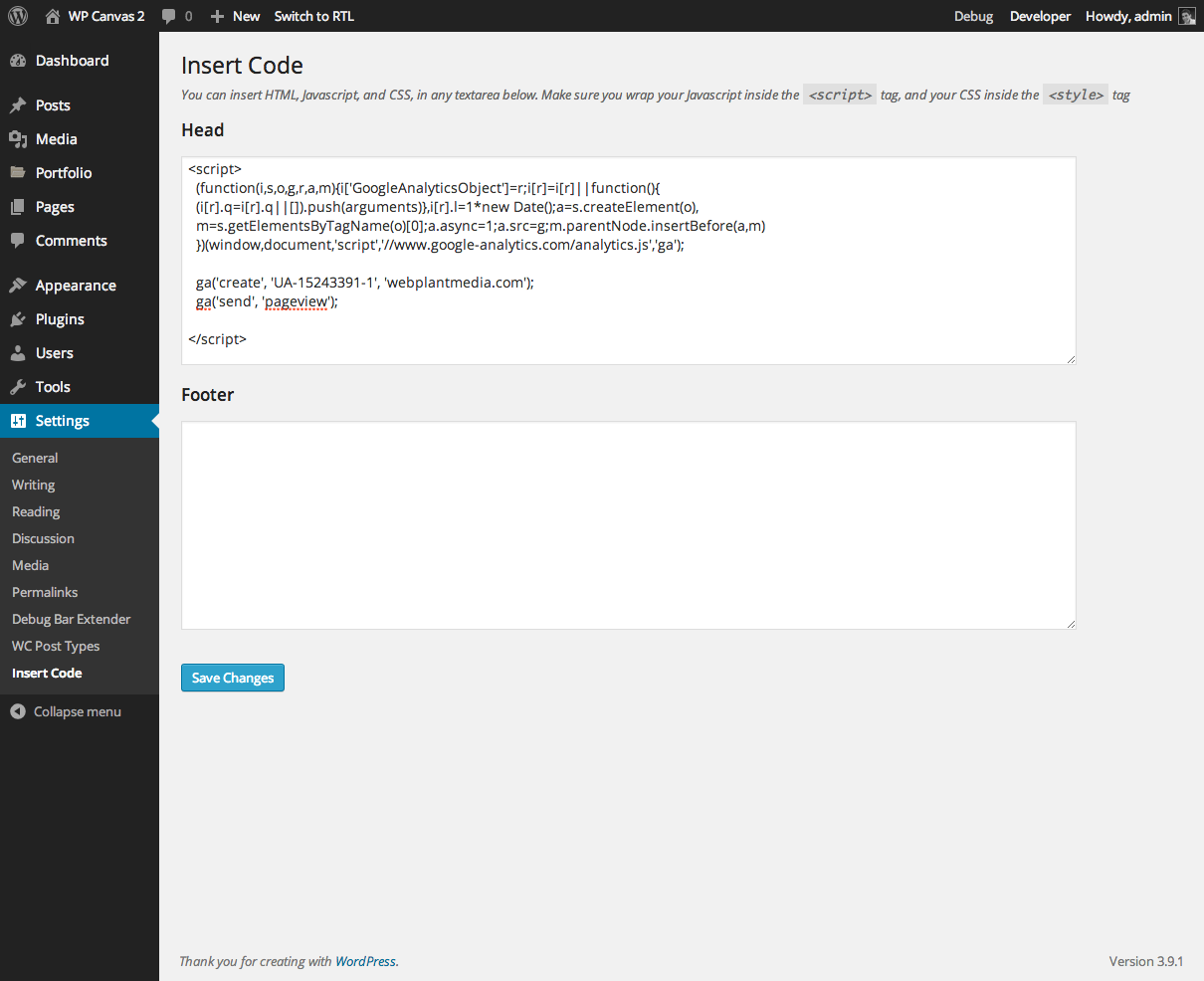
Ìgbéwọlẹ̀
- Uzip the
wpc-insert-code.zipfolder. - Upload the
wpc-insert-codefolder to your/wp-content/pluginsdirectory. - In your WordPress dashboard, head over to the Plugins section.
- Activate WP Canvas Ìtumọ̀ Yorùbá: – Insert Codes.
FAQ
- Installation Instructions
-
- Uzip the
wpc-insert-code.zipfolder. - Upload the
wpc-insert-codefolder to your/wp-content/pluginsdirectory. - In your WordPress dashboard, head over to the Plugins section.
- Activate WP Canvas Ìtumọ̀ Yorùbá: – Insert Codes.
- Uzip the
- How do I add theme support
-
// Enable support for custom code to be inserted on various sections of theme
add_theme_support( ‘wpc-insert-code’, array( ‘top-of-page’, ‘above-header’, ‘below-header’, ‘above-content’, ‘below-content’ ) );<!-- add lines of code in the appropriate section of your theme --> <?php do_action( 'wpc_insert_code_top_of_page' ); ?> <?php do_action( 'wpc_insert_code_above_header' ); ?> <?php do_action( 'wpc_insert_code_below_header' ); ?> <?php do_action( 'wpc_insert_code_above_content' ); ?> <?php do_action( 'wpc_insert_code_below_content' ); ?>
Àwọn àgbéyẹ̀wò
Kò sí àwọn àgbéyẹ̀wò fún plugin yìí.
Àwọn Olùkópa & Olùgbéejáde
“Insert Code by Angie Makes” jẹ́ ètò ìṣàmúlò orísun ṣíṣí sílẹ̀. Àwọn ènìyàn wọ̀nyí ti ṣe ìkópa sí plugin yìí.
Àwọn Olùkópa
Túmọ̀ “Insert Code by Angie Makes” sí èdè rẹ.
Ṣe o nífẹ̀ẹ́ sí ìdàgbàsókè?
Ṣàwárí koodu, ṣàyẹ̀wò ibi ìpamọ́ SVN, tàbí ṣe àgbékalẹ̀ sí àkọsílẹ̀ ìdàgbàsókè nípasẹ̀ RSS.
Àkọsílẹ̀ àwọn àyípadà
Version 1.2
- rebranded
Version 1.1
- removed static declaration on none static members
Version 1.0
- Plugin released. Everything is new!