

Àpèjúwe
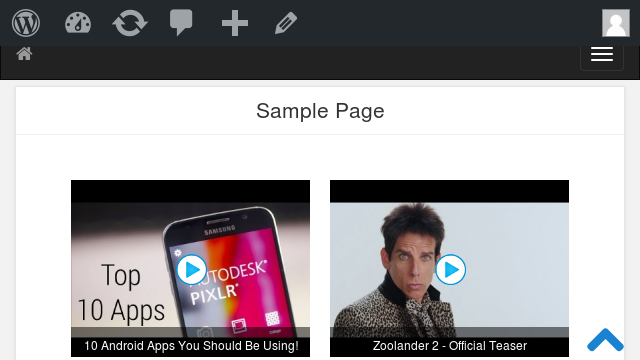
Display YouTube, Vimeo and DailyMotion videos in a beautiful, fully responsive video grid with a pop-up lightbox — no coding required.
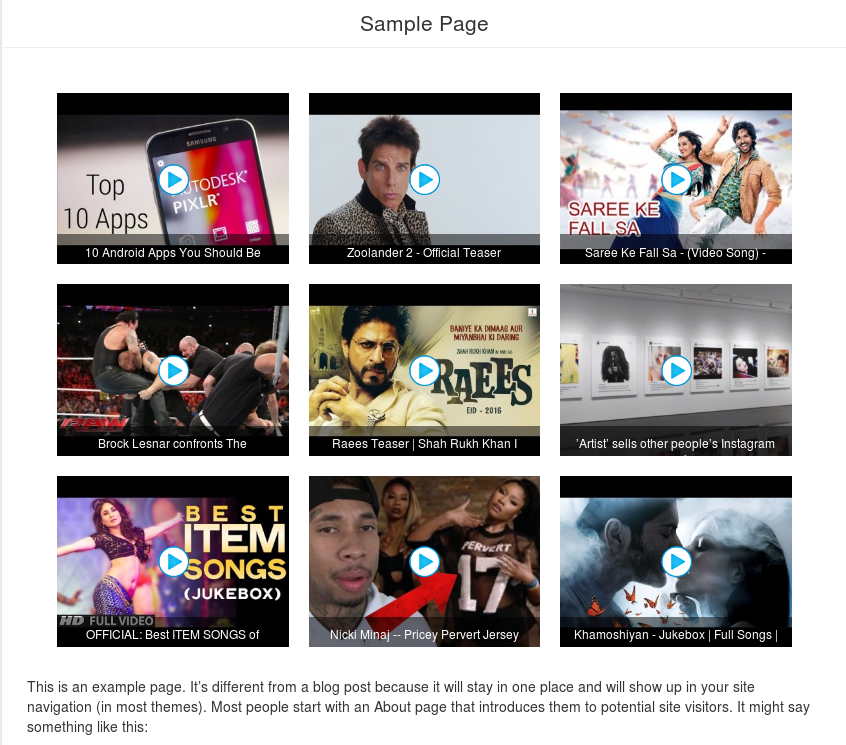
Video Grid is a free WordPress video grid plugin that turns a list of video links into a clean, responsive grid your visitors can watch in a modern lightbox, without ever leaving your page. Just paste a video URL and the plugin automatically fetches the thumbnail, title and description for you.
Add, edit, reorder and preview your grid from the admin panel, then place it anywhere with a simple shortcode or the native Gutenberg block — it works with any theme.
Why choose Video Grid?
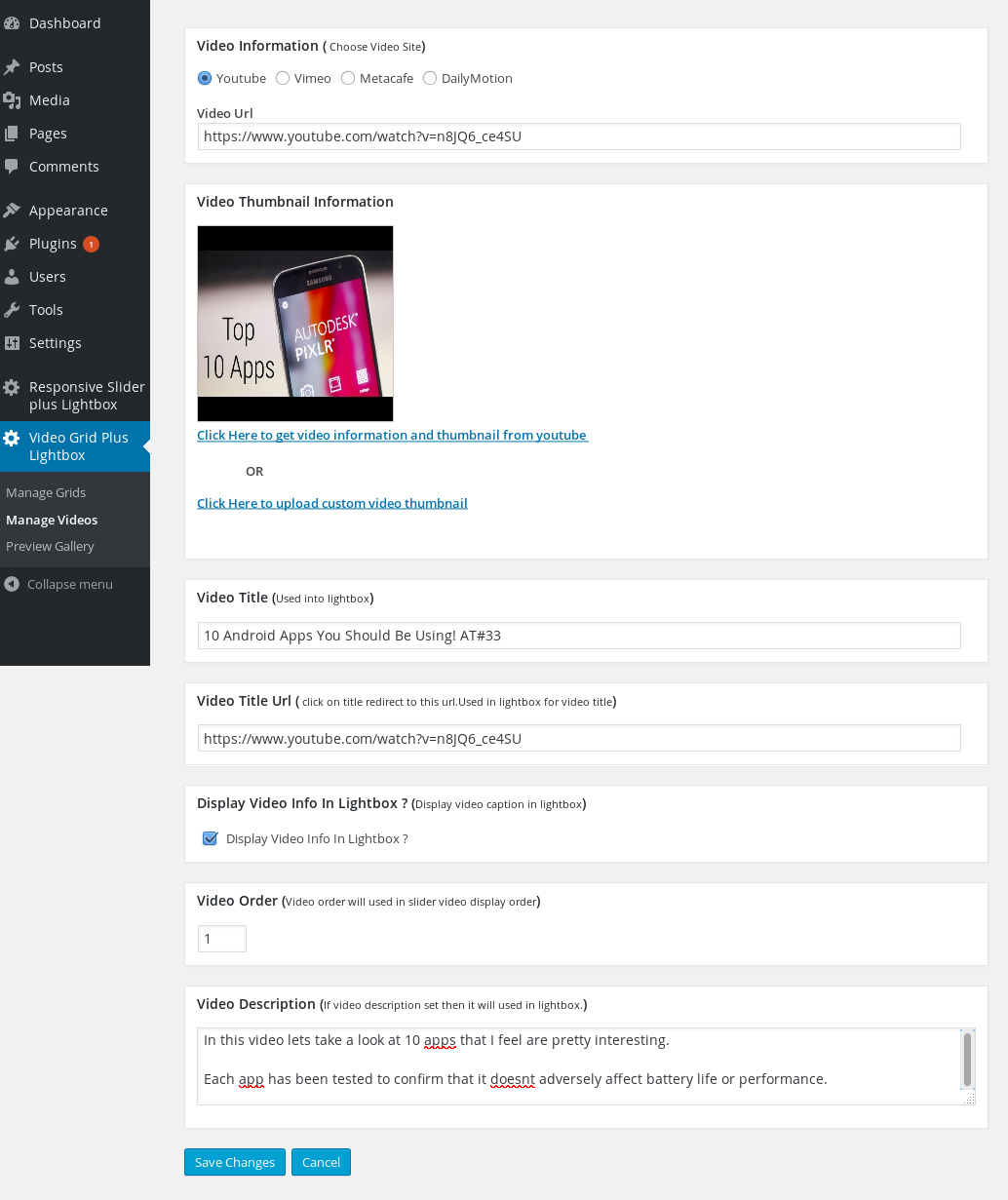
- Paste a link, done — thumbnail, title and description are fetched automatically for YouTube, Vimeo and DailyMotion.
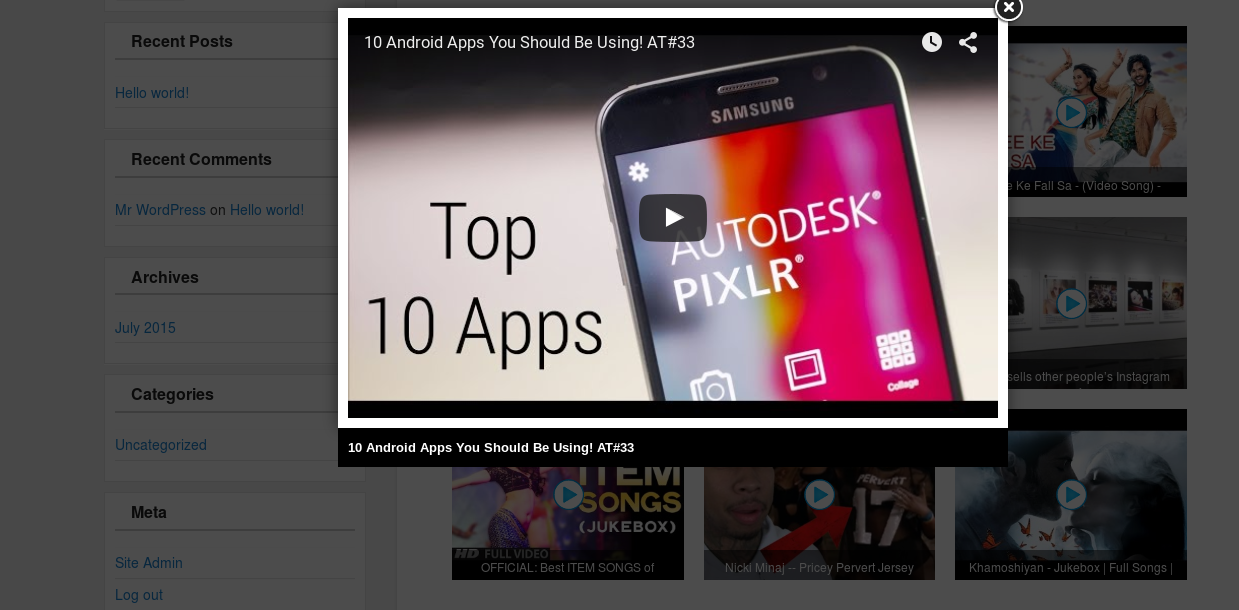
- Watch in a lightbox — visitors play videos in a responsive pop-up player instead of being redirected away from your site.
- Modern or classic — choose the new lightweight modern grid and lightbox engines (fast, responsive, no jQuery), or keep the classic ones. Existing sites are never changed on upgrade.
- Gutenberg block included — build your grid right inside the block editor, no shortcode needed.
- Fully responsive — the grid and lightbox look great on desktop, tablet and mobile.
- No ads in your grids — clean output on your site.
Free features
- Add any number of videos to a grid
- Supports YouTube, Vimeo and DailyMotion
- Responsive video grid and responsive lightbox
- New modern lightbox engine — lightweight, no jQuery (classic lightbox still available)
- New modern grid engine — CSS grid, centered, responsive columns (classic layout still available)
- Native Gutenberg block for the block editor
- Add, edit and delete videos
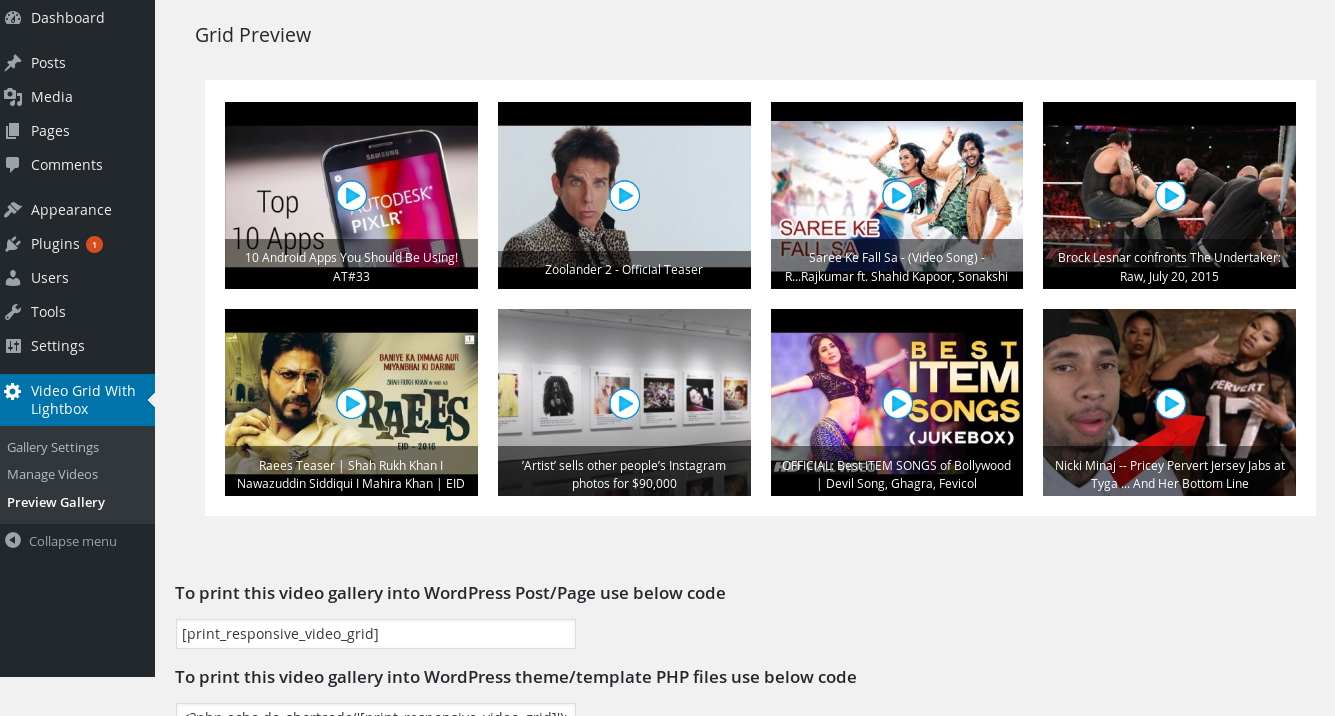
- Preview your grid before you publish it
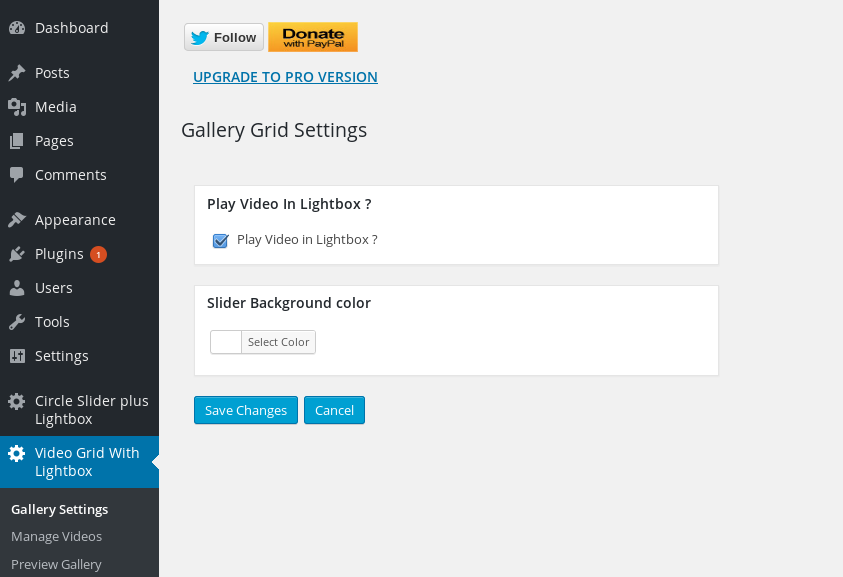
- Play video in a lightbox, or redirect to the source site
- Optional captions on thumbnails
- Change the grid background
- Simple shortcode for pages, posts and themes
- WordPress capabilities (roles/permissions) support
Upgrade to Video Grid Pro
Need more power? Video Grid Pro adds everything the free version doesnÌtumọ̀ Yorùbá: ’t — for a one-time price, with no annual fee:
- Unlimited video grids — show different grids on different pages
- Three grid layouts — Standard, Masonry (Pinterest-style) and Justified (edge-to-edge rows)
- Bulk import an entire YouTube channel or playlist in one click
- Metacafe and self-hosted HTML5 video support (in addition to YouTube, Vimeo, DailyMotion)
- Elementor widget and Divi module — plus the Gutenberg block
- Custom thumbnail width and height, custom or one-click thumbnail download
- Video description inside the lightbox
- Left / center / right grid alignment, with matching pagination
- AJAX pagination with a custom page size
- Manual video ordering with mass order updates, and random order
- Open videos in the lightbox or a new browser tab
- Priority support and no advertisements
Please rate this plugin if you find it useful — it really helps.
License
This plugin is free for everyone! Since itÌtumọ̀ Yorùbá: ’s released under the GPL, you can use it free of charge on your personal or commercial blog. If you find it useful, a donation is always appreciated.
Àwọn àwòrán ìbòjú





Àwọn ìdí
Plugin yìí pèsè 1 ìdí.
- Video Grid Display your responsive video grid with lightbox.
Ìgbéwọlẹ̀
This plugin installs like any other WordPress plugin:
- Upload the video-grid folder to the wp-content/plugins folder (or install it from Plugins > Add New in your dashboard).
- Activate the plugin from the Dashboard / Plugins window.
- The plugin is now active — see the Usage section below.
Usage
- After activating, go to the Video Grid with Lightbox menu.
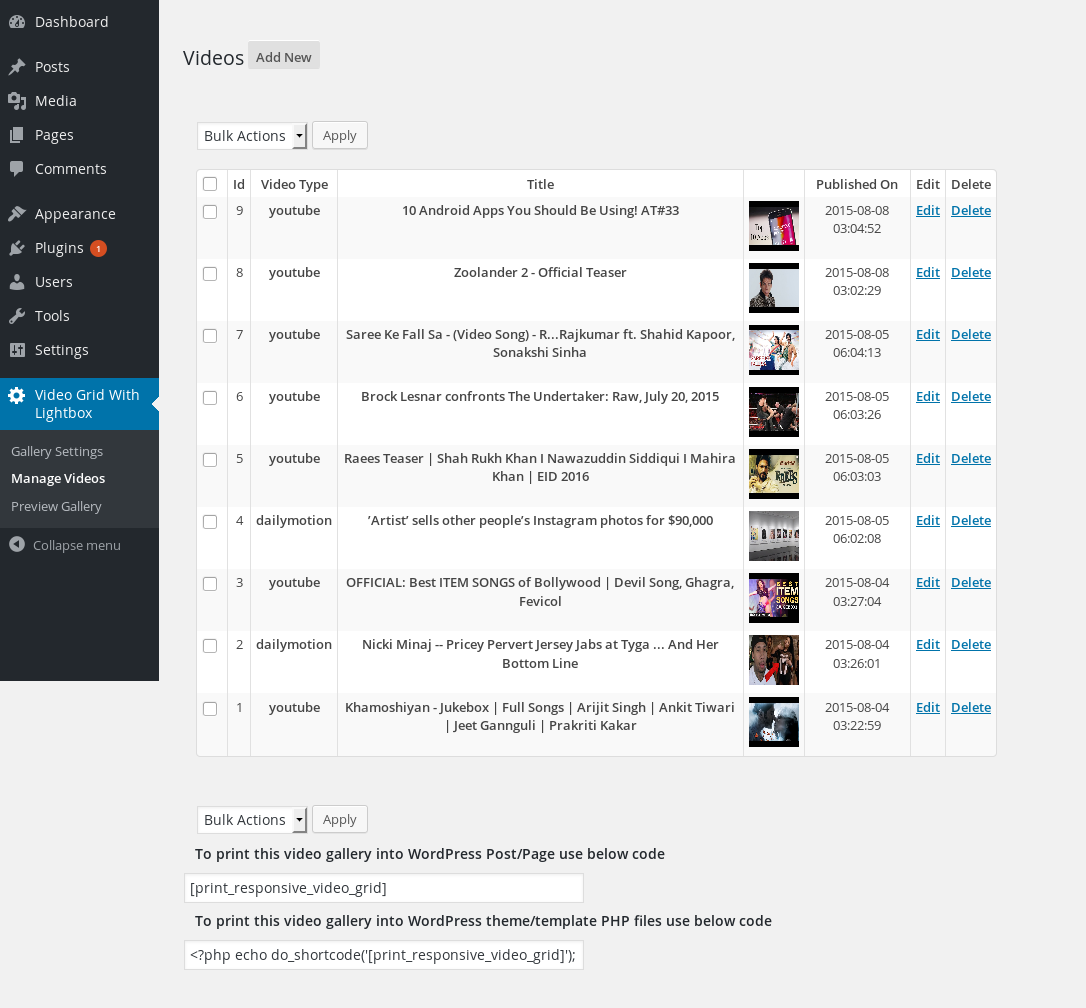
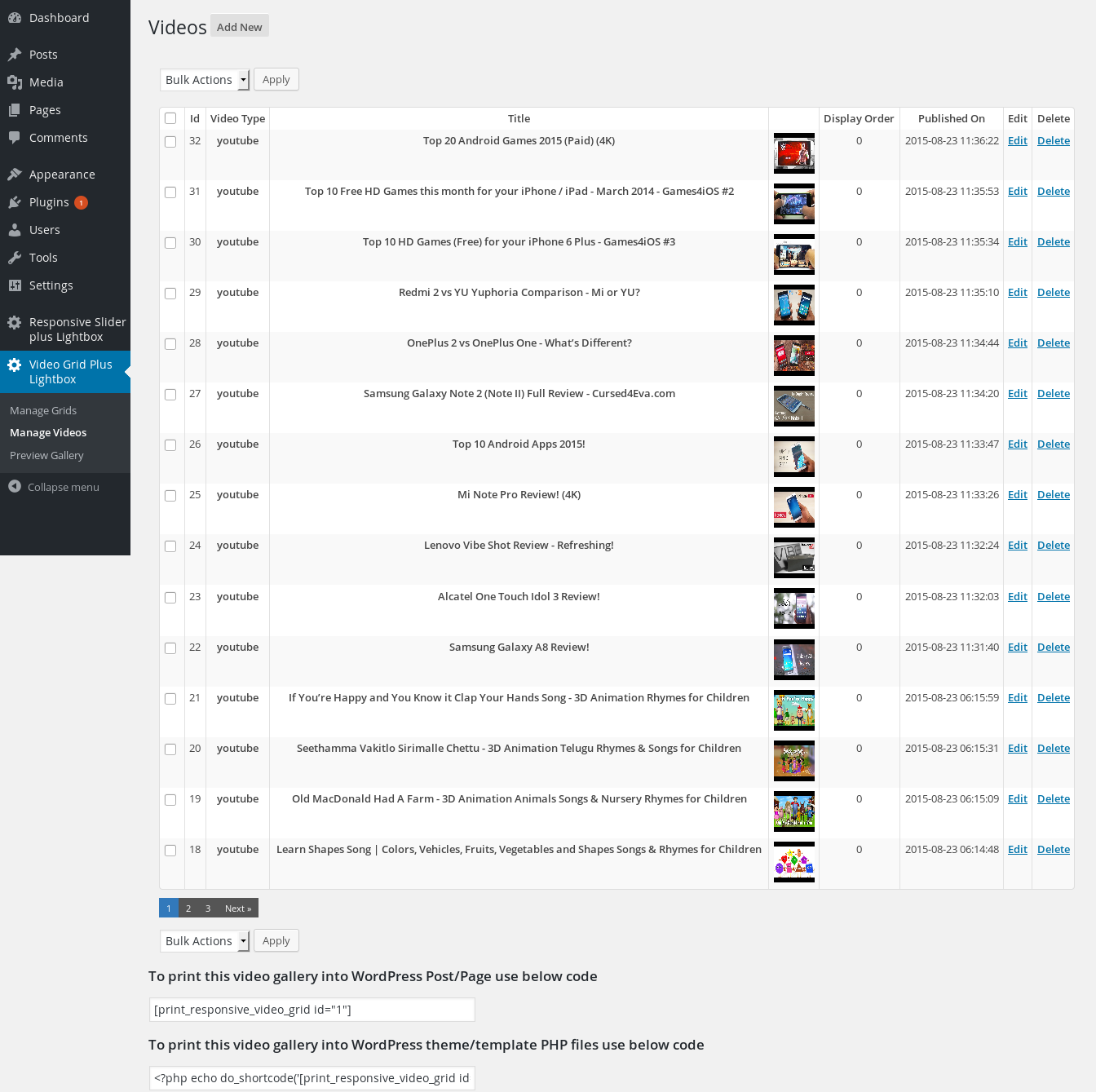
- Add your videos under Manage Videos (paste a YouTube, Vimeo or DailyMotion link — the thumbnail, title and description are fetched automatically).
- Configure your grid under Grid Settings, and preview it before publishing.
- Add the grid to a page or post using the Video Grid block, or the shortcode [print_responsive_video_grid]. To add it in a theme template, use: echo do_shortcode(‘[print_responsive_video_grid]’);
FAQ
-
How do I use it?
-
After activating, go to the Video Grid with Lightbox menu, add your videos under Manage Videos (just paste a video link), configure the grid under Grid Settings, then add it to a page or post using the Video Grid block or the [print_responsive_video_grid] shortcode. See the Installation and Usage sections above for details.
-
Which video sites does the free version support?
-
The free version supports YouTube, Vimeo and DailyMotion. The Pro version adds Metacafe and self-hosted HTML5 video.
-
Do I have to add videos one at a time?
-
In the free version, yes. Video Grid Pro can bulk-import an entire YouTube channel or playlist in one click.
-
Can I have more than one grid?
-
The free version includes one grid. Video Grid Pro supports unlimited grids, so you can show different videos on different pages.
-
Does it work with the block editor?
-
Yes. The free version includes a native Gutenberg block. Video Grid Pro adds an Elementor widget and a Divi module as well.
-
Will upgrading change how my existing grid looks?
-
No. The new modern grid and lightbox engines are opt-in — existing sites keep their current appearance until you choose to switch.
-
What does the Pro version add?
-
Unlimited grids, three layouts (Standard, Masonry and Justified), YouTube channel/playlist bulk import, Metacafe and HTML5 video, Elementor and Divi support, custom thumbnail sizes, AJAX pagination, alignment controls and more. See Video Grid Pro.
Àwọn àgbéyẹ̀wò


Àwọn Olùkópa & Olùgbéejáde
“Video Grid” jẹ́ ètò ìṣàmúlò orísun ṣíṣí sílẹ̀. Àwọn ènìyàn wọ̀nyí ti ṣe ìkópa sí plugin yìí.
Àwọn Olùkópa
Ṣe o nífẹ̀ẹ́ sí ìdàgbàsókè?
Ṣàwárí koodu, ṣàyẹ̀wò ibi ìpamọ́ SVN, tàbí ṣe àgbékalẹ̀ sí àkọsílẹ̀ ìdàgbàsókè nípasẹ̀ RSS.
Àkọsílẹ̀ àwọn àyípadà
1.25
- Added Vimeo support to the free version.
- Added a new modern lightbox engine option (lightweight, no jQuery); existing sites keep the original lightbox.
- Added a new modern grid layout engine option (CSS grid, centers properly, responsive columns); existing sites keep the original layout.
- Added a native Gutenberg block — add your video grid from the block editor.
- Added an icon to the admin menu.
- Replaced third-party ads in the admin side panel with Pro version information.
- Added a review request notice.
1.24
- Added webp image support
- Tested with WordPress 6.8
1.23
- Make plugin compatible with block editor
- Tested with WordPress 6.3
1.22
- Fixed vulnerabilities
- Tested with WordPress 6.2
1.21
- Fixed slash and quote showing in title
1.20
- Fixed html break due to invalid html in title,description
- Tested with WordPress 5.9
1.19
- Fixed php warning while fetch, youtube video info
- Tested with WordPress 5.8
1.18
- Fixed youtube video title canÌtumọ̀ Yorùbá: ’t get after latest updates of youtube
1.17
- Added option to resize image or not
1.16
- Fixed lightbox not working on jQuery 3.x
1.15
- Added lazy loading
- Tested with WordPress 5.5
1.14
- Remove jQuery.noConflict() as it cause problems with $ usage.
1.13
- Improve video grid loading
1.11
- Fix dailymotion api not working when there is query string in url
- Tested with WordPress 5.3
1.11
- Improve code so that if Jquery included in footer in theme, plugin do not have any error
- Tested with WordPress 5.2
1.10
- dailymotion.com api updated so change according to fix thumbnail image not working
1.0.9
- Added WordPress capabilities feature
- fix undefined error for $search_term_
- Tested with WordPress 5.1
1.0.8
- fix Security Vulnerability: Missing Validation on TLS Connections
- Improve pagination in admin
1.0.7
-Improve admin UI
1.0.6
-Tested upto wp 5.0.
-Plugin now translatable
1.0.5
-fix dailymotion video not working properly.
1.0.4
-fixed alert when click on video
1.0.3
-fixed for shortcode not working in wordpress 4.8 widgets
1.0.2
- fix for work with multiple fancybox version
1.0.1
- I notice that some host does not allow copy remote image via copy function so I have added function to copy image via curl.If copy function fail then try with curl.
- Tested with WordPress 4.6
1.0
- Stable 1.0 first release