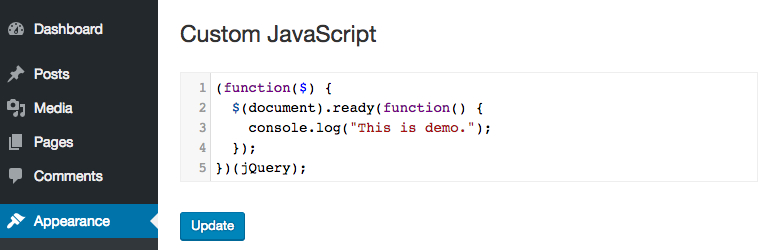

Àpèjúwe
Add custom JavaScript to your site from a professional editor in the WordPress admin.
TC Custom JavaScript‘s still in early stage. If you have any troubles when using it, or any ideas to improve its features to fit with your work, please do not hesitate to contact us.
Àwọn àwòrán ìbòjú

Ìgbéwọlẹ̀
- Upload WR PageBuilder to the /wp-content/plugins/ directory
- Activate the plugin through the ‘Plugins’ menu in WordPress
Àwọn àgbéyẹ̀wò


Àwọn Olùkópa & Olùgbéejáde
“TC Custom JavaScript” jẹ́ ètò ìṣàmúlò orísun ṣíṣí sílẹ̀. Àwọn ènìyàn wọ̀nyí ti ṣe ìkópa sí plugin yìí.
Àwọn Olùkópa
Túmọ̀ “TC Custom JavaScript” sí èdè rẹ.
Ṣe o nífẹ̀ẹ́ sí ìdàgbàsókè?
Ṣàwárí koodu, ṣàyẹ̀wò ibi ìpamọ́ SVN, tàbí ṣe àgbékalẹ̀ sí àkọsílẹ̀ ìdàgbàsókè nípasẹ̀ RSS.
Àkọsílẹ̀ àwọn àyípadà
1.2.3
Fix bug with PHP 8
1.2.2
Update security checking
1.2.1
Fix bug adding slashes
1.2.0
Fix security issues.
1.1.1
Fix bug clear code.
1.1.0
Editor automatically resize to fit its content.
1.0.4
Fixed bug related to single-line comments.
1.0.3
Fixed bug related to Magic Quotes of PHP 5.3 or lower.
1.0.0
The first version.