

Àpèjúwe
SmartZoom lets your customers examine product details up close with a smooth magnifying effect on product images. Ideal for stores selling clothing, jewelry, electronics, art, or any item where visual clarity is key.
Features:
Ìtumọ̀ Yorùbá: – Lightweight and easy to use
Ìtumọ̀ Yorùbá: – Seamless integration with WooCommerce galleries
Ìtumọ̀ Yorùbá: – Enable/disable via settings panel
Ìtumọ̀ Yorùbá: – Adjustable zoom level
Ìtumọ̀ Yorùbá: – Compatible with most modern themes
Àwọn àwòrán ìbòjú
Zoom effect on WooCommerce product image 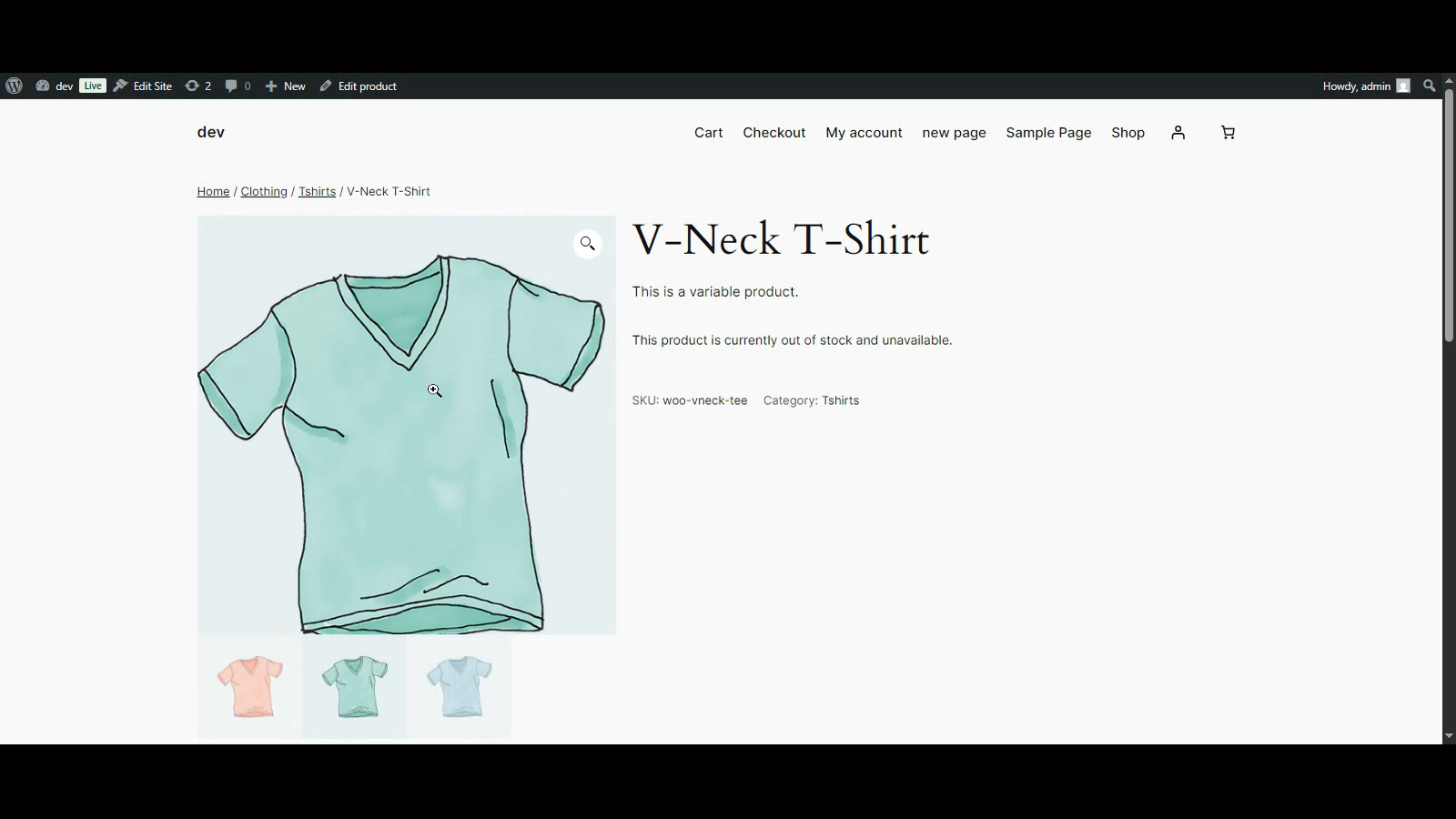
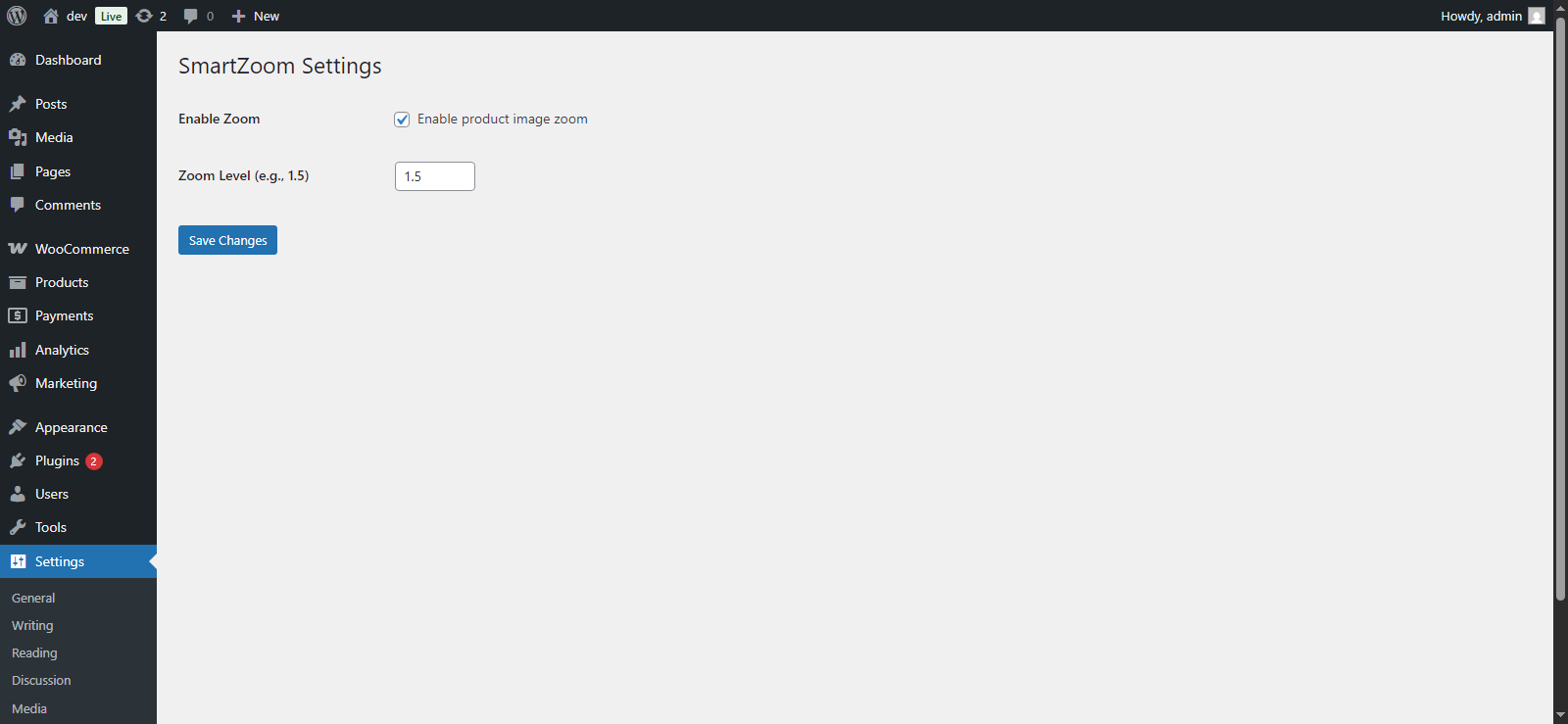
Plugin settings page
Ìgbéwọlẹ̀
- Upload the plugin files to the
/wp-content/plugins/smartzoom/directory, or install it via the WordPress plugin screen. - Activate the plugin through the ‘Plugins’ screen.
- Navigate to Settings > SmartZoom to configure options.
FAQ
-
Does it work with all themes?
-
It works with most themes that use the standard WooCommerce product gallery layout.
-
Can I change the zoom level?
-
Yes, the zoom level is customizable from the settings page.
Àwọn àgbéyẹ̀wò
Kò sí àwọn àgbéyẹ̀wò fún plugin yìí.
Àwọn Olùkópa & Olùgbéejáde
“SmartZoom” jẹ́ ètò ìṣàmúlò orísun ṣíṣí sílẹ̀. Àwọn ènìyàn wọ̀nyí ti ṣe ìkópa sí plugin yìí.
Àwọn Olùkópa
Ṣe o nífẹ̀ẹ́ sí ìdàgbàsókè?
Ṣàwárí koodu, ṣàyẹ̀wò ibi ìpamọ́ SVN, tàbí ṣe àgbékalẹ̀ sí àkọsílẹ̀ ìdàgbàsókè nípasẹ̀ RSS.
Àkọsílẹ̀ àwọn àyípadà
1.0.0
- Initial release.