

Àpèjúwe
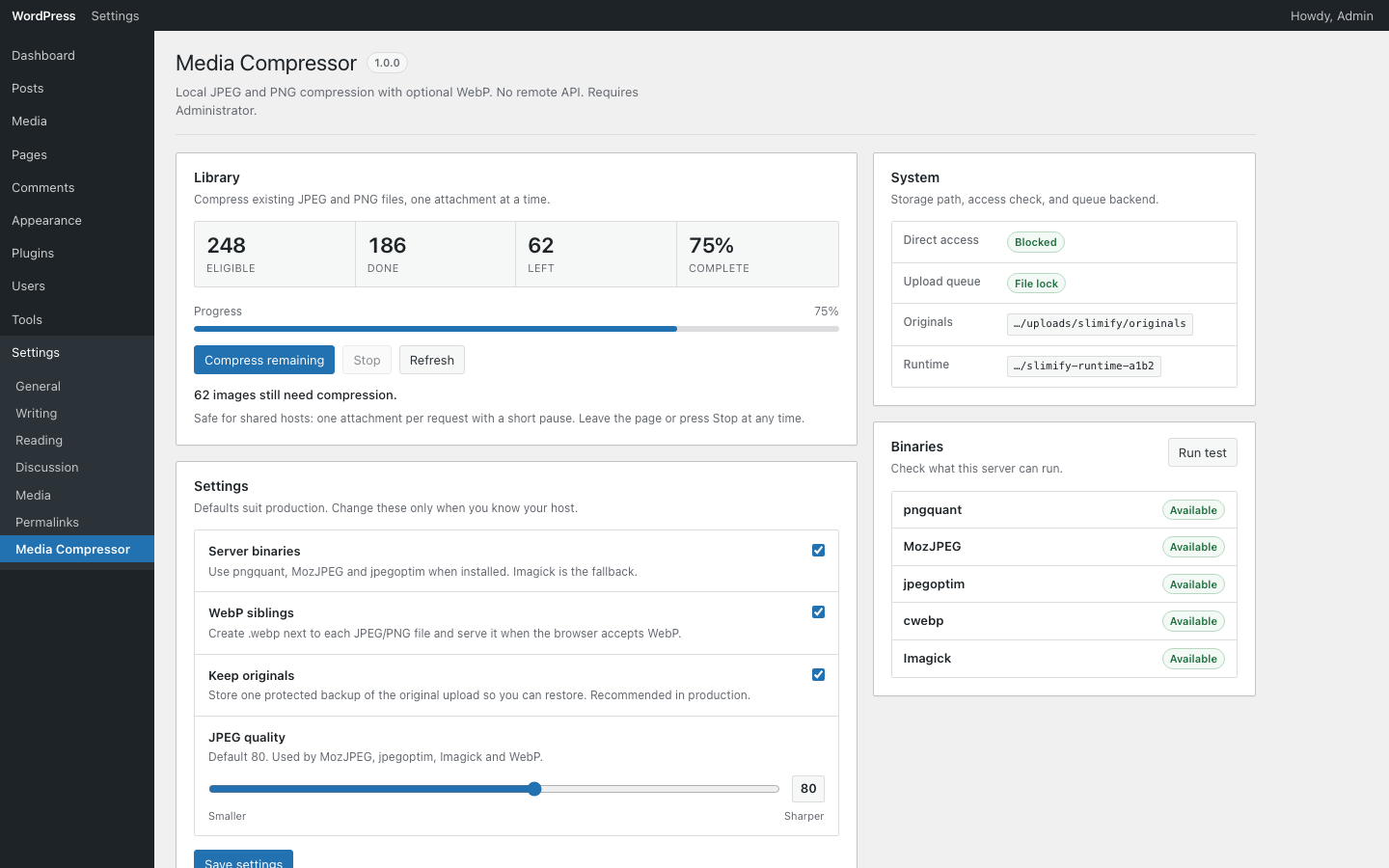
Slimify compresses JPEG and PNG uploads on your server using pngquant, MozJPEG, jpegoptim, and Imagick. Optional WebP siblings are created when smaller than the final image.
- Local tooling only — no third-party API, accounts, or telemetry
- Compress on upload, restore from originals, and bulk-process the library
- Private originals storage under uploads with nginx/Apache deny patterns
- Works with common offload plugins via filters
Àwọn àwòrán ìbòjú
Ìgbéwọlẹ̀
- Upload the
slimifyfolder to/wp-content/plugins/ - Activate the plugin through the Plugins screen
- Open Settings Media Compressor to configure quality and WebP
FAQ
-
Does Slimify send images to a third party?
-
No. Compression runs on your server with local binaries or Imagick.
-
Which formats are supported?
-
JPEG and PNG inputs. Optional WebP siblings can be generated when beneficial.
Àwọn àgbéyẹ̀wò
Kò sí àwọn àgbéyẹ̀wò fún plugin yìí.
Àwọn Olùkópa & Olùgbéejáde
“Slimify” jẹ́ ètò ìṣàmúlò orísun ṣíṣí sílẹ̀. Àwọn ènìyàn wọ̀nyí ti ṣe ìkópa sí plugin yìí.
Àwọn Olùkópa
Ṣe o nífẹ̀ẹ́ sí ìdàgbàsókè?
Ṣàwárí koodu, ṣàyẹ̀wò ibi ìpamọ́ SVN, tàbí ṣe àgbékalẹ̀ sí àkọsílẹ̀ ìdàgbàsókè nípasẹ̀ RSS.
Àkọsílẹ̀ àwọn àyípadà
1.0.0
- Initial release