

Àpèjúwe
SkipSeek Radio is a clean, mobile-first audio player for WordPress sites that stream internet radio.
- Drop-in shortcode
[skipseek_radio stream="https://..."]or a Gutenberg block. - Album-art tap-to-play, no fiddly play button.
- Flat-dark and flat-light layouts, responsive from desktop to phone.
- Live now-playing metadata polling for AzuraCast (and any other server that exposes a now-playing JSON endpoint).
- AzuraCast auto-discovery — paste any AzuraCast public-page URL and the plugin fetches the list of every public station on that server, so listeners can switch between channels in-place without a page reload.
- No third-party tracking, no analytics, no outbound network calls beyond whatÌtumọ̀ Yorùbá: ’s strictly required to render the player.
External services
This plugin makes one outbound HTTP request, and only when an AzuraCast URL has been entered as the Stream URL:
AzuraCast station discovery
- What it is: Public list of stations on the same AzuraCast server, used to populate the playerÌtumọ̀ Yorùbá: ’s rotation pool so listeners can switch channels.
- What is sent: A GET request to
https://your-azuracast-host/api/stations— only the AzuraCast host you yourself entered. No personal data, no analytics. - When it is sent: Once per cache window (1 hour) when a post containing the player loads. Result is stored in a WP transient between requests.
- Endpoint: The AzuraCast server you configured in Stream URL. This plugin does NOT call any SkipSeek server.
- Provider: Your AzuraCast host. AzuraCast is open-source software. AzuraCast website.
If you use a plain Icecast/Shoutcast stream URL (no AzuraCast), the plugin makes no outbound HTTP requests at all.
Optional: Now Playing API
If you configure a Now Playing API URL (separate from the Stream URL), the player polls it every 15 seconds for live track metadata. This request is made by the visitorÌtumọ̀ Yorùbá: ’s browser, not by WordPress. The Now Playing API is whatever URL you configured — typically your own AzuraCast or compatible server.
Àwọn àwòrán ìbòjú
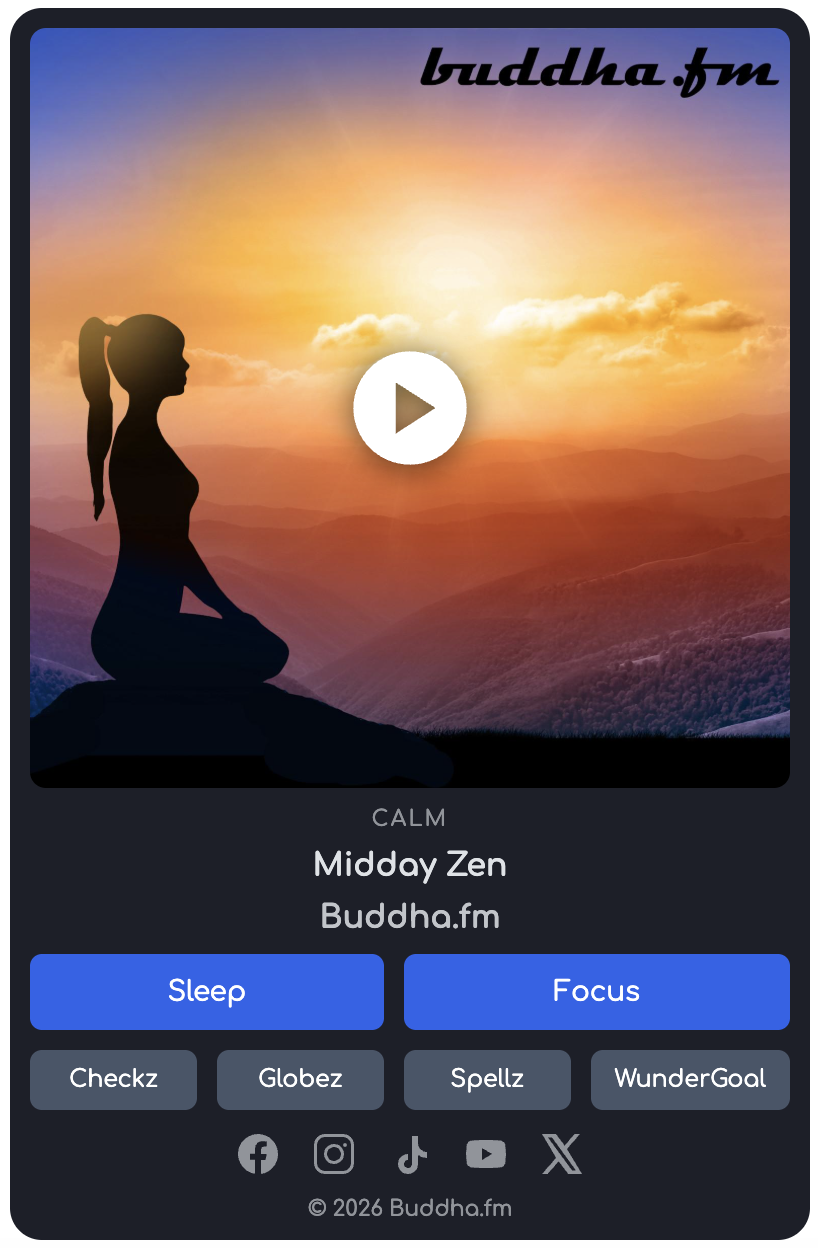
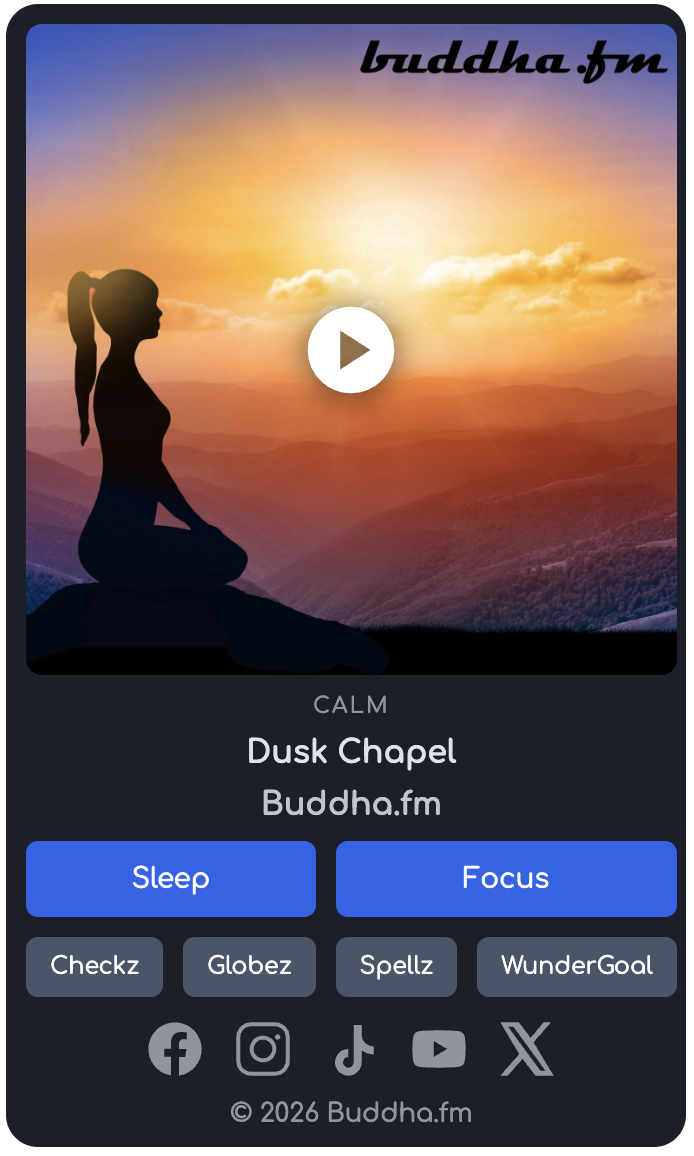
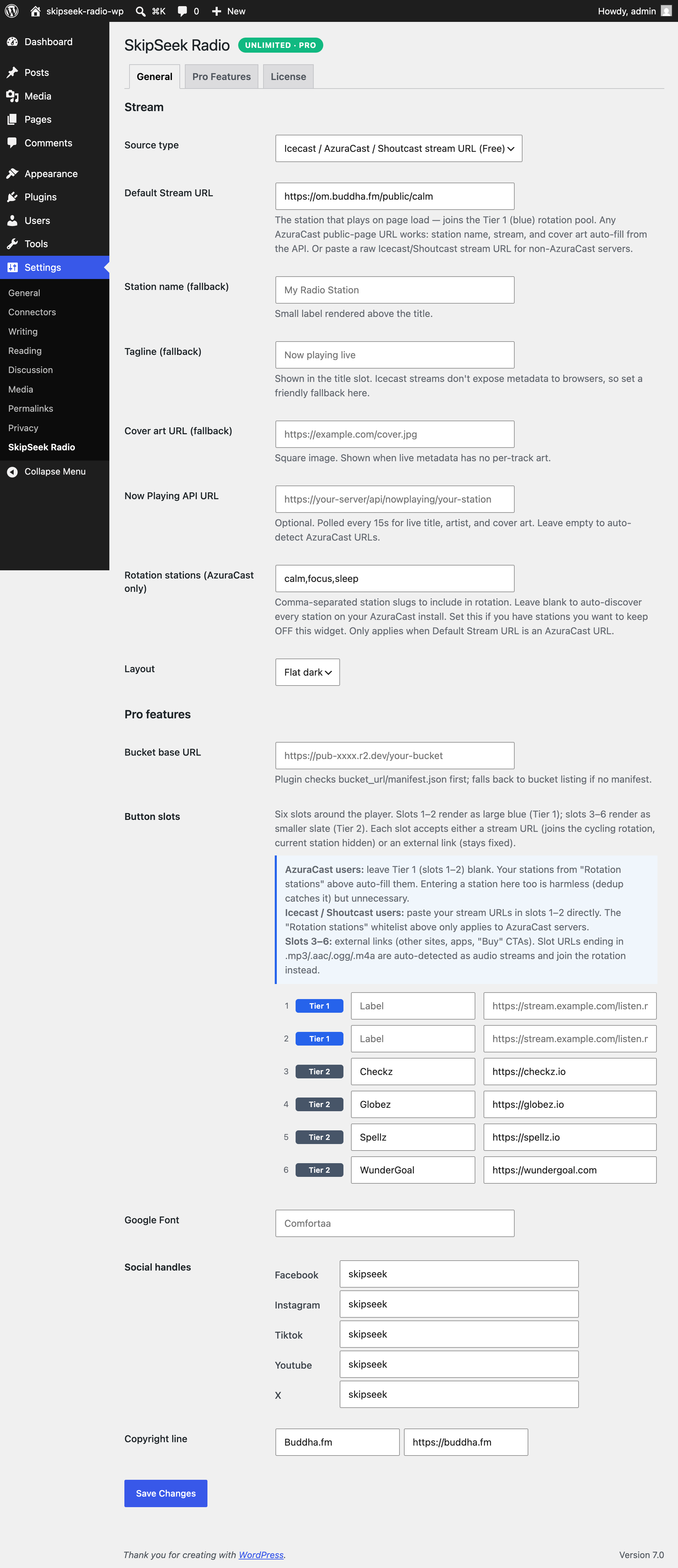
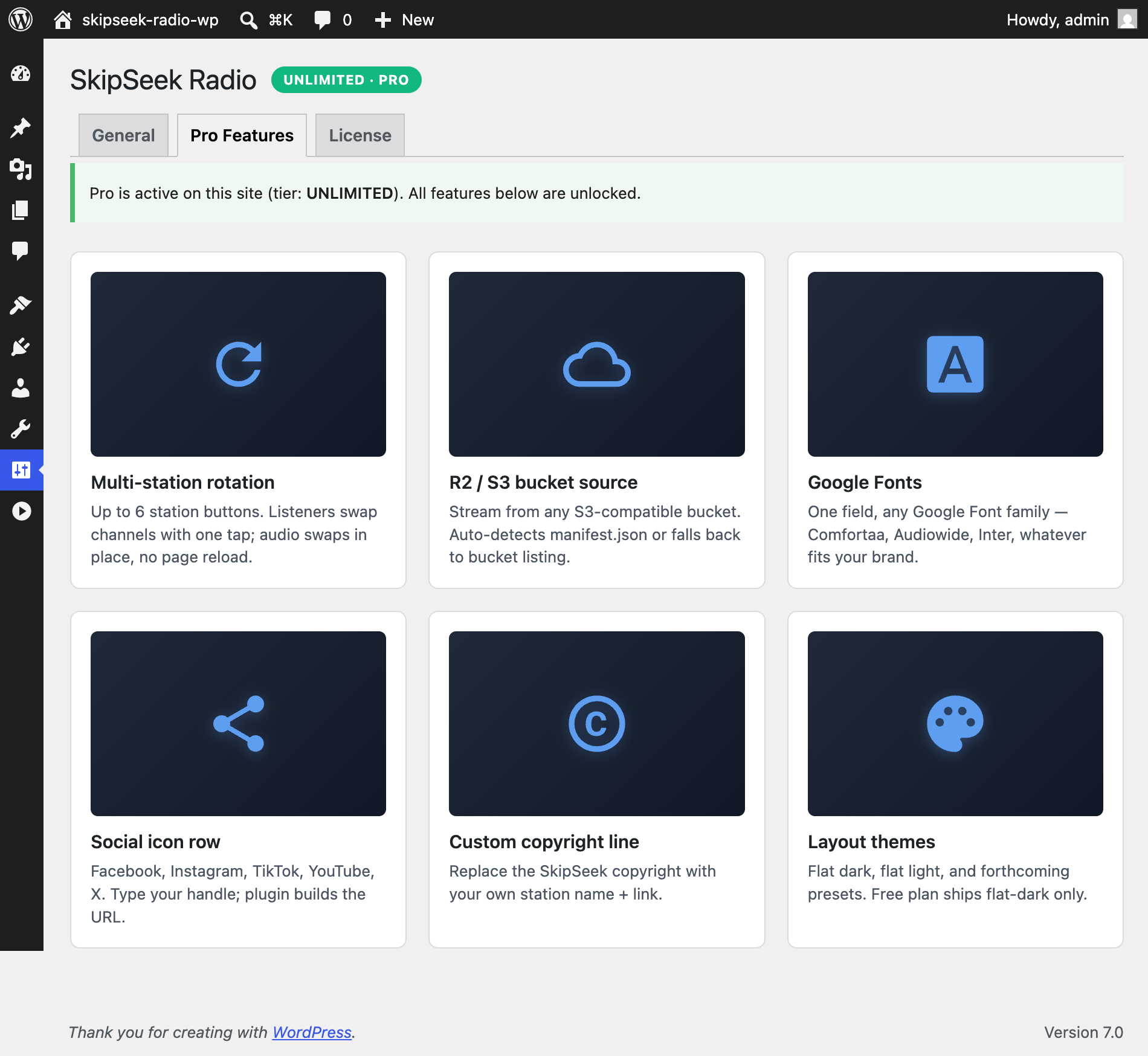
Àwọn ìdí
Plugin yìí pèsè 1 ìdí.
- SkipSeek Radio
Ìgbéwọlẹ̀
- Upload the
skipseek-radiofolder to/wp-content/plugins/, or install from the WordPress admin. - Activate the plugin through the Plugins menu.
- Go to Settings SkipSeek Radio and set your stream URL.
- Embed the player with shortcode
[skipseek_radio]or insert the SkipSeek Radio block.
FAQ
-
Does this work with AzuraCast?
-
Yes — and itÌtumọ̀ Yorùbá: ’s the recommended setup. Paste any AzuraCast public-page URL (e.g.
https://your-host/public/your-station) into the Stream URL field. The plugin auto-detects AzuraCast, fills in the station name + cover art from the API, and surfaces every other public station on the same server as a rotation entry. -
Does this work with non-AzuraCast Icecast / Shoutcast streams?
-
Yes. Paste your direct stream URL (typically ending in
.mp3or.aac) and add a fallback station name + tagline in the settings. The player will use those since plain Icecast/Shoutcast doesnÌtumọ̀ Yorùbá: ’t expose track metadata to browsers. -
What audio formats are supported?
-
MP3, AAC, OGG. Anything the browserÌtumọ̀ Yorùbá: ’s native
<audio>element supports. -
Can I run multiple players on one page?
-
Yes. Each
[skipseek_radio]shortcode is independent.
Àwọn àgbéyẹ̀wò
Kò sí àwọn àgbéyẹ̀wò fún plugin yìí.
Àwọn Olùkópa & Olùgbéejáde
“SkipSeek Radio” jẹ́ ètò ìṣàmúlò orísun ṣíṣí sílẹ̀. Àwọn ènìyàn wọ̀nyí ti ṣe ìkópa sí plugin yìí.
Àwọn Olùkópa
Túmọ̀ “SkipSeek Radio” sí èdè rẹ.
Ṣe o nífẹ̀ẹ́ sí ìdàgbàsókè?
Ṣàwárí koodu, ṣàyẹ̀wò ibi ìpamọ́ SVN, tàbí ṣe àgbékalẹ̀ sí àkọsílẹ̀ ìdàgbàsókè nípasẹ̀ RSS.
Àkọsílẹ̀ àwọn àyípadà
2.0.0
- Breaking: removed Pro tier from this plugin. Per WordPress.org Plugin Directory Guidelines (Guideline 5, Trialware), plugins on the directory cannot lock built-in features behind a license key. The free plugin now includes single-station playback + AzuraCast auto-discovery as core features; previously-Pro features (R2/S3 bucket source, multi-station rotation slots, Google Fonts, social row, custom credit, flat-light layout) have moved to a separate SkipSeek Radio Pro plugin distributed on https://skipseek.live/wp-plugin.
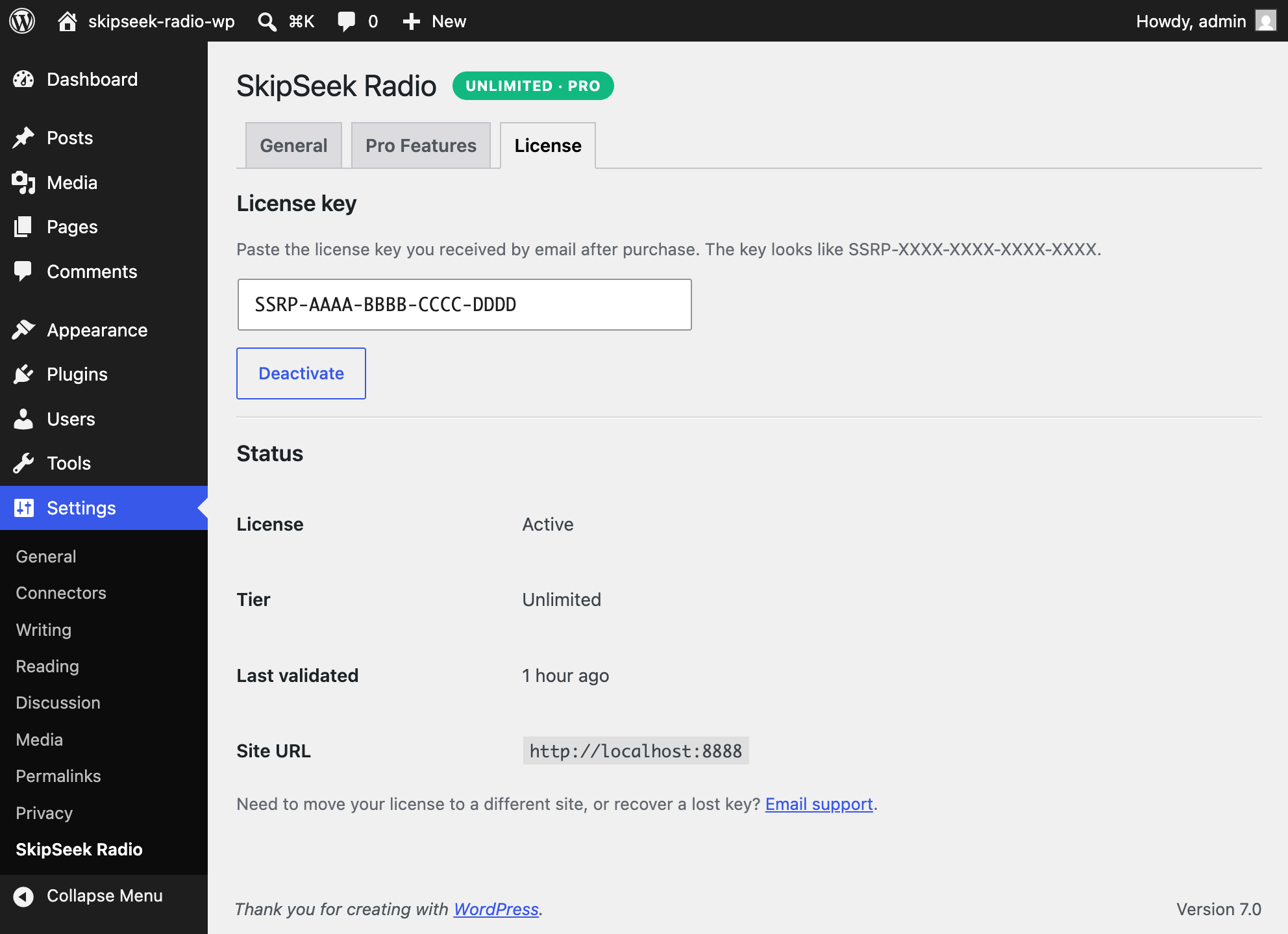
- Removed: License activation tab, Pro Features tab, license-validation Worker calls, license cron.
- Settings page simplified to a single screen.
1.0.20
- Code-quality: cleared 24 Plugin Check warnings (nonce verification + variable-prefix lint) with justified phpcs annotations.
1.0.19
- Player: buffering spinner shows while audio loads after the user taps play.
1.0.18
- Brand refresh: Gutenberg block icon updated to canonical SkipSeek chevron mark.
- WP.org repo assets (banners + icons) refreshed.
1.0.0
- Initial release.