
Àpèjúwe
Welcome to the Simple Category Filter documentation.
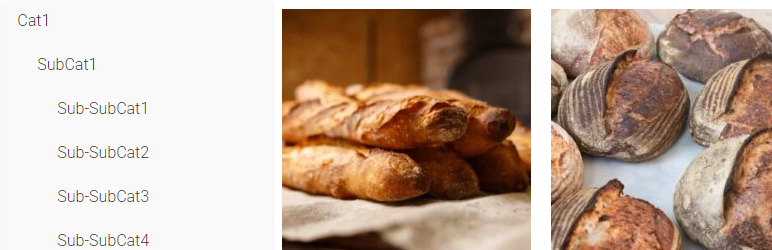
Simple Category Filter plugin can simply filter your woocommerce categories and products.
You can drag it to anywhere you want on Elementor editing page, it should be compatitble with any theme.
Tutorial
- On Elementro editing page, search “Simple Category Filter ” and drag it to anywhere you want.
- Go to wordpress admin panel -> Settings -> Simple Category Filter, you can configure the plugin.
Ìgbéwọlẹ̀
- Download the Simple Category Filter plugin ZIP file.
- Log in to your WordPress admin dashboard.
- Navigate to the “Plugins” menu on the left-hand side.
- Click on “Add New” at the top of the Plugins page.
- On the Add Plugins page, click the “Upload Plugin” button.
- Choose the downloaded ZIP file and click “Install Now.”
- Once the installation is complete, click “Activate Plugin.”
Àwọn àgbéyẹ̀wò
Kò sí àwọn àgbéyẹ̀wò fún plugin yìí.
Àwọn Olùkópa & Olùgbéejáde
“Simple Category Filter” jẹ́ ètò ìṣàmúlò orísun ṣíṣí sílẹ̀. Àwọn ènìyàn wọ̀nyí ti ṣe ìkópa sí plugin yìí.
Àwọn Olùkópa
Túmọ̀ “Simple Category Filter” sí èdè rẹ.
Ṣe o nífẹ̀ẹ́ sí ìdàgbàsókè?
Ṣàwárí koodu, ṣàyẹ̀wò ibi ìpamọ́ SVN, tàbí ṣe àgbékalẹ̀ sí àkọsílẹ̀ ìdàgbàsókè nípasẹ̀ RSS.