

Àpèjúwe
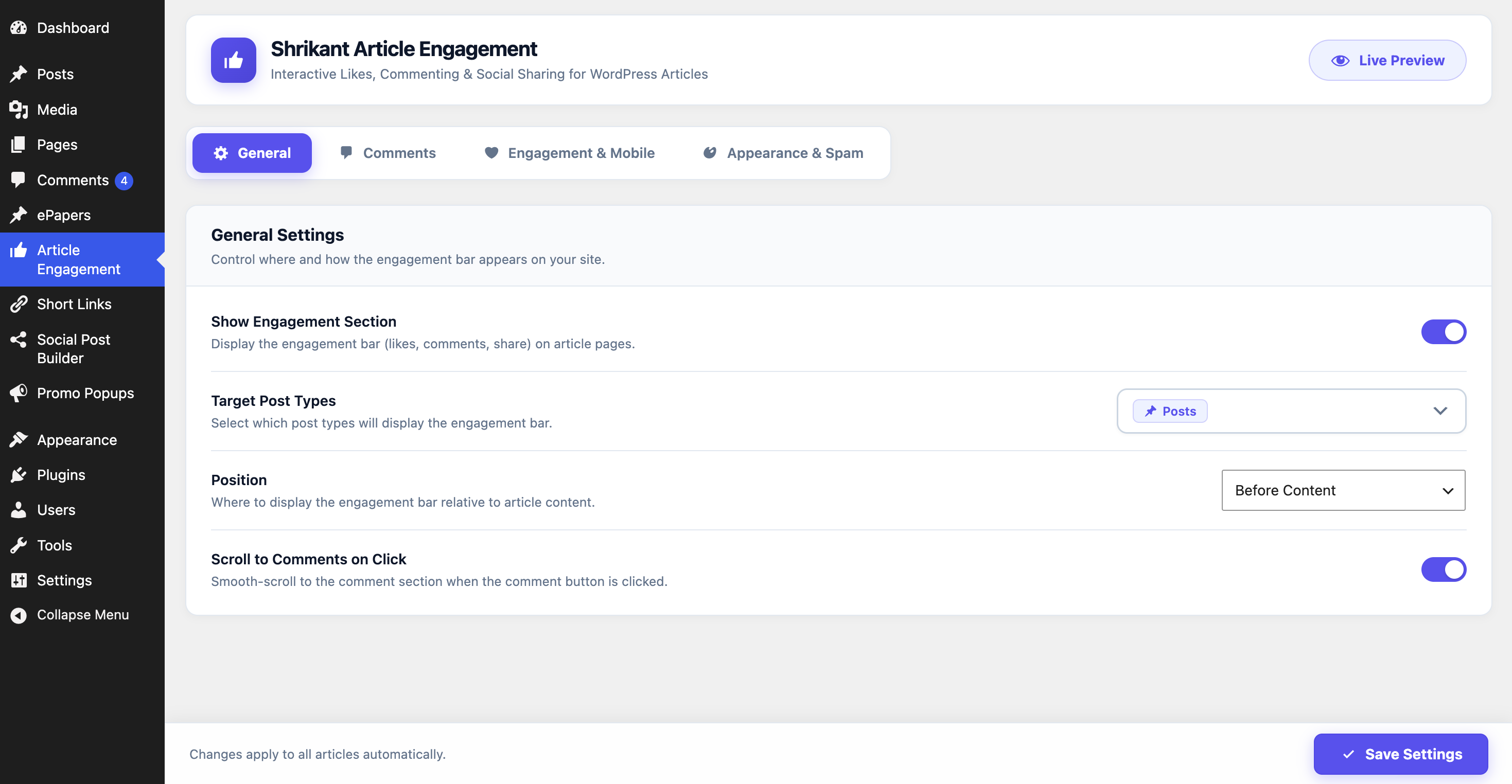
Shrikant Article Engagement is a lightweight WordPress plugin designed to improve reader engagement on news, magazine, blog, and content websites.
- Live Demo (Browser): Try on WordPress Playground (Auto-installs & runs instantly in your browser)
- Live Demo (Sandbox): Test Drive on TasteWP (1-click auto-installs on a free sandbox admin site)
The plugin improves the native WordPress content experience by providing:
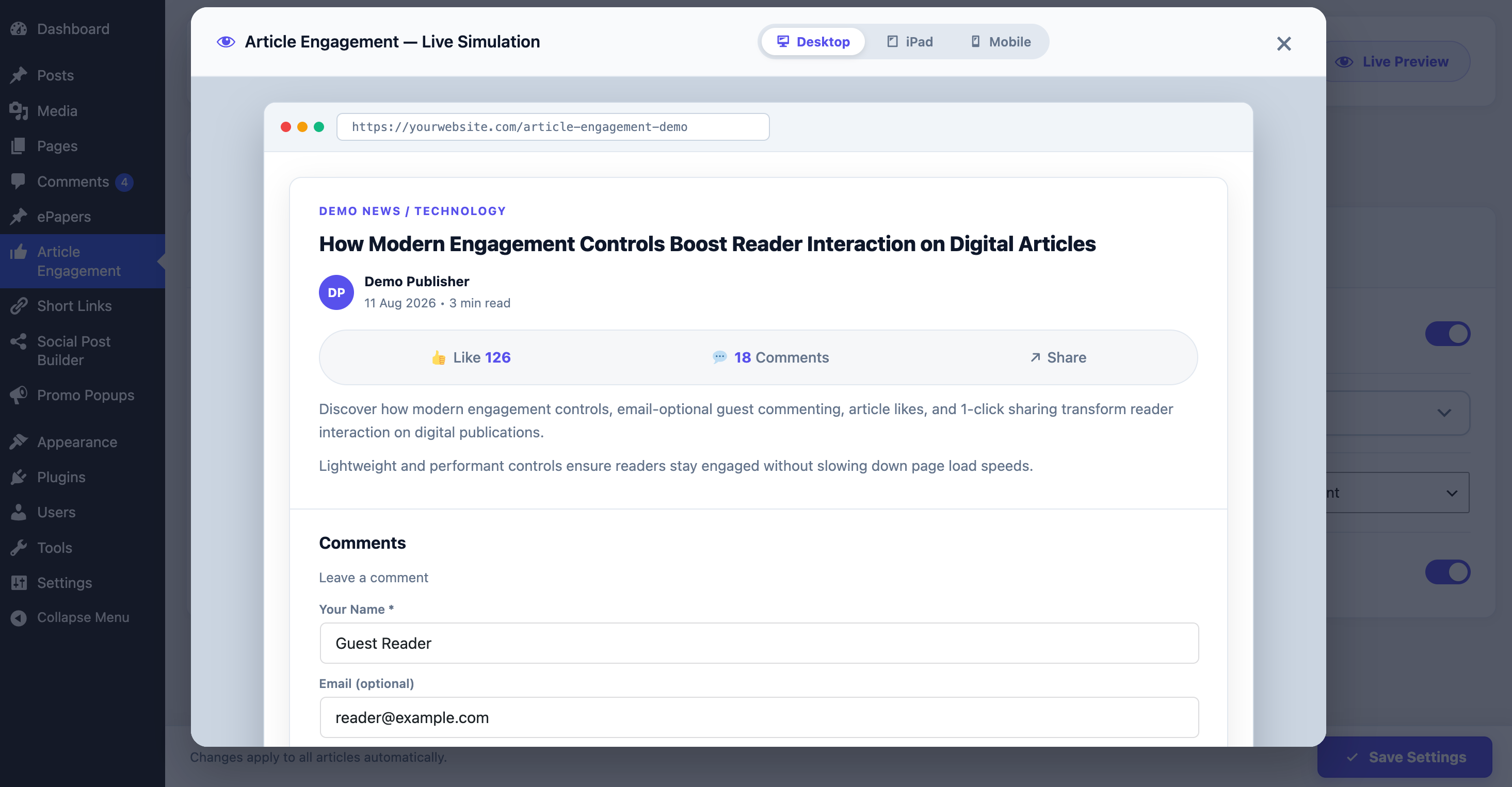
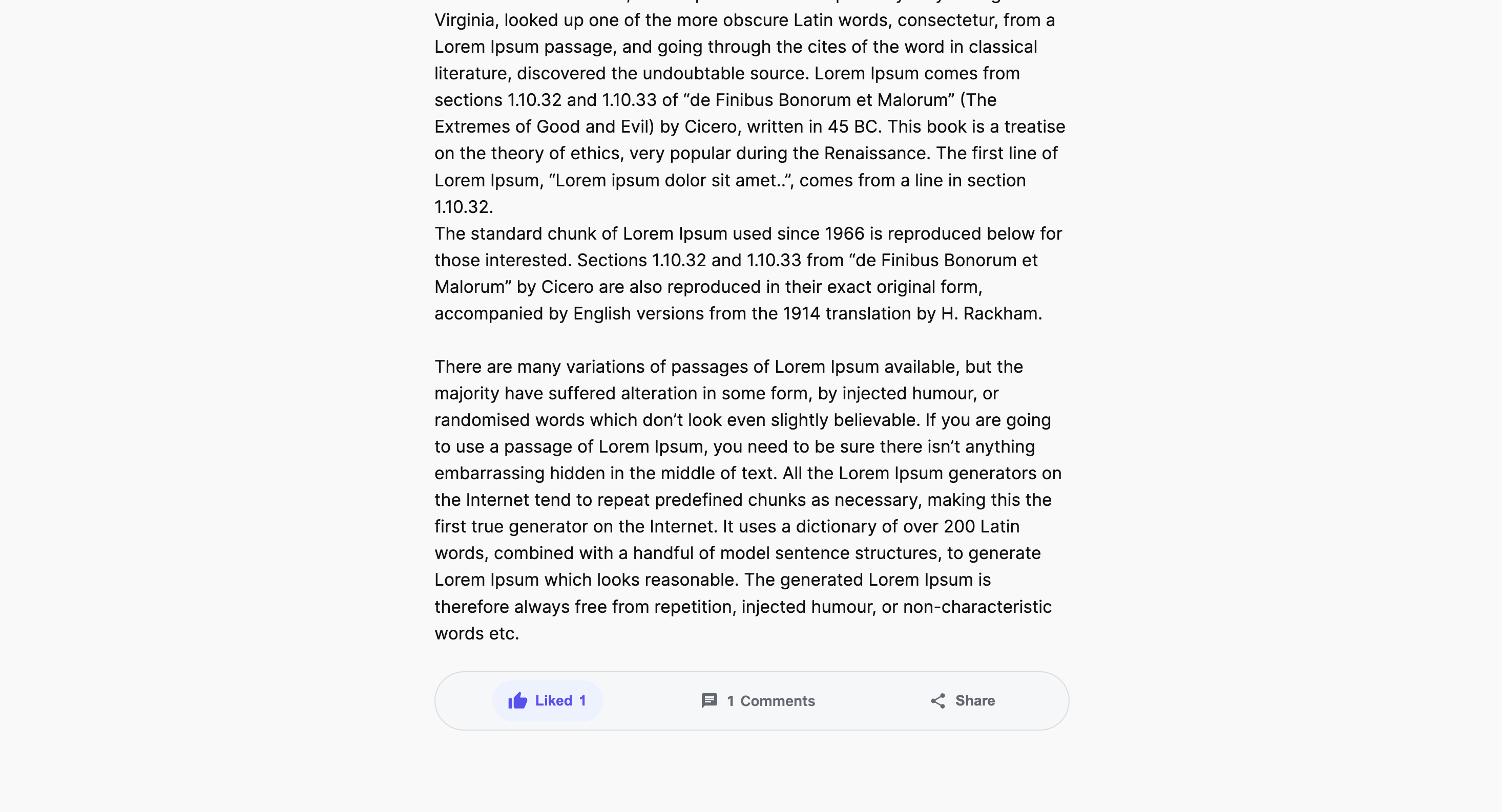
- Highly visible article engagement controls (Like, Comment, Share)
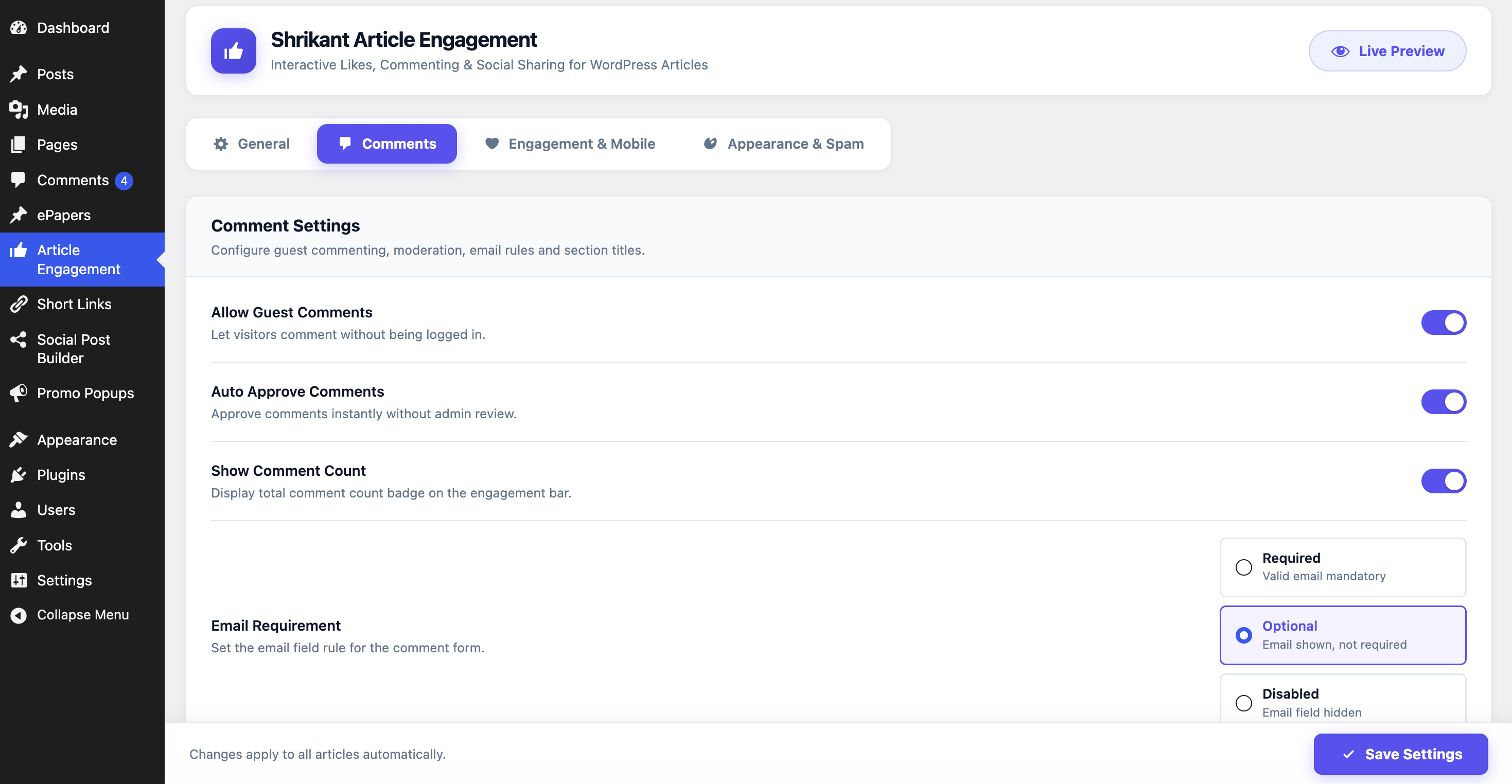
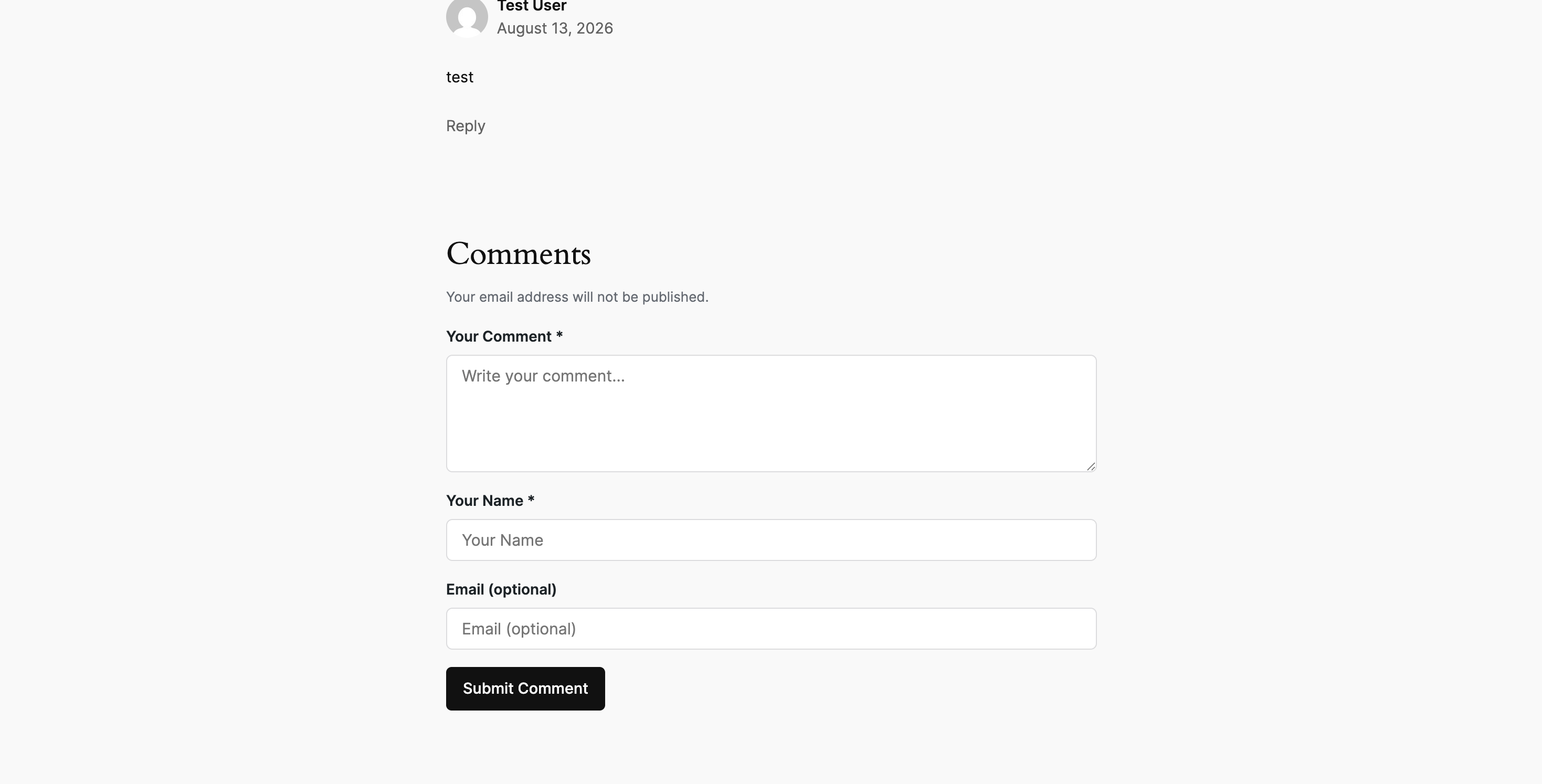
- Native WordPress comments integration with guest commenting support
- Flexible email requirements for guest comments (Required, Optional, or Disabled)
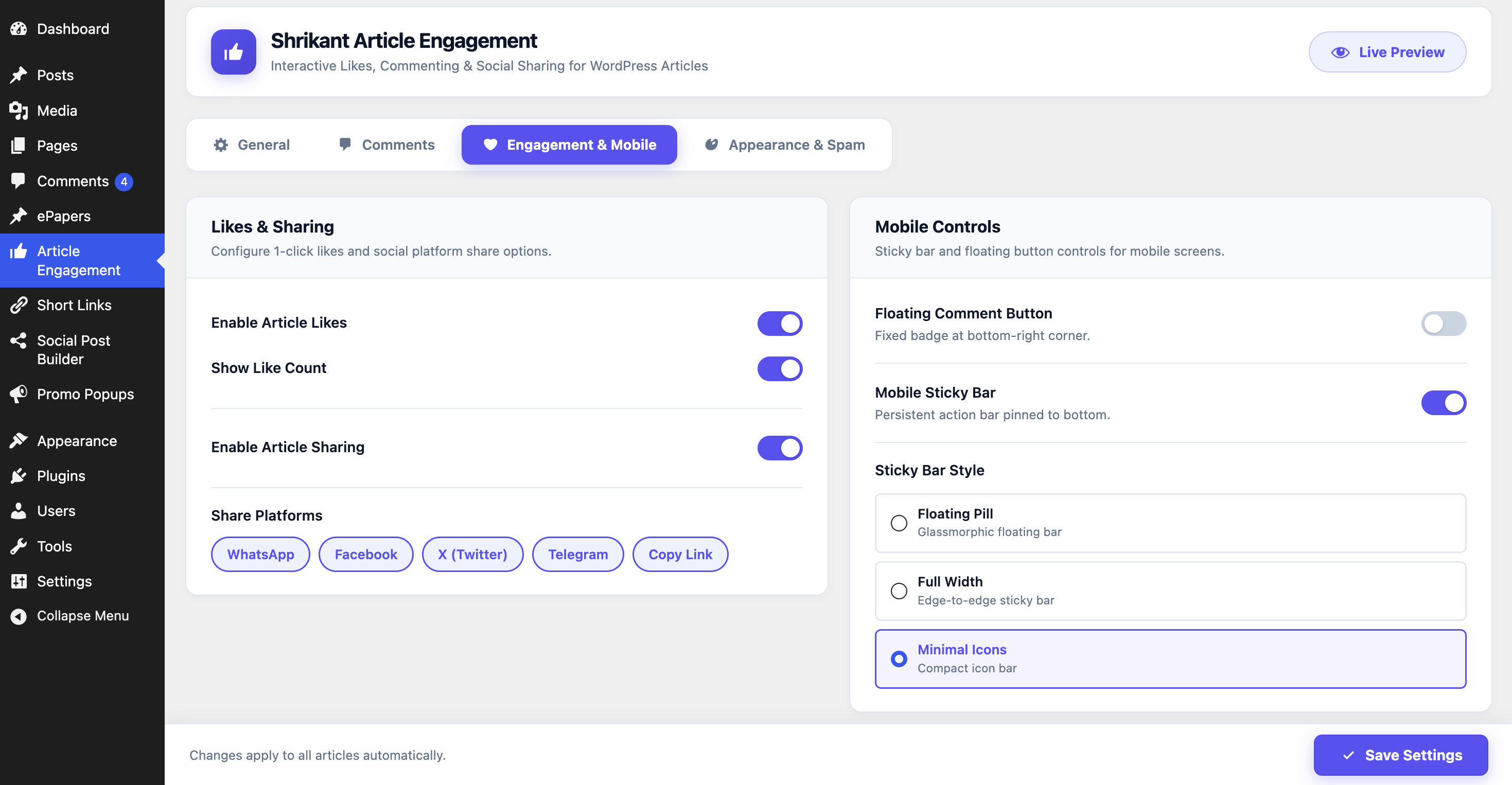
- Article Like button with instant counter updates
- Lightweight sharing via WhatsApp, Facebook, X (Twitter), Telegram, Copy Link, and Web Share API
- Scroll-to-comments action with reduced-motion support
- Optional floating comment button and mobile sticky engagement bar
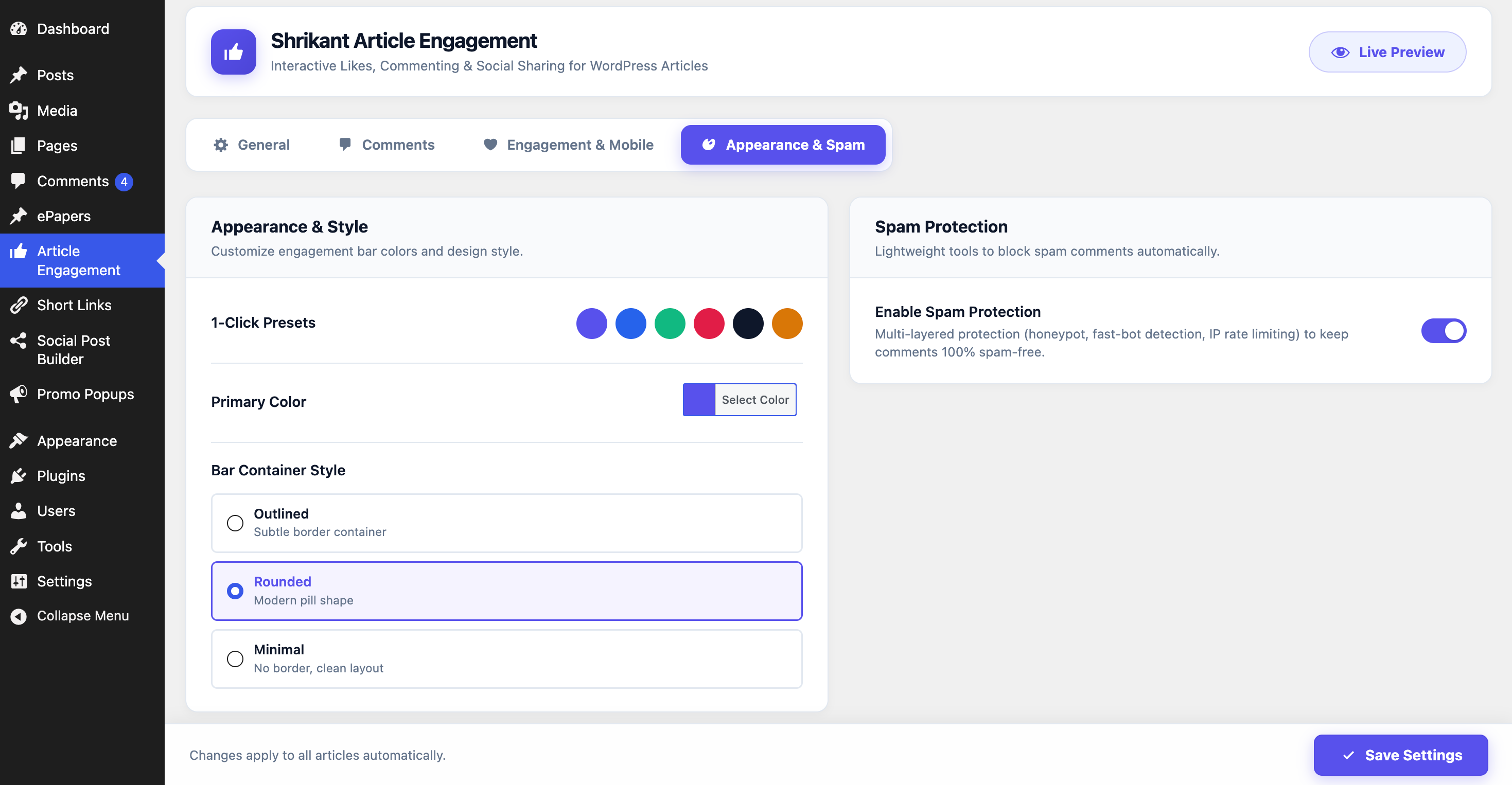
- Built-in lightweight anti-spam protection (Honeypot, Submission Time Protection, Rate Limiting, Duplicate Protection)
- Full compatibility with native WordPress comment moderation
External Services
This plugin provides optional social sharing buttons that allow visitors to share the current article URL and title to third-party social platforms upon user click. No automated background connections or external tracking scripts are loaded.
The following third-party web services are used when a visitor clicks to share an article:
-
WhatsApp Web / App (
https://api.whatsapp.com/send): Used to share the article title and URL to WhatsApp when the user clicks the WhatsApp share button.- Terms of Service: https://www.whatsapp.com/legal/terms-of-service
- Privacy Policy: https://www.whatsapp.com/legal/privacy-policy
-
Facebook Sharer (
https://www.facebook.com/sharer/sharer.php): Used to open the Facebook share dialog with the article URL when the user clicks the Facebook share button.- Terms of Service: https://www.facebook.com/legal/terms
- Privacy Policy: https://www.facebook.com/privacy/policy
-
X / Twitter Share Intent (
https://x.com/intent/tweet): Used to compose a tweet with the article title and URL when the user clicks the X share button.- Terms of Service: https://x.com/en/tos
- Privacy Policy: https://x.com/en/privacy
-
Telegram Share (
https://t.me/share/url): Used to share the article URL and title to Telegram when the user clicks the Telegram share button.- Terms of Service: https://telegram.org/tos
- Privacy Policy: https://telegram.org/privacy
Àwọn àwòrán ìbòjú
Ìgbéwọlẹ̀
- Upload the
shrikant-article-engagementdirectory to/wp-content/plugins/. - Activate the plugin through the ‘Plugins’ menu in WordPress.
- Configure settings under ‘Article Engagement’ in the WordPress admin dashboard.
FAQ
-
Does this replace native WordPress comments?
-
No. The plugin extends native WordPress comments without modifying database tables or replacing theme architecture.
-
No. All sharing links are clean, privacy-friendly direct URLs. No third-party tracking scripts are loaded.
Àwọn àgbéyẹ̀wò
Kò sí àwọn àgbéyẹ̀wò fún plugin yìí.
Àwọn Olùkópa & Olùgbéejáde
“Shrikant Article Engagement – Likes, Guest Comments & Social Sharing” jẹ́ ètò ìṣàmúlò orísun ṣíṣí sílẹ̀. Àwọn ènìyàn wọ̀nyí ti ṣe ìkópa sí plugin yìí.
Àwọn Olùkópa
Túmọ̀ “Shrikant Article Engagement – Likes, Guest Comments & Social Sharing” sí èdè rẹ.
Ṣe o nífẹ̀ẹ́ sí ìdàgbàsókè?
Ṣàwárí koodu, ṣàyẹ̀wò ibi ìpamọ́ SVN, tàbí ṣe àgbékalẹ̀ sí àkọsílẹ̀ ìdàgbàsókè nípasẹ̀ RSS.
Àkọsílẹ̀ àwọn àyípadà
1.0.0
- Initial public release on WordPress.org.