

Àpèjúwe
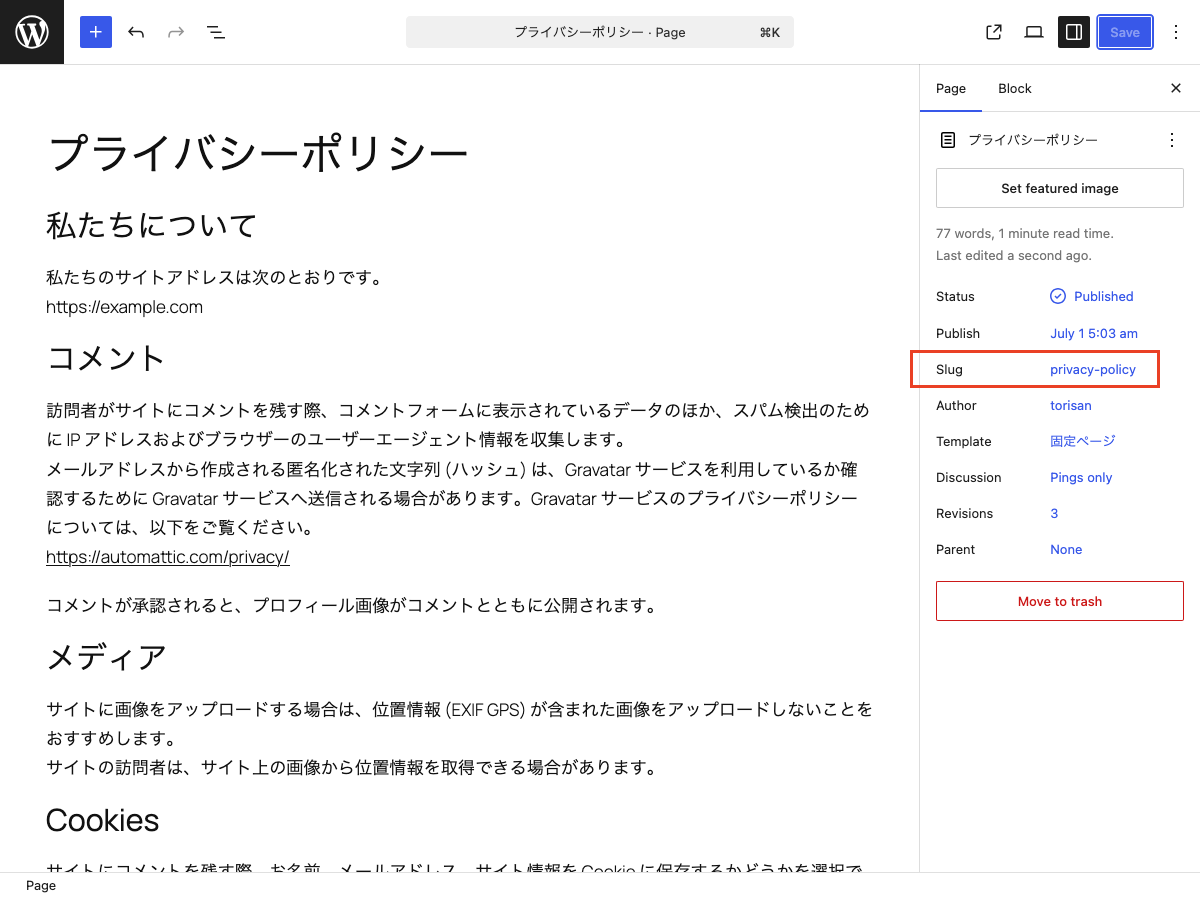
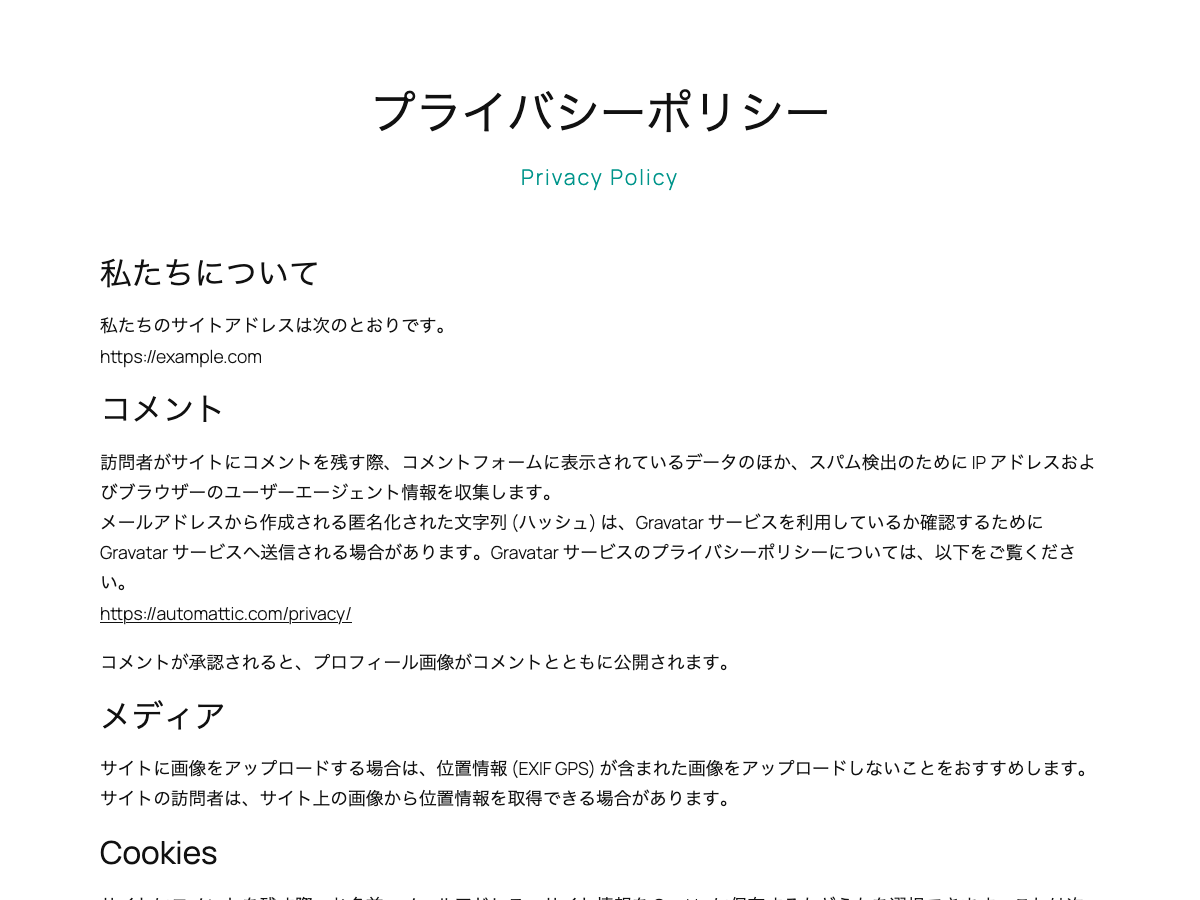
This block is designed for use in templates in the Site Editor. It displays the current postÌtumọ̀ Yorùbá: ’s slug on single posts and pages. On archive pages, it displays the slug of the current category or custom post type.
Hyphens in slugs are displayed as spaces.
You can use the displayed slug as supporting text for the page title or as a design accent.
It extends the core Paragraph block, so you can use the same styling options available to Paragraph blocks.
Usage
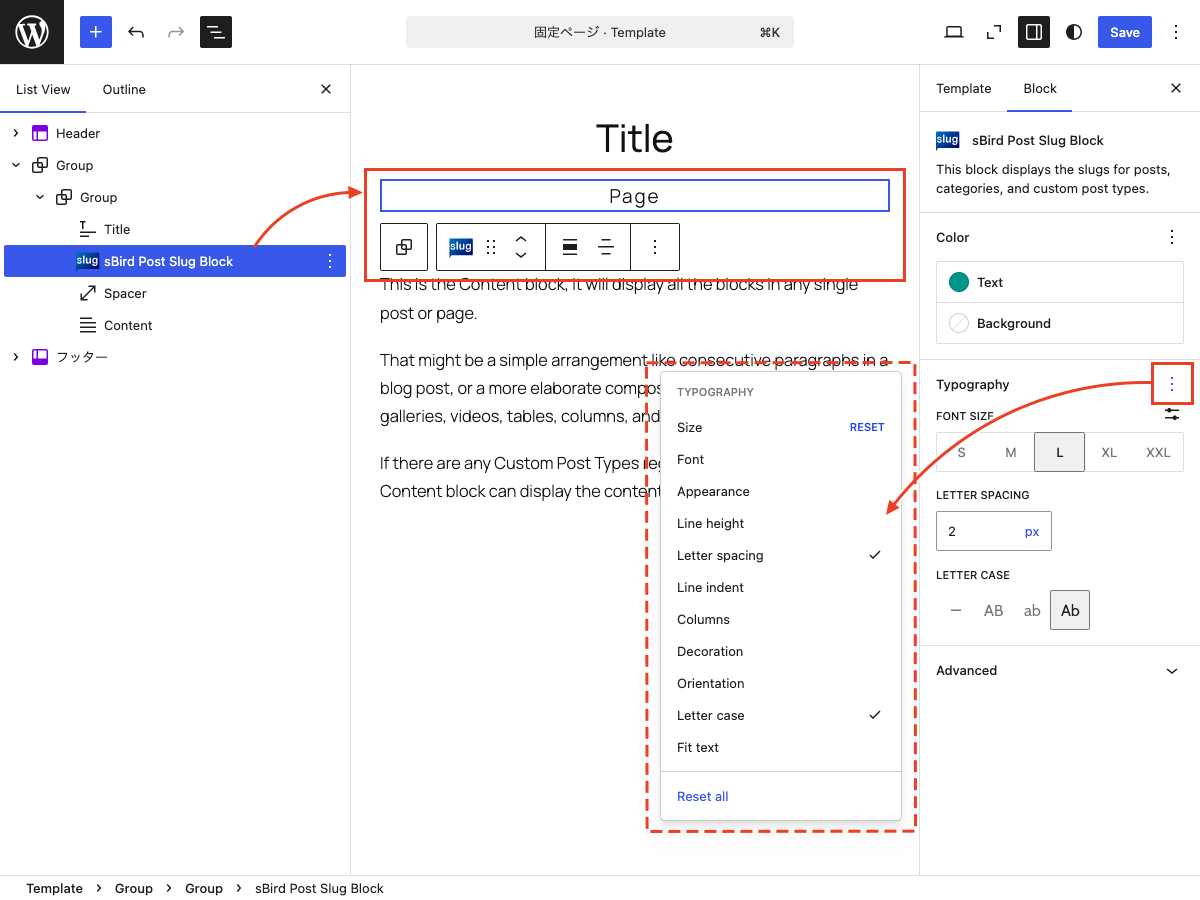
- Add the “sBird Post Slug Block” to a template in the Site Editor.
- You can use the block on single posts, pages, and archive pages.
- As with the Paragraph block, you can customize the text color, background color, font size, and typography.
Àwọn àwòrán ìbòjú
Àwọn ìdí
Plugin yìí pèsè 1 ìdí.
- sBird Post Slug Block This is a block for the Site Editor that displays the slugs of posts, categories, and custom post types.
Ìgbéwọlẹ̀
- Upload the plugin files to the /wp-content/plugins/sbird-post-slug-block directory, or install the plugin through the WordPress plugins screen directly.
- Activate the plugin through the ‘Plugins’ menu in WordPress.
- Use the site editor to add “sBird Post Slug Block” to your template.
Àwọn àgbéyẹ̀wò
Kò sí àwọn àgbéyẹ̀wò fún plugin yìí.
Àwọn Olùkópa & Olùgbéejáde
“sBird Post Slug Block” jẹ́ ètò ìṣàmúlò orísun ṣíṣí sílẹ̀. Àwọn ènìyàn wọ̀nyí ti ṣe ìkópa sí plugin yìí.
Àwọn Olùkópa
A ti túmọ̀ “sBird Post Slug Block” sí èdè agbègbè 1 kan. Ọpẹ́lọpẹ́ fún àwọn atúmọ̀ èdè fún àwọn ìkópa wọn.
Túmọ̀ “sBird Post Slug Block” sí èdè rẹ.
Ṣe o nífẹ̀ẹ́ sí ìdàgbàsókè?
Ṣàwárí koodu, ṣàyẹ̀wò ibi ìpamọ́ SVN, tàbí ṣe àgbékalẹ̀ sí àkọsílẹ̀ ìdàgbàsókè nípasẹ̀ RSS.
Àkọsílẹ̀ àwọn àyípadà
1.1.2
- Tested with WordPress 7.1.
1.1.1
- Added nowrap styling.
1.1
- Added margin and padding controls.
1.0
- Hello, world!