

Àpèjúwe
PushConnect is a new service which offers you the chance to integrate web push messaging with your wordpress site.
Easy Setup
1) Set up an account at pushconnect.tech
2) Create a site on pushconnect.tech
3) Copy the API key and javascript location to the plugin settings
Ensure your site is running with SSL otherwise it will not work!
Àwọn àwòrán ìbòjú
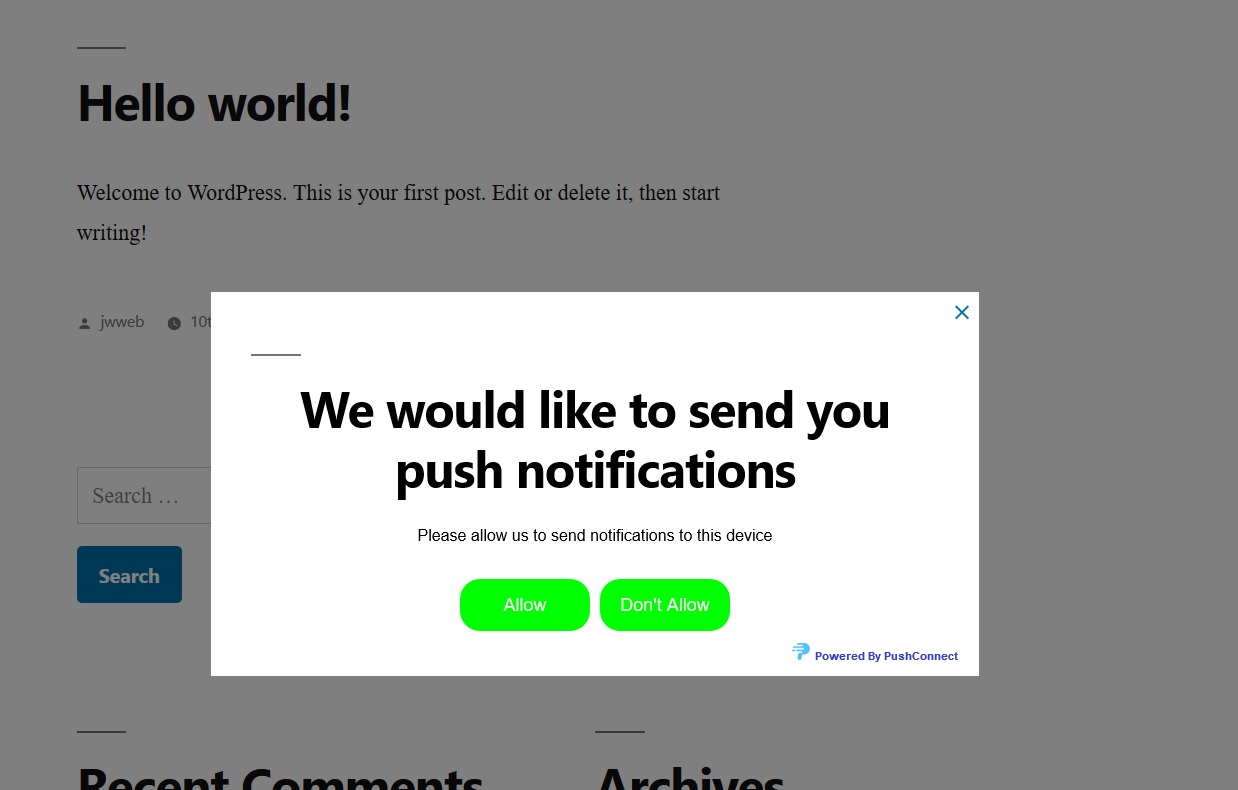
Modal registration!
Ìgbéwọlẹ̀
- Install the plugin through the WordPress plugins screen directly.
- Activate the plugin through the ‘Plugins’ menu in WordPress
- Click on the “PushConnect” link in WordPress side Setting navigation.
- Go to PushConnect and follow the steps to login/register
- Enter your API key and javascript location in the plugin menu
FAQ
- How does it work?
-
When a user enters your site they will be prompted to subscribe to push notifications and when they create an account or log in the user will be associated with the subscription. They will receive
a message on new posts (if enabled) and you can schedule campaigns using the pushconnect interface. - Is it customisable?
-
Yes, using the pushconnect interfact you can customise the prompt message however you wish.
- How much does it cost?
-
PushConnect is currently running a free beta period, for our pricing please see pushconnect.tech/pricing
Àwọn àgbéyẹ̀wò
Kò sí àwọn àgbéyẹ̀wò fún plugin yìí.
Àwọn Olùkópa & Olùgbéejáde
“PushConnect Push Notifications” jẹ́ ètò ìṣàmúlò orísun ṣíṣí sílẹ̀. Àwọn ènìyàn wọ̀nyí ti ṣe ìkópa sí plugin yìí.
Àwọn Olùkópa
A ti túmọ̀ “PushConnect Push Notifications” sí àwọn èdè agbègbè 3. Ọpẹ́lọpẹ́ fún àwọn atúmọ̀ èdè fún àwọn ìkópa wọn.
Túmọ̀ “PushConnect Push Notifications” sí èdè rẹ.
Ṣe o nífẹ̀ẹ́ sí ìdàgbàsókè?
Ṣàwárí koodu, ṣàyẹ̀wò ibi ìpamọ́ SVN, tàbí ṣe àgbékalẹ̀ sí àkọsílẹ̀ ìdàgbàsókè nípasẹ̀ RSS.
Àkọsílẹ̀ àwọn àyípadà
1.0
First Version