

Àpèjúwe
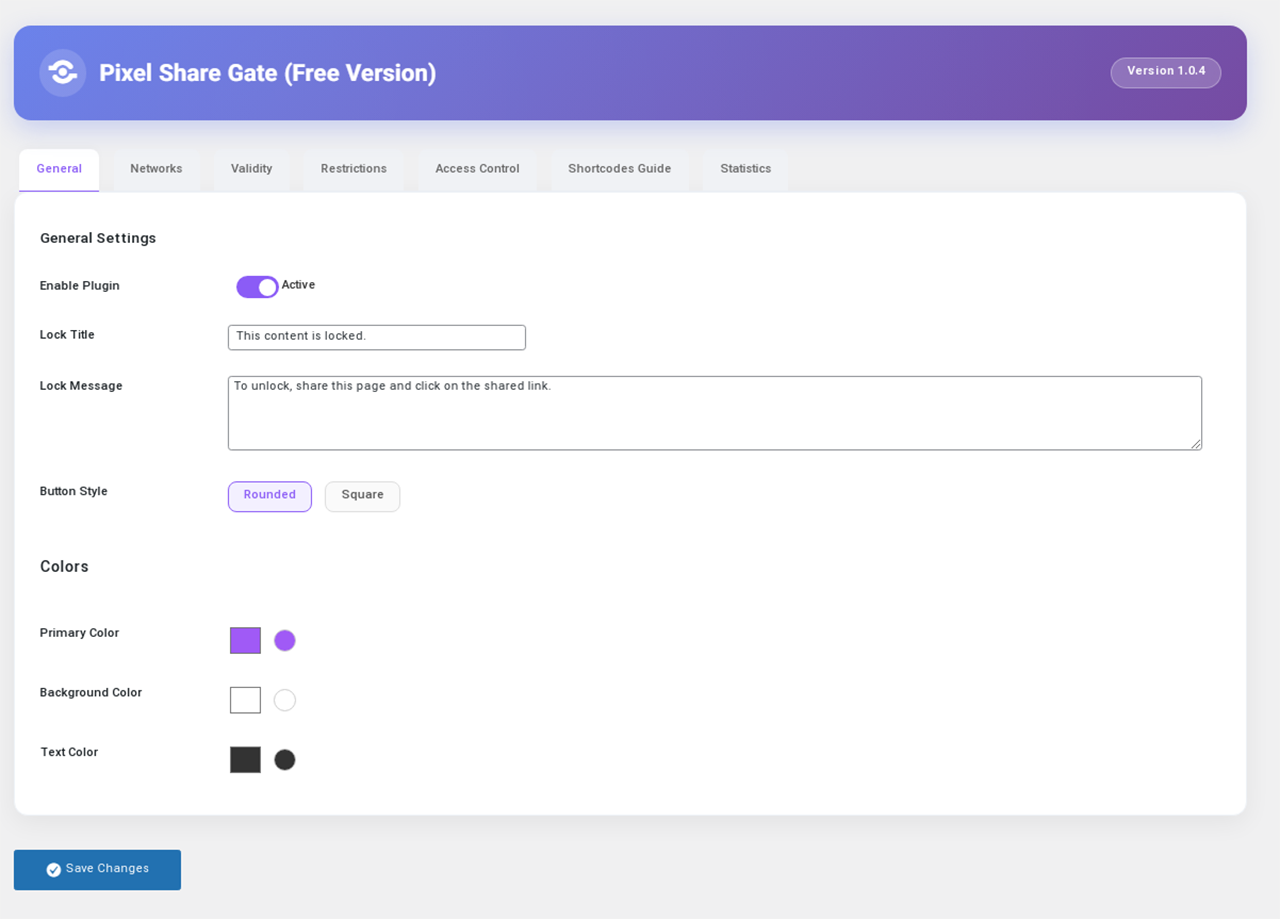
Pixel Share Gate is a WordPress plugin that allows you to lock your content behind a share gate. Users must share the page on one of the selected social networks to view the content.
Free Version Features:
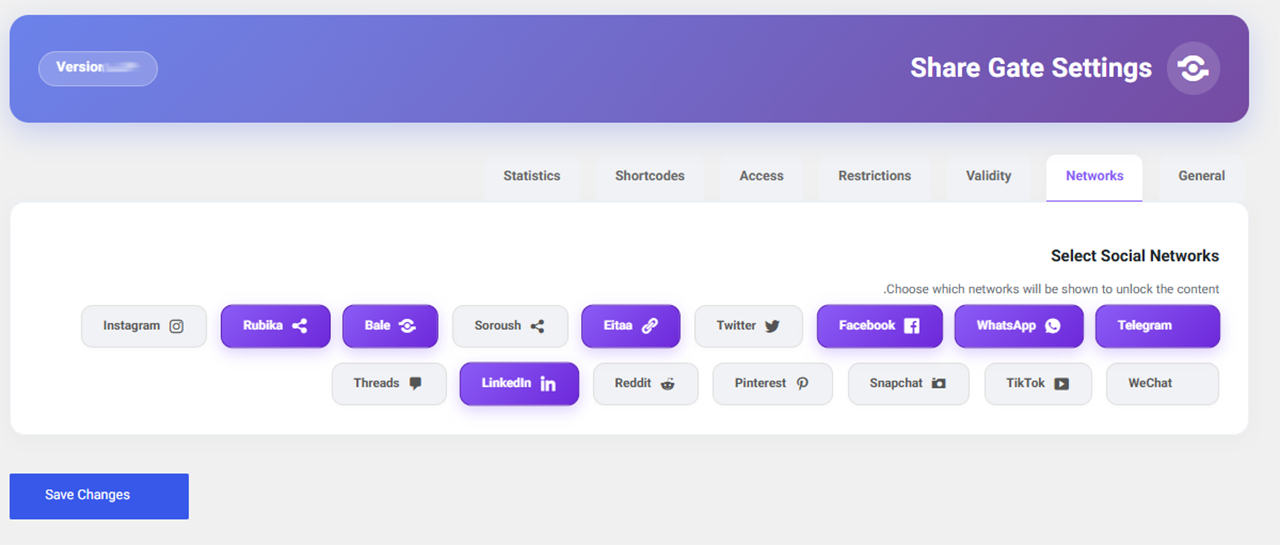
Ìtumọ̀ Yorùbá: – Support for social networks: Telegram, WhatsApp, Rubika
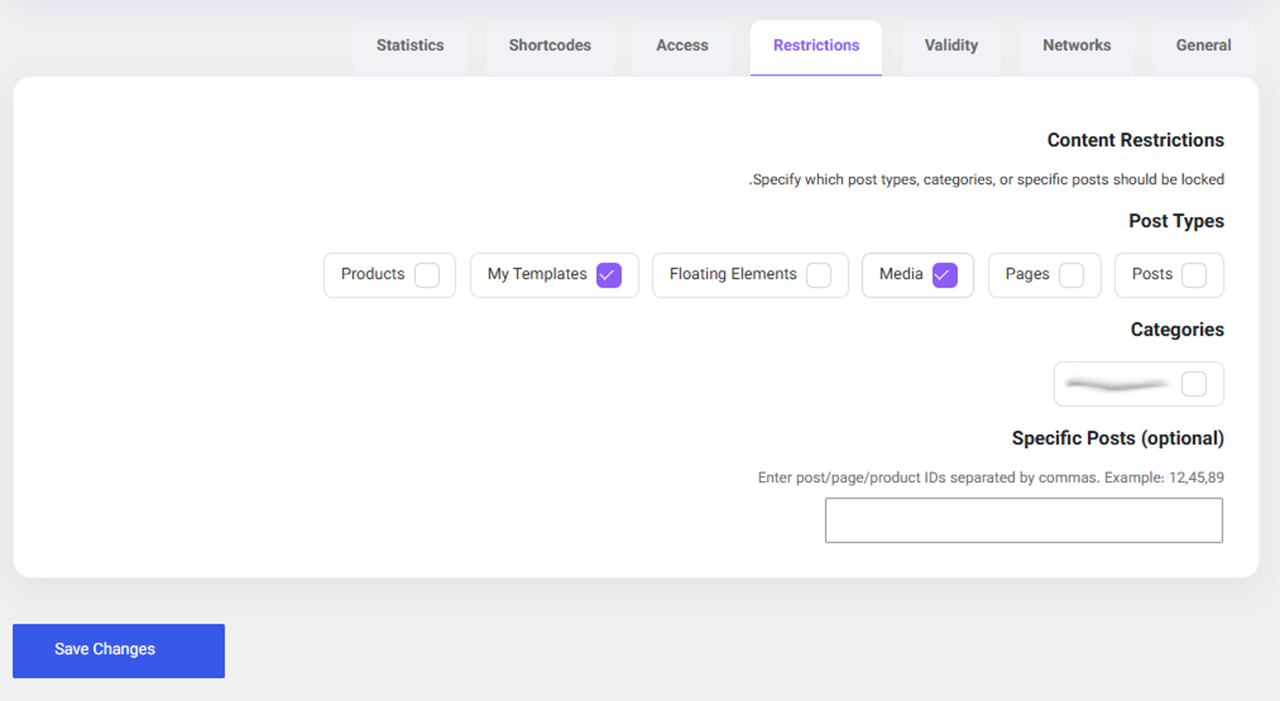
Ìtumọ̀ Yorùbá: – Auto-lock content based on post type
Ìtumọ̀ Yorùbá: – Set access validity based on number of views
Ìtumọ̀ Yorùbá: – Meta box to enable/disable lock per post
Ìtumọ̀ Yorùbá: – Multiple shortcodes for advanced control
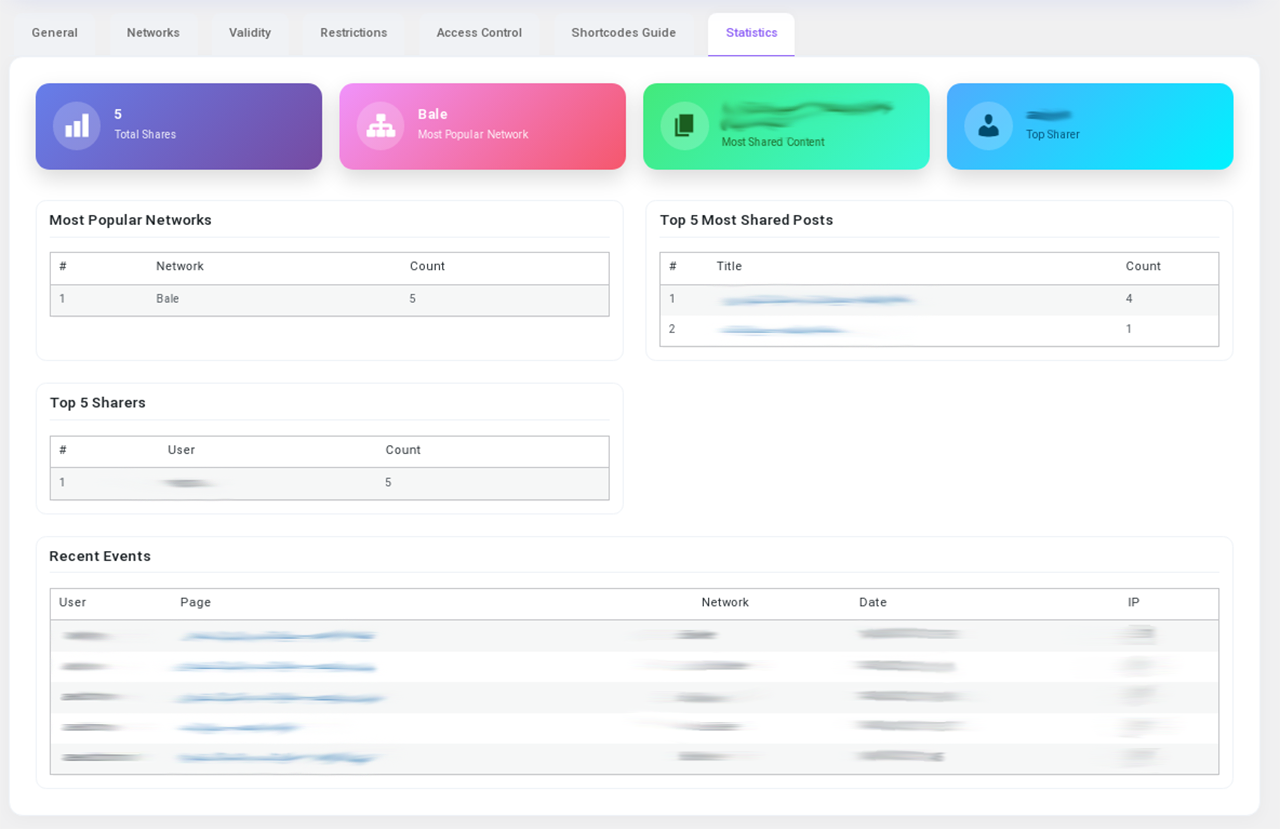
Ìtumọ̀ Yorùbá: – Display share statistics in dashboard
Pro Version Features:
Ìtumọ̀ Yorùbá: – All free features plus:
Ìtumọ̀ Yorùbá: – Additional networks: Facebook, Twitter, Eitaa, Soroush, Bale
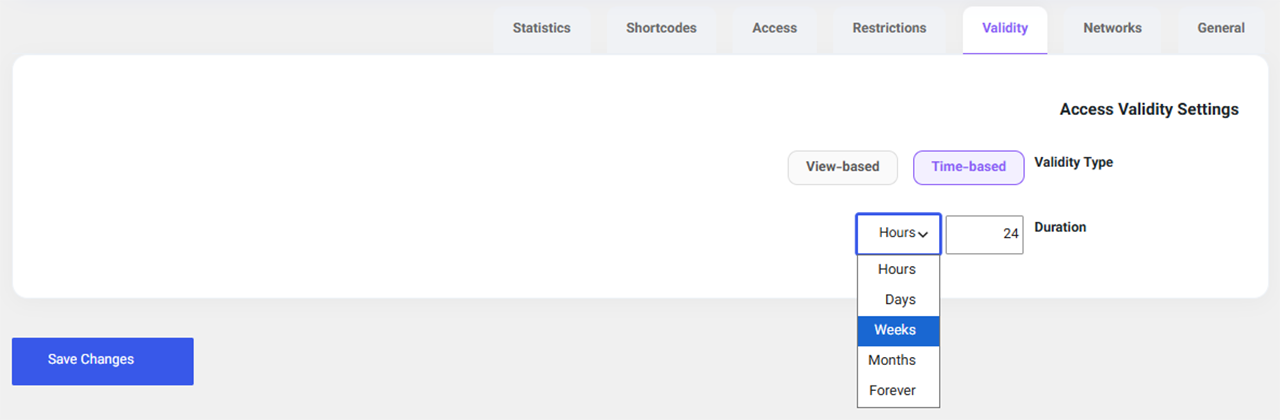
Ìtumọ̀ Yorùbá: – Time-based access validity (hours, days, weeks, months, forever)
Ìtumọ̀ Yorùbá: – Restrict by categories or specific post IDs
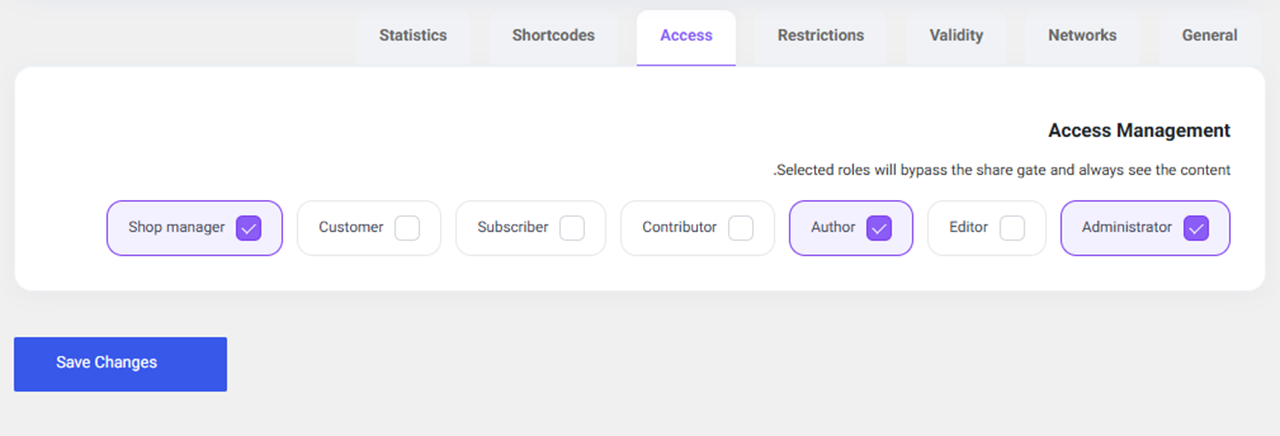
Ìtumọ̀ Yorùbá: – Exempt specific user roles from the lock
Àwọn àwòrán ìbòjú
Ìgbéwọlẹ̀
- Upload the
pixel-share-gatefolder towp-content/plugins/. - Activate the plugin through the ‘Plugins’ menu in WordPress.
- Go to ‘Share Lock’ menu and configure settings.
- Use the
[pixel_share_gate]shortcode or enable auto-lock.
FAQ
-
How do I disable the lock on a specific post?
-
In the post edit screen, in the “Pixel Share Gate” meta box, select “Disabled”.
-
No, after successful sharing, a cookie is stored and content will be displayed without requiring another share until the validity expires.
-
Telegram, WhatsApp, and Rubika. More networks are available in the Pro version.
Àwọn àgbéyẹ̀wò
Kò sí àwọn àgbéyẹ̀wò fún plugin yìí.
Àwọn Olùkópa & Olùgbéejáde
“Pixel Share Gate” jẹ́ ètò ìṣàmúlò orísun ṣíṣí sílẹ̀. Àwọn ènìyàn wọ̀nyí ti ṣe ìkópa sí plugin yìí.
Àwọn Olùkópa

Túmọ̀ “Pixel Share Gate” sí èdè rẹ.
Ṣe o nífẹ̀ẹ́ sí ìdàgbàsókè?
Ṣàwárí koodu, ṣàyẹ̀wò ibi ìpamọ́ SVN, tàbí ṣe àgbékalẹ̀ sí àkọsílẹ̀ ìdàgbàsókè nípasẹ̀ RSS.
Àkọsílẹ̀ àwọn àyípadà
1.0.4-free
- Free version release with limited features and upgrade prompts
1.0.0
- Initial release