

Àpèjúwe
IMS Countdown Timer enhances your website by allowing you to effortlessly showcase a visually appealing countdown on your post or page. This engaging feature not only captivates your audience but also contributes to retaining users on your site. Elevate the user experience and create a sense of anticipation with the IMS Countdown Timer, making your content more dynamic and interactive.
* Check out the
⚡️ FEATURES
- Easy implementation with shortcodes
- Set customized text for date and time
- Personalize box colors
- Customize text and background colors
- Stylish countdown with Google Fonts
- HTML5 compatibility: No flash, only jQuery
- Create an unlimited number of styles
- Redirect to URL option after expiry
- Hide option after expiry
- Show link after expiry
- Timezone customization
- Fully responsive design
- Ability to use Multiple countdown Timers on the same Post/Page
Àwọn àwòrán ìbòjú
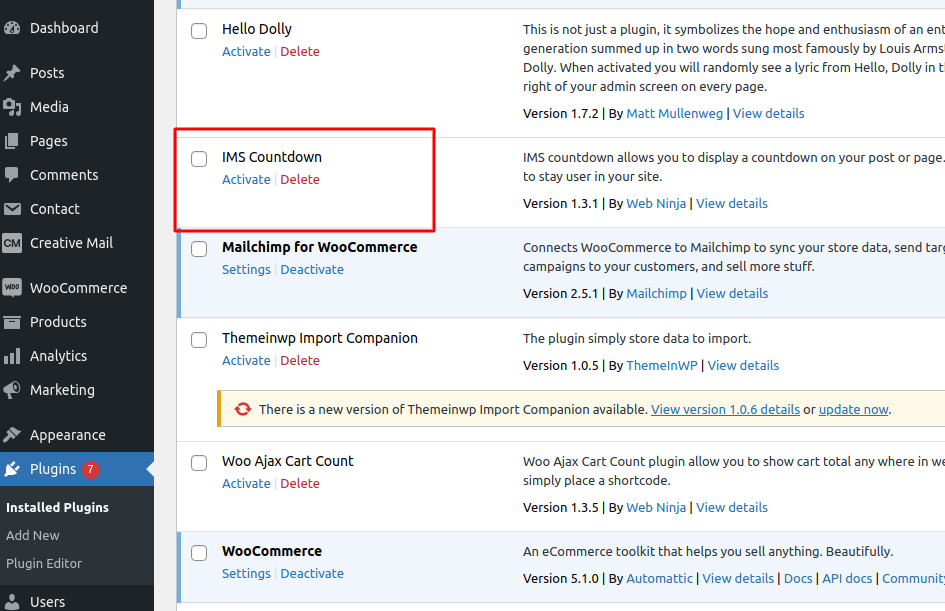
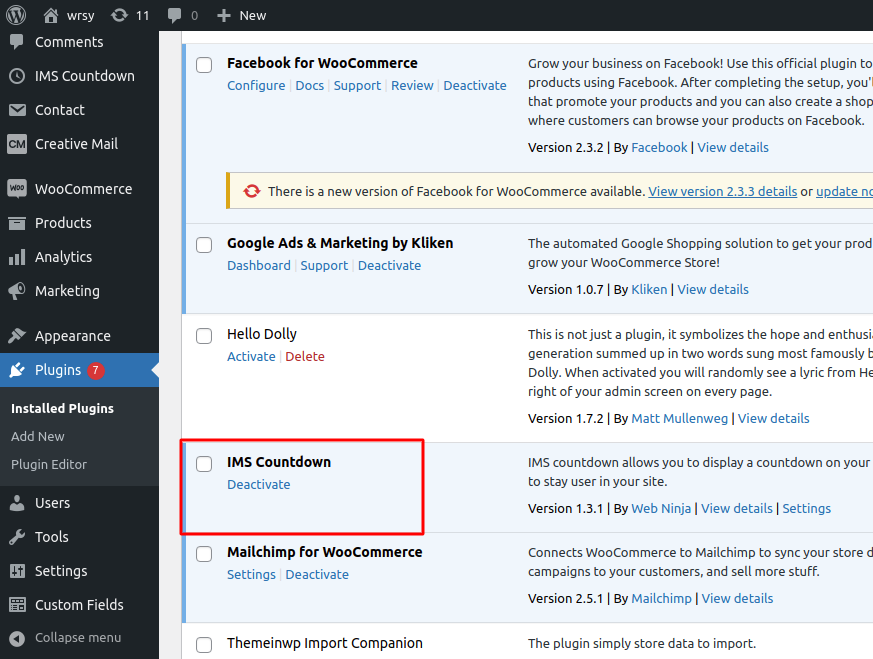


Ìgbéwọlẹ̀
- Navigate to the “Plugins” Menu in WordPress.
- Search for “IMS Countdown.”
- Click “Install.”
- After installation, click “Activate.”
- You will now find the IMS Countdown menu in the sidebar, where you can add a countdown to your page or post.
FAQ
-
Can we have the option to hide the countdown?
-
Yes, you can choose the ‘Countdown Expire Action’ radio button options to make the countdown invisible.
-
Where can I report a bug?
-
You can report bugs, suggest ideas, and participate in development by emailing us at developer@acewebx.com.
Àwọn àgbéyẹ̀wò

Àwọn Olùkópa & Olùgbéejáde
“IMS Countdown” jẹ́ ètò ìṣàmúlò orísun ṣíṣí sílẹ̀. Àwọn ènìyàn wọ̀nyí ti ṣe ìkópa sí plugin yìí.
Àwọn Olùkópa
Túmọ̀ “IMS Countdown” sí èdè rẹ.
Ṣe o nífẹ̀ẹ́ sí ìdàgbàsókè?
Ṣàwárí koodu, ṣàyẹ̀wò ibi ìpamọ́ SVN, tàbí ṣe àgbékalẹ̀ sí àkọsílẹ̀ ìdàgbàsókè nípasẹ̀ RSS.