

Àpèjúwe
The Genius Commerce WooCommerce Plugin provides seamless integration between your WooCommerce store and the Genius Commerce backend.
Features
- REST API Endpoints Ìtumọ̀ Yorùbá: – Expose products, orders, customers, and categories to Genius Commerce
- Automatic Webhooks Ìtumọ̀ Yorùbá: – Real-time notifications when orders, products, or customers change
- Customer Discounts Ìtumọ̀ Yorùbá: – Display personalized pricing for logged-in customers
- Delivery Times Ìtumọ̀ Yorùbá: – Show estimated delivery dates on product pages
Requirements
- WordPress 6.0 or higher
- WooCommerce 8.0 or higher
- PHP 7.4 or higher
- A Genius Commerce account (see “External services” below)
External services
This plugin connects your WooCommerce store to the Genius Commerce backend, a third-party
Software-as-a-Service (SaaS) platform operated by Genius Commerce. A Genius Commerce account
is required for the plugin to function: the plugin exposes and synchronizes store data with
that backend so it can be managed from the Genius Commerce application.
What the service is used for
- Synchronizing catalog, order, and customer data between WooCommerce and Genius Commerce.
- Receiving real-time webhook notifications when orders, products, or customers change.
- Coupling your store to a Genius Commerce workspace (the one-click “Connect” flow).
When data is sent and what is sent
The plugin only communicates with the backend after you have configured a backend URL and an
API key in WooCommerce > Settings > Genius Commerce (or completed the one-click Connect flow).
No data is sent before that configuration is in place. Once connected, the following data is
transmitted to the configured Genius Commerce backend:
- Product, variation, category, brand, and attribute data.
- Order data, including line items and order status.
- Customer data, including name, email address, and billing/shipping address (personal data).
- Coupon and discount configuration.
- The store URL and plugin/version metadata used to identify and verify your store.
Requests are authenticated with the API key you configured and are sent over HTTPS.
Service provider and legal terms
- Provider: Genius Commerce Ìtumọ̀ Yorùbá: – https://geniuscommerce.nl
- Terms of Service: https://geniuscommerce.nl/voorwaarden
- Privacy Policy: https://geniuscommerce.nl/privacy
By configuring and connecting the plugin you consent to this data being transmitted to and
processed by Genius Commerce in accordance with the terms and privacy policy linked above.
Àwọn àwòrán ìbòjú
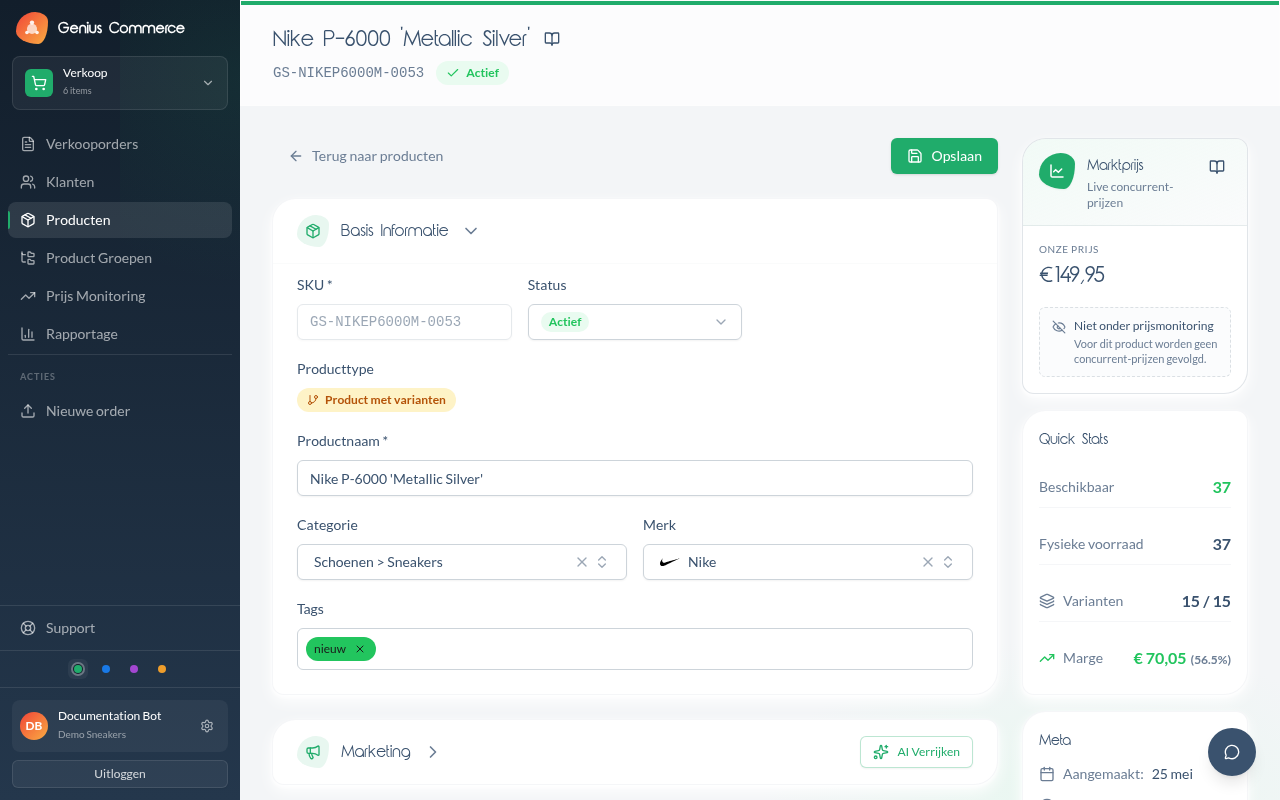
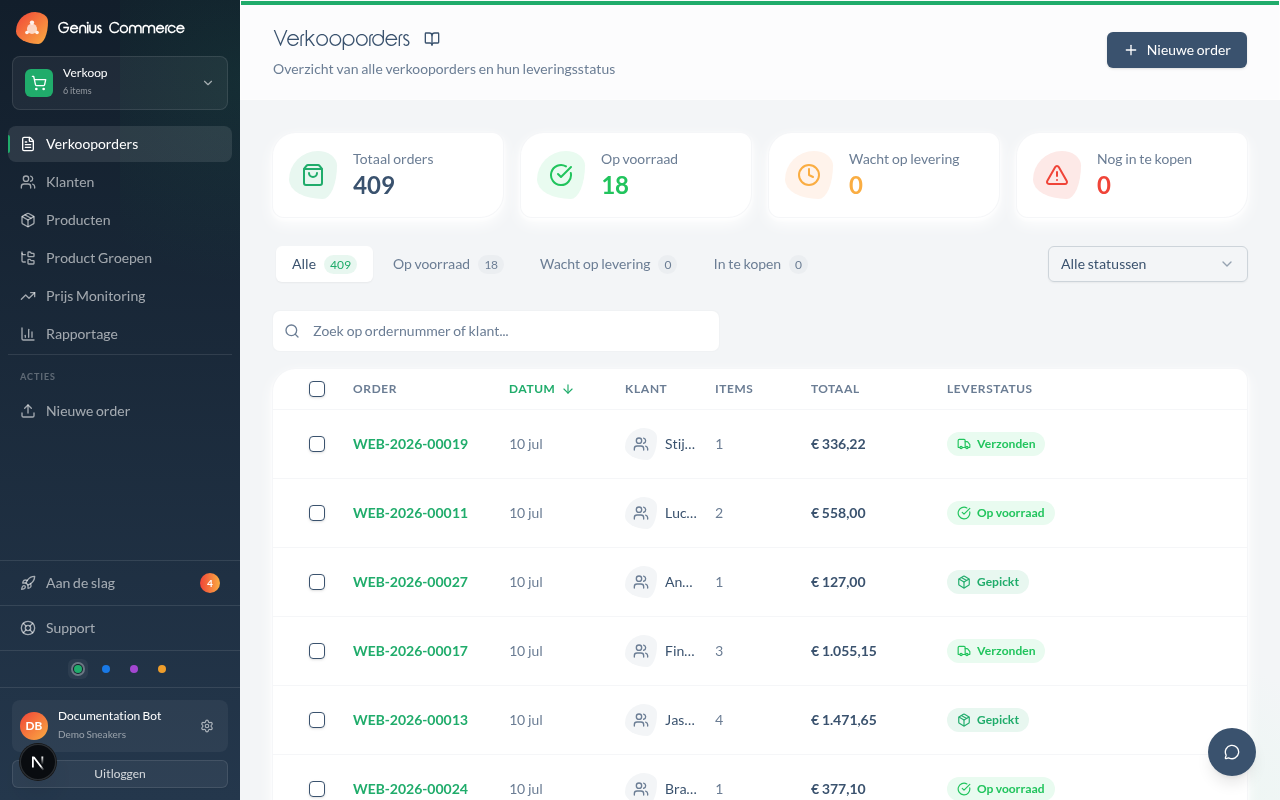
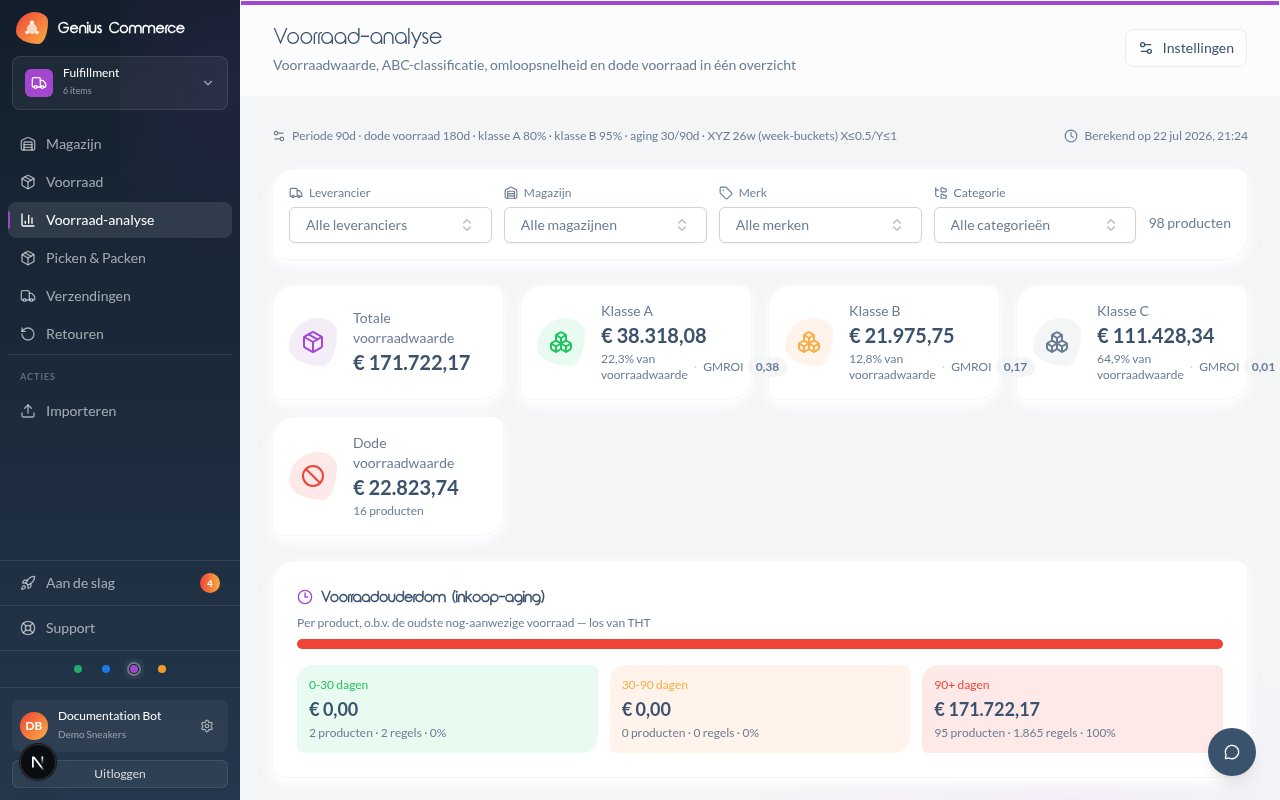
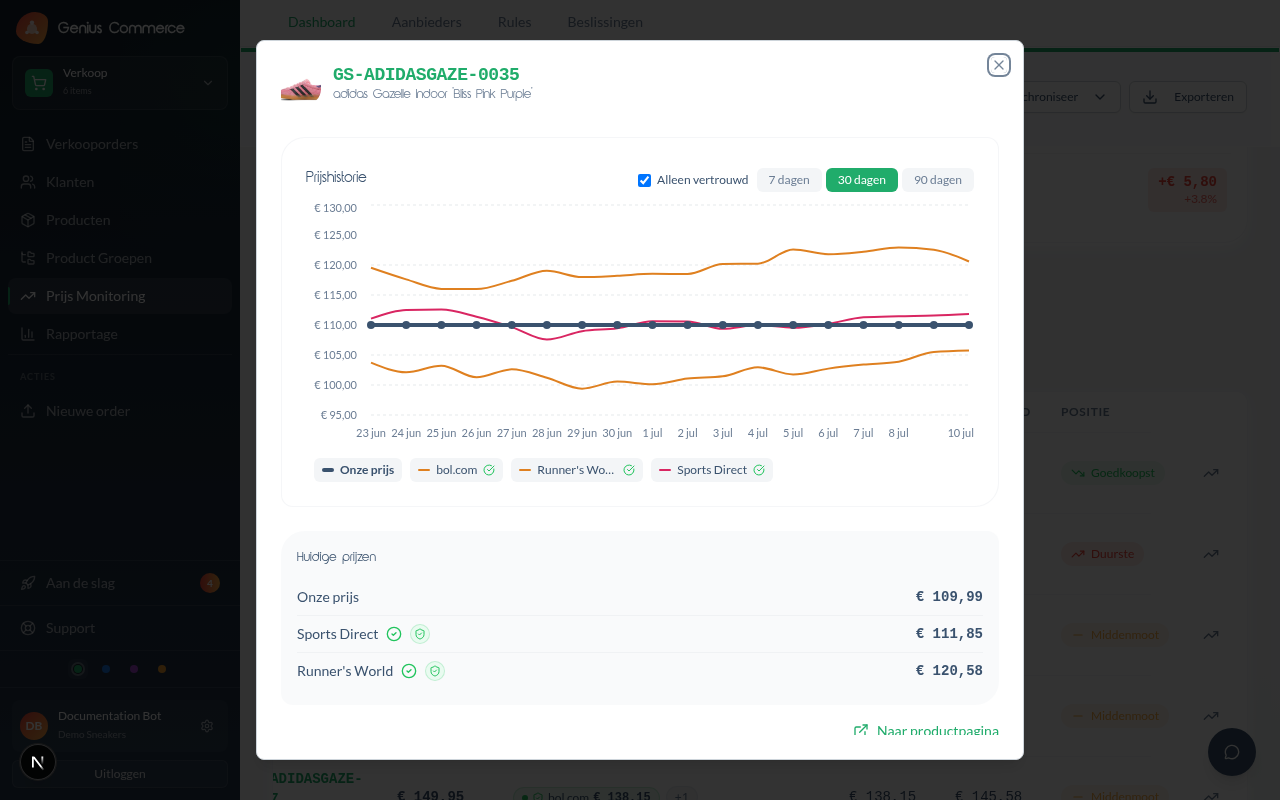
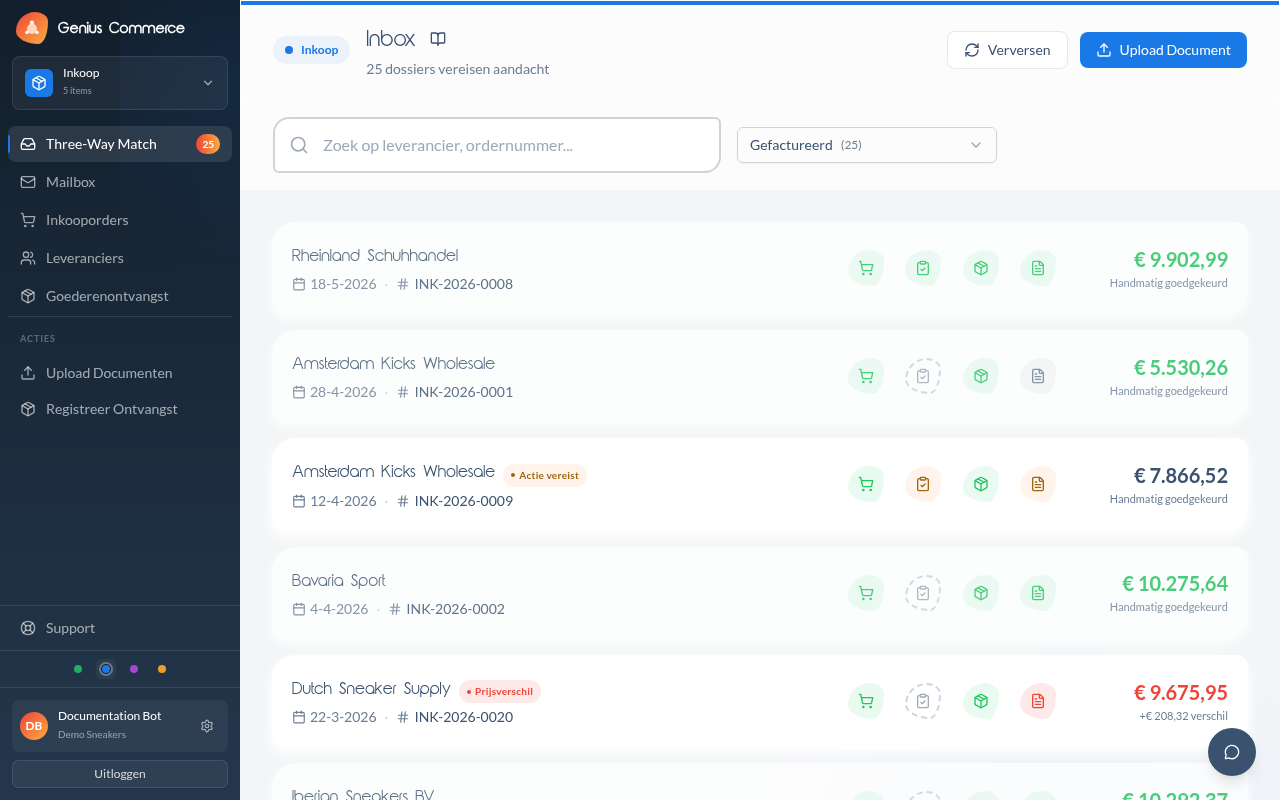
Ìgbéwọlẹ̀
- Upload the
genius-commercefolder to the/wp-content/plugins/directory - Activate the plugin through the ‘Plugins’ menu in WordPress
- Go to WooCommerce > Settings > Genius Commerce
- Either click “Connect” to couple your store automatically, or enter an API key from Genius Commerce manually
- Configure the backend URL if you are using the manual method
FAQ
-
Does this plugin require an account on an external service?
-
Yes. The plugin connects to the Genius Commerce backend and requires a Genius Commerce account.
See the “External services” section above for details on what data is exchanged. -
Do I have to paste an API key manually?
-
No. Since version 0.7.0 you can couple your store with a single “Connect” button, which performs
an automatic, ownership-verified token exchange. Manual API-key entry remains available as an
advanced/fallback option. -
What data leaves my store?
-
Catalog, order, customer (including personal data such as name, email and address), and discount
data are synchronized with the Genius Commerce backend you configure. Nothing is sent before you
configure a backend URL and API key. See “External services” above.
Àwọn àgbéyẹ̀wò
Kò sí àwọn àgbéyẹ̀wò fún plugin yìí.
Àwọn Olùkópa & Olùgbéejáde
“Genius Commerce” jẹ́ ètò ìṣàmúlò orísun ṣíṣí sílẹ̀. Àwọn ènìyàn wọ̀nyí ti ṣe ìkópa sí plugin yìí.
Àwọn Olùkópa
Túmọ̀ “Genius Commerce” sí èdè rẹ.
Ṣe o nífẹ̀ẹ́ sí ìdàgbàsókè?
Ṣàwárí koodu, ṣàyẹ̀wò ibi ìpamọ́ SVN, tàbí ṣe àgbékalẹ̀ sí àkọsílẹ̀ ìdàgbàsókè nípasẹ̀ RSS.
Àkọsílẹ̀ àwọn àyípadà
0.9.2
- Removed: the Custom CSS setting. Stores can add their own styling through the WordPress Customizer or Site Editor (Additional CSS). Previously saved custom CSS is no longer loaded on the storefront.
- Removed: the endpoint for deleting customers (DELETE /customers/{id} and the delete action of /customers/batch). Genius Commerce cannot delete WordPress users.
0.9.1
- Changed: “Tested up to” is declared only in readme.txt, no longer also in the plugin header.
0.9.0
- Changed: every option, transient, hook, AJAX action, nonce, constant and script handle now carries the genius_commerce_ prefix instead of gc_. Existing settings, the API key and the webhook secret move over automatically on the first page load after updating.
- Changed: the template filters are renamed to genius_commerce_delivery_product_template_args, genius_commerce_delivery_cart_template_args and genius_commerce_discount_price_template_args. Themes that hook into the old gc_ names must switch to the new ones.
- Changed: the scope refresh button on the settings page loads its script through the enqueued admin script instead of an inline script tag.
- Update: tested up to WordPress 7.1 and WooCommerce 11.1.
0.8.4
- Fixed: webhooks were never installed after coupling through the “Connect” button. That flow never stores a backend URL, so every call to Genius Commerce failed with “Backend URL not configured” and the “Test connection” button disappeared from the status overview. The plugin now falls back to the default backend URL and records it when connecting.
- Fixed: webhooks heal themselves. A store that is coupled but has no webhook secret or webhooks now fetches them on the next admin page load or the next authenticated call from Genius Commerce — no manual step after disconnecting and reconnecting.
- Fixed: webhooks created outside the admin screens are no longer owned by user 0, which made WooCommerce deliver empty payloads.
0.8.3
- Added: “Disconnect” button on the Connection tab — breaks the coupling with Genius Commerce (clears the local API key and webhook secret, removes the registered webhooks) behind a confirmation, so a store can reconnect after a backend-side disconnect without manually deleting a WP option (Story 4.11).
0.8.2
- Cleanup: uninstall routine wrapped in a function so its locals no longer land in the global scope.
- Cleanup: the five global plugin functions now carry the full genius_commerce_ prefix instead of the gc_ abbreviation.
- Cleanup: documented why the direct database reads in the sync endpoints are intentional and uncached — caching them would let a sync read stale data.
- Fix: corrected a misplaced phpcs annotation on the HPOS order-status query.
- Note: the gc_delivery_* and gc_discount_* template filters keep their names; renaming them would break themes that already hook into them.
0.8.1
- Compliance: added translators comments to the four translatable strings containing placeholders.
- Compliance: replaced unlink() with wp_delete_file() when cleaning up temporary image downloads.
- Compliance: the log redactor no longer exposes a constant-based bypass of its direct-access guard.
- Compliance: removed the Domain Path header and the load_plugin_textdomain() call — WordPress.org serves translations automatically since WP 4.6.
- Hardening: REMOTE_ADDR and X-Forwarded-For are now unslashed and sanitised before use in the IP allowlist.
- Hardening: the HPOS order table identifier is escaped with esc_sql().
- Update: tested up to WordPress 7.0.
0.8.0
- Security (high): batch endpoints for categories and brands now sanitise name/description inside create/update, closing a stored-XSS path that bypassed the route-level sanitize callbacks (audit #2).
- Security (high): sync-mapping now validates meta keys against the last Discovery scan (meta keys sanitised + allowlisted), preventing export of arbitrary post-meta such as other plugins’ secrets (audit #3).
- Security (medium): the generic taxonomy-terms route now applies the same exclusion list as the listing route, so a taxonomies.read scope can no longer read category/attribute term data (audit #4).
- Security (medium): Custom CSS is now filtered with safecss_filter_attr on save and output, stripping external url()/@import exfiltration vectors (audit #5).
- Security (low): remote image import now enforces an https + host/IP allowlist before download_url() across products/categories/brands/variations, hardening against SSRF (audit #6).
0.7.1
- Security (critical): the Customers REST endpoint no longer writes arbitrary user-meta keys.
meta_datakeys are now sanitised and role/session keys (wp_capabilities, wp_user_level, session_tokens, wp_* namespace) are rejected, closing a privilege-escalation path from a customers.write key to administrator.
0.7.0
- Added: one-click “Connect” button Ìtumọ̀ Yorùbá: – couples the store automatically without pasting an API key (Story 4.2)
- Added: token-exchange with shop-ownership proof via origin callback (Genius verifies the store by calling back into the plugin REST API)
- Update: manual API-key entry demoted to an advanced/fallback option
0.6.0
- Security: IP-allowlist enforcement on REST routes, with opt-in X-Forwarded-For support
- Security: scope enforcement on API keys with WP-transient cache and feature-flag cutover
- Security: PII redaction in request logging
- Fix: /debug and /system-info now return 403 FORBIDDEN_IP with a log line on an IP block (was a silent 401), consistent with the other REST routes
0.5.1
- Security: output escaping, input sanitization, XSS-hardened shortcodes, authenticated debug endpoint, prepared SQL, realpath template validation
- Update: WC tested up to 10.6, WordPress tested up to 6.9
0.5.0
- Enhancement: Internal link styling for rich text content blocks
- Enhancement: Expanded platform squeeze page content (800+ words)
- Enhancement: Contextual internal links across all key pages
- Improvement: FAQ accordion link styling with hover states
0.4.4
- Fix: Various bug fixes and improvements
0.3.5
- Fix: Sync mapping settings for meta fields with leading underscores (e.g., _weight) are now saved correctly
0.1.0
- Initial release