Àpèjúwe
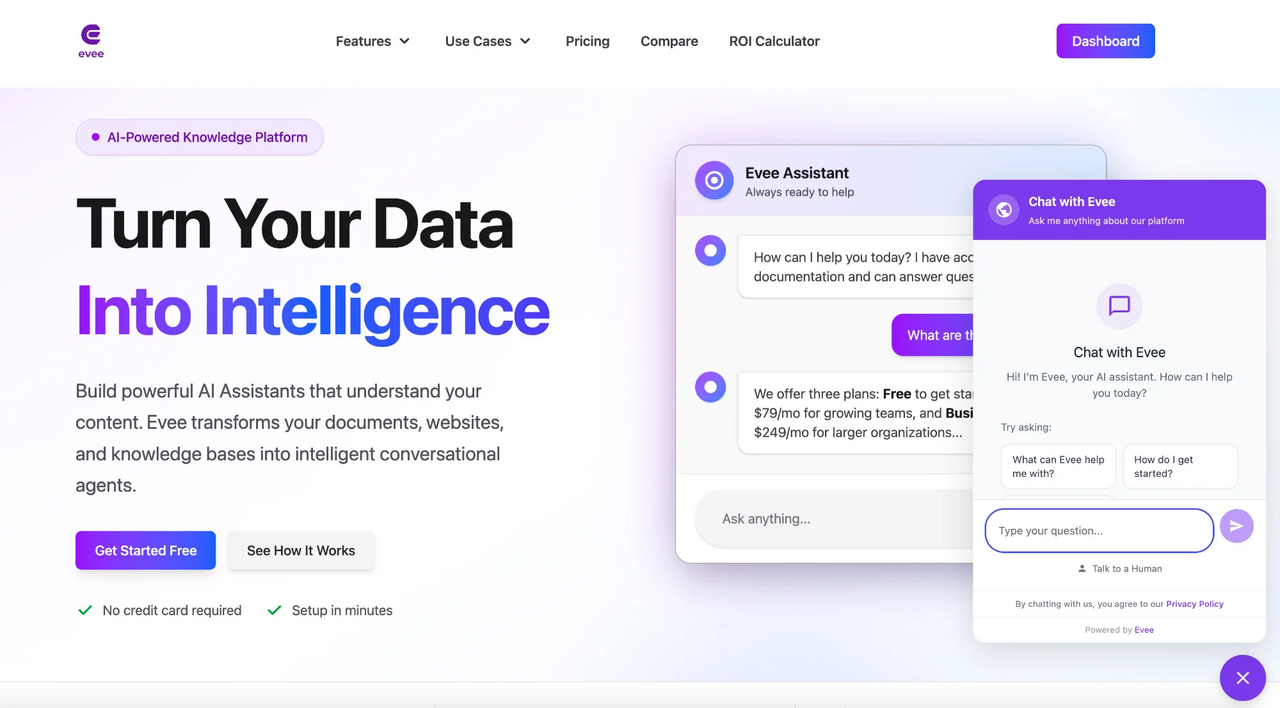
Evee AI Assistant transforms your WordPress site with an intelligent chat widget powered by RAG (Retrieval-Augmented Generation) technology. Your AI assistant learns from your website content, documentation, and knowledge base to provide accurate, contextual answers to your visitors.
Key Features
- AI-Powered Chat Widget Ìtumọ̀ Yorùbá: – Beautiful, customizable chat interface
- Content Learning Ìtumọ̀ Yorùbá: – Automatically learns from your WordPress content (posts, pages, custom post types)
- Intelligent Responses Ìtumọ̀ Yorùbá: – Provides accurate answers based on your actual content
- Easy Setup Ìtumọ̀ Yorùbá: – Just add your Project Slug and Public Key
- Customizable Appearance Ìtumọ̀ Yorùbá: – Match your brand with custom colors and positioning
- Mobile Responsive Ìtumọ̀ Yorùbá: – Works perfectly on all devices
- Privacy Focused Ìtumọ̀ Yorùbá: – GDPR compliant with clear data handling
- No Coding Required Ìtumọ̀ Yorùbá: – Simple point-and-click configuration
How It Works
- Sign up for a free account at eveeapp.com
- Create a project and add your website content
- Install the plugin and enter your credentials
- Customize the appearance to match your brand
- Activate and start helping visitors!
Perfect For
- E-commerce Sites Ìtumọ̀ Yorùbá: – Answer product questions 24/7
- Documentation Sites Ìtumọ̀ Yorùbá: – Help users find answers instantly
- Support Portals Ìtumọ̀ Yorùbá: – Reduce support ticket volume
- Business Websites Ìtumọ̀ Yorùbá: – Engage visitors and capture leads
- Membership Sites Ìtumọ̀ Yorùbá: – Provide member support
What is RAG?
RAG (Retrieval-Augmented Generation) is an advanced AI technique that combines large language models with your specific content. This means your AI assistant:
- ✅ Answers questions based on YOUR actual content
- ✅ Provides accurate, up-to-date information
- ✅ DoesnÌtumọ̀ Yorùbá: ’t hallucinate or make things up
- ✅ Continuously learns from your updates
Requirements
- A free or paid Evee account (Sign up here)
- WordPress 5.8 or higher
- PHP 7.4 or higher
Support
Need help? WeÌtumọ̀ Yorùbá: ’re here for you:
- 📧 Email: support@eveeapp.com
- 📚 Documentation: eveeapp.com/docs
- 💬 Live Chat: Available on our website
Privacy Policy
Evee AI Assistant is GDPR compliant. Chat conversations are sent to EveeÌtumọ̀ Yorùbá: ’s servers to provide AI responses. We donÌtumọ̀ Yorùbá: ’t collect personal data without explicit consent. For full details, see our Privacy Policy.
Credits
Developed by the team at Evee.
Àwọn àwòrán ìbòjú
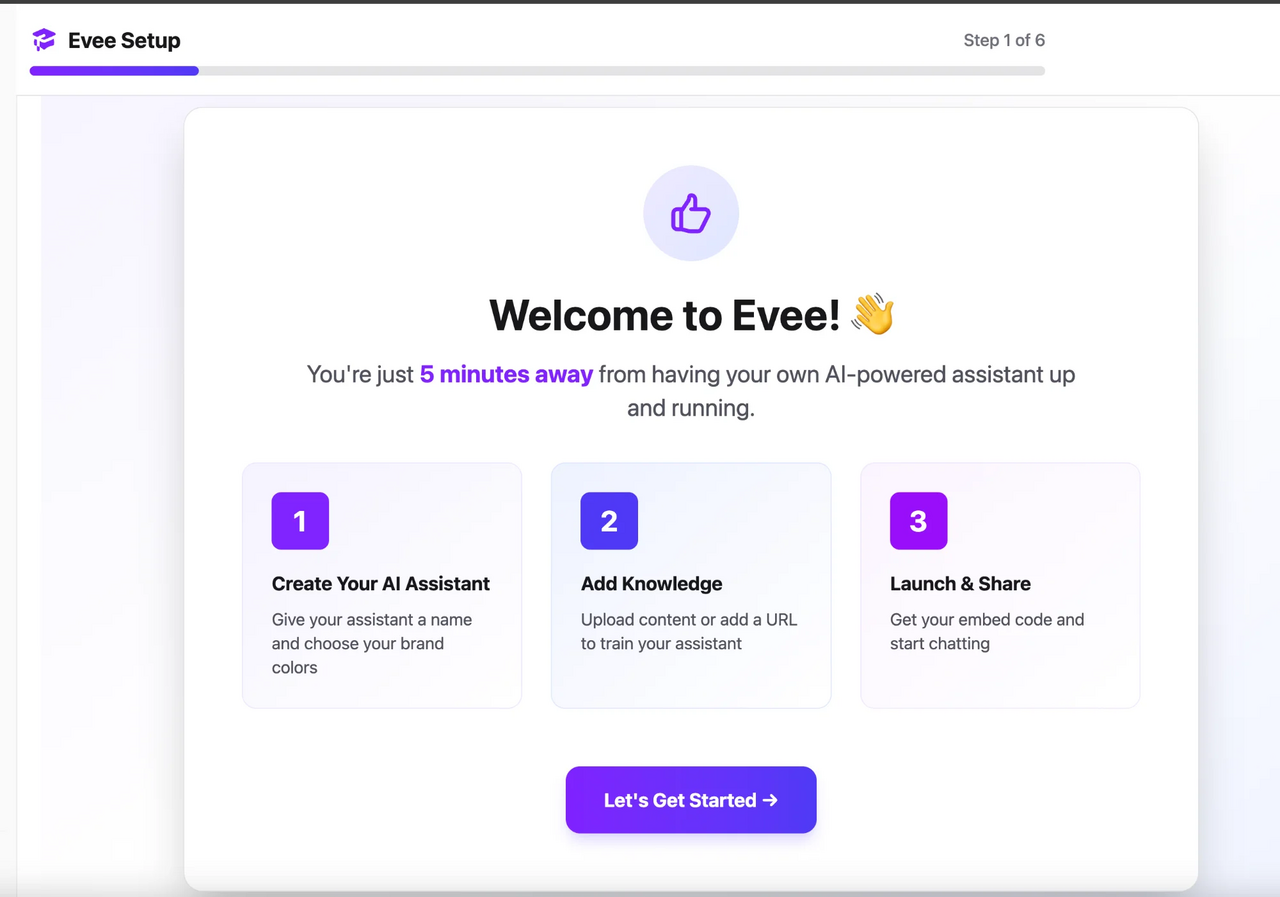
Ìgbéwọlẹ̀
Automatic Installation
- Log in to your WordPress admin panel
- Navigate to Plugins > Add New
- Search for “Evee AI Assistant”
- Click Install Now and then Activate
Manual Installation
- Download the plugin ZIP file
- Log in to your WordPress admin panel
- Navigate to Plugins > Add New > Upload Plugin
- Choose the ZIP file and click Install Now
- Click Activate Plugin
Configuration
- Go to Evee in the WordPress admin menu
- Sign up at eveeapp.com if you havenÌtumọ̀ Yorùbá: ’t already
- Enter your Project Slug and Public Key from your Evee dashboard
- Enable the widget
- (Optional) Customize the appearance to override dashboard settings
- Click Save Settings and visit your site to see the widget in action!
FAQ
-
Do I need an Evee account?
-
Yes, you need a free or paid Evee account. Sign up at eveeapp.com/register.
-
Is there a free plan?
-
Yes! Evee offers a free plan perfect for getting started. Paid plans offer more features and higher usage limits.
-
Will this slow down my site?
-
No. The widget loads asynchronously and doesnÌtumọ̀ Yorùbá: ’t impact your page load times. ItÌtumọ̀ Yorùbá: ’s optimized for performance.
-
What data does the plugin collect?
-
The plugin only sends chat conversations to EveeÌtumọ̀ Yorùbá: ’s servers to provide AI responses. We donÌtumọ̀ Yorùbá: ’t collect any personal data without consent. See our Privacy Policy.
-
Can I customize the appearance?
-
Yes! You can customize colors, position, welcome message, and more from the settings page.
-
Does it work with page builders?
-
Yes! The widget works with all major page builders including Elementor, Divi, Beaver Builder, and others.
-
Can I use it on multiple sites?
-
Each WordPress site requires its own project in your Evee account. All plans support multiple projects.
-
Is it mobile-friendly?
-
Absolutely! The widget is fully responsive and works perfectly on mobile devices.
-
How do I get support?
-
Email us at support@eveeapp.com or use the live chat on eveeapp.com.
Àwọn àgbéyẹ̀wò
Kò sí àwọn àgbéyẹ̀wò fún plugin yìí.
Àwọn Olùkópa & Olùgbéejáde
“Evee AI Assistant” jẹ́ ètò ìṣàmúlò orísun ṣíṣí sílẹ̀. Àwọn ènìyàn wọ̀nyí ti ṣe ìkópa sí plugin yìí.
Àwọn Olùkópa
Túmọ̀ “Evee AI Assistant” sí èdè rẹ.
Ṣe o nífẹ̀ẹ́ sí ìdàgbàsókè?
Ṣàwárí koodu, ṣàyẹ̀wò ibi ìpamọ́ SVN, tàbí ṣe àgbékalẹ̀ sí àkọsílẹ̀ ìdàgbàsókè nípasẹ̀ RSS.
Àkọsílẹ̀ àwọn àyípadà
1.1.0 Ìtumọ̀ Yorùbá: – 2025-01-06
- Security: Fixed output escaping in CSS color variable
- Security: Added proper URL escaping for admin links
- Improved WordPress coding standards compliance
1.0.0 Ìtumọ̀ Yorùbá: – 2025-01-01
- Initial release
- AI-powered chat widget
- WordPress content integration
- Customizable appearance
- Mobile responsive design
- Settings page
- Multi-language support