

Àpèjúwe
Easily insert or embed header and footer code in WordPress. Embed Code makes embedding global or page/post-specific header and footer code super easy. It can be used to add almost anything, including:
- Google Analytics tracking code
- Site verification snippets
- Typekit font scripts
- Custom CSS
- Custom JavaScript
- Optimizely embed code
- Facebook tracking pixel
- Live chat integration
It even supports embedding code on custom post types!
WhatÌtumọ̀ Yorùbá: ’s Next?
This plugin is maintained by folks over at DesignBombs.com. If you are looking to start a new website, checkout their guide on how to create a website. They also have in-depth guides on other topics like how to choose the best WordPress hosting, how to start a blog, and WordPress security.
Àwọn àwòrán ìbòjú
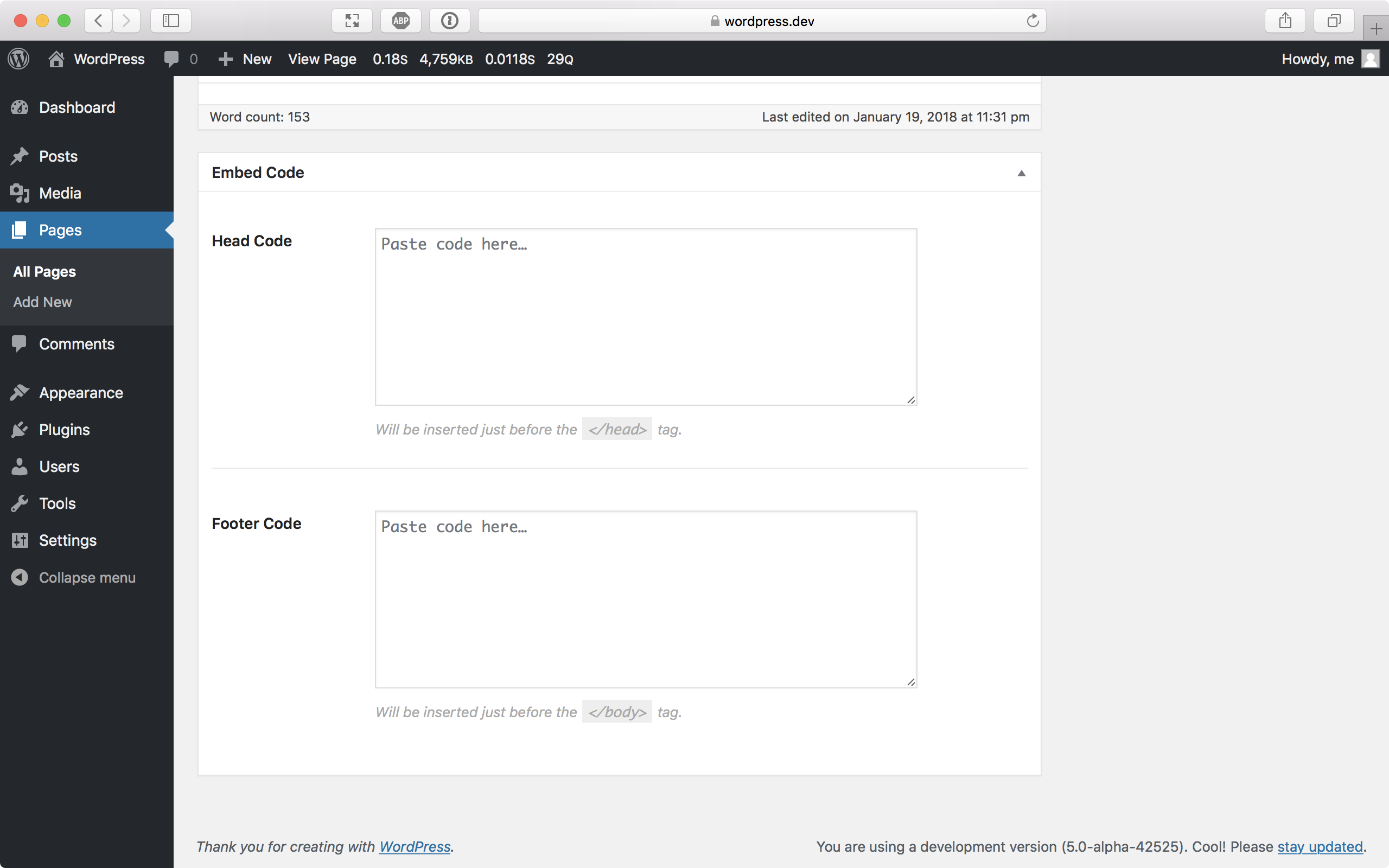

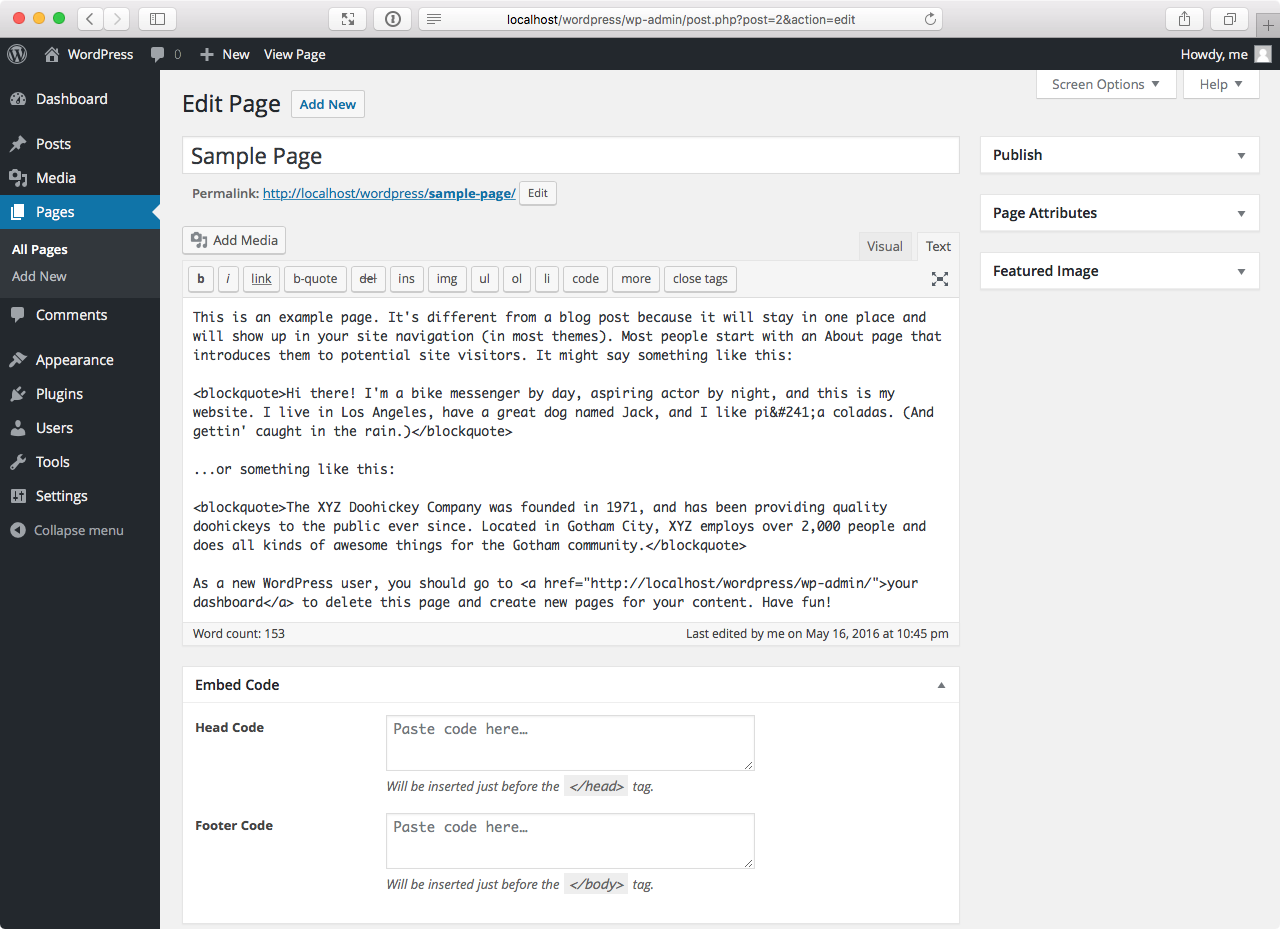
Ìgbéwọlẹ̀
- WordPress Plugins Directory: Navigate to Plugins Add New in the WordPress admin and search “Embed Code.” Click Install and then Activate.
- Zip Upload: Navigate to Plugins Add New Upload Plugin in the WordPress admin. Browse to the .zip file containing the plugin on your computer and upload, then activate.
- Manual FTP Upload: Upload the plugin folder to
/wp-content/plugins/. Navigate to Plugins in the WordPress admin and activate.
Àwọn àgbéyẹ̀wò


Àwọn Olùkópa & Olùgbéejáde
“Embed Code Ìtumọ̀ Yorùbá: – Headers & Footers by DesignBombs” jẹ́ ètò ìṣàmúlò orísun ṣíṣí sílẹ̀. Àwọn ènìyàn wọ̀nyí ti ṣe ìkópa sí plugin yìí.
Àwọn Olùkópa
A ti túmọ̀ “Embed Code Ìtumọ̀ Yorùbá: – Headers & Footers by DesignBombs” sí èdè agbègbè 1 kan. Ọpẹ́lọpẹ́ fún àwọn atúmọ̀ èdè fún àwọn ìkópa wọn.
Túmọ̀ “Embed Code Ìtumọ̀ Yorùbá: – Headers & Footers by DesignBombs” sí èdè rẹ.
Ṣe o nífẹ̀ẹ́ sí ìdàgbàsókè?
Ṣàwárí koodu, ṣàyẹ̀wò ibi ìpamọ́ SVN, tàbí ṣe àgbékalẹ̀ sí àkọsílẹ̀ ìdàgbàsókè nípasẹ̀ RSS.
Àkọsílẹ̀ àwọn àyípadà
2.0.4
- Minor changes
2.0.3
- Minor changes
2.0.2
- Minor changes
2.0.1
- Minor changes