
Àpèjúwe
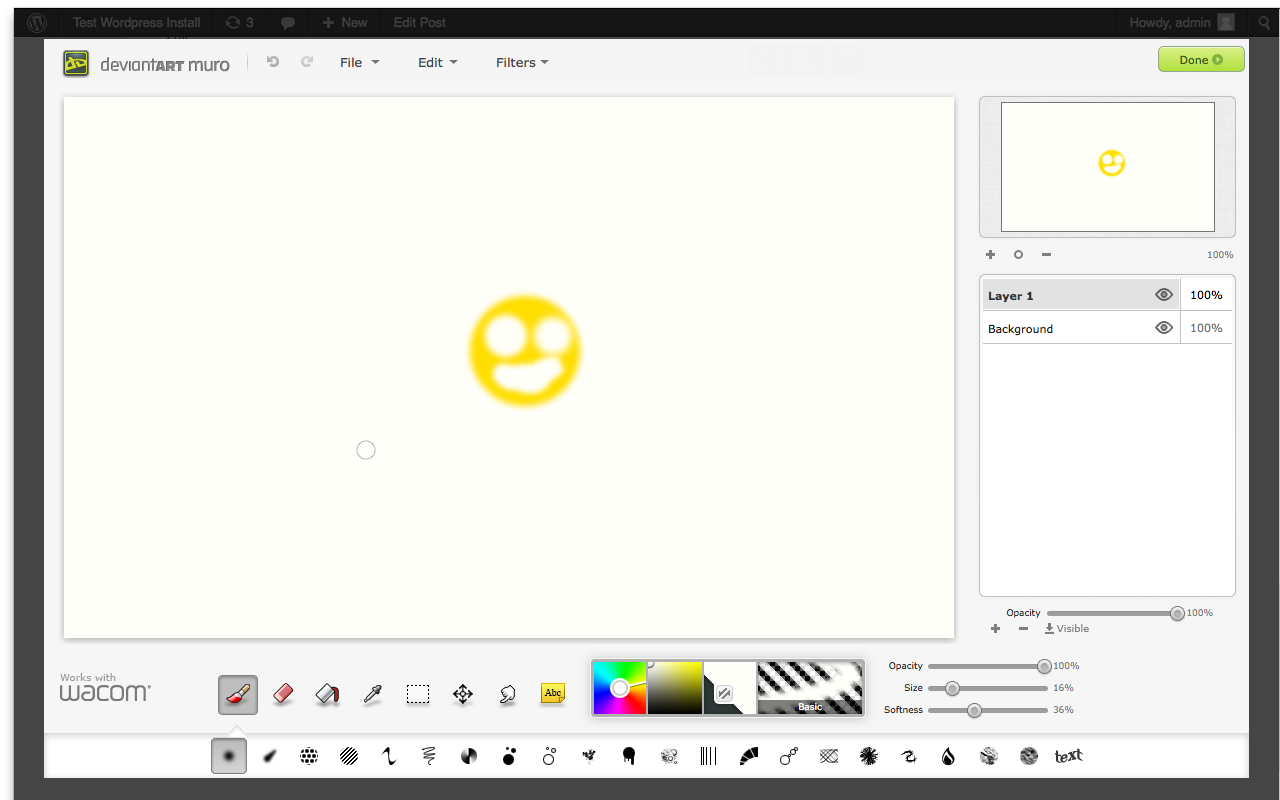
This plugin embeds the deviantART muro HTML5 drawing application into your WordPres installation, allowing you to:
- Draw in your browser to create new images in your Media Library.
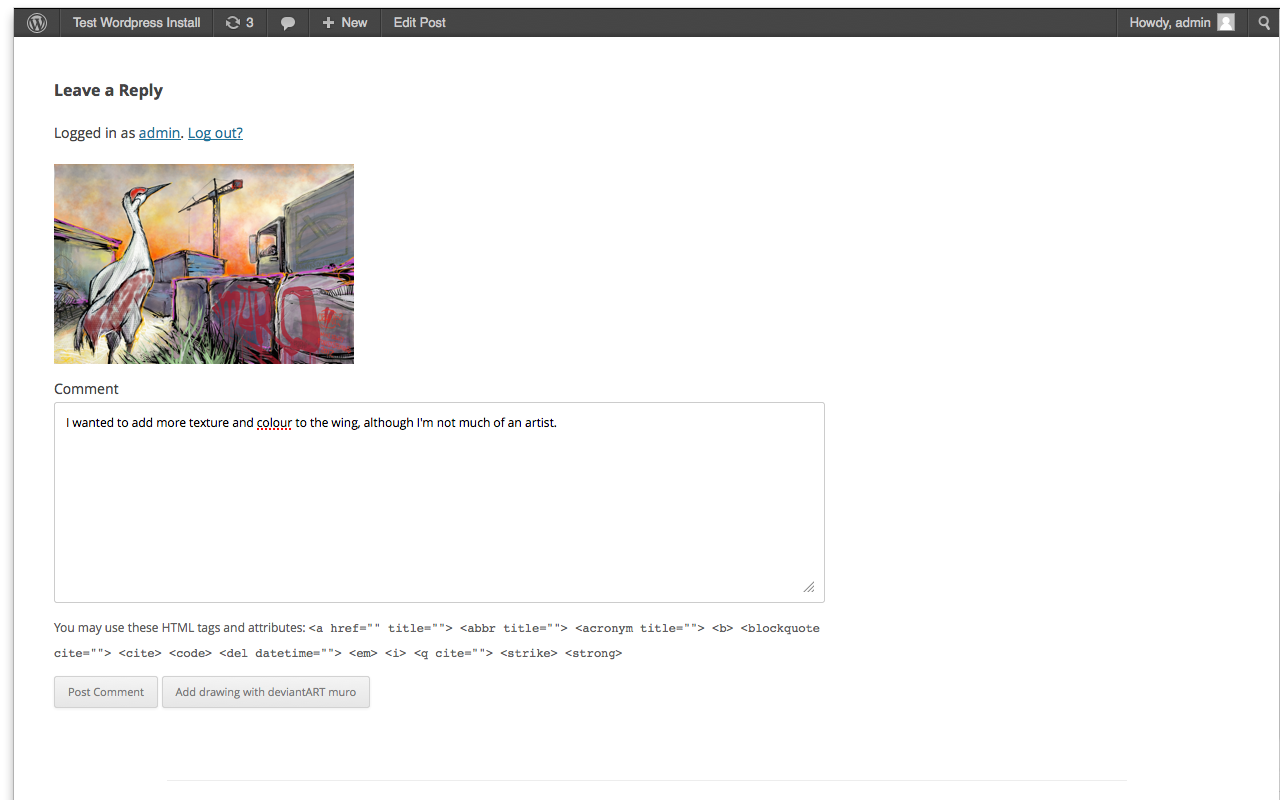
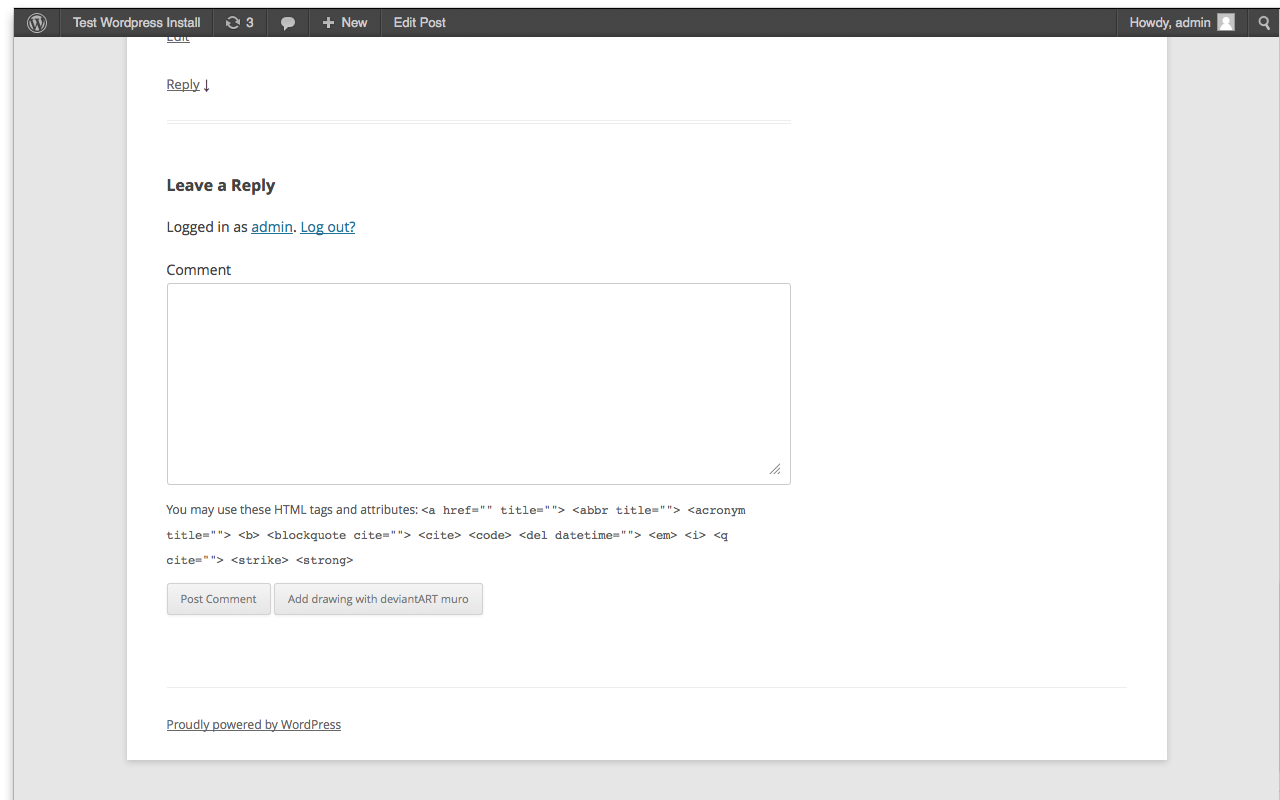
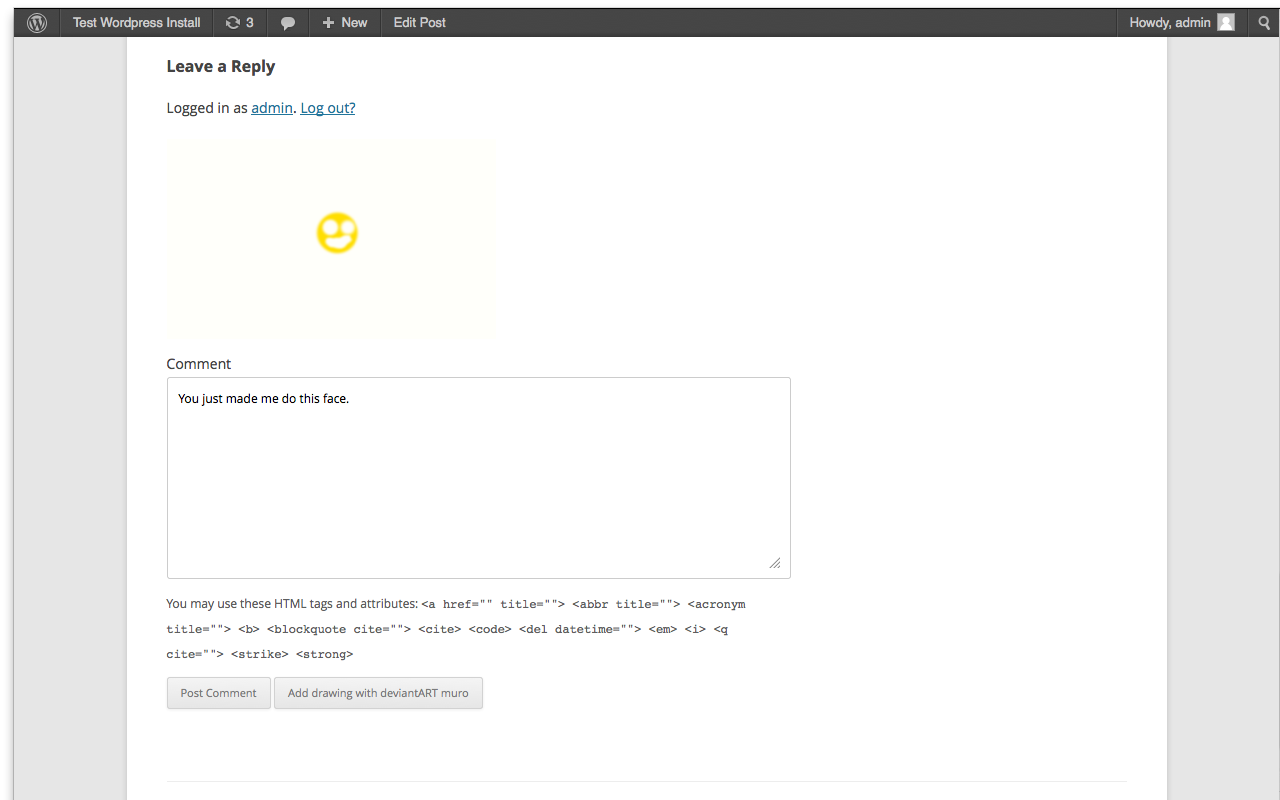
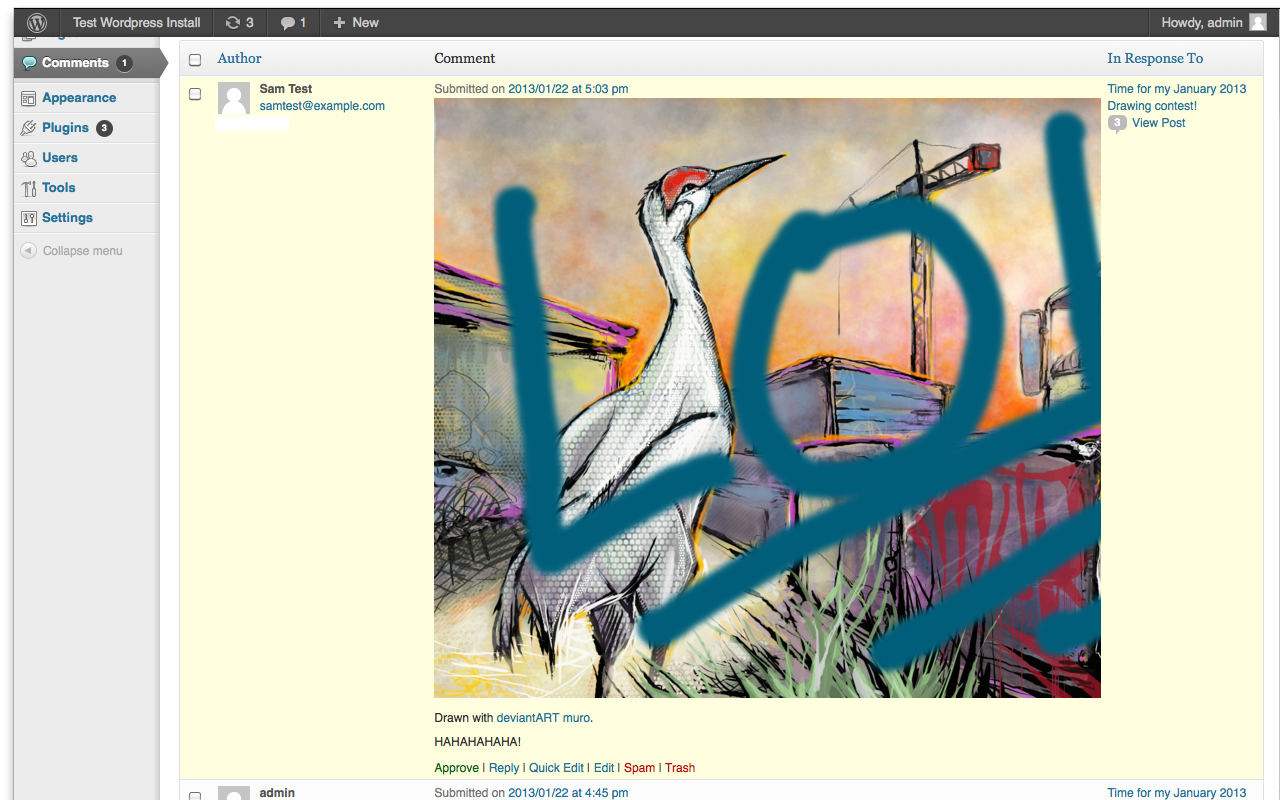
- Allow your users to draw in their browser to add images to their comments.
- Embed deviantART muro with a preselected image within your articles, for example to run a competition or ask for feedback on an artwork youÌtumọ̀ Yorùbá: ’ve drawn.
Contributing
This plugin is open source, contributions are welcome.
Just fork https://github.com/deviantART/embedded-deviantART-muro-wordpress on GitHub and send us a pull request with your changes.
Àwọn àwòrán ìbòjú
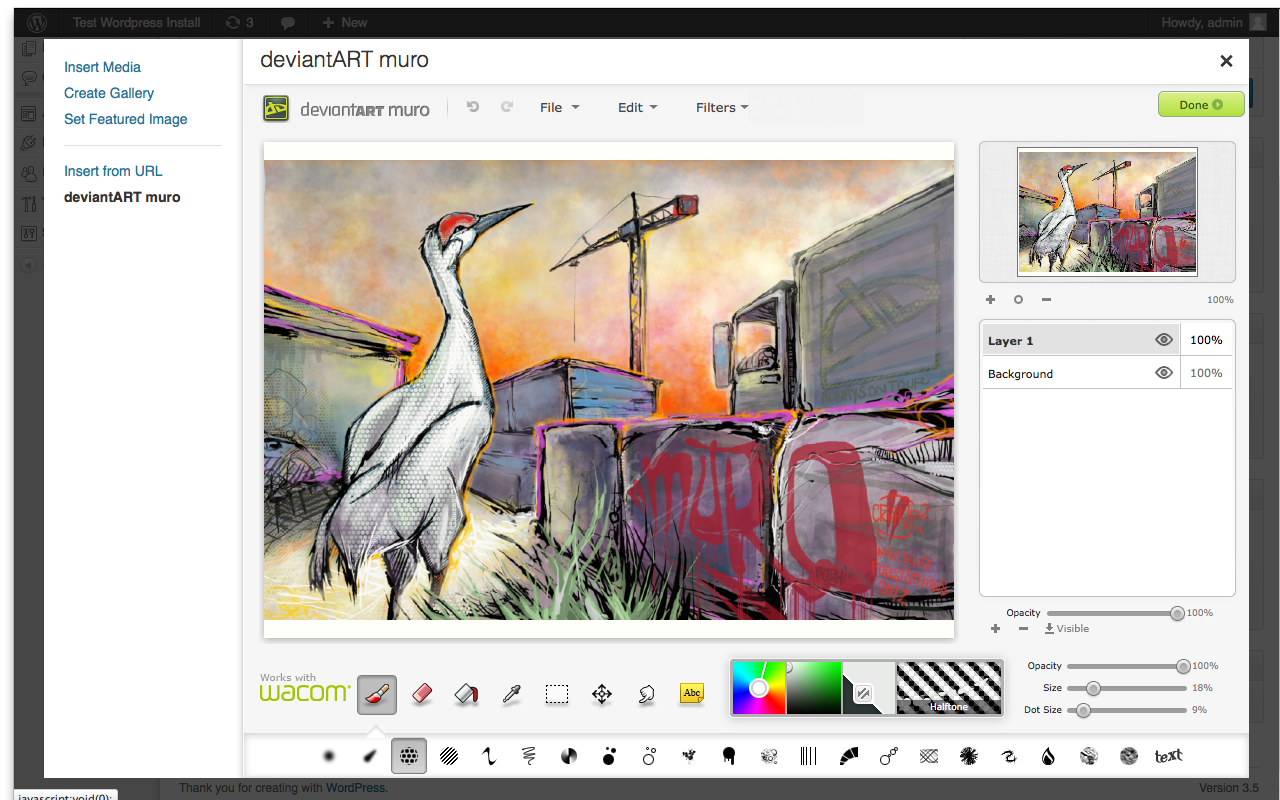
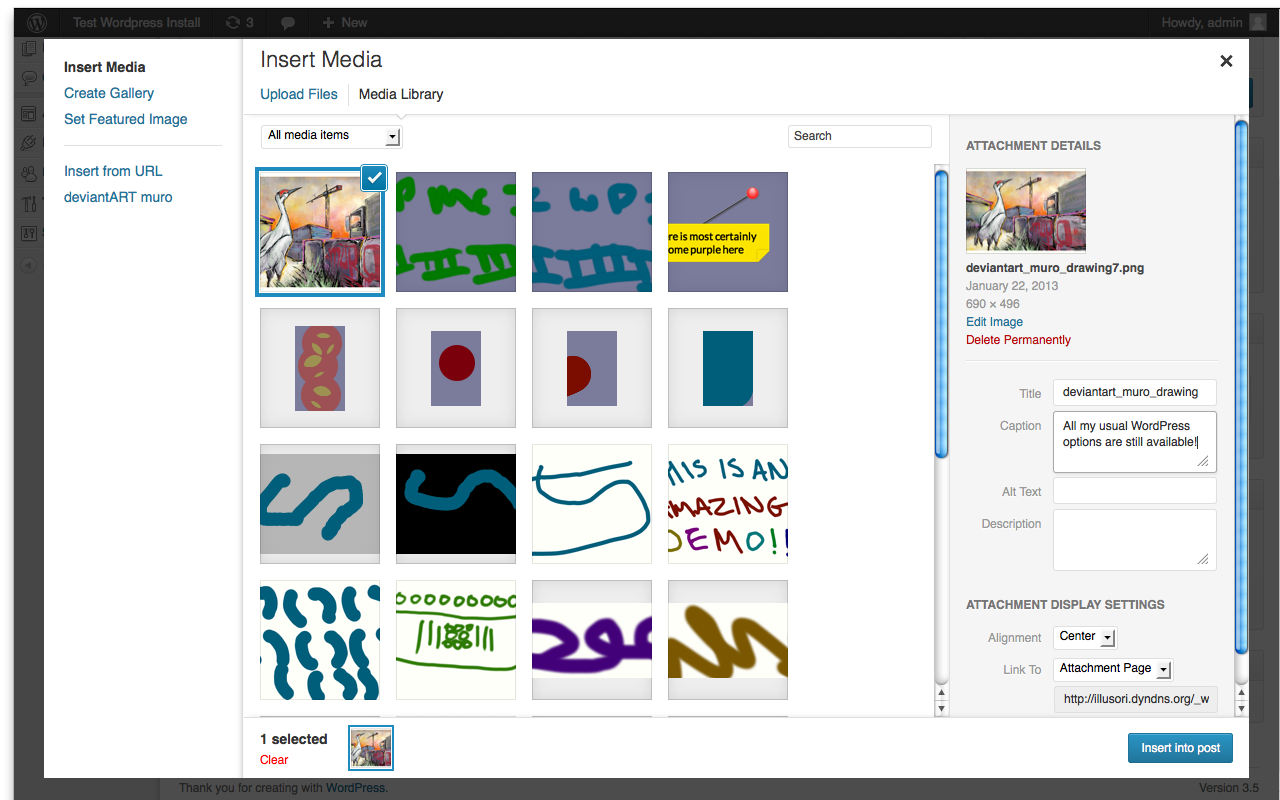
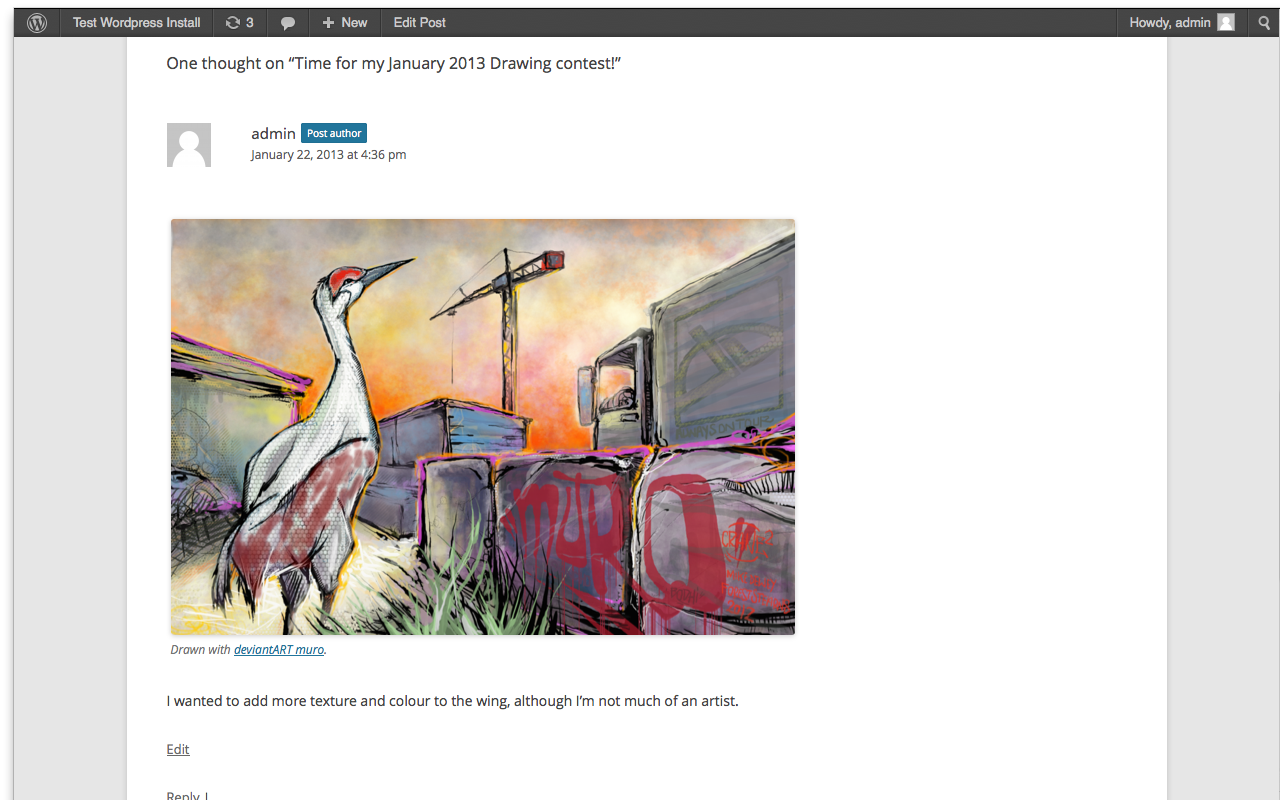
![From within a post you can use a new [damuro] shortcode to embed an instance of deviantART muro within your article, you can set an image you want people to start with if you choose.](https://ps.w.org/deviantart-muro/assets/screenshot-3.png?rev=666927)
[damuro] shortcode to embed an instance of deviantART muro within your article, you can set an image you want people to start with if you choose.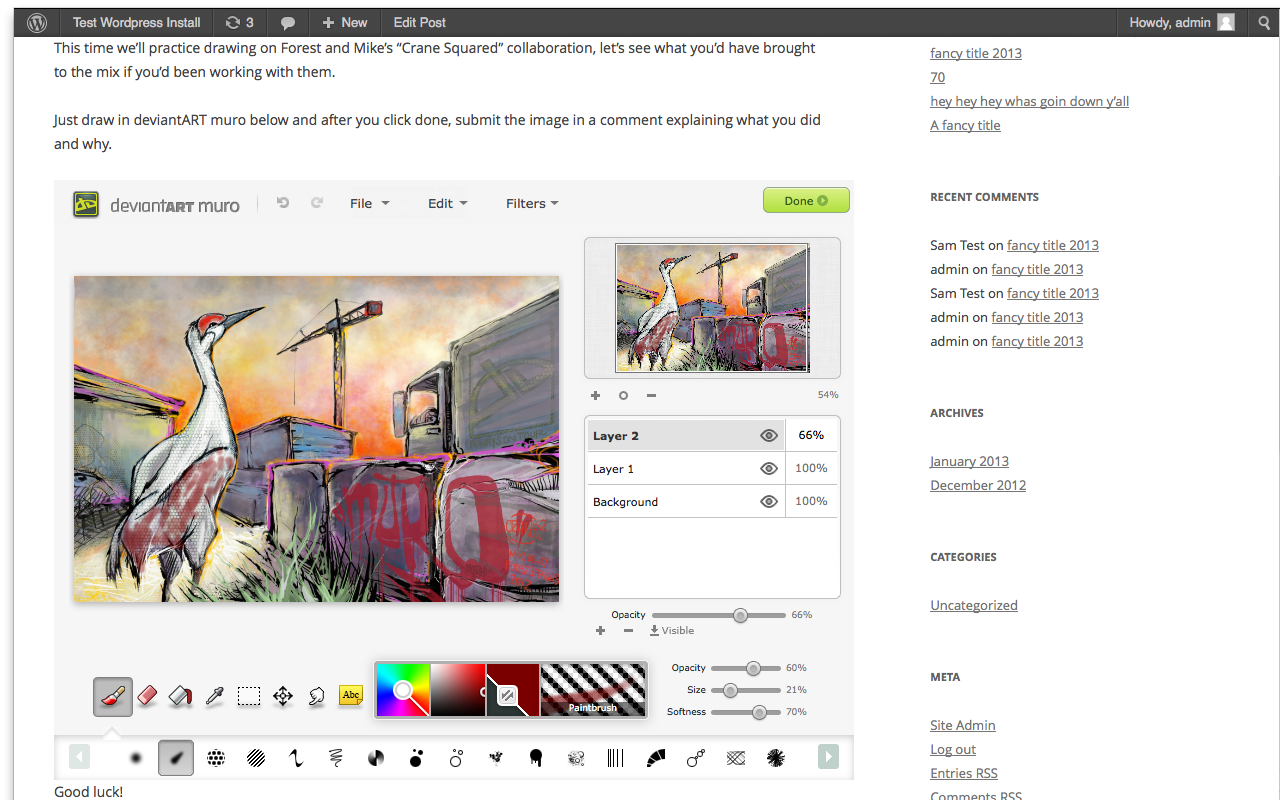
Ìgbéwọlẹ̀
Using The WordPress Dashboard
- Navigate to the ‘Add New’ Plugin Dashboard.
- Select
deviantart-muro.zipfrom your computer. - Upload.
- Activate the “deviantART muro” plugin on the WordPress Plugin Dashboard.
- If you want to enable deviantART muro comments, go to the settings panel for the “deviantART muro” plugin and check the “Allow deviantART muro comments?” checkbox then press “Save Changes”.
Using FTP
- Unzip the contents of deviantart-muro.zip.
- Upload the
deviantart-murodirectory and its contents to the/wp-content/plugins/directory. - Activate the “deviantART muro” plugin through the ‘Plugins’ menu in WordPress.
- If you want to enable deviantART muro comments, go to the settings panel for the “deviantART muro” plugin and check the “Allow deviantART muro comments?” checkbox then press “Save Changes”.
FAQ
- Is this plugin secure?
-
Security is a complicated question, the deviantART muro plugin uses WordPress’ standard upload mechanisms for adding items to your Media Library, so that part is as secure as core WordPress.
For comments upload thereÌtumọ̀ Yorùbá: ’s an inherent risk caused by the fact that youÌtumọ̀ Yorùbá: ’re accepting a file upload from a potentially untrusted and unknown user. For this reason the deviantART muro comments are turned off for the default install, you must enable them from the settings panel.
The deviantART muro plugin attempts to minimise the risk by checking that the file type uploaded is a legitimate PNG image and that it is saved under a .png file extension (to avoid image polyglot attacks).
In addition to that, there is the ability to set image comments to be held for moderation even if the comment wouldnÌtumọ̀ Yorùbá: ’t usually require moderation.
Finally, if you just donÌtumọ̀ Yorùbá: ’t like the idea of people being able to upload files to your server, you can disable the images-in-comments part of the plugin entirely.
That covers server security, but thereÌtumọ̀ Yorùbá: ’s also the issue of client-side security.
By using this plugin youÌtumọ̀ Yorùbá: ’re running Javascript from within the plugin. This Javascript is hosted on your server and is under your control Ìtumọ̀ Yorùbá: – you can inspect it to satisfy yourself that it is trustworthy.
As part of the embedding process however, the client will fetch and run Javascript from deviantARTÌtumọ̀ Yorùbá: ’s webservers. Some of this fetched Javascript needs to run in the context of a site controlled by you, which could technically allow us to access cookies and other “same origin” data within that fetched Javascript.
We have no intention of such access, but you shouldnÌtumọ̀ Yorùbá: ’t have to take our word for it. So if youÌtumọ̀ Yorùbá: ’re concerned, the
deviantart_muro_sandbox.htmlfile can be moved to a sandbox domain/static assets domain that has no access to your site cookies or private content. From the admin settings page for the plugin you can then configure the location of the sandbox page and the plugin will continue working normally. For further details on this please consult the wiki. - Is this plugin compatible with other media library plugins?
-
Assuming the other plugins only extend the default media library behaviour rather than replace it entirely, itÌtumọ̀ Yorùbá: ’s highly likely that this plugin will have no issues with other media library plugins.
Plugins that replace the entire media library system are quite likely to break the media library functionality in this plugin.
- Is this plugin compatible with other comment plugins?
-
Assuming the other plugins only extend the default comment behaviour rather than replace it entirely, itÌtumọ̀ Yorùbá: ’s highly likely that this plugin will have no issues with other comment plugins.
Plugins that replace the entire comment system are quite likely to break the comments functionality in this plugin. Some examples of this would be JetPack comments or Disqus comments.
Àwọn àgbéyẹ̀wò
Kò sí àwọn àgbéyẹ̀wò fún plugin yìí.
Àwọn Olùkópa & Olùgbéejáde
“deviantART muro” jẹ́ ètò ìṣàmúlò orísun ṣíṣí sílẹ̀. Àwọn ènìyàn wọ̀nyí ti ṣe ìkópa sí plugin yìí.
Àwọn Olùkópa
Túmọ̀ “deviantART muro” sí èdè rẹ.
Ṣe o nífẹ̀ẹ́ sí ìdàgbàsókè?
Ṣàwárí koodu, ṣàyẹ̀wò ibi ìpamọ́ SVN, tàbí ṣe àgbékalẹ̀ sí àkọsílẹ̀ ìdàgbàsókè nípasẹ̀ RSS.
Àkọsílẹ̀ àwọn àyípadà
1.0.0
- Initial release.