

Àpèjúwe
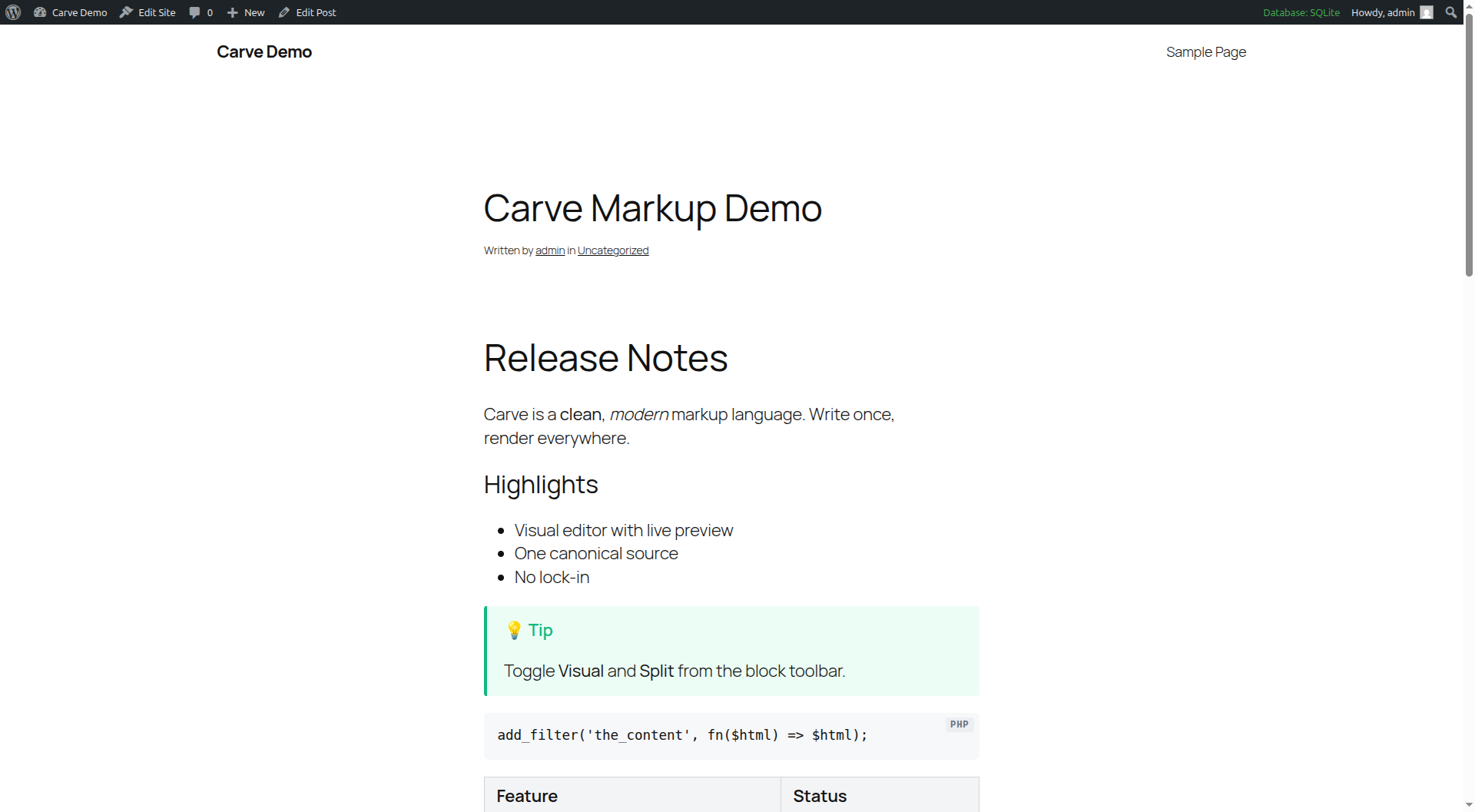
Carve is a post-Djot, post-Markdown markup language. This plugin renders Carve to HTML in WordPress, powered by the markup-carve/carve-php engine.
Features: per-post “Render as Carve” mode, a [carve] shortcode, a Gutenberg block with a visual (WYSIWYG) editor, comment support, content profiles, table of contents, heading permalinks, smart quotes, Mermaid, and WP-CLI migration.
Beyond a typical markup plugin:
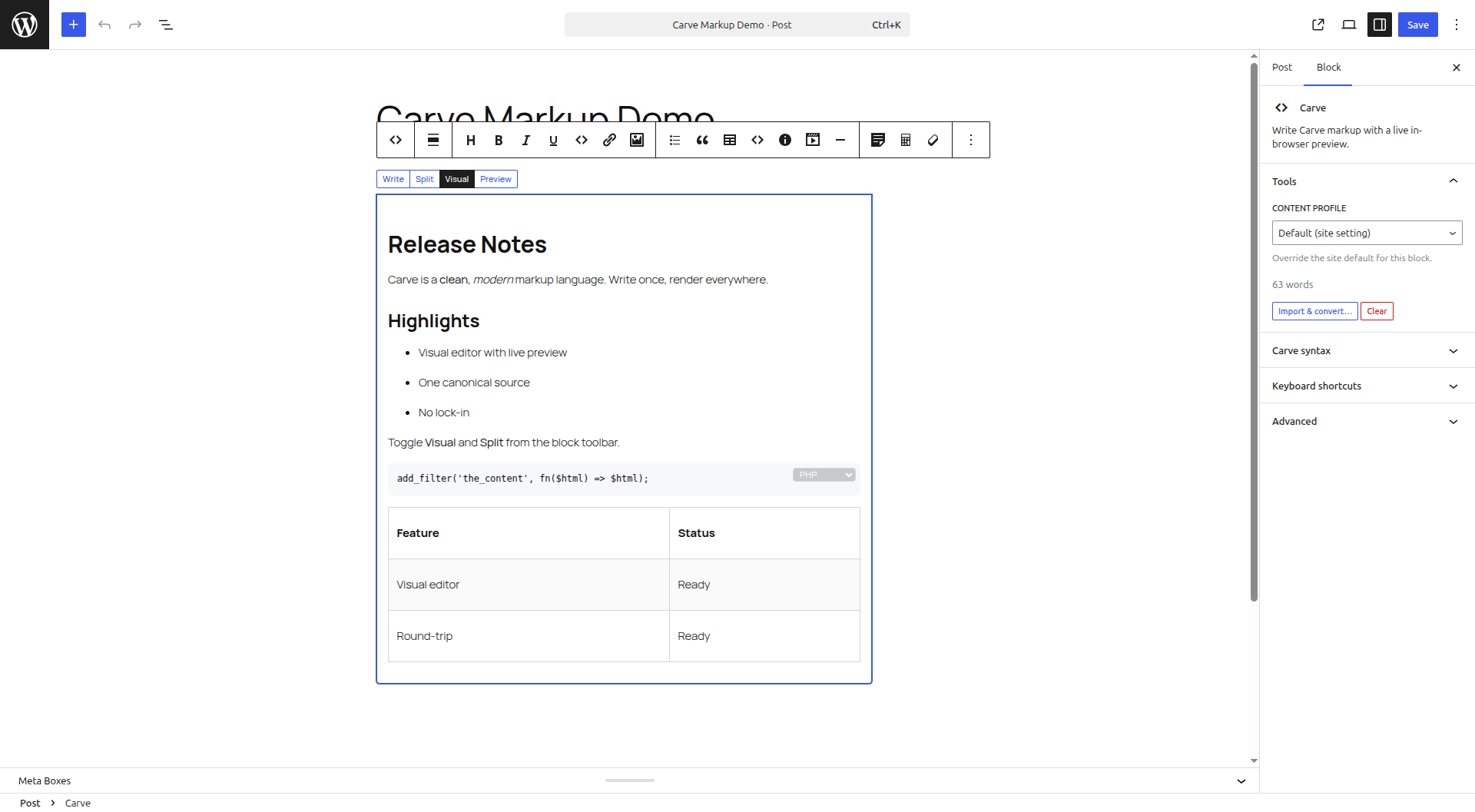
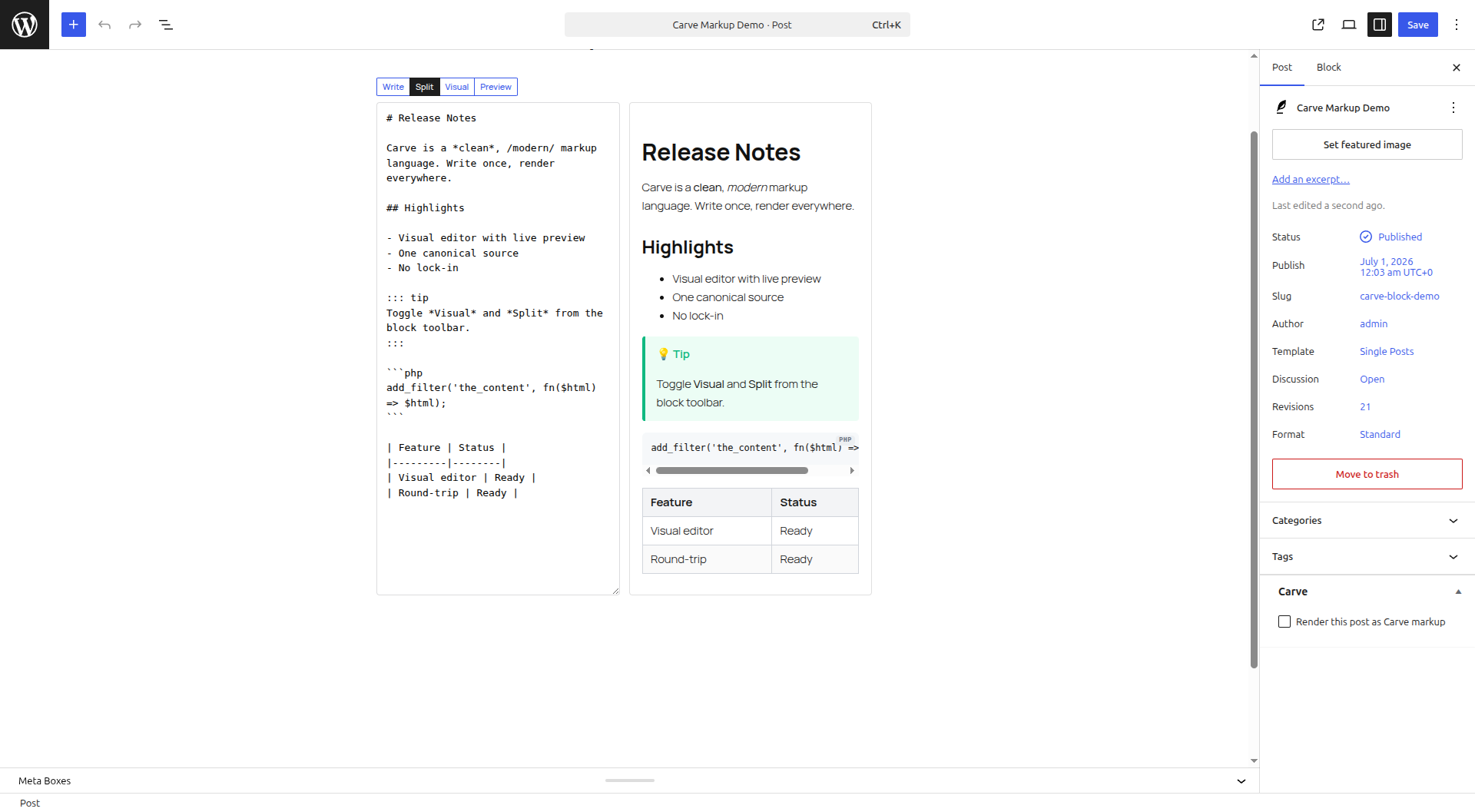
- Visual editor with Write / Split / Visual / Preview tabs. Edit visually or in source; every change round-trips to canonical Carve, and you are only warned when visual editing would change the rendered output.
- Instant in-browser preview using the Carve JS engine (no server round-trip).
- Paste or import Markdown, Djot, BBCode or HTML and convert to Carve in place; export any post as a .carve file.
- Map typed frontmatter (yaml/json/toml) to excerpt, SEO and post meta.
- Cache rendered HTML at save time; render via REST for headless WordPress.
Àwọn àwòrán ìbòjú
Àwọn ìdí
Plugin yìí pèsè 2 àwọn ìdí.
- Carve Slides Turn Carve markup into a keyboard-friendly slide deck.
- Carve Write Carve markup with a live in-browser preview.
Ìgbéwọlẹ̀
- In your dashboard go to Plugins -> Add New, search for “Carve Markup”, then install and activate. Or upload the plugin ZIP under Plugins -> Add New -> Upload Plugin.
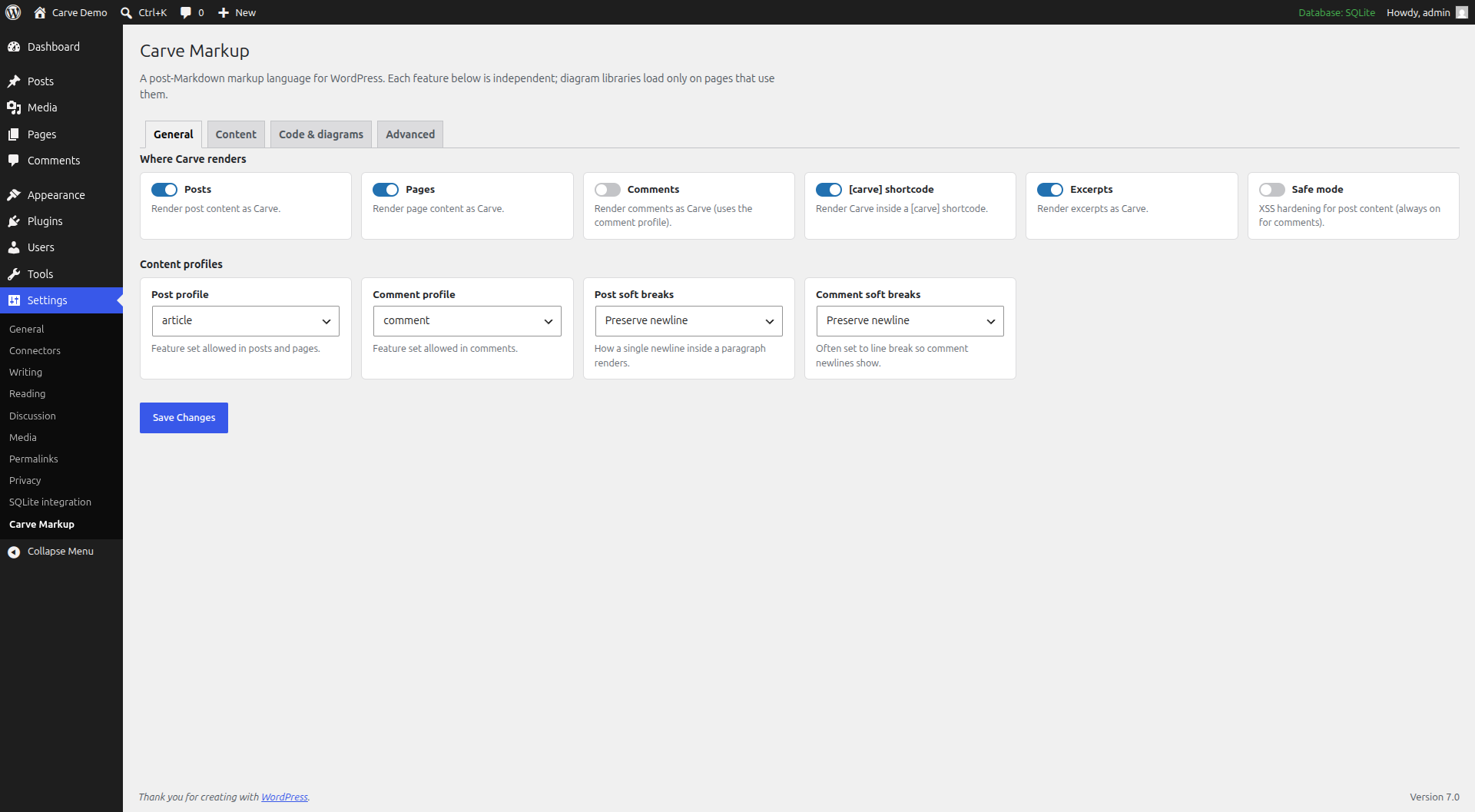
- Configure under Settings -> Carve Markup.
Installing from source (GitHub) instead? Run composer install --no-dev, optionally npm install && npm run build for the in-browser preview, then activate.
Àwọn àgbéyẹ̀wò
Kò sí àwọn àgbéyẹ̀wò fún plugin yìí.
Àwọn Olùkópa & Olùgbéejáde
“Carve Markup” jẹ́ ètò ìṣàmúlò orísun ṣíṣí sílẹ̀. Àwọn ènìyàn wọ̀nyí ti ṣe ìkópa sí plugin yìí.
Àwọn Olùkópa
Túmọ̀ “Carve Markup” sí èdè rẹ.
Ṣe o nífẹ̀ẹ́ sí ìdàgbàsókè?
Ṣàwárí koodu, ṣàyẹ̀wò ibi ìpamọ́ SVN, tàbí ṣe àgbékalẹ̀ sí àkọsílẹ̀ ìdàgbàsókè nípasẹ̀ RSS.
Àkọsílẹ̀ àwọn àyípadà
0.1.0
- Initial release: render Carve in posts, pages and comments; [carve] shortcode and carve/markup + carve/slides blocks.
- Visual (WYSIWYG) editor with Write / Split / Visual / Preview tabs, a unified toolbar, an in-block code-language picker and keyboard shortcuts.
- Import Markdown / Djot / BBCode / HTML and export posts as .carve.
- Live in-browser preview, frontmatter-to-meta, content profiles, table of contents, heading permalinks, smart quotes, diagram renderers, media embeds, bundled syntax highlighting, render caching and a REST endpoint.