

Àpèjúwe
Automind Toolkit is a lightweight, all-in-one growth suite designed for agencies, creators, and startups who value performance and brand consistency.
Stop installing 5 different plugins for basic features. Automind Toolkit bundles the essential “Launch Stack” into one file, adhering to a strict Zero-Bloat philosophy (No frameworks, no jQuery, minimal CSS).
🚀 Key Features:
- Launchpad (Maintenance Mode): Beautiful, typography-driven “Coming Soon” page with a countdown timer and email capture.
- Bio Links (Linktree Alternative): Create a clean, fast-loading “Link in Bio” page (
/bio) hosted on your own domain.
No more paying for basic link tools. - Custom Login Screen: Rebrand the default WordPress login page (
wp-login.php) with your own Logo and Colors.
Great for client handoff. - Smart 404: Automatically turn lost visitors into leads by displaying a newsletter capture form on 404 error pages.
- Newsletter Widget: Use the
[automind_newsletter]shortcode to place a stylish subscription form anywhere (Sidebar, Footer, Posts). - Honeypot Security: Built-in invisible trap blocks bots without annoying CAPTCHAs.
- White Label: Customize the admin footer text to remove WordPress branding (e.g., “Powered by Your Agency”).
- CSV Export: Download your subscriber list with one click.
🎨 Design System:
The plugin features the “Automind Vibe” – a minimalist, editorial design style.
You can switch between Serif (Playfair Display) for luxury/legal brands and Sans-Serif (Inter) for modern tech startups with one click.
Àwọn àwòrán ìbòjú
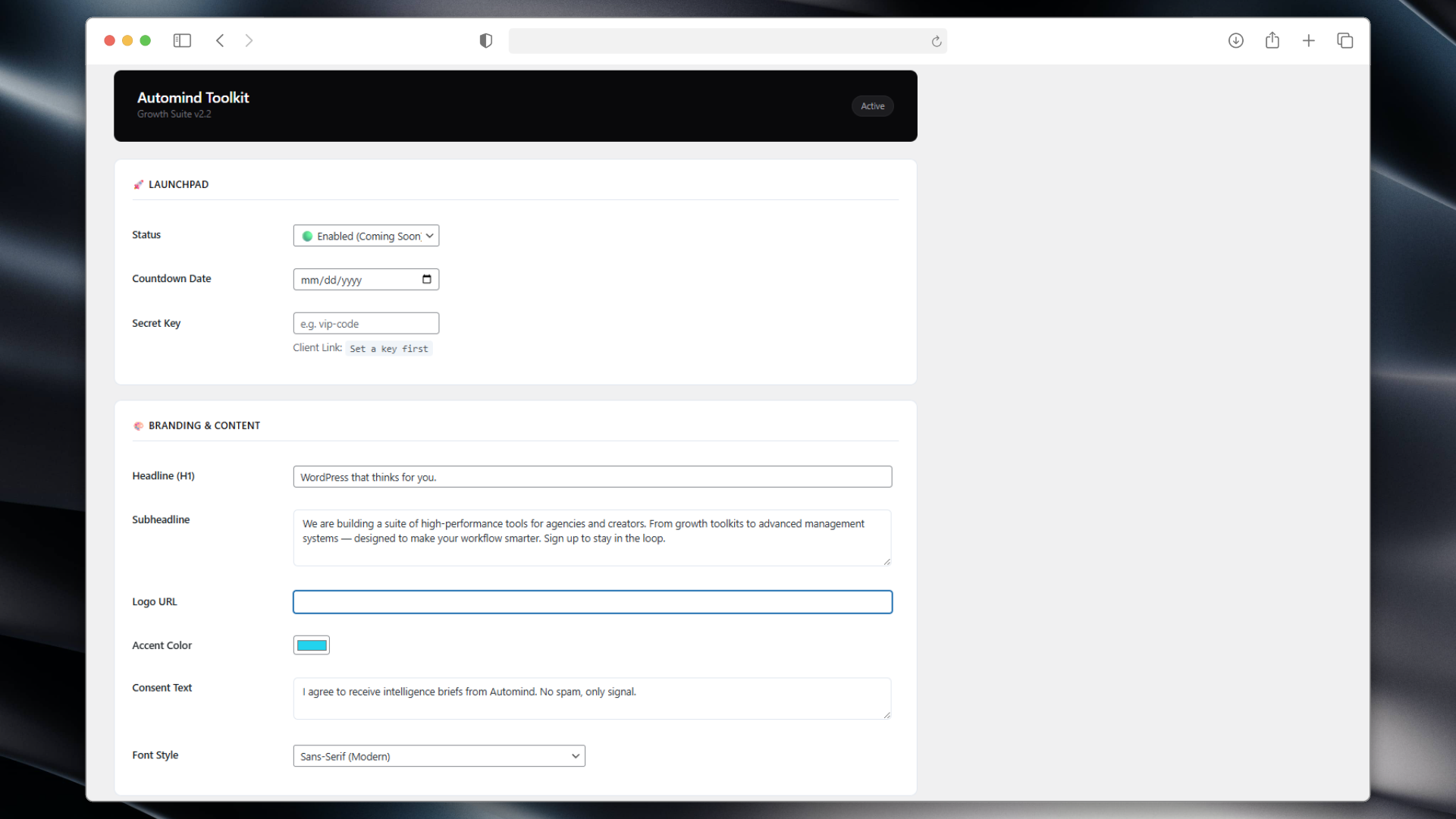
Dashboard 1 – A clean, SaaS-style control panel. 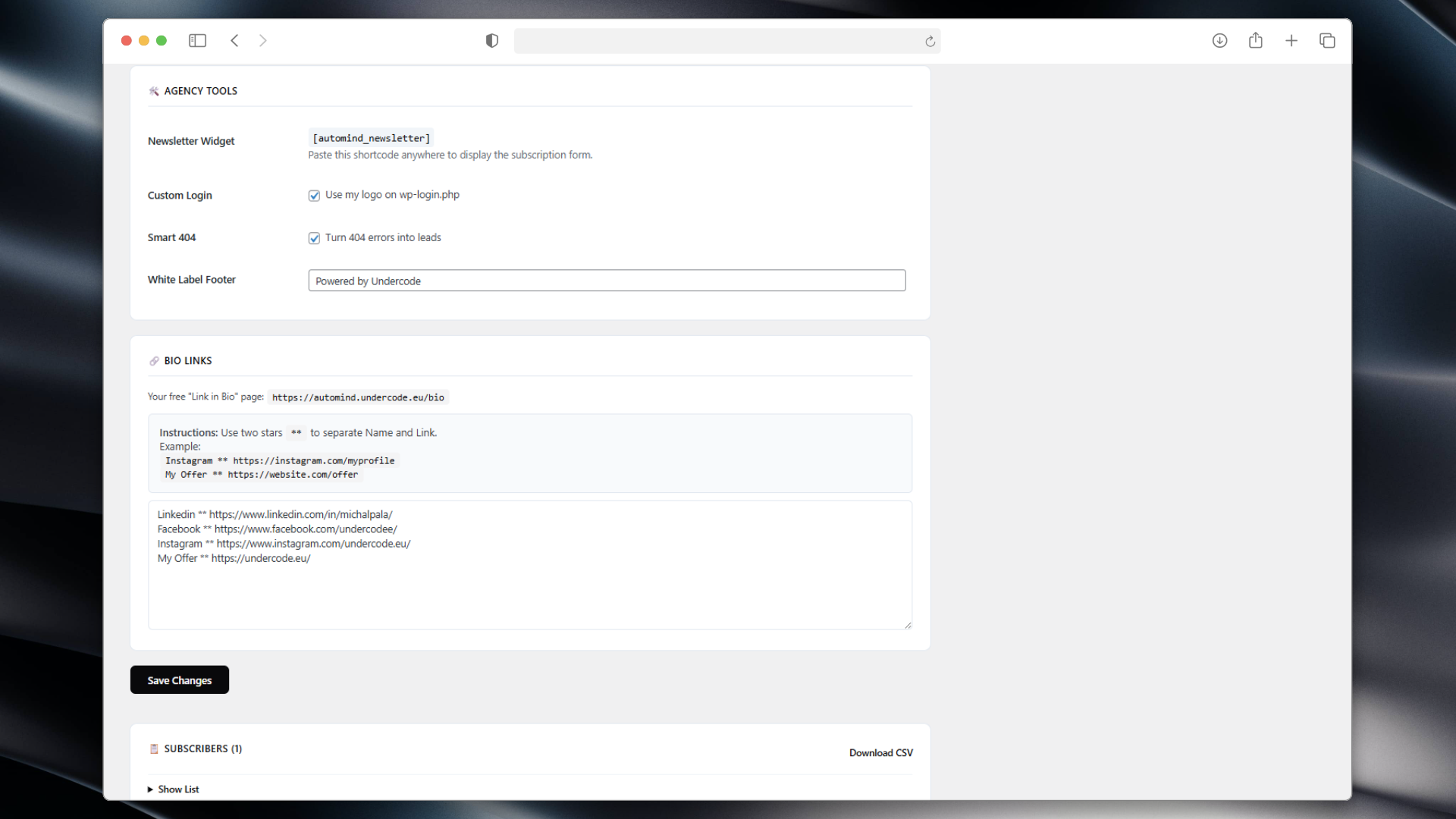
Dashboard 2 – A clean, SaaS-style control panel. 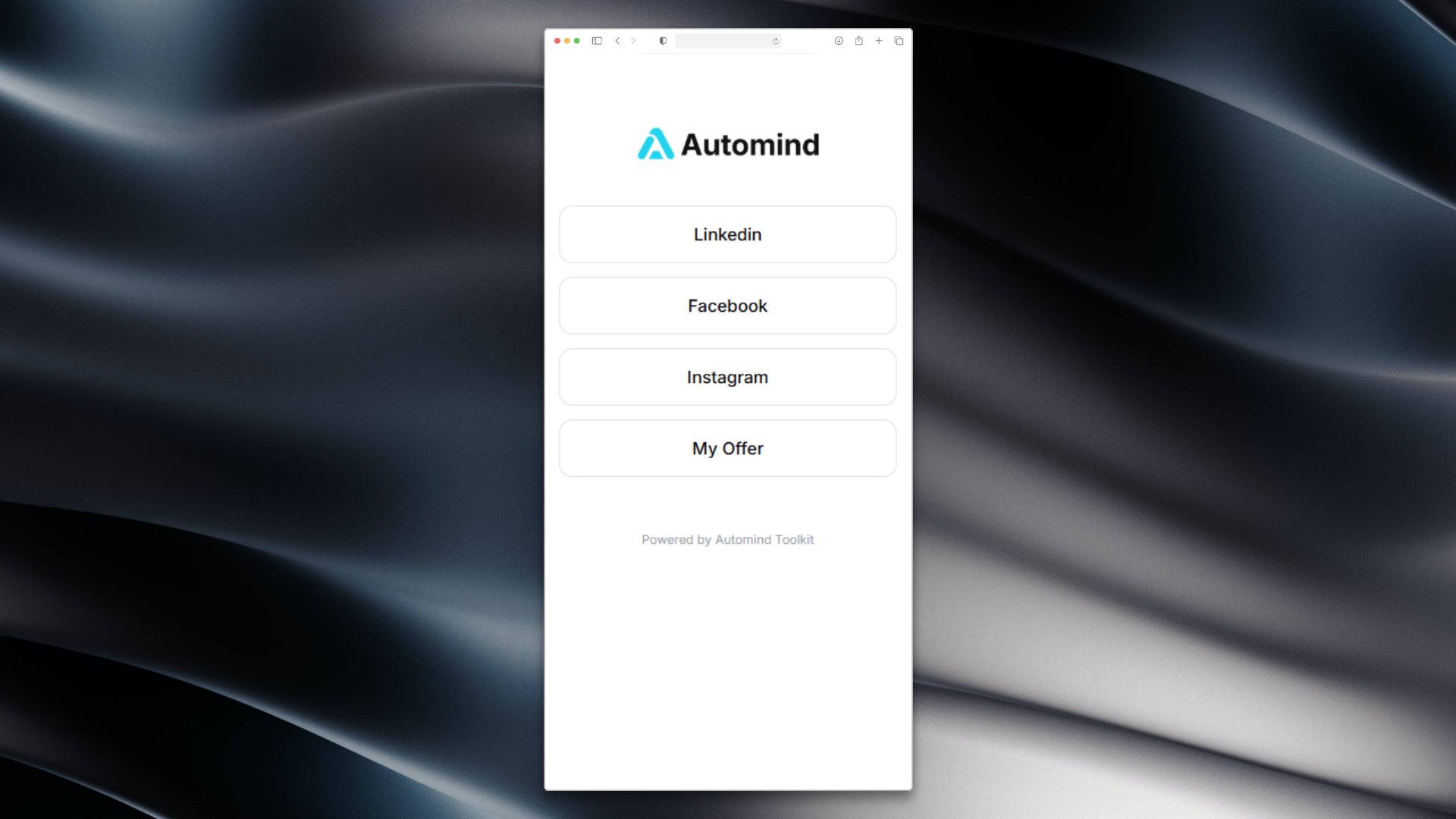
Bio Links – Your personal link hub. 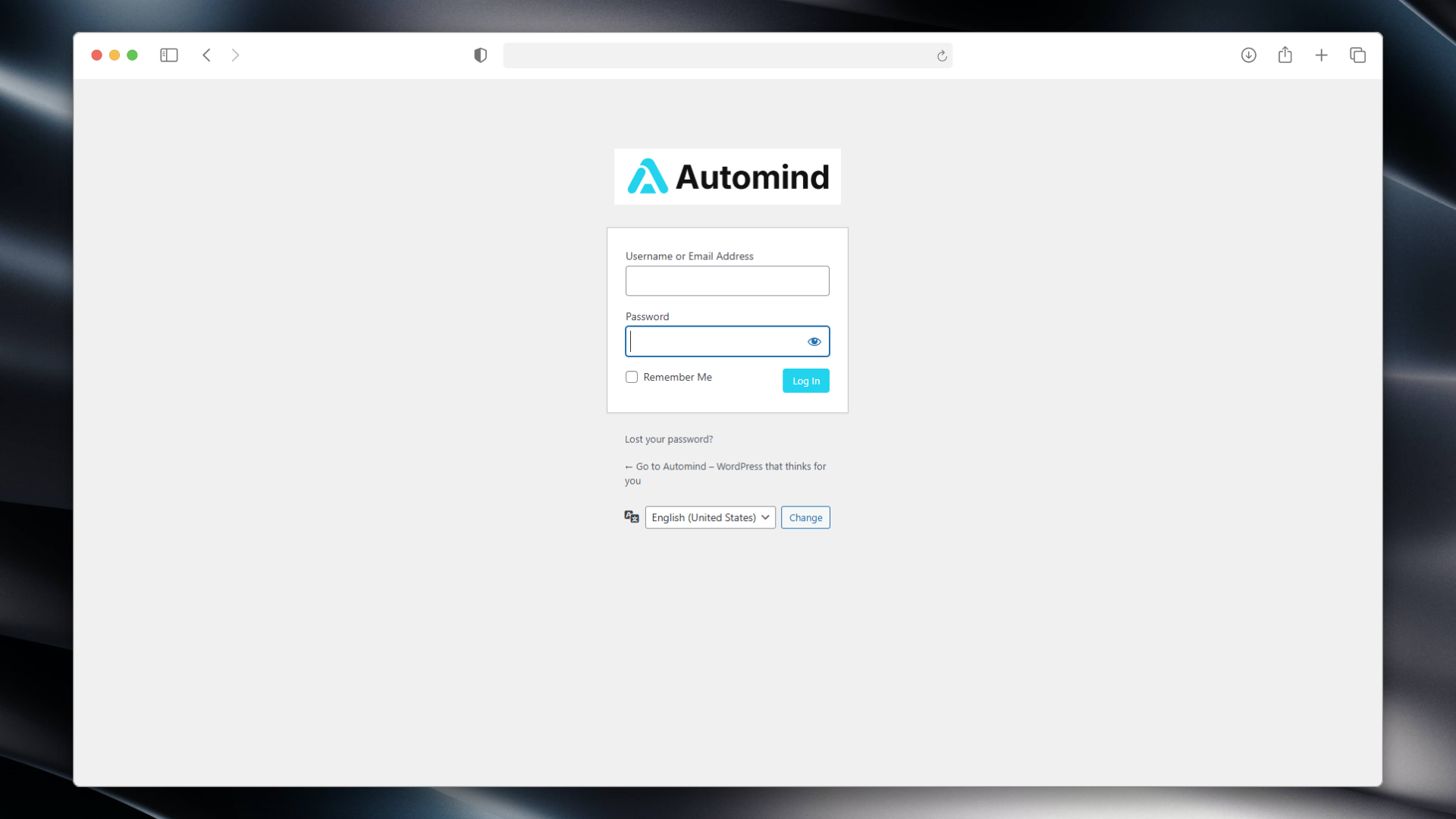
Custom Login – Branded login experience. 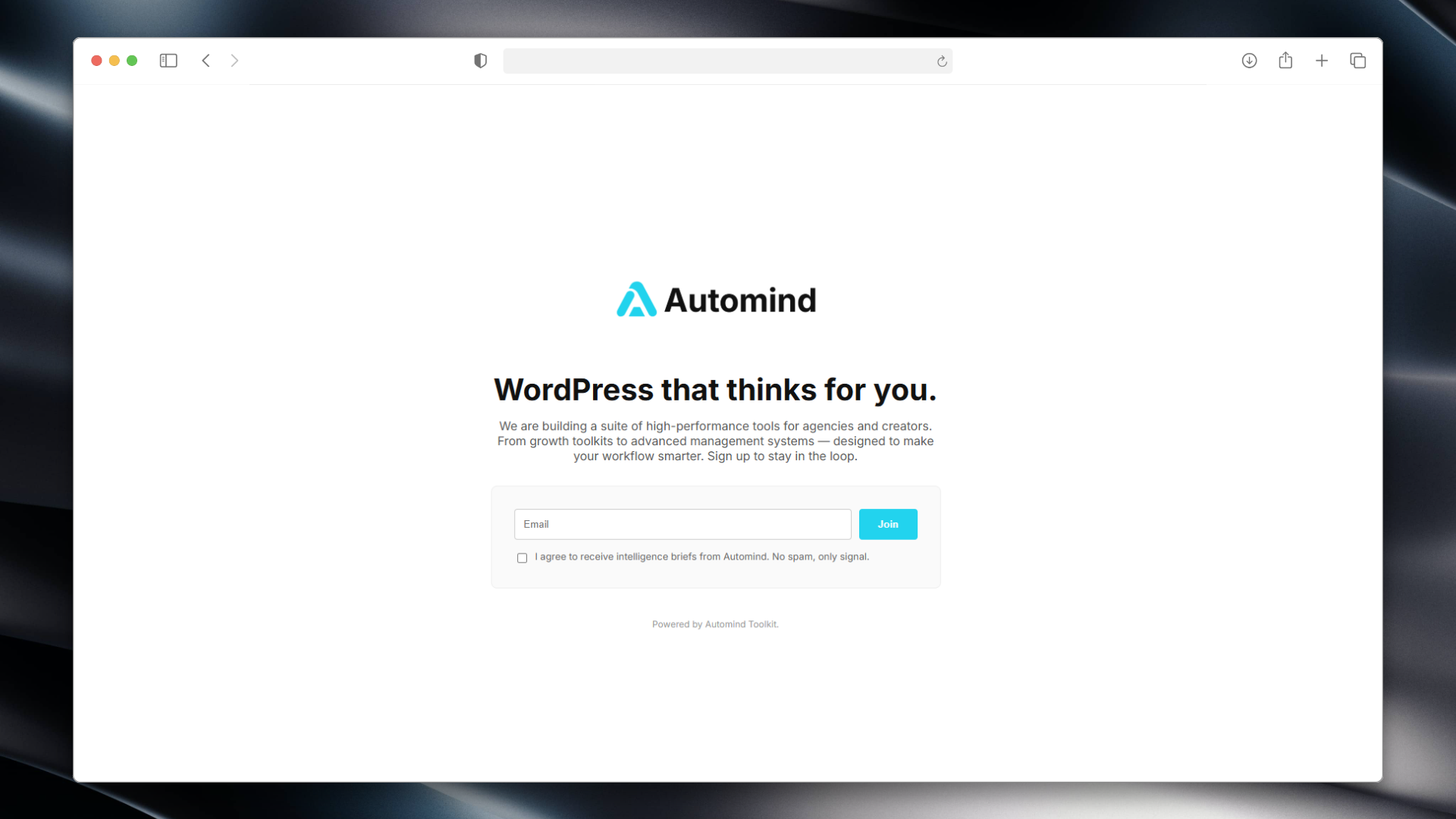
Maintenance Mode – Minimalist frontend with countdown.
Ìgbéwọlẹ̀
- Upload the plugin files to the
/wp-content/plugins/automind-toolkitdirectory. - Activate the plugin through the ‘Plugins’ screen in WordPress.
- Go to the “Automind Toolkit” menu in your dashboard.
- Configure your colors, logo, and enable the modules you need.
FAQ
-
How do I add links to my Bio Page?
-
Go to the “Bio Links” section in the plugin settings.
Enter your links in the format:Name ** URL(one per line). Example:Instagram ** https://instagram.com. -
Where is the subscriber data stored?
-
Emails are stored locally in your WordPress database.
We do not send data to any external servers. You can export the list as a CSV file. -
Can I give clients access while Maintenance Mode is on?
-
Yes! Use the “Secret Key” feature.
The plugin generates a special link (e.g.,/?access_key=vip) that allows clients to bypass the lock screen without logging in.
Àwọn àgbéyẹ̀wò
Kò sí àwọn àgbéyẹ̀wò fún plugin yìí.
Àwọn Olùkópa & Olùgbéejáde
“Automind Toolkit” jẹ́ ètò ìṣàmúlò orísun ṣíṣí sílẹ̀. Àwọn ènìyàn wọ̀nyí ti ṣe ìkópa sí plugin yìí.
Àwọn Olùkópa
Túmọ̀ “Automind Toolkit” sí èdè rẹ.
Ṣe o nífẹ̀ẹ́ sí ìdàgbàsókè?
Ṣàwárí koodu, ṣàyẹ̀wò ibi ìpamọ́ SVN, tàbí ṣe àgbékalẹ̀ sí àkọsílẹ̀ ìdàgbàsókè nípasẹ̀ RSS.
Àkọsílẹ̀ àwọn àyípadà
2.6.5
- Updated codebase to meet the latest WordPress.org repository guidelines (prefixes, output escaping, Guideline 10 compliance).
2.2.0
- UX Improvement: Bio Links now accept
**as a separator for easier typing. - Updated Admin UI with clearer instructions.
2.1.0
- Added “Smart 404” module.
- Added Custom Login Branding.
- Added
[automind_newsletter]shortcode. - Added Secret Key bypass link.
1.0.0
- Initial release (formerly Automind Launchpad).