
Àpèjúwe
The core feature of the plugin is the high-conversion mobile CTA that is guaranteed to increase your click-to-call and contact rates since it is well designed and customizable. The plugin also allows you to inject any code you need into your headers (like fb pixel and Google Analytics) and allows you to customize the colors and enable icons on the CTA.
Àwọn àwòrán ìbòjú

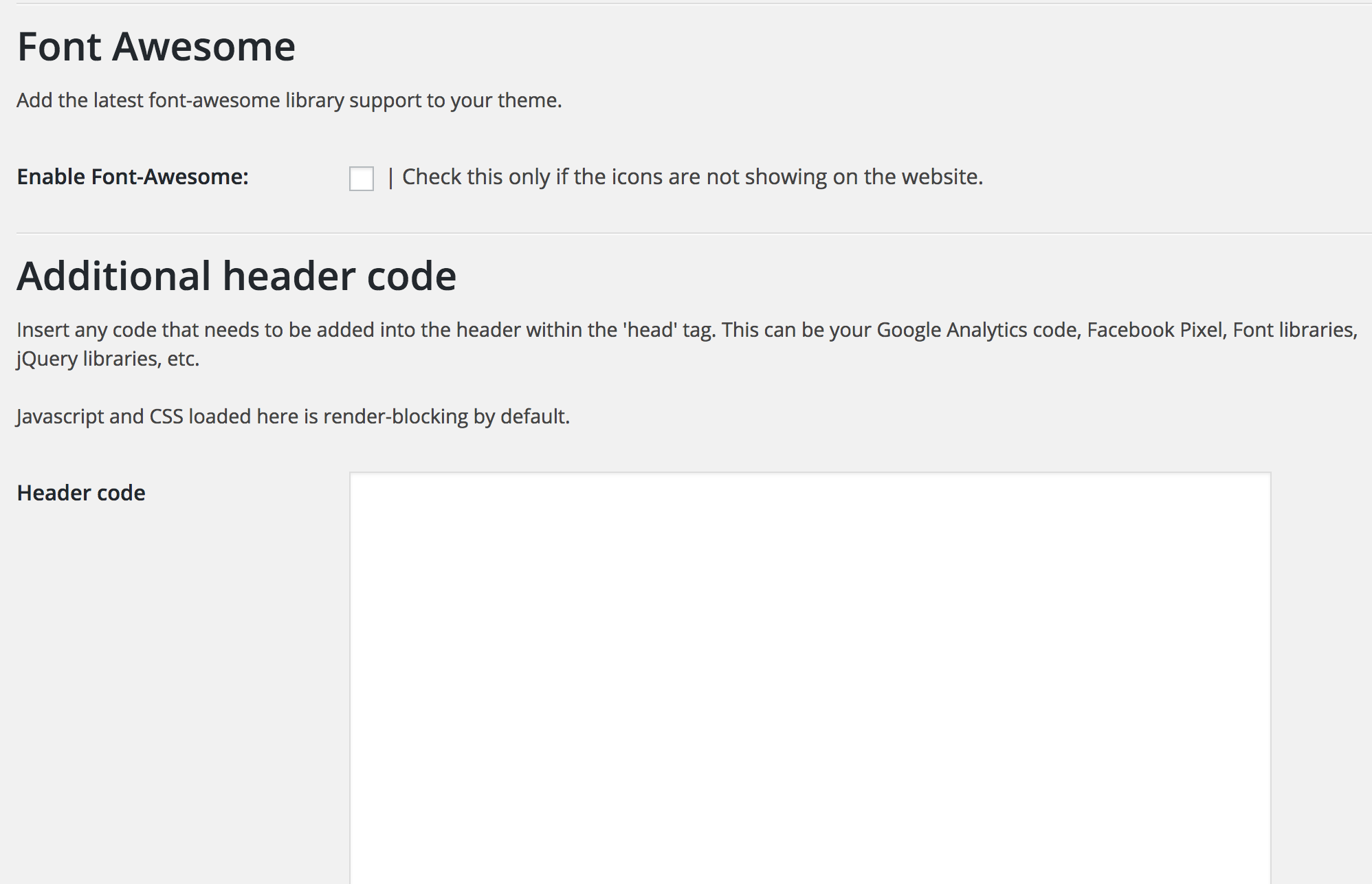

Ìgbéwọlẹ̀
This section describes how to install the plugin and get it working.
- Upload the plugin folder to the
/wp-content/plugins/directory - Activate the plugin through the ‘Plugins’ menu in WordPress
- Access the ‘Ascend Marketing’ menu in your dashboard to use the plugin.
FAQ
- Can I change the colors of the CTA?
-
Yes, you can choose to change the background color, text color, and the background of the buttons.
- Can I determine what width the CTA appears at?
-
Yes, you can enter a value in pixels that will be the width below which the CTA appears
Àwọn àgbéyẹ̀wò
Kò sí àwọn àgbéyẹ̀wò fún plugin yìí.
Àwọn Olùkópa & Olùgbéejáde
“Ascend Marketing Tools” jẹ́ ètò ìṣàmúlò orísun ṣíṣí sílẹ̀. Àwọn ènìyàn wọ̀nyí ti ṣe ìkópa sí plugin yìí.
Àwọn Olùkópa

Túmọ̀ “Ascend Marketing Tools” sí èdè rẹ.
Ṣe o nífẹ̀ẹ́ sí ìdàgbàsókè?
Ṣàwárí koodu, ṣàyẹ̀wò ibi ìpamọ́ SVN, tàbí ṣe àgbékalẹ̀ sí àkọsílẹ̀ ìdàgbàsókè nípasẹ̀ RSS.
Àkọsílẹ̀ àwọn àyípadà
2.0
Tested with latest WordPress.