

Àpèjúwe
Drop the anchor, sailor!
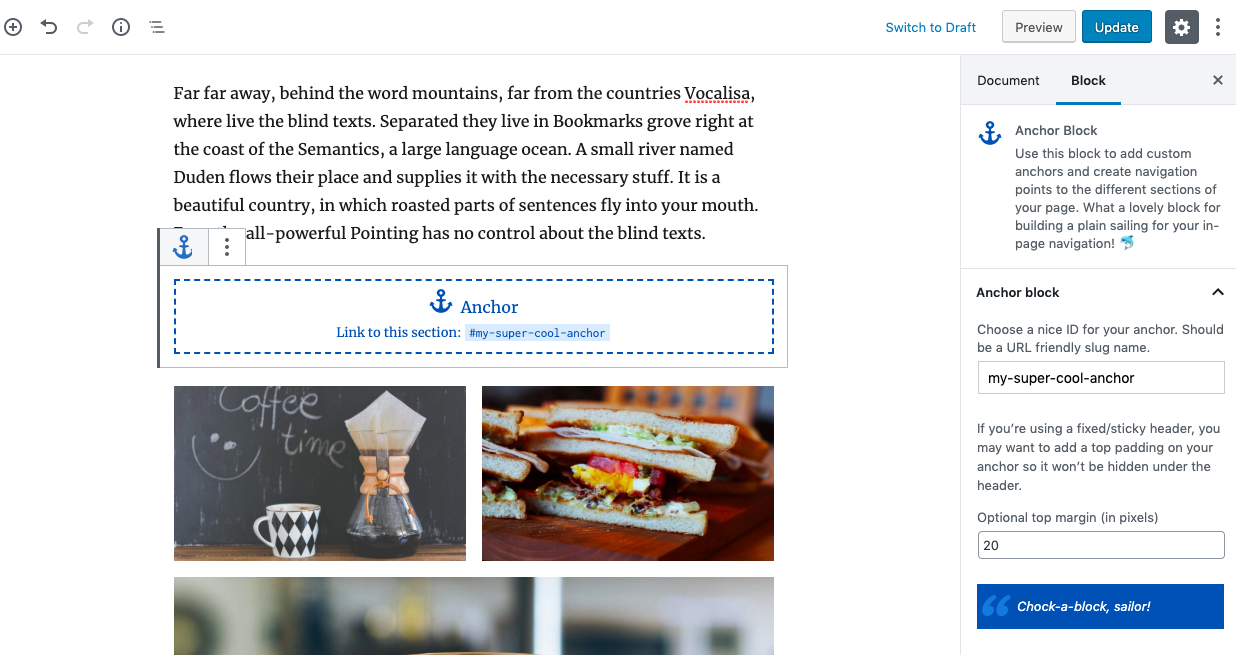
This plugin provides a dedicated Gutenberg Anchor Block so you could generate internal links to each sections of your pages.
Àwọn àwòrán ìbòjú
Àwọn ìdí
Plugin yìí pèsè 1 ìdí.
- Anchor Block
Ìgbéwọlẹ̀
- Install the plugin and activate.
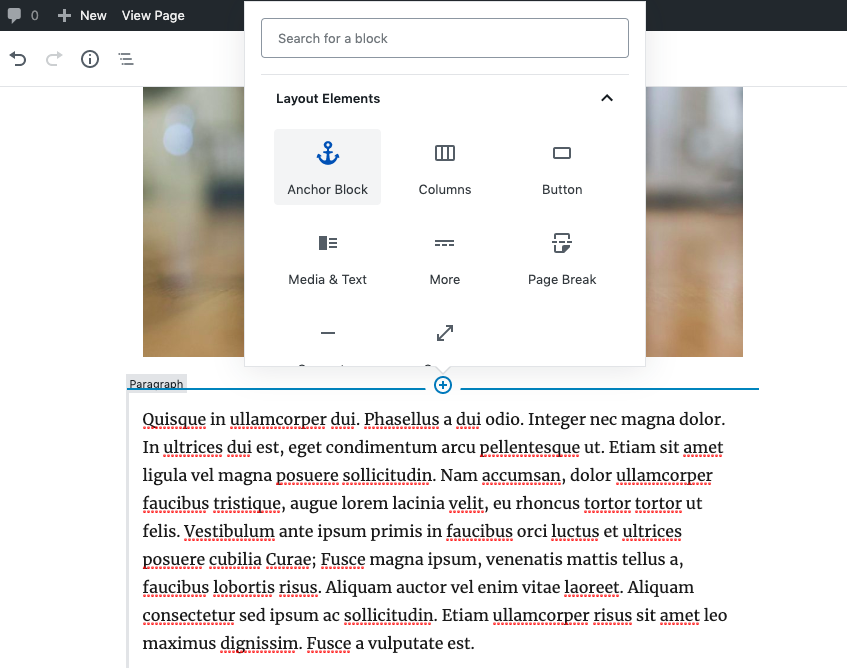
- Use the block “Anchor block”, available in Gutenberg LAYOUT blocks.
Àwọn àgbéyẹ̀wò

Bélú 13, 2022
Love this plugin, this plugin helped me with my project.
Thanks a lot!

Ẹrẹ́nà 12, 2022
Just a warning: This plugin causes tabs created by another plugin to be treated as anchors, causing the page to jump whenever a tab is clicked. Unfortunately, this pushes the tabs just off the top of the screen, and with vertical tabs hides the top of the text contained in the tab.
TRhis makes the tabs pretty much unusable, so you have to choose which plugin is most important and dump the other.

Òkúdù 5, 2020
When I started working in WP, I as totally surprised anchors were so restricted and frustrated. This solves that problem simply and straightforwardly.

Òkúdù 1, 2020
…a list of already defined anchors to speed up entering the correct destination link in (for example) a button.

Èbìbí 24, 2020
Such a simple yet INGENIOUS little plugin that elegantly solves a bugger of an issue with Gutenberg WordPress… inserting “Anchors” (i.e. Page Jumps) into pages. As someone who can edit HTML code quite well, I find it awkward how WordPress makes it to add “anchors” to any place in a document OTHER THAN Headers (Gutenberg has this built in, but JUST for headers). Trying to add the HTML code id=”xyz” to anywhere else (text, pictures, etc) forces you to convert the block to pure HTML, thereby losing the block editing structure for all else related to that particular block. So now you have to work with BOTH Block and HTML content on a single page. There is no way to just add the HTML “id code” and keep the existing Gutenberg Block editing structure for all other aspects of the paragraph or picture. Trust me, if I wanted to work in HTML, I would. But there are reasons why I use WordPress and this one caveat of forcing mixed editing styles is just dysfunctional.
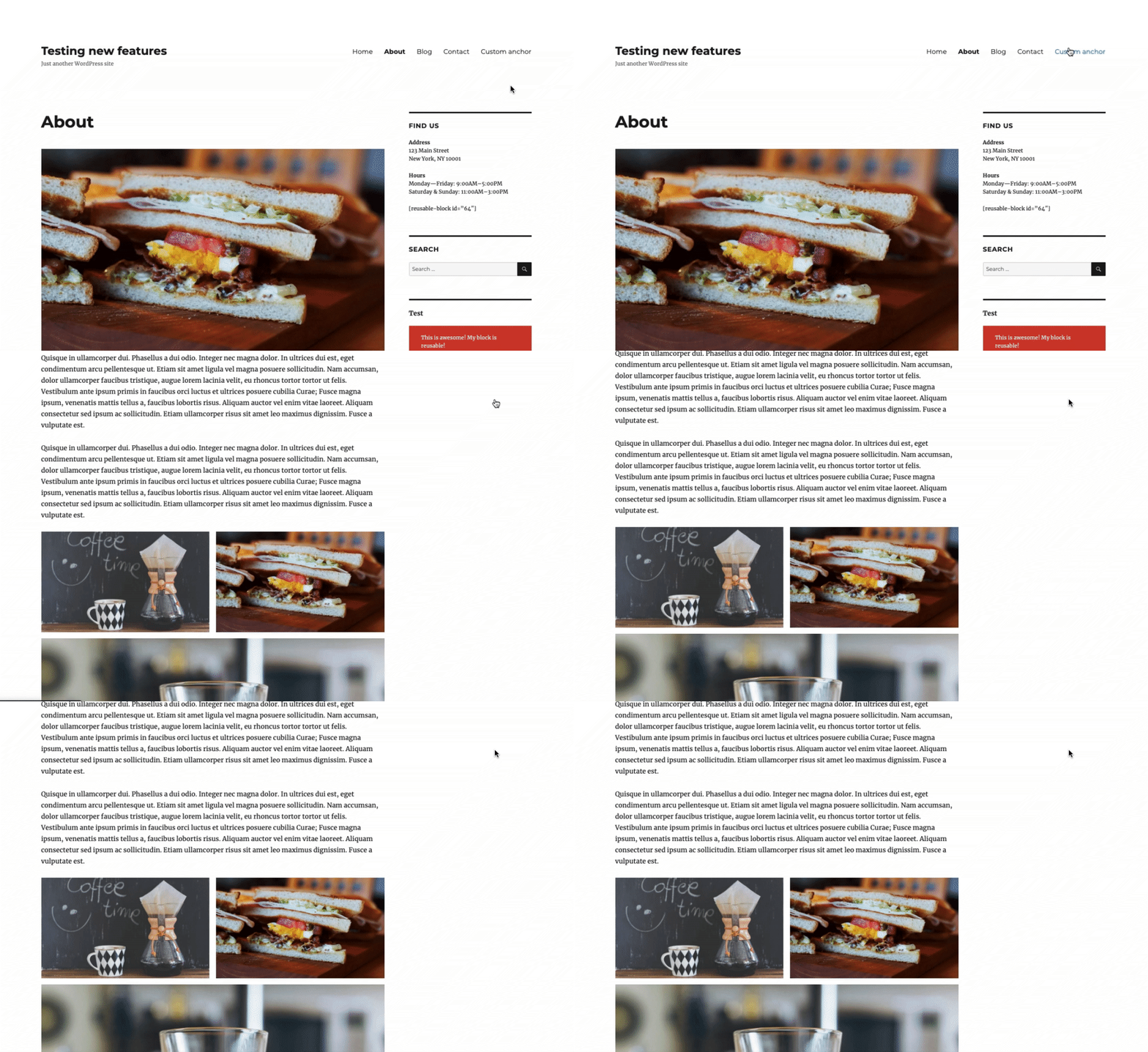
Enter Gutenberg Anchor BLock! Simply add it to your page, just as you would any other block, just above where you want an anchor point, enter a unique name for the anchor, and voila… youÌtumọ̀ Yorùbá: ’re DONE!
A genius of an idea for which the developer, Jean-Baptiste Audras, should get royalties when it becomes a built-in of the next Gutenberg update.
See, it truly IS the little things in life that make you the happiest!

Igbe 2, 2020
This is a nice method to integrate anchor links in gutenberg editor.
However the top spacing is sadly not working for me.
IÌtumọ̀ Yorùbá: ’m using the Astra theme. I placed the anchor block just before a heading
Àwọn Olùkópa & Olùgbéejáde
“Anchor Block” jẹ́ ètò ìṣàmúlò orísun ṣíṣí sílẹ̀. Àwọn ènìyàn wọ̀nyí ti ṣe ìkópa sí plugin yìí.
Àwọn Olùkópa


A ti túmọ̀ “Anchor Block” sí àwọn èdè agbègbè 8. Ọpẹ́lọpẹ́ fún àwọn atúmọ̀ èdè fún àwọn ìkópa wọn.
Túmọ̀ “Anchor Block” sí èdè rẹ.
Ṣe o nífẹ̀ẹ́ sí ìdàgbàsókè?
Ṣàwárí koodu, ṣàyẹ̀wò ibi ìpamọ́ SVN, tàbí ṣe àgbékalẹ̀ sí àkọsílẹ̀ ìdàgbàsókè nípasẹ̀ RSS.
Àkọsílẹ̀ àwọn àyípadà
0.1
- Plugin initial commit. Works fine 🙂