

Àpèjúwe
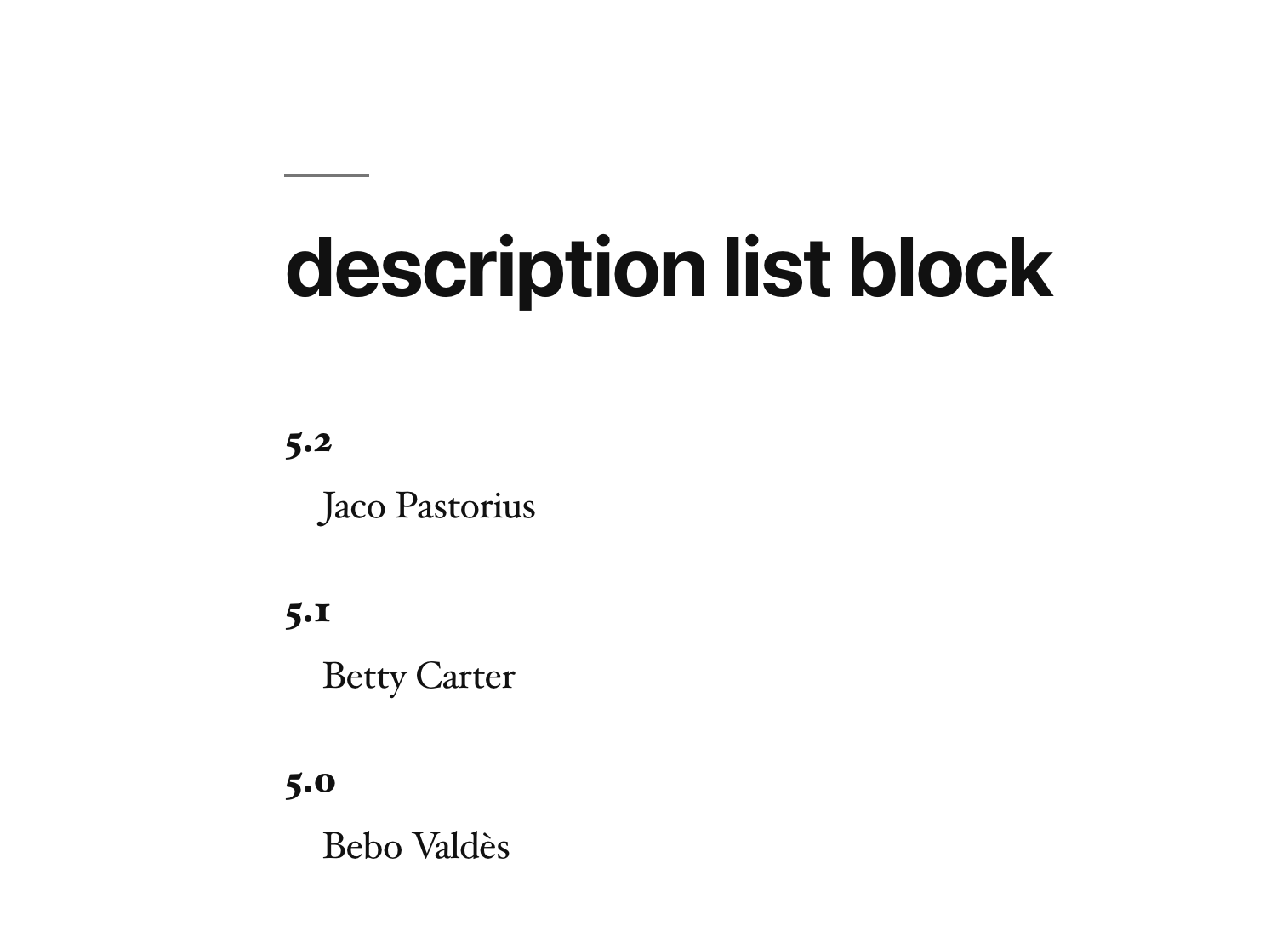
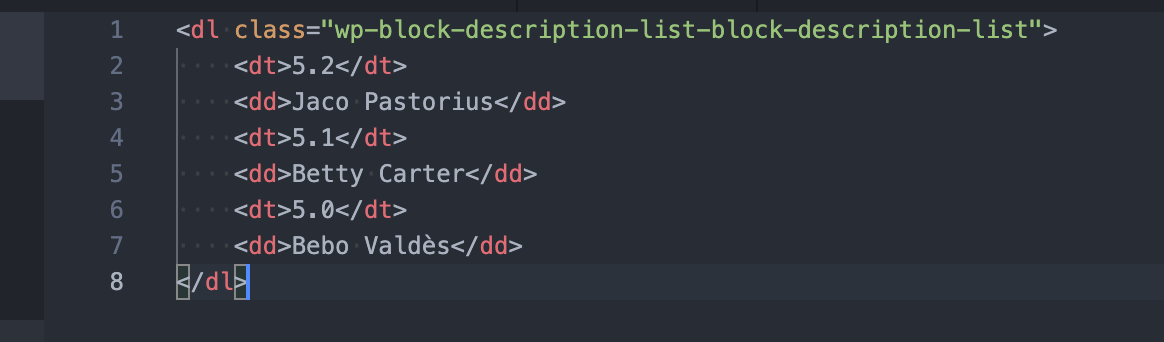
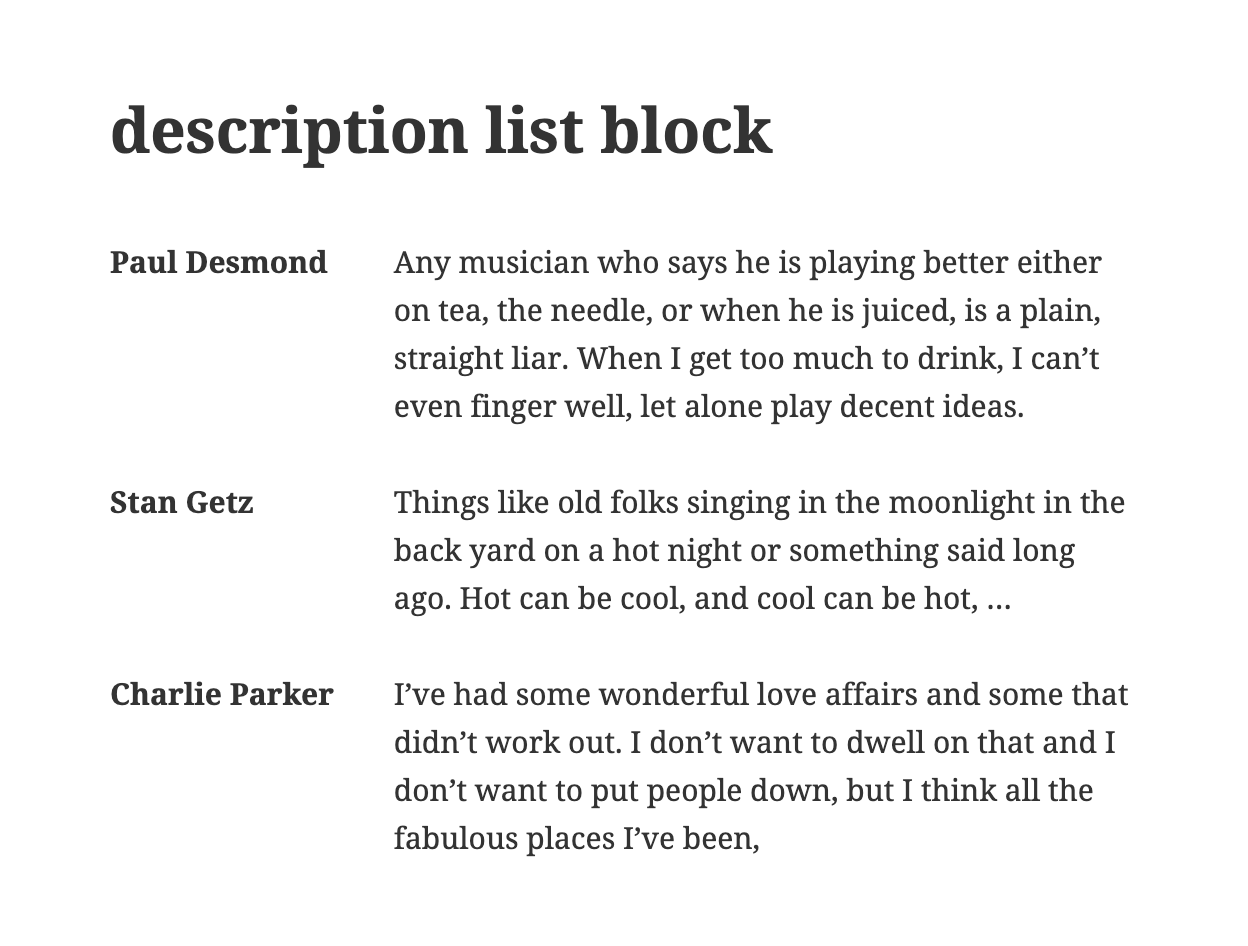
Displays a description list or definition list using the <dl> element consist of a series of term and description pairs (<dt>, <dd>) and displays that elements in definition form like a dictionary in the Gutenberg block editor.
Tip Top Press
WeÌtumọ̀ Yorùbá: ’re Tip Top Press and create Gutenberg Blocks for WordPress. If you want to know about what weÌtumọ̀ Yorùbá: ’re working on and you are interested in backgrounds then you can read all newes storys on our blog.
Features
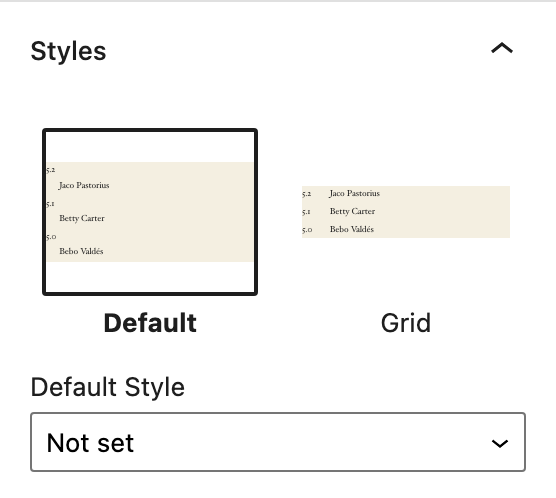
- Indent-, Grid and Disable Block CSS Block Styles
- Indent or spacing settings
- Color, spacing, indent, horizontal whitspce, font-size, font-style and font-weight settings for both element tags
- Create a description list with n-elements
- Insert a new term (
<dt>) and description (<dd>) before selection - Insert a new term (
<dt>) and description (<dd>) after selection - Delete the selcted term (
<dt>) and description (<dd>) pair - Access via Shortcuts
Contribute
While using this plugin if you find any bug or any conflict, please submit an issue at Github (If possible with a pull request).
Àwọn àwòrán ìbòjú

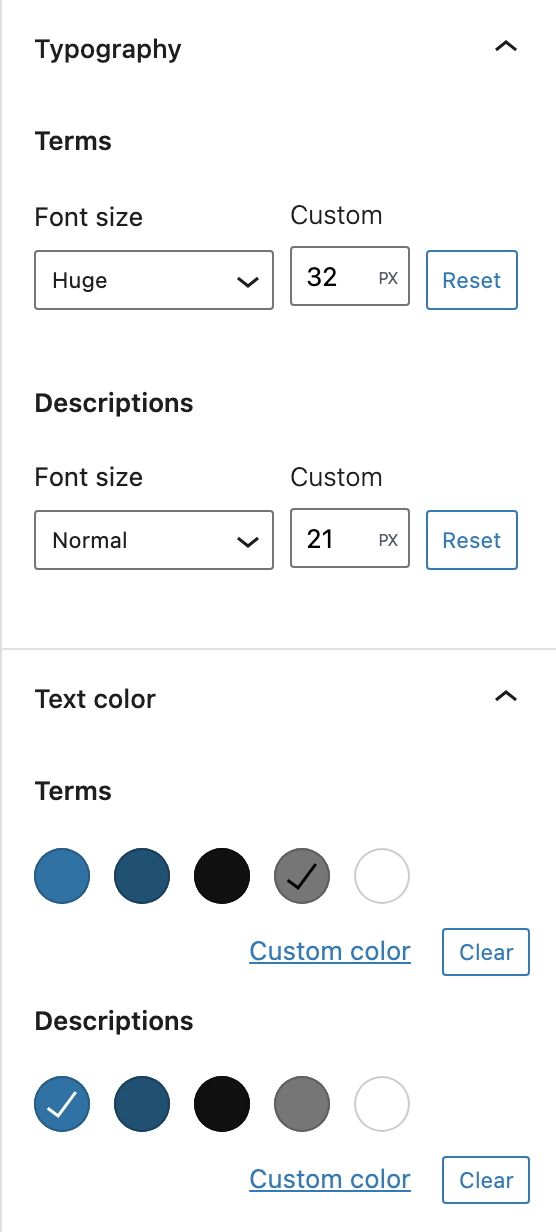
Àwọn ìdí
Plugin yìí pèsè 1 ìdí.
- Description List Block Example block scaffolded with Create Block tool.
Ìgbéwọlẹ̀
This section describes how to install the plugin and get it working.
e.g.
- Upload the plugin files to the
/wp-content/plugins/description-list-blockdirectory, or install the plugin through the WordPress plugins screen directly. - Activate the plugin through the ‘Plugins’ screen in WordPress
FAQ
-
How to add only dd elements?
-
Just use or add also pairs (
<dt>,<dd>) and leave the<dt>element empty.
Àwọn àgbéyẹ̀wò


Àwọn Olùkópa & Olùgbéejáde
“Description List Block” jẹ́ ètò ìṣàmúlò orísun ṣíṣí sílẹ̀. Àwọn ènìyàn wọ̀nyí ti ṣe ìkópa sí plugin yìí.
Àwọn Olùkópa
A ti túmọ̀ “Description List Block” sí èdè agbègbè 1 kan. Ọpẹ́lọpẹ́ fún àwọn atúmọ̀ èdè fún àwọn ìkópa wọn.
Túmọ̀ “Description List Block” sí èdè rẹ.
Ṣe o nífẹ̀ẹ́ sí ìdàgbàsókè?
Ṣàwárí koodu, ṣàyẹ̀wò ibi ìpamọ́ SVN, tàbí ṣe àgbékalẹ̀ sí àkọsílẹ̀ ìdàgbàsókè nípasẹ̀ RSS.
Àkọsílẹ̀ àwọn àyípadà
1.2.5 Ìtumọ̀ Yorùbá: – Juni 29th 2024
- Wrong icon
1.2.4 Ìtumọ̀ Yorùbá: – Juni 27th 2024
- Bugfix Rendered HTML
1.2.3 Ìtumọ̀ Yorùbá: – December 02th 2023
- Font-Style and Font-Weight
- Calm whitespace with Horizontal
1.2.2 Ìtumọ̀ Yorùbá: – September 26th 2023
- Use CSS selectors
1.2.1 Ìtumọ̀ Yorùbá: – September 16th 2023
- Bugfix OnFocus WP 6.3 ready
1.2.0 Ìtumọ̀ Yorùbá: – January 12th 2023
- Remove Shortcuts
- Bugfix Slow save
1.1.13 Ìtumọ̀ Yorùbá: – December 31th 2022
- Bugfix Update component inside a function body of a different component
1.1.12 Ìtumọ̀ Yorùbá: – March 06th 2022
- Backward compatible experimental flag usage
1.1.11 Ìtumọ̀ Yorùbá: – January 28th 2022
- Bugfix Shortcuts with WordPress 5.9
1.1.10 Ìtumọ̀ Yorùbá: – January 13th 2022
- Add Block Style Disable Block CSS
1.1.9 Ìtumọ̀ Yorùbá: – December 28th 2021
- Reset for margin and padding
- Add option padding
- Bugfix Text Colors in Gutenberg widget area
1.1.8 Ìtumọ̀ Yorùbá: – December 19th 2021
- Bugfix Inner Blocks
1.1.7 Ìtumọ̀ Yorùbá: – December 18th 2021
- Add indent or spacing option
- Delete obsolete styles Grid 1:4, Grid 1:2, Indent 40 PX
1.1.6 Ìtumọ̀ Yorùbá: – December 14th 2021
- Add styles Grid 1:4, Grid 1:2, Indent 40 PX
- Change option margin (from padding)
1.1.5 Ìtumọ̀ Yorùbá: – October 18th 2021
- Add style Indent Start
- Add option padding
1.1.4 Ìtumọ̀ Yorùbá: – Juni 27th 2021
- Color styles for element tags
1.1.3 Ìtumọ̀ Yorùbá: – Juni 26th 2021
- Font-size styles for element tags
1.1.2 Ìtumọ̀ Yorùbá: – Juni 22th 2021
- Bugfix WordPress 5.8 API change block.json fontSize
1.1.1 Ìtumọ̀ Yorùbá: – Mai 09th 2021
- Shortcut Delete selected description list
1.1.0 Ìtumọ̀ Yorùbá: – Mai 09th 2021
- Grid style
1.0.0 Ìtumọ̀ Yorùbá: – Mai 02rd 2021
- Shortcuts
0.1.0 Ìtumọ̀ Yorùbá: – April 05th 2021
- Release