
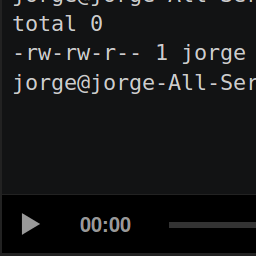
Àpèjúwe
This plugin lets you easily use the official asciinema-player.
Usage
An asciicast is a recording made with asciinema. Upload your asciicast
anywhere in your web server; you can do that within
Wordpress (just go to the “Media>Add New” menu and upload your asciicast).
Enter the HTML editor to write a post or a page. Then add the
following HTML tag: <asciinema-player src="/demo.json"></asciinema-player>.
Remember to replace the value of the src attribute with the location of
your asciicast.
You can use every option of asciinema-player. Check out
its readme
to find out every option.
Ìgbéwọlẹ̀
Install this plugin via the plugin directory, or by uploading the files manually to your server.
FAQ
- Installation Instructions
-
Install this plugin via the plugin directory, or by uploading the files manually to your server.
- Does this plugin contains the official asciinema-player?
-
Yes.
Àwọn àgbéyẹ̀wò


Àwọn Olùkópa & Olùgbéejáde
“asciiplayer” jẹ́ ètò ìṣàmúlò orísun ṣíṣí sílẹ̀. Àwọn ènìyàn wọ̀nyí ti ṣe ìkópa sí plugin yìí.
Àwọn Olùkópa
Túmọ̀ “asciiplayer” sí èdè rẹ.
Ṣe o nífẹ̀ẹ́ sí ìdàgbàsókè?
Ṣàwárí koodu, ṣàyẹ̀wò ibi ìpamọ́ SVN, tàbí ṣe àgbékalẹ̀ sí àkọsílẹ̀ ìdàgbàsókè nípasẹ̀ RSS.
Àkọsílẹ̀ àwọn àyípadà
0.1.1
Update player (now it uses version 2.4.1 of asciinema-player)
0.1.0
Initial version