

Àpèjúwe
Plindor Shield for WooCommerce helps you cut down on fake and duplicate orders by tracking the IP address and billing phone number behind every order placed on your store. When the same customer tries to place too many unconfirmed orders too quickly, Plindor Shield for WooCommerce politely stops them at checkout with a popup instead of letting the order through.
Key features
- Tracks every orderÌtumọ̀ Yorùbá: ’s IP address and billing phone number automatically.
- Configurable “allowed attempts” before a restriction applies.
- Configurable waiting period (in hours) before a restricted customer can order again.
- Choose which order statuses count as “confirmed” Ìtumọ̀ Yorùbá: – once an order reaches one of those statuses, the customer can order again.
- Whitelist trusted IPs/phones for unlimited ordering.
- Manually block abusive IPs or phone numbers Ìtumọ̀ Yorùbá: – blocks stay in place until you remove them.
- Friendly popup (powered by SweetAlert2) with optional “Call Us” and “Visit our Facebook Page” buttons.
- Works with the standard WooCommerce checkout, CartFlows, and custom order forms.
- Optional debug logging you can turn on while troubleshooting and off afterwards.
- Deactivation keeps your settings and history in place; uninstall removes the pluginÌtumọ̀ Yorùbá: ’s stored data.
How the restriction works
- Is the plugin enabled? If not, every order is allowed.
- Is the IP or phone whitelisted? Always allowed.
- Is the IP or phone manually blocked? Always blocked, until you remove it from the Block Ip List screen.
- Otherwise, Plindor Shield for WooCommerce counts that customerÌtumọ̀ Yorùbá: ’s previous orders that are not yet in one of your chosen “confirmed” statuses.
- If that count is below your “Allowed Attempts” setting, the order goes through.
- If the limit has been reached, Plindor Shield for WooCommerce checks whether your configured waiting period has passed since their last order. If it has, the order is allowed. If not, the customer sees the restriction popup and the order is not created.
Requirements
Plindor Shield for WooCommerce requires WooCommerce to be installed and active.
Privacy
Plindor Shield for WooCommerce stores the following information locally on your WordPress site:
- Customer IP Address
- Billing Phone Number
- WooCommerce Order ID
This information is used only for detecting duplicate or suspicious orders.
Plindor Shield for WooCommerce does not:
- Send any data to external servers
- Collect analytics
- Track users
- Share customer information with third parties
All information remains stored only inside your own WordPress database.
Site owners are responsible for complying with local privacy regulations such as GDPR or similar laws.
Documentation
https://getordershield.vercel.app/docs
Àwọn àwòrán ìbòjú
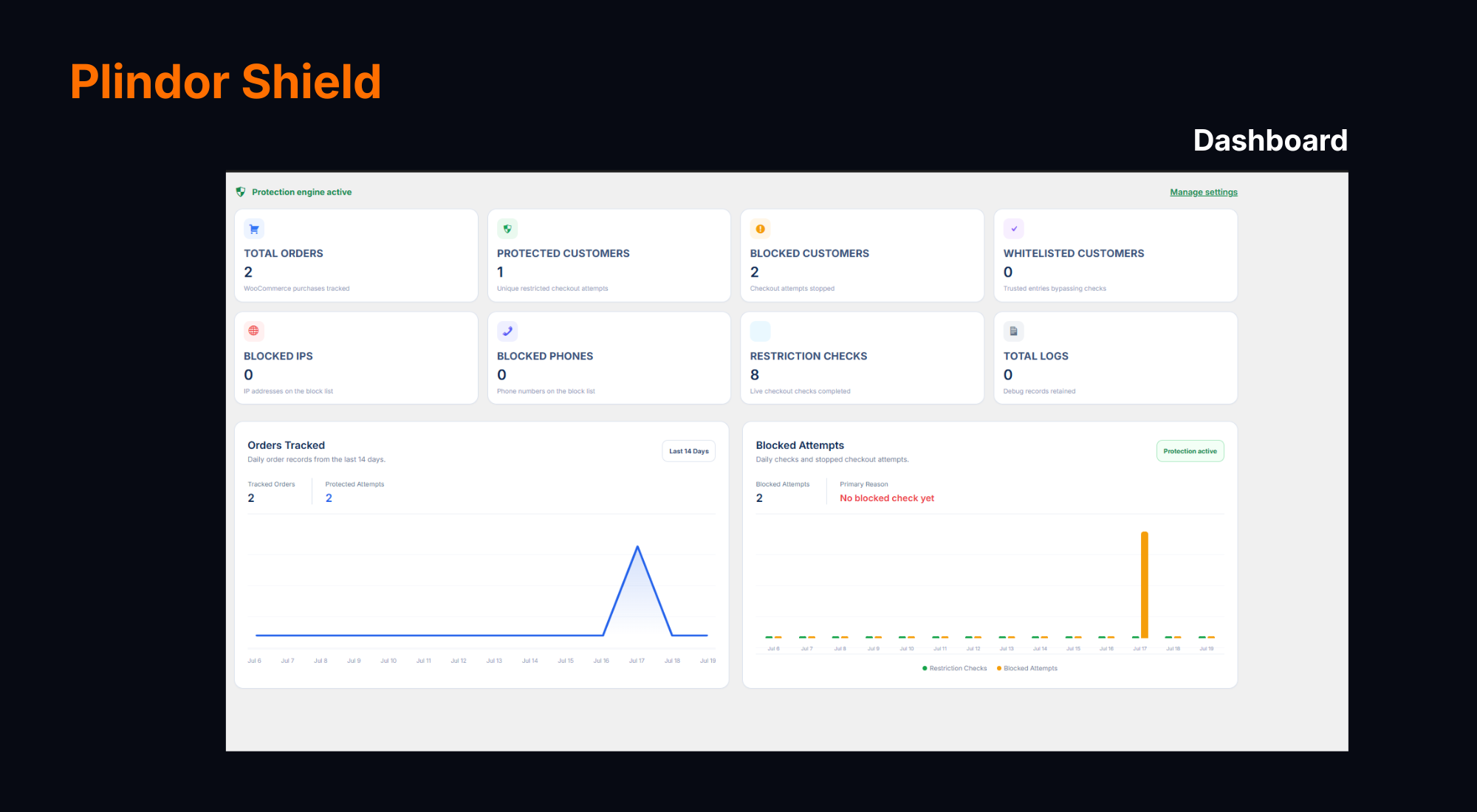
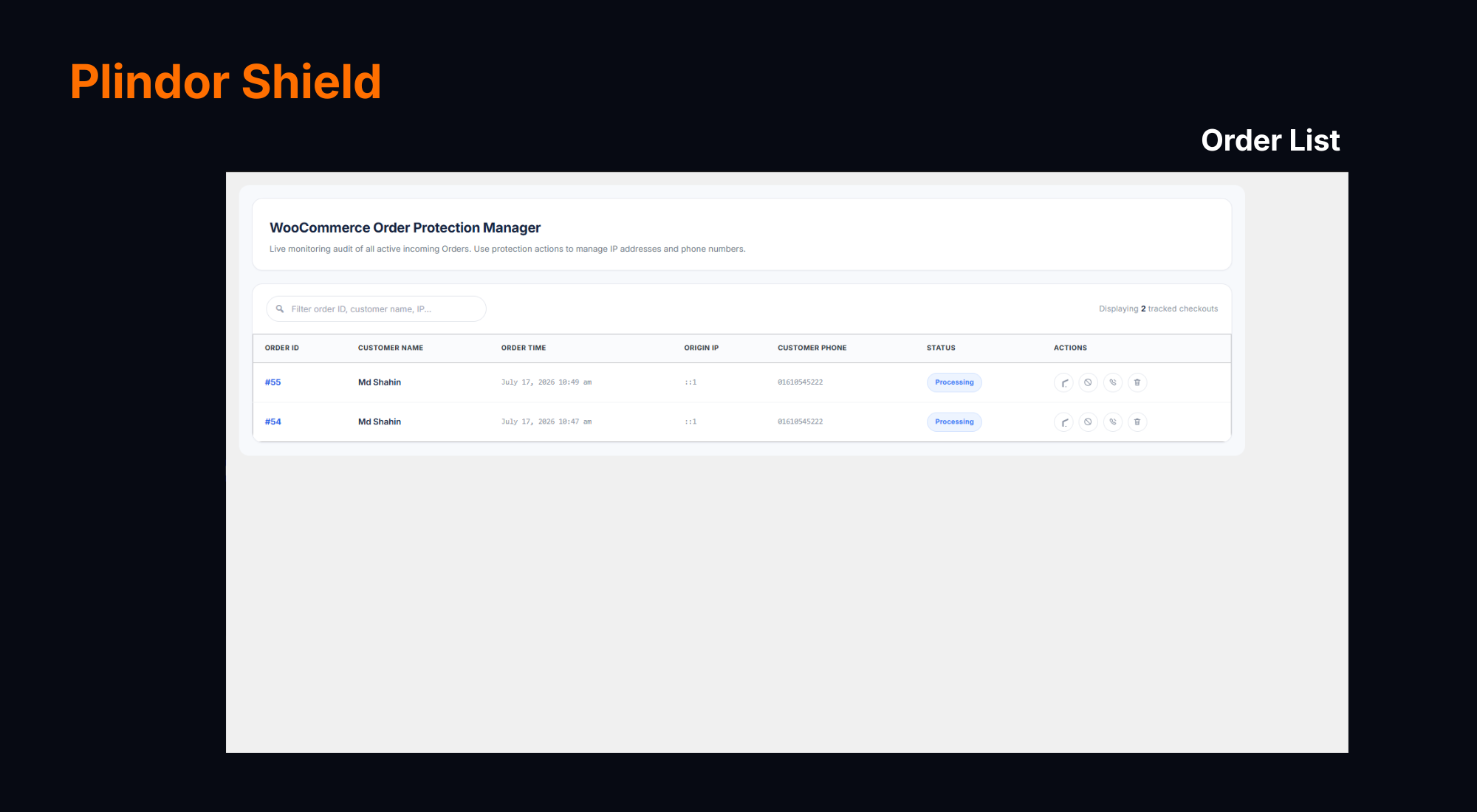
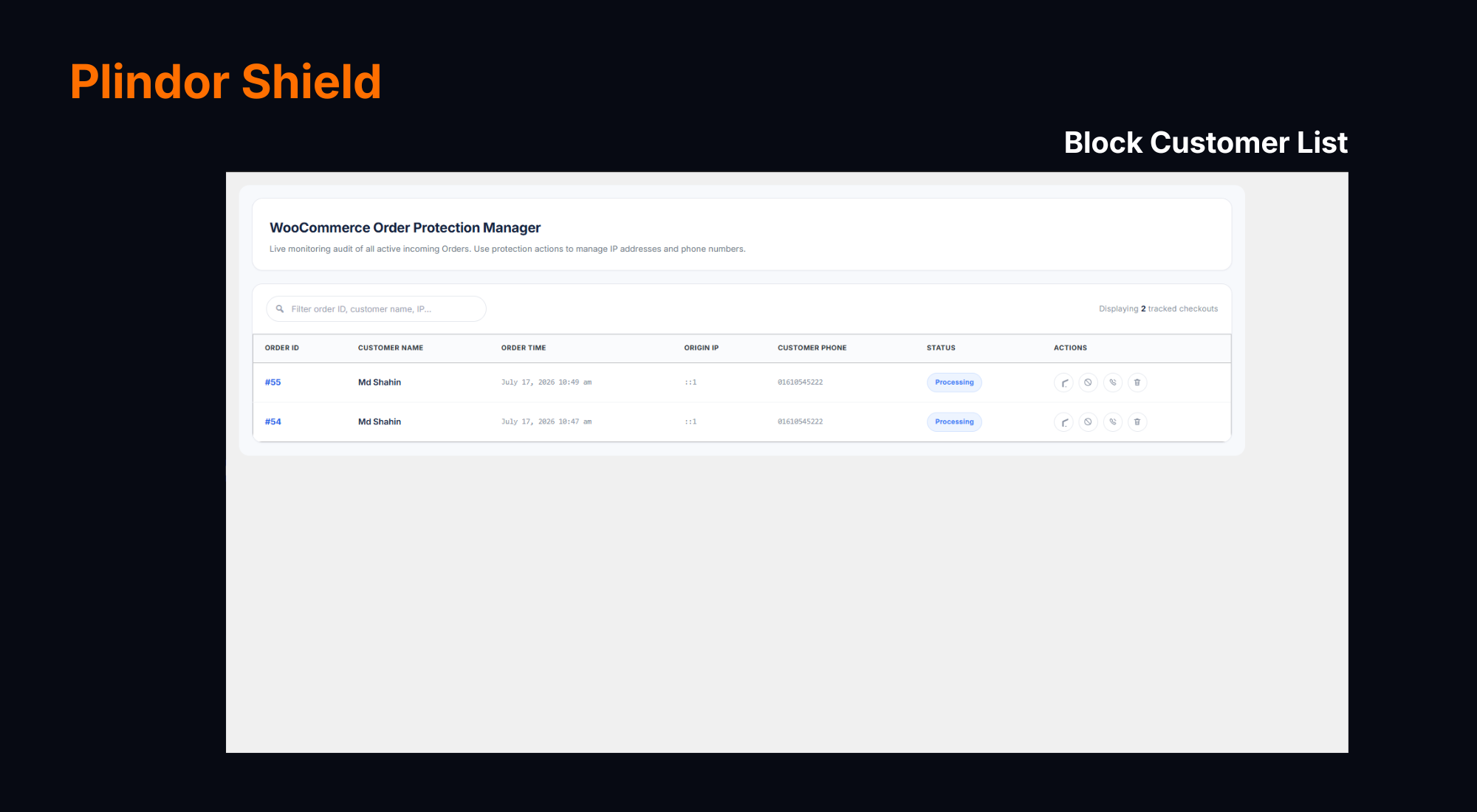
Ìgbéwọlẹ̀
- Upload the
plindor-shieldfolder to/wp-content/plugins/, or install the zip file via Plugins -> Add New -> Upload Plugin. - Activate the plugin through the “Plugins” screen in WordPress.
- Make sure WooCommerce is installed and active.
- Go to Plindor Shield for WooCommerce -> Admin Settings to configure the allowed attempts, waiting period, confirmed statuses, and popup message.
FAQ
-
Does this work with CartFlows?
-
Yes. Plindor Shield for WooCommerce hooks into the same checkout validation process WooCommerce and CartFlows both use, and includes a backup check on order creation for any custom checkout flow that might skip the usual validation step.
-
What happens to my data if I uninstall the plugin?
-
Deactivation keeps your tracked orders, whitelist, blocklist and settings. Uninstalling and deleting the plugin removes those custom tables and options from your database.
-
Can I block just an IP, or just a phone number?
-
Yes, the Order Ip List screen lets you block an IP and/or the billing phone number independently for any tracked order.
-
Will a blocked IP automatically become unblocked?
-
No. A manual block stays in place until you remove it from the Block Ip List screen yourself.
Àwọn àgbéyẹ̀wò
Kò sí àwọn àgbéyẹ̀wò fún plugin yìí.
Àwọn Olùkópa & Olùgbéejáde
“Plindor Shield for WooCommerce” jẹ́ ètò ìṣàmúlò orísun ṣíṣí sílẹ̀. Àwọn ènìyàn wọ̀nyí ti ṣe ìkópa sí plugin yìí.
Àwọn Olùkópa
Túmọ̀ “Plindor Shield for WooCommerce” sí èdè rẹ.
Ṣe o nífẹ̀ẹ́ sí ìdàgbàsókè?
Ṣàwárí koodu, ṣàyẹ̀wò ibi ìpamọ́ SVN, tàbí ṣe àgbékalẹ̀ sí àkọsílẹ̀ ìdàgbàsókè nípasẹ̀ RSS.
Àkọsílẹ̀ àwọn àyípadà
1.0.0
- Initial release.