

Àpèjúwe
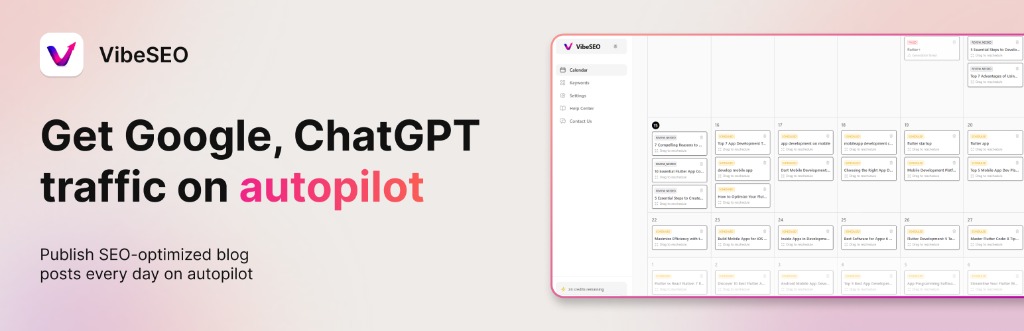
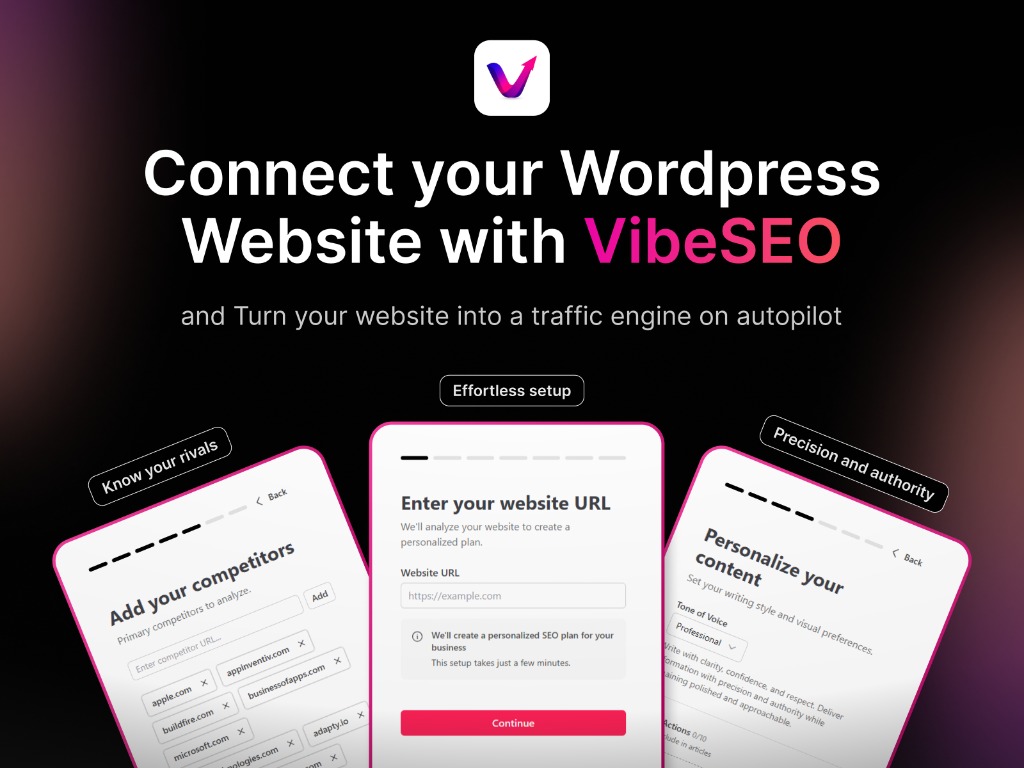
VibeSEO is an AI-powered SEO content platform that generates optimized articles for your website. This plugin connects your WordPress site to VibeSEO, allowing you to automatically sync published articles as WordPress posts.
Features:
- One-click connection using your VibeSEO API key
- Automatic hourly sync via WP-Cron
- Manual sync button for immediate updates
- Featured image support (auto-downloaded from VibeSEO)
- Category and tag assignment from VibeSEO metadata
- Post status control (publish, draft, or pending review)
- Sync log with recent activity
- Duplicate prevention (updates existing posts matched by slug)
Third-Party Service
This plugin connects to the VibeSEO external service to retrieve AI-generated SEO articles and sync them to your WordPress site. The following data is exchanged:
- Sent to VibeSEO: Your site URL, plugin API key, and article sync acknowledgements.
- Received from VibeSEO: Article content (title, HTML body, excerpt, slug), featured images, categories, and tags.
No data is sent until you configure your API key in the plugin settings.
- Service Website: https://getvibeseo.com
- Terms of Service: https://getvibeseo.com/terms
- Privacy Policy: https://getvibeseo.com/privacy
By using this plugin, you agree to VibeSEOÌtumọ̀ Yorùbá: ’s Terms of Service and Privacy Policy.
Source Code
The complete source code is included in this plugin. No build tools or compilation is required.
Àwọn àwòrán ìbòjú
Ìgbéwọlẹ̀
- Download the plugin ZIP or copy the
vibeseofolder towp-content/plugins/ - Activate the plugin through the ‘Plugins’ screen in WordPress
- Go to Settings > VibeSEO
- Enter your VibeSEO API key (found in your VibeSEO dashboard under Project Settings)
- Click “Test Connection” to verify
- Click “Sync Now” to pull your articles
FAQ
-
Where do I find my API key?
-
Log in to your VibeSEO dashboard at app.getvibeseo.com, navigate to your project, and go to Settings > Integrations. Your project API key is displayed there.
-
How often does auto-sync run?
-
The plugin syncs automatically every hour via WordPress Cron. You can also click “Sync Now” at any time for an immediate sync.
-
What happens when I sync an article that already exists?
-
The plugin matches articles by slug. If a post with the same slug already exists, it will be updated with the latest content rather than creating a duplicate.
Àwọn àgbéyẹ̀wò
Kò sí àwọn àgbéyẹ̀wò fún plugin yìí.
Àwọn Olùkópa & Olùgbéejáde
“VibeSEO” jẹ́ ètò ìṣàmúlò orísun ṣíṣí sílẹ̀. Àwọn ènìyàn wọ̀nyí ti ṣe ìkópa sí plugin yìí.
Àwọn Olùkópa
Ṣe o nífẹ̀ẹ́ sí ìdàgbàsókè?
Ṣàwárí koodu, ṣàyẹ̀wò ibi ìpamọ́ SVN, tàbí ṣe àgbékalẹ̀ sí àkọsílẹ̀ ìdàgbàsókè nípasẹ̀ RSS.
Àkọsílẹ̀ àwọn àyípadà
1.0.0
- Initial release
- API key authentication
- Article sync with featured images, categories, and tags
- Auto-sync via WP-Cron (hourly)
- Admin settings page with sync log