

Àpèjúwe
wp show category shows any category posts in widget , page or post, have shortcode [wpscp]
Àwọn àwòrán ìbòjú

User view after installation 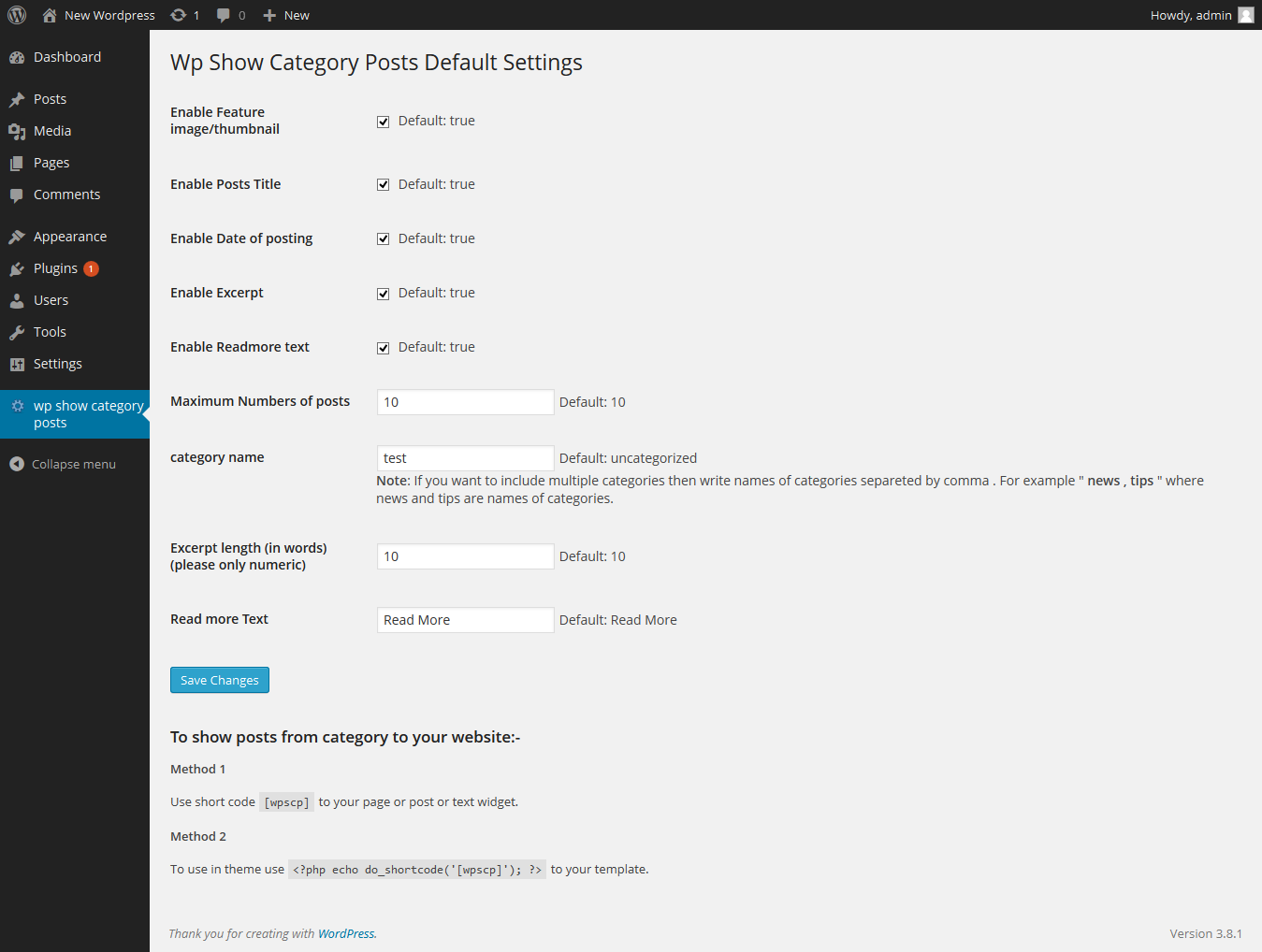
Admin setting page
Ìgbéwọlẹ̀
The plugin can be use just by installing it by wordpress admin or upload manually.
- Upload
wp-show-category-poststo the/wp-content/plugins/directory - Activate the plugin through the ‘Plugins’ menu in WordPress
- Now go to wp-show-category-posts tab at wp-admin
FAQ
- How to set number of posts ?
-
Go to “wp show category posts” in left panel of wordpress. enable or disable title, thumbnail, or date as you need or other setting.
and press “Save Changes” button - How to use plugin on page or posts ?
-
use [wpscp] shortcode in page, post or widget.
For more visit blog wp-show-category-posts
Àwọn àgbéyẹ̀wò
Kò sí àwọn àgbéyẹ̀wò fún plugin yìí.
Àwọn Olùkópa & Olùgbéejáde
“wp show category posts” jẹ́ ètò ìṣàmúlò orísun ṣíṣí sílẹ̀. Àwọn ènìyàn wọ̀nyí ti ṣe ìkópa sí plugin yìí.
Àwọn Olùkópa
Túmọ̀ “wp show category posts” sí èdè rẹ.
Ṣe o nífẹ̀ẹ́ sí ìdàgbàsókè?
Ṣàwárí koodu, ṣàyẹ̀wò ibi ìpamọ́ SVN, tàbí ṣe àgbékalẹ̀ sí àkọsílẹ̀ ìdàgbàsókè nípasẹ̀ RSS.
Àkọsílẹ̀ àwọn àyípadà
0.1
*show category posts
*initial release