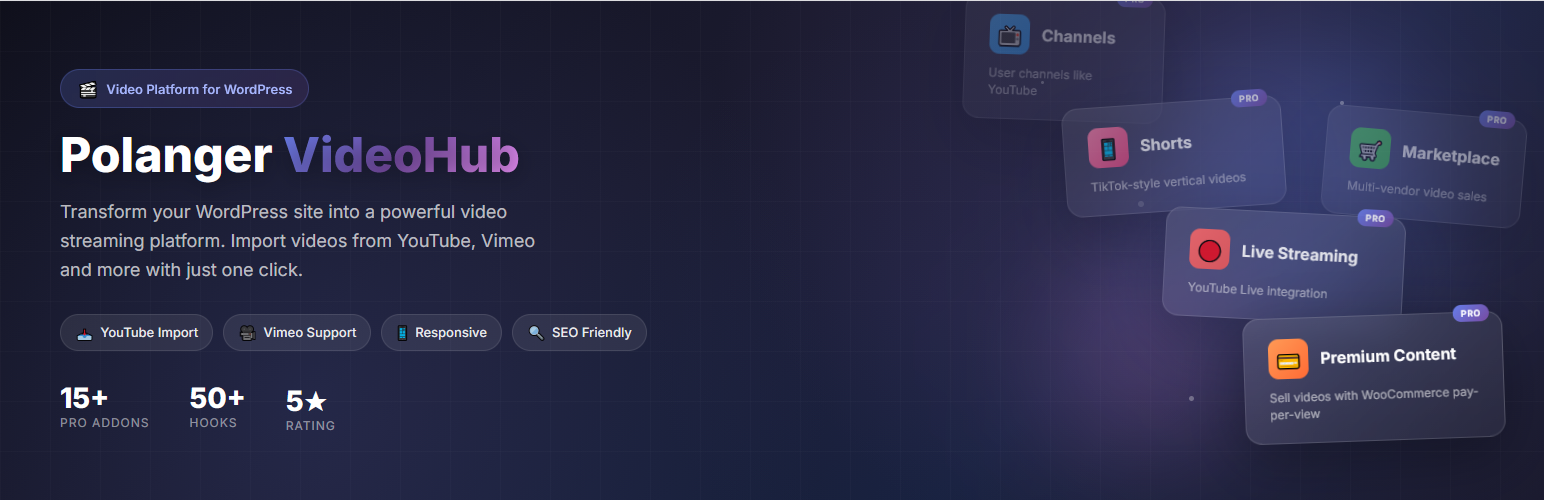

Àpèjúwe
Polanger VideoHub Lite is a free, powerful WordPress video plugin that transforms your website into a professional video sharing platform similar to YouTube.
Perfect for video bloggers, educators, businesses, and anyone who wants to create a self-hosted video platform on WordPress.
🎬 Key Features
- YouTube-like Interface Ìtumọ̀ Yorùbá: – Modern, responsive design with beautiful grid layout
- Multiple Video Sources Ìtumọ̀ Yorùbá: – Support for YouTube, Vimeo, Dailymotion, self-hosted MP4/WebM videos, and custom embed codes
- Bulk Video Import Ìtumọ̀ Yorùbá: – Import entire YouTube channels or playlists with one click
- Custom Post Type Ìtumọ̀ Yorùbá: – Dedicated video content type with categories and tags
- View Counter Ìtumọ̀ Yorùbá: – Track video views with detailed statistics
- Related Videos Ìtumọ̀ Yorùbá: – Automatically display related content based on categories
- Powerful Shortcodes Ìtumọ̀ Yorùbá: – Easily embed videos and video grids anywhere
- SEO Friendly Ìtumọ̀ Yorùbá: – Clean URLs and structured data support
- Responsive Design Ìtumọ̀ Yorùbá: – Works perfectly on all devices (mobile, tablet, desktop)
- Translation Ready Ìtumọ̀ Yorùbá: – Full internationalization support
📺 Supported Video Sources
- YouTube (single videos, channels, playlists)
- Vimeo
- Dailymotion
- Self-hosted MP4/WebM videos
- Custom embed codes
🔧 Shortcodes
[pvhl_home]Ìtumọ̀ Yorùbá: – Display full video homepage with hero, categories, and carousels[pvhl_videos]Ìtumọ̀ Yorùbá: – Display video grid with filtering options[pvhl_video id="123"]Ìtumọ̀ Yorùbá: – Display single video player[pvhl_categories]Ìtumọ̀ Yorùbá: – Display category list with icons[pvhl_channel author="1"]Ìtumọ̀ Yorùbá: – Display author/channel videos[pvhl_latest]Ìtumọ̀ Yorùbá: – Display latest videos[pvhl_trending]Ìtumọ̀ Yorùbá: – Display trending videos[pvhl_search]Ìtumọ̀ Yorùbá: – Display video search form
⭐ Upgrade to Pro
Take your video platform to the next level with Polanger VideoHub Pro. With 15+ powerful addons, you can build a complete video streaming platform with monetization, user engagement, and advanced features.
💰 Monetization & Revenue
- Premium Content Ìtumọ̀ Yorùbá: – Sell individual videos with WooCommerce. Pay-per-view system with video preview before purchase
- Live Streaming Ìtumọ̀ Yorùbá: – YouTube Live integration with ticket sales for live events
- Marketplace Ìtumọ̀ Yorùbá: – Multi-vendor video marketplace where creators can sell their content with commission system
- Video Ads Ìtumọ̀ Yorùbá: – Display pre-roll, mid-roll, and post-roll video advertisements
👥 User Engagement
- Comments System Ìtumọ̀ Yorùbá: – YouTube-style threaded comments with replies, moderation, and spam protection
- Reactions Ìtumọ̀ Yorùbá: – Like/Dislike buttons with animated counters and user feedback
- Live Chat Ìtumọ̀ Yorùbá: – Real-time chat for live streams with emoji support and moderation tools
- Advanced Search Ìtumọ̀ Yorùbá: – AJAX-powered instant search with filters by category, duration, date, and more
🎬 Content & Creators
- Shorts Ìtumọ̀ Yorùbá: – TikTok/YouTube Shorts style vertical videos with swipe navigation
- Channels Ìtumọ̀ Yorùbá: – User channels with customizable profiles, subscriber counts, and channel pages
- User Uploads Ìtumọ̀ Yorùbá: – Allow registered users to upload videos from the frontend
- Auth System Ìtumọ̀ Yorùbá: – Custom login/register pages with social login support
⚙️ Platform Features
- Navigation Panel Ìtumọ̀ Yorùbá: – YouTube-style collapsible sidebar with subscriptions and history
- PWA Support Ìtumọ̀ Yorùbá: – Progressive Web App for mobile app-like experience
- Media Optimizer Ìtumọ̀ Yorùbá: – FFmpeg integration for video transcoding and thumbnail generation
🔗 Useful Links:
- Live Demo Ìtumọ̀ Yorùbá: – See VideoHub Pro in action
- Documentation Ìtumọ̀ Yorùbá: – Complete setup and usage guide
- Developer Guide Ìtumọ̀ Yorùbá: – Hooks, filters, and customization
External Services
This plugin connects to third-party video services to embed and import videos. Below is a detailed explanation of each service used:
YouTube
This plugin connects to the YouTube Data API v3 to:
* Import video metadata (title, description, thumbnail, duration) when you add a YouTube video URL
* Import videos from YouTube channels and playlists
* Embed YouTube videos using YouTubeÌtumọ̀ Yorùbá: ’s iframe embed player
Data sent: YouTube video IDs, channel IDs, or playlist IDs that you provide
When: When you import videos or add a YouTube URL in the admin area, and when visitors view embedded YouTube videos
Vimeo
This plugin connects to the Vimeo API to:
* Import video metadata (title, description, thumbnail, duration) when you add a Vimeo video URL
* Embed Vimeo videos using VimeoÌtumọ̀ Yorùbá: ’s iframe embed player
Data sent: Vimeo video IDs that you provide
When: When you import videos or add a Vimeo URL in the admin area, and when visitors view embedded Vimeo videos
Dailymotion
This plugin connects to the Dailymotion API to:
* Import video metadata (title, description, thumbnail, duration) when you add a Dailymotion video URL
* Embed Dailymotion videos using DailymotionÌtumọ̀ Yorùbá: ’s iframe embed player
Data sent: Dailymotion video IDs that you provide
When: When you import videos or add a Dailymotion URL in the admin area, and when visitors view embedded Dailymotion videos
Ìgbéwọlẹ̀
- Upload the plugin files to
/wp-content/plugins/polanger-videohub-lite/ - Activate the plugin through the ‘Plugins’ screen in WordPress
- Go to VideoHub > Settings to configure the plugin
- Start adding videos!
FAQ
-
How do I add a video?
-
Go to VideoHub > Add New in your WordPress admin. Enter the video title, description, and video source (YouTube URL, Vimeo URL, or upload your own video file).
-
Can I import videos from YouTube?
-
Yes! Go to VideoHub > Import Videos. You can import single videos, entire channels, or playlists from YouTube. The plugin automatically fetches thumbnails, titles, descriptions, and duration.
-
Can I use self-hosted videos?
-
Yes! You can upload MP4 or WebM video files directly to your WordPress media library and use them with VideoHub.
-
How do I customize the layout?
-
Go to VideoHub > Settings to change videos per page, columns per row, player settings, and other display options.
-
Can I override templates?
-
Yes! Copy template files from
/plugins/polanger-videohub-lite/templates/to/themes/your-theme/polanger-videohub-lite/and customize them. -
Is it compatible with page builders?
-
Yes! VideoHub works with Elementor, Gutenberg, WPBakery, Divi, and other popular page builders using shortcodes.
-
How do I sell videos?
-
Video selling requires the Pro version with the Premium Content addon. Upgrade to Pro
Àwọn àgbéyẹ̀wò

Àwọn Olùkópa & Olùgbéejáde
“Polanger VideoHub Lite” jẹ́ ètò ìṣàmúlò orísun ṣíṣí sílẹ̀. Àwọn ènìyàn wọ̀nyí ti ṣe ìkópa sí plugin yìí.
Àwọn Olùkópa
Túmọ̀ “Polanger VideoHub Lite” sí èdè rẹ.
Ṣe o nífẹ̀ẹ́ sí ìdàgbàsókè?
Ṣàwárí koodu, ṣàyẹ̀wò ibi ìpamọ́ SVN, tàbí ṣe àgbékalẹ̀ sí àkọsílẹ̀ ìdàgbàsókè nípasẹ̀ RSS.
Àkọsílẹ̀ àwọn àyípadà
1.1.2
- Fixed autoplay feature for self-hosted videos
- Expanded single video page layout for better viewing experience
- Fixed shortcode documentation (pvhl_ prefix)
- Improved video player width on desktop screens
- Minor CSS improvements for responsive design
1.1.0
- Improved self-hosted video player performance
- Enhanced mobile responsive design for video grid
- Fixed video player controls on touch devices
- Improved thumbnail loading on mobile devices
- Minor UI/UX improvements across all templates
- Updated Pro features documentation
1.0.0
- Initial release
- Video custom post type with categories and tags
- YouTube, Vimeo, Dailymotion, self-hosted video support
- Bulk import from YouTube channels and playlists
- View counter with statistics
- Related videos based on categories
- 8 powerful shortcodes
- Responsive templates
- Translation ready