

Àpèjúwe
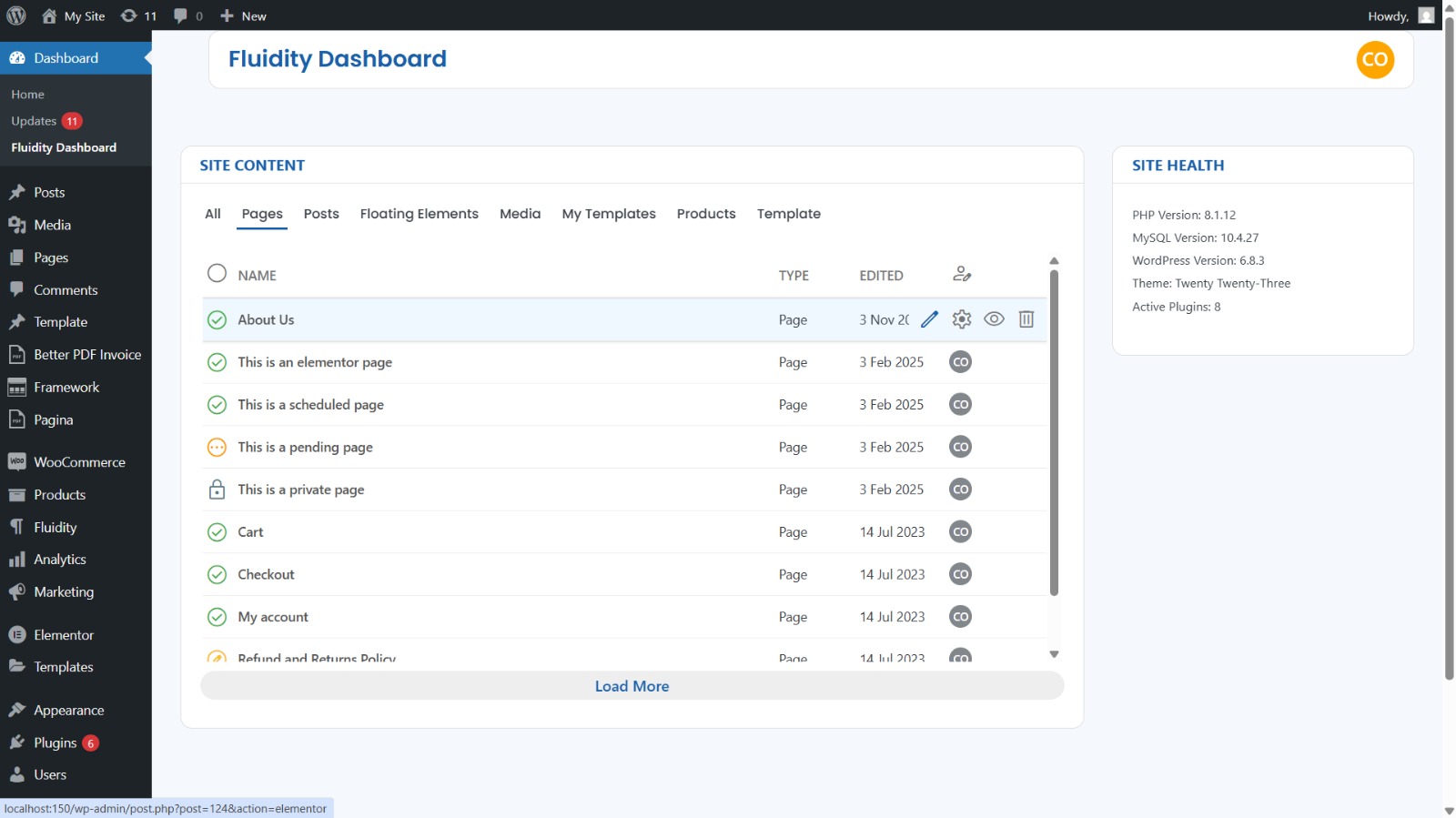
Fluidity Dashboard replaces the clicky default screens with a clean, Material-inspired dashboard tailored for busy site admins and content teams. It emphasizes speed, clarity, and safe defaults:
- Unified content view: See registered post types at a glance with status, author, and dates.
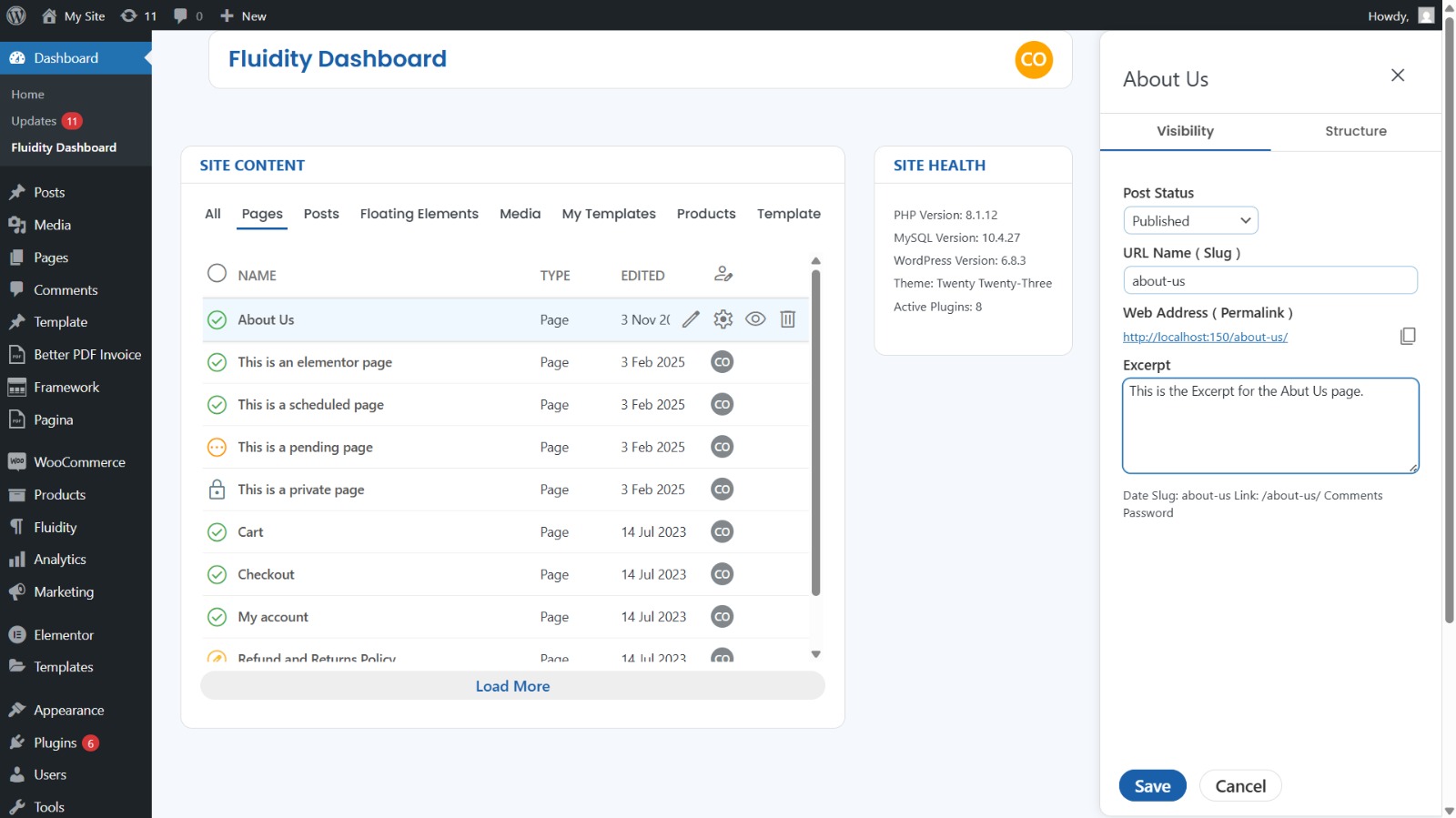
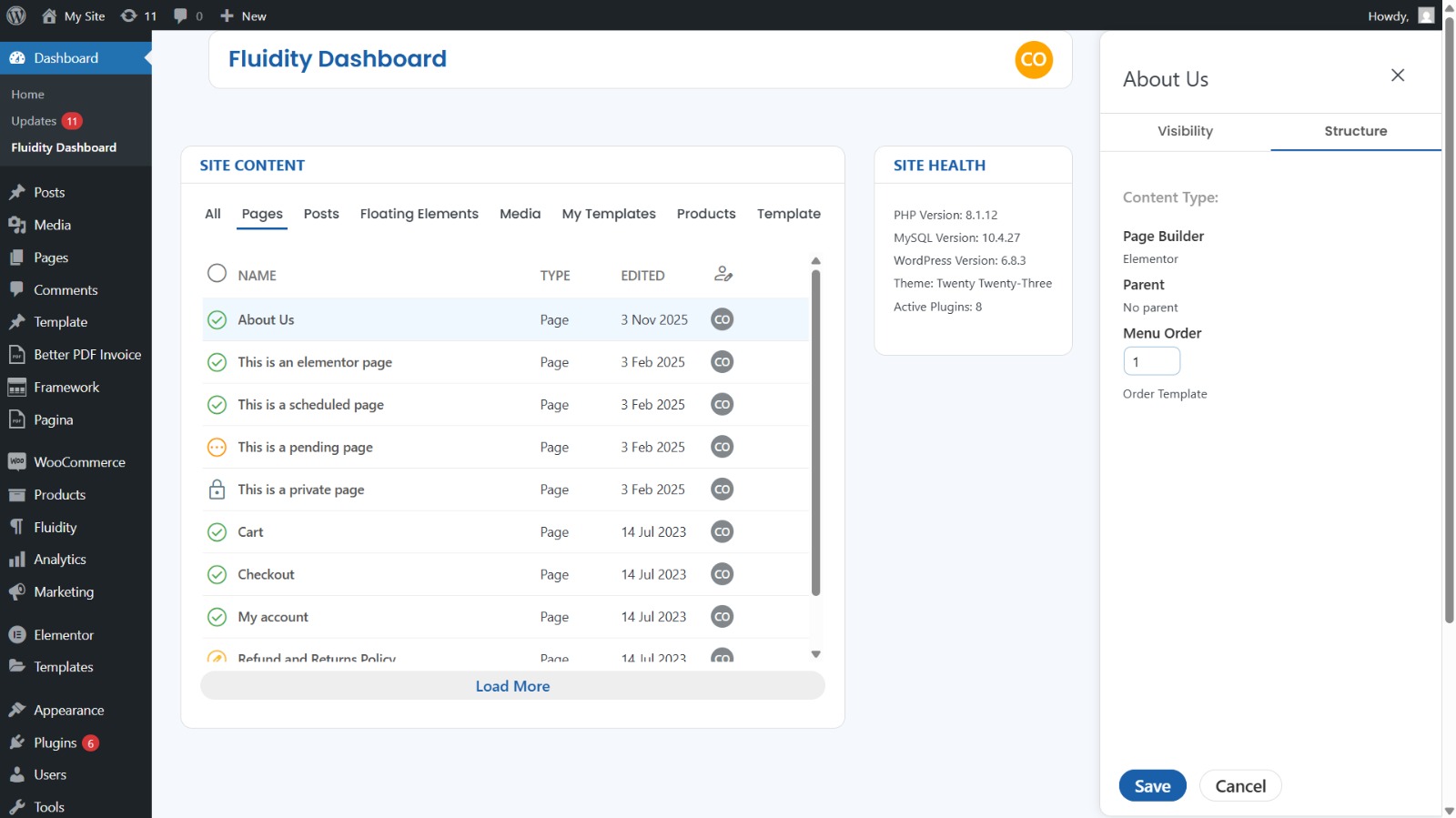
- Inline actions & quick editing: Save time on common tasks without leaving the screen.
- AJAX-first UX: Smooth updates without page reloads.
- Privacy-first icons: Material Symbols Outlined load locally by default; you may opt into the Google CDN or disable icons entirely.
- No tracking / no ads / no nagware.
Built for WordPress standards
- Proper capability checks and nonces on all admin actions.
- Scripts and styles registered/enqueued via core APIs.
- Translatable strings (text domain:
fluidity-dashboard).
External services
This plugin does not contact external services by default.
If you opt into CDN icons (see “FAQ”), the plugin will request CSS/Font files from Google Fonts.
Àwọn àwòrán ìbòjú
Ìgbéwọlẹ̀
- Upload the plugin folder to
/wp-content/plugins/, or install it via Plugins Add New Upload Plugin. - Activate Fluidity Dashboard.
- Go to WP Admin Fluidity to use the custom dashboard.
Optional (developers): Switch icon source (local / remote / disabled) using a filter:
`php
// In a small mu-plugin or your themeÌtumọ̀ Yorùbá: ’s functions.php: add_filter( ‘vwp_dash_icons_mode’, function ( $mode ) { return ‘local’; // ‘local’ (default), ‘remote’, or ‘disabled’ });
Àwọn àgbéyẹ̀wò
Kò sí àwọn àgbéyẹ̀wò fún plugin yìí.
Àwọn Olùkópa & Olùgbéejáde
“Fluidity Dashboard” jẹ́ ètò ìṣàmúlò orísun ṣíṣí sílẹ̀. Àwọn ènìyàn wọ̀nyí ti ṣe ìkópa sí plugin yìí.
Àwọn Olùkópa
Túmọ̀ “Fluidity Dashboard” sí èdè rẹ.
Ṣe o nífẹ̀ẹ́ sí ìdàgbàsókè?
Ṣàwárí koodu, ṣàyẹ̀wò ibi ìpamọ́ SVN, tàbí ṣe àgbékalẹ̀ sí àkọsílẹ̀ ìdàgbàsókè nípasẹ̀ RSS.