

Àpèjúwe
Personnal Statistics for Authors is the plugin required for every blog. It uses the Facebook, Twitter and Google Analytics API to get the data of your posts (shares, tweets, keywords used to find it, visits from smartphones, bounce rate…). You donÌtumọ̀ Yorùbá: ’t need to switch between your Analytics dashboard and everything else : PSfA is here to do that job for you.
Àwọn àwòrán ìbòjú
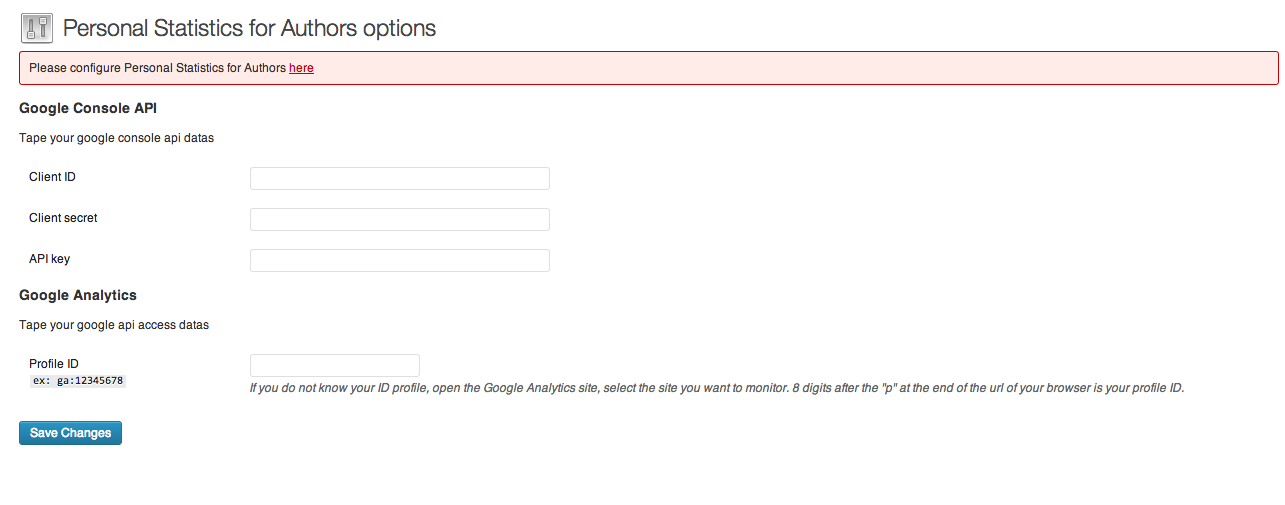


Ìgbéwọlẹ̀
- Upload ‘personnal-statistics-for-authors’ to the ‘/wp-content/plugins/’ directory
- Activate the plugin through the ‘Plugins’ menu in WordPress
- Go to ‘Personnal Statistics for Authors’ under the ‘Settings’ tab and configure the plugin
Àwọn àgbéyẹ̀wò
Kò sí àwọn àgbéyẹ̀wò fún plugin yìí.
Àwọn Olùkópa & Olùgbéejáde
“Personal Statistics for Authors” jẹ́ ètò ìṣàmúlò orísun ṣíṣí sílẹ̀. Àwọn ènìyàn wọ̀nyí ti ṣe ìkópa sí plugin yìí.
Àwọn Olùkópa
Túmọ̀ “Personal Statistics for Authors” sí èdè rẹ.
Ṣe o nífẹ̀ẹ́ sí ìdàgbàsókè?
Ṣàwárí koodu, ṣàyẹ̀wò ibi ìpamọ́ SVN, tàbí ṣe àgbékalẹ̀ sí àkọsílẹ̀ ìdàgbàsókè nípasẹ̀ RSS.
Àkọsílẹ̀ àwọn àyípadà
1.0.1
- Fixes bugs when adding and removing posts and display latest update date for a post