
Àpèjúwe
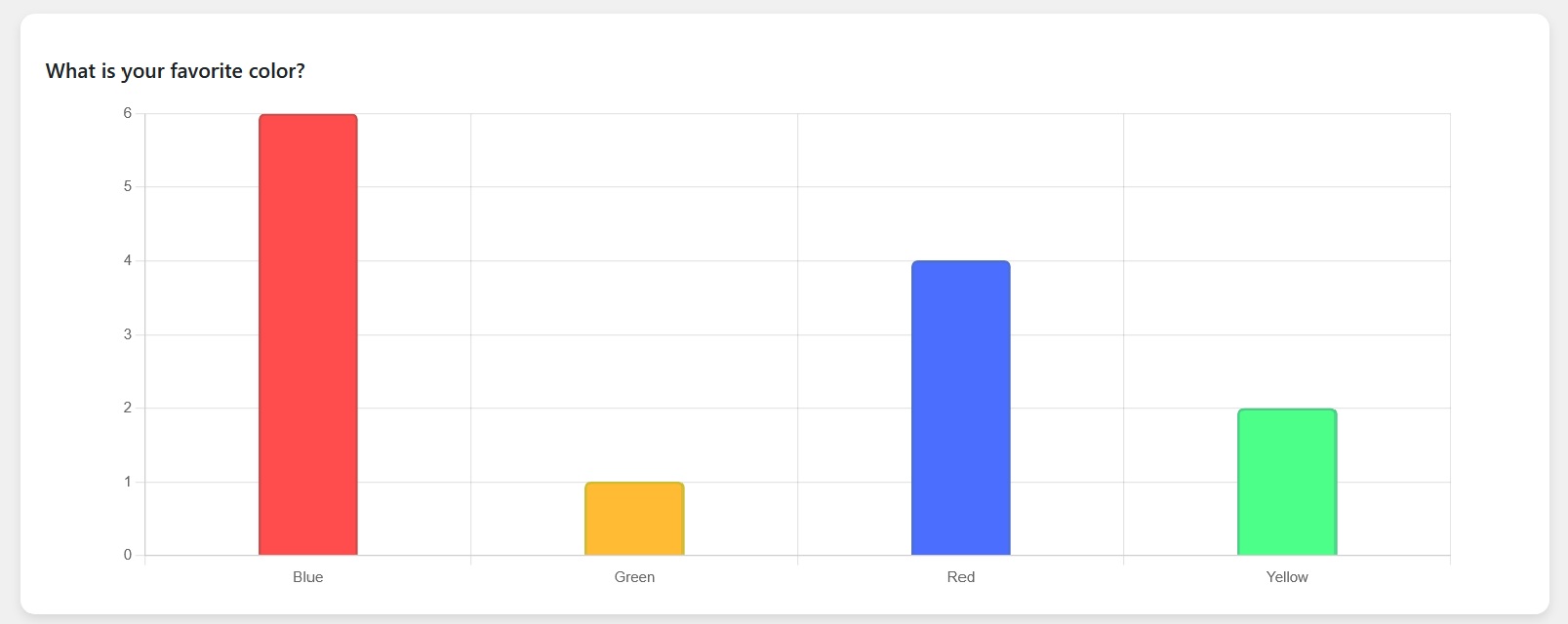
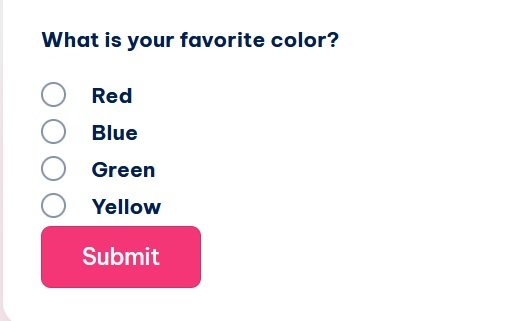
Using this plugin you can create multiple choice questions and display those questions to the users and see results in a graph.
You can either display all questions or you can display particular question/questions to users based on question ids
Àwọn àwòrán ìbòjú

Ìgbéwọlẹ̀
- Upload the ‘snmcqs-quiz’ directory to the ‘/wp-content/plugins/’ directory
- Activate the plugin through the ‘Plugins’ menu in WordPress
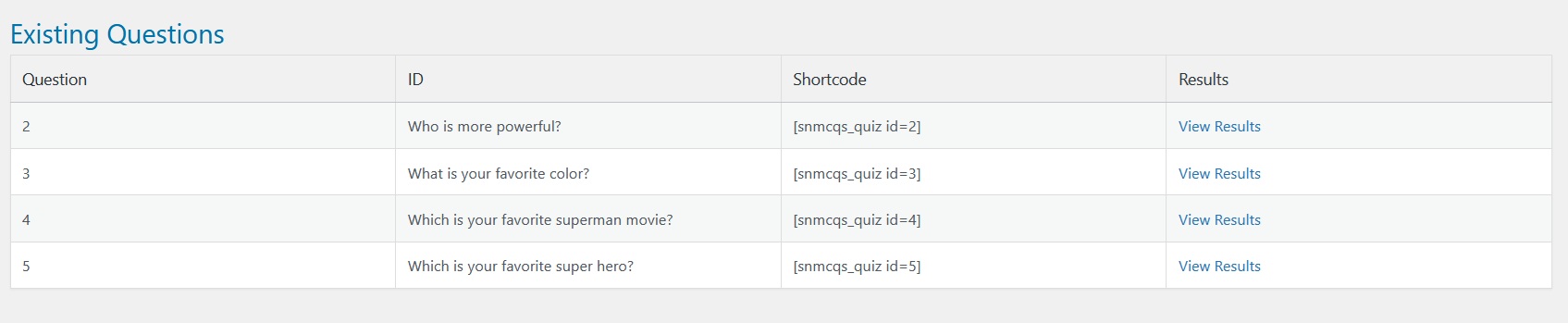
- Add questions that you want to ask to your users from admin menu “SNMCQ Quiz -> SNMCQ Quiz”
- Then whereever you want to display all question to users, write shortcode [snmcqs_quiz]
- If you to ask a specific question from users, write shortcode [snmcqs_quiz id=”1Ìtumọ̀ Yorùbá: ″]
- You can also display more than one questions to users, write shortcode [snmcqs_quiz id=”1, 2, 3, 5Ìtumọ̀ Yorùbá: ″]
Àwọn àgbéyẹ̀wò
Kò sí àwọn àgbéyẹ̀wò fún plugin yìí.
Àwọn Olùkópa & Olùgbéejáde
“SNMCQ Quiz” jẹ́ ètò ìṣàmúlò orísun ṣíṣí sílẹ̀. Àwọn ènìyàn wọ̀nyí ti ṣe ìkópa sí plugin yìí.
Àwọn Olùkópa
Ṣe o nífẹ̀ẹ́ sí ìdàgbàsókè?
Ṣàwárí koodu, ṣàyẹ̀wò ibi ìpamọ́ SVN, tàbí ṣe àgbékalẹ̀ sí àkọsílẹ̀ ìdàgbàsókè nípasẹ̀ RSS.
Àkọsílẹ̀ àwọn àyípadà
1.0
- Initial release.