

Àpèjúwe
This plugin allows you to deploy your CustomGPT.ai project on your WordPress site, in the form of Live Chat Bubble. This is achieved by adding a simple JavaScript code to your WordPress websiteÌtumọ̀ Yorùbá: ’s footer, which inserts the chat bubble in the bottom right corner of the screen.
To use this plugin, you need to have a valid paid subscription for a service external to WordPress, which can be found at our website.
About CustomGPT.ai
CustomGPT.ai is a platform designed for businesses to create custom chatbots using retrieval-augmented generation (RAG). The platform offers a range of features and tools that facilitate the development, deployment, and management of chatbots tailored to specific business needs.
You can open a CustomGPT.ai account and start your free trial here.
For CustomGPT.ai Terms of Service, please click here.
For CustomGPT.ai Privacy Policy, please click here.
Àwọn àwòrán ìbòjú
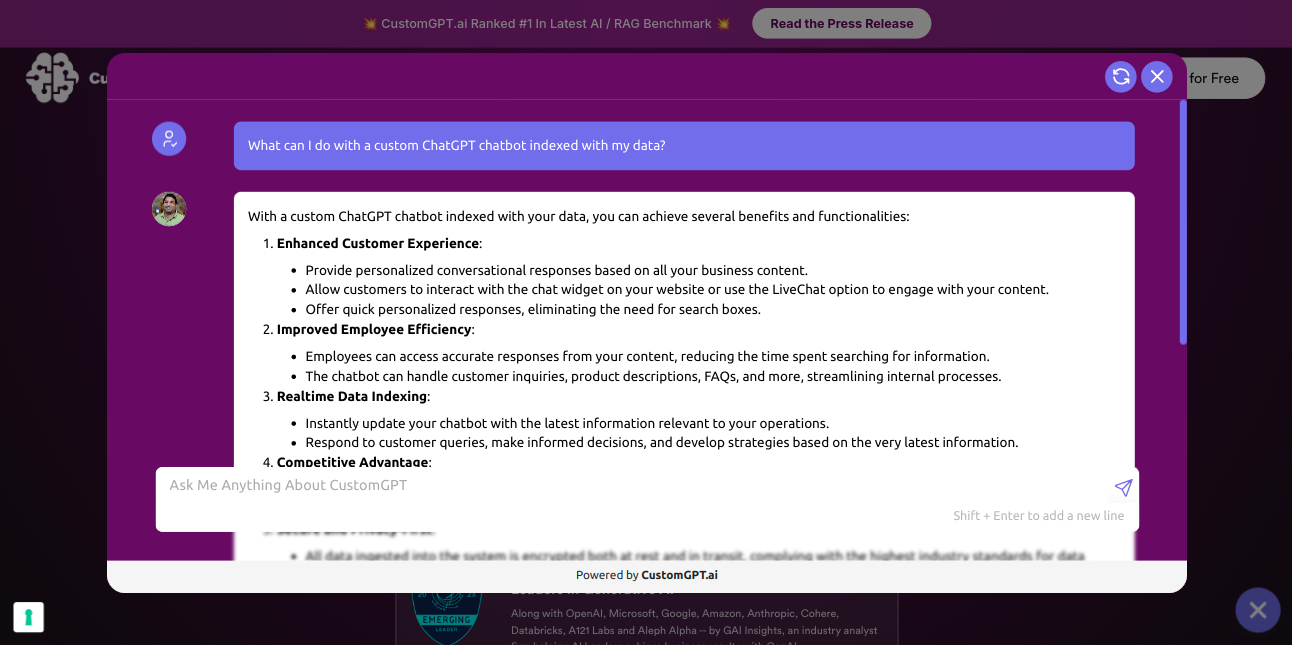
Chatbot opened on a website with modern Website Copilot window. 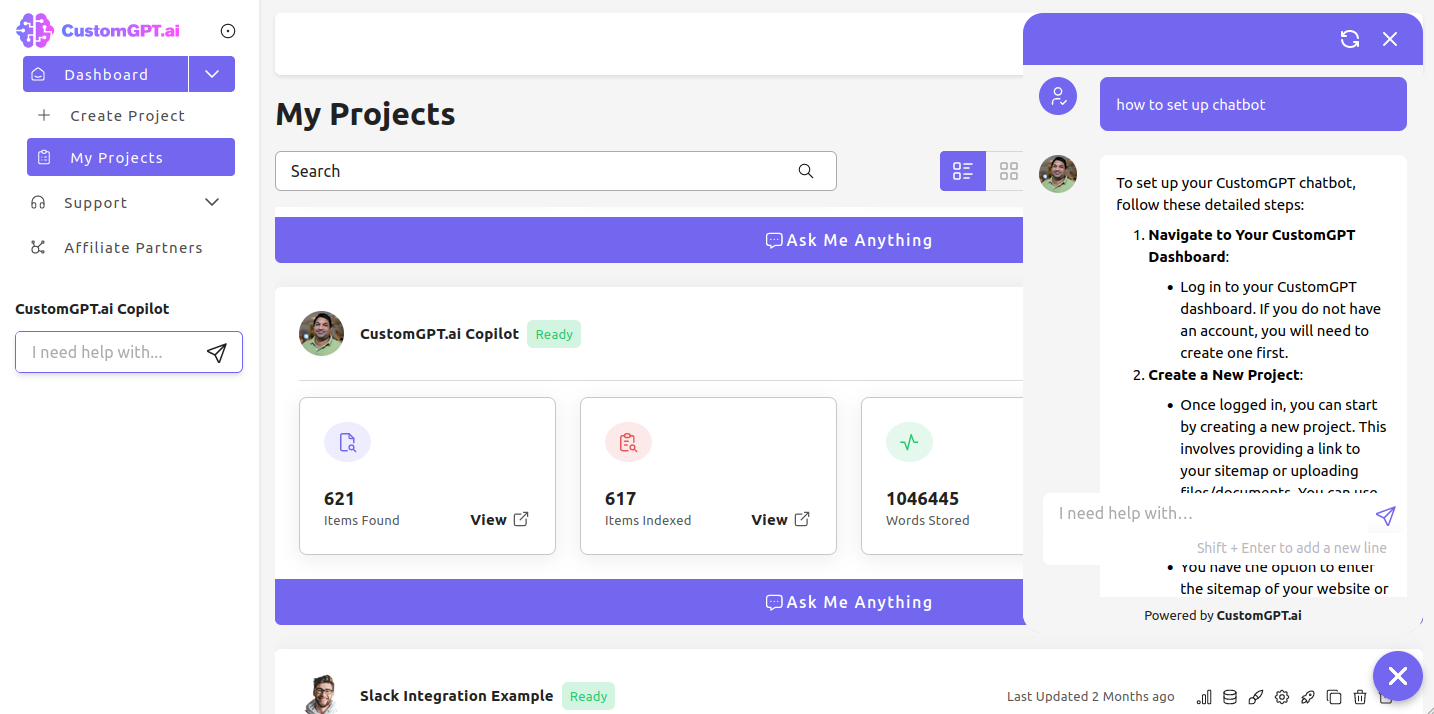
Chatbot opened on a website with traditional Live Chat bubble. 
Chatbot icon at the bottom right corner of the web page. 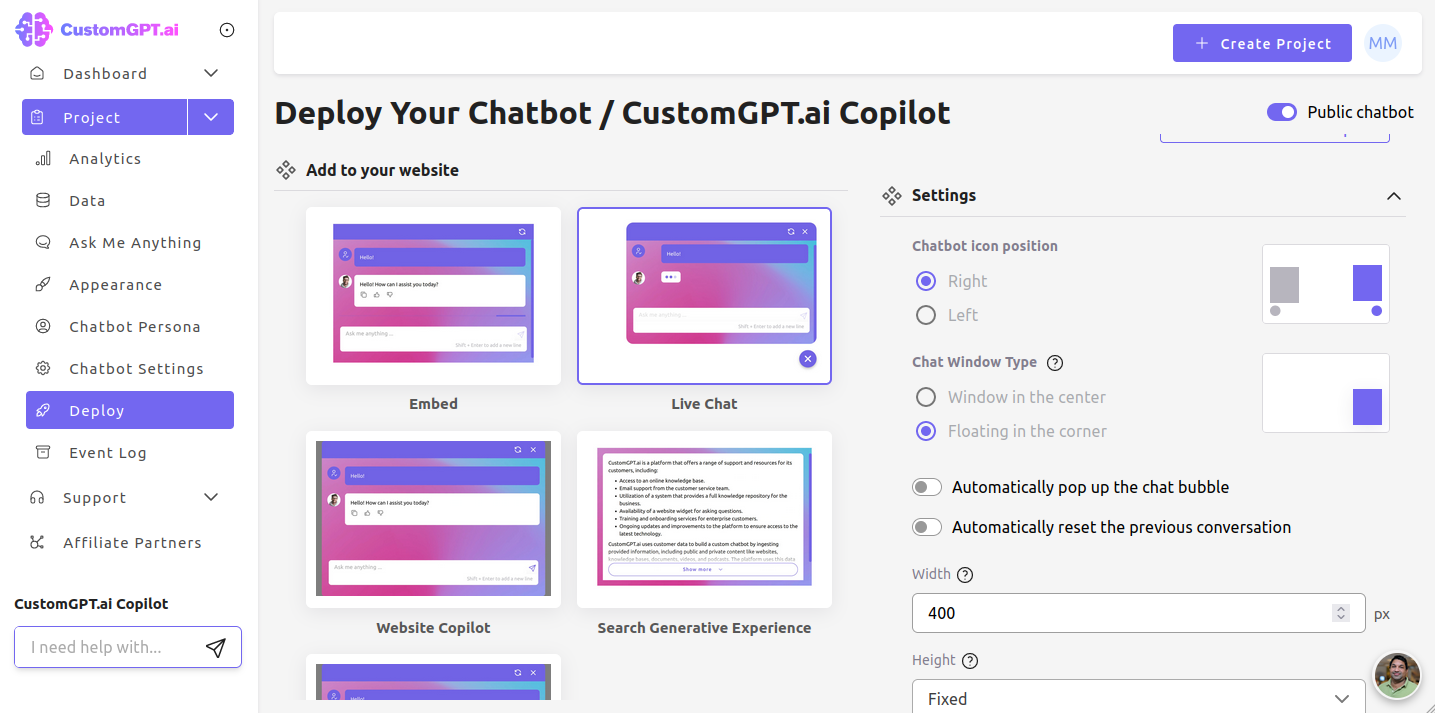
Chatbot setup inside CustomGPT.ai app. 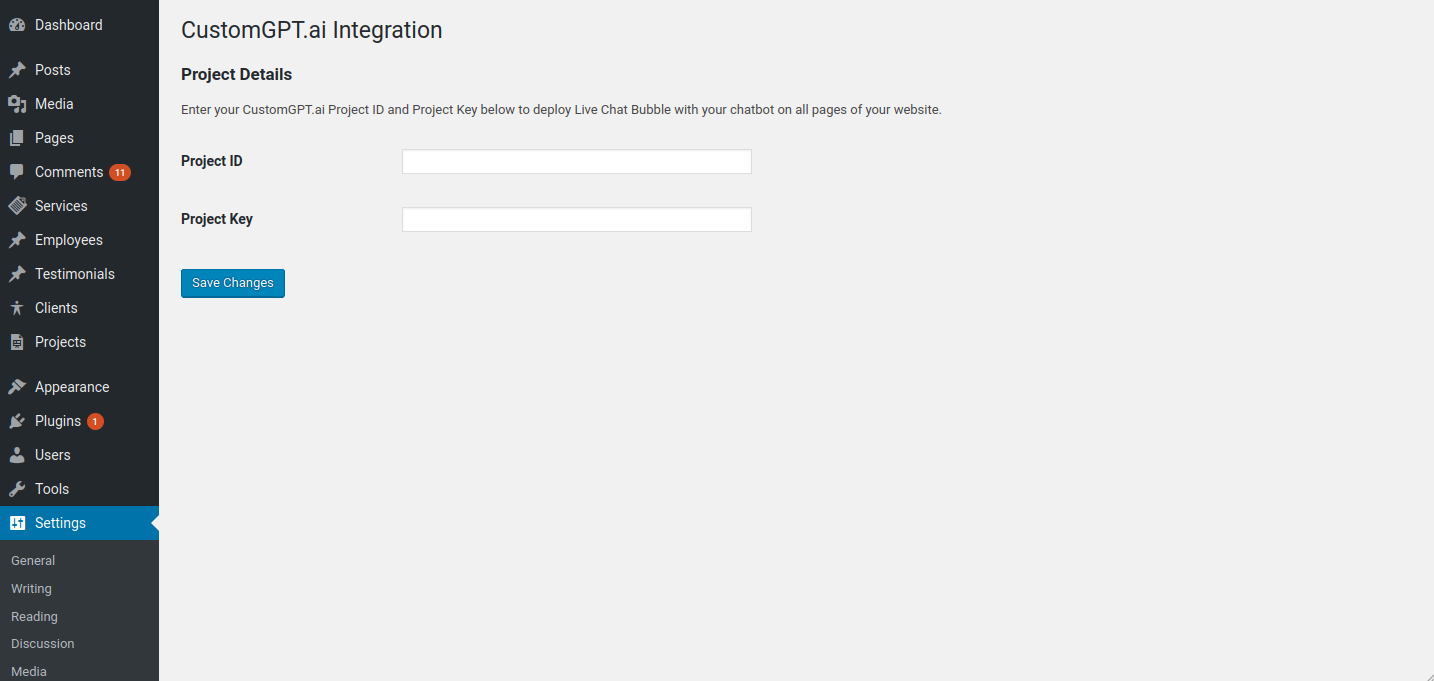
Chatbot setup inside CustomGPT.ai WordPress plugin.
Ìgbéwọlẹ̀
- Upload customgpt-ai-integration to the /wp-content/plugins/ directory.
- Activate the plugin through the ‘Plugins’ menu in WordPress.
- Go to Settings > CustomGPT.ai and enter your Project ID and Project Key.
The Project ID and Project Key can be obtained within the CustomGPT.ai app, on your projectÌtumọ̀ Yorùbá: ’s Deployment page, by selecting the WordPress deployment option.
Àwọn àgbéyẹ̀wò
Kò sí àwọn àgbéyẹ̀wò fún plugin yìí.
Àwọn Olùkópa & Olùgbéejáde
“CustomGPT.ai Chatbot” jẹ́ ètò ìṣàmúlò orísun ṣíṣí sílẹ̀. Àwọn ènìyàn wọ̀nyí ti ṣe ìkópa sí plugin yìí.
Àwọn Olùkópa
Túmọ̀ “CustomGPT.ai Chatbot” sí èdè rẹ.
Ṣe o nífẹ̀ẹ́ sí ìdàgbàsókè?
Ṣàwárí koodu, ṣàyẹ̀wò ibi ìpamọ́ SVN, tàbí ṣe àgbékalẹ̀ sí àkọsílẹ̀ ìdàgbàsókè nípasẹ̀ RSS.
Àkọsílẹ̀ àwọn àyípadà
0.2
- Readme updated.
- Added assets.
0.1
- Initial release.