
Àpèjúwe
Freecharge is India\Ìtumọ̀ Yorùbá: ’s No. 1 payments app. Customers across the country use FreeCharge to make prepaid, postpaid, DTH, metro recharge, and utility bill payments for numerous service providers. For enabling payments signup with freecharge merchant account and go to the dashboard and copy and paste the id and key in the woocommerce->settings->payments->freecharge
Àwọn àwòrán ìbòjú
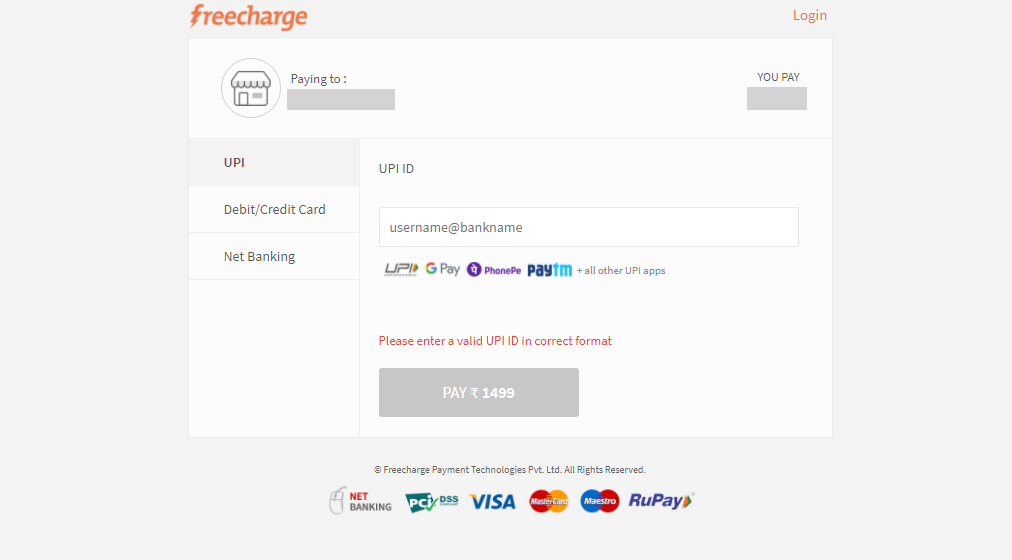
Payment Page
Ìgbéwọlẹ̀
Automatic Plugin Installation
Navigate to Plugins > Add New.
Use the search form in the top-right to search by keyword, author or tag.
On the search results that appear, click a plugin’s title to read more about it. This page may contain installation notes, plugin documentation or other useful information.
Click the Install Now button to install the plugin.
Click Activate to activate the plugin.
Top
Manual Upload via WordPress Admin
Navigate to Plugins > Add New.
Click the Upload Plugin button at the top of the screen.
Select the zip file from your local filesystem.
Click the Install Now button.
When the installation is complete, you’ll see “Plugin installed successfully.” Click the Activate Plugin button at the bottom of the page.
FAQ
Q. Can We use this plugin along with other payment gateways plugins?
A. Yes! you can

Àwọn Olùkópa & Olùgbéejáde
“Gateway for Freecharge on WooCommerce” jẹ́ ètò ìṣàmúlò orísun ṣíṣí sílẹ̀. Àwọn ènìyàn wọ̀nyí ti ṣe ìkópa sí plugin yìí.
Àwọn Olùkópa
Túmọ̀ “Gateway for Freecharge on WooCommerce” sí èdè rẹ.
Ṣe o nífẹ̀ẹ́ sí ìdàgbàsókè?
Ṣàwárí koodu, ṣàyẹ̀wò ibi ìpamọ́ SVN, tàbí ṣe àgbékalẹ̀ sí àkọsílẹ̀ ìdàgbàsókè nípasẹ̀ RSS.
Àkọsílẹ̀ àwọn àyípadà
1.0.0
09/11/2020 Initial release.