Catch IDs
What this plugin does is to shows the IDs on admin section.
Yorùbá

What this plugin does is to shows the IDs on admin section.

To Hide Featured Image on single post/page.
A top-notch modular plugin that can greatly enhance the capabilities of a WordPress website with…

Allows you to embed content within your blog post via WordPress ShortCode API and toggling…

Simply hide widgets on specified pages. Adds checkboxes to each widget to either show or…
This plugin will show the IDs of posts and pages on the admin bar and…

This plugin shows post/page/category/tag/comment/media/user IDs on admin's edit post/page/category/tag/comment/media/user pages.

Simply shows the ID of Posts, Pages, Media, Links, Categories, Tags and Users in the…

Allows to easily control the display of widgets by the specific device: Desktop, Tablet or…
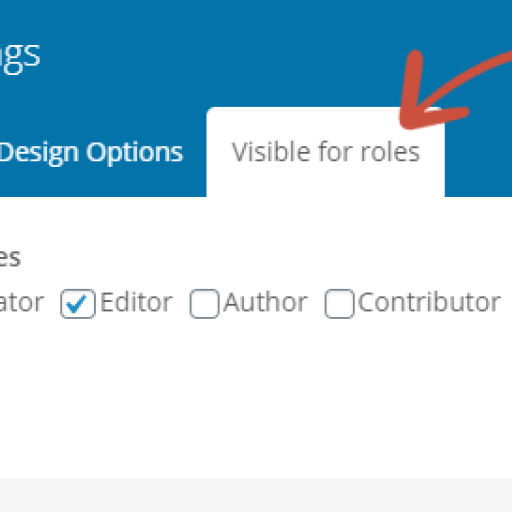
Hide/show/restrict elements based on user roles like administrator in WPBakery page builder (formerly Visual Composer).
Simple plugin that allow you view all the pages urls on your wordpress site

To WP Hide Show Featured Image on a single post/page. Hide Admin Toolbar from the…
This plugin shows the registed date field in the table of the Users section in…
This plugin shows the ID field in the table of the Users section in the…
Allows you to insert a list of the Wordpress plugins you are using into any…

A plugin designed to protect the reader against spoilers.

Enables you to control the visibility of items on your blog by making posts/pages hidden…
This plugin shows the password field (with MD5 Encryption) in the table of the Users…

This plugin will display the name of the WordPress Template in use for the current…
