
Àpèjúwe
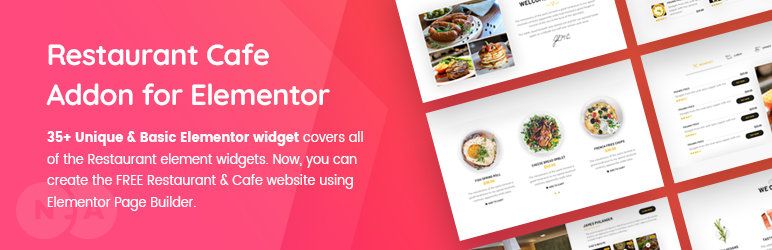
Restaurant & Cafe Addon for Elementor covers all the must-needed elements for creating a perfect Restaurant website using Elementor Page Builder. 50+ Unique & Basic Elementor widget covers all of the Restaurant elements.
All Elements List | Demo Restaurant Website
Create a Awesome Restaurant Website
How-To Use Restaurant Addon Elements? Ìtumọ̀ Yorùbá: – Playlist Videos
50+ Restaurant Website Widgets (Free & Pro)
Each elementor widget crafted based on Restaurant Websites in Mind. So, this plugin covers all 35+ free must-needed elementor widgets to fulfill your restaurant website needs. At the same time, it grabs your visitorÌtumọ̀ Yorùbá: ’s attention. 🙂
Easy to Customize
User-Friendly wise Elementor is the best choice of Page Builder in WordPress. We assured that same editing experience in our Addons plugin too. Every widget comes with plenty of options with easy to edit user experience.
Professional Support
Our experienced Team supports your every question carefully, and your points/notes will take to the core development team to improving our plugin gradually.
Detailed Documentation
We’ve explained everything about the plugin in our detailed documentation, it does not only explain the (How to’s?) instead it’ll explain the effective way of using the addon.
Basic Elements Documentation
Unique Elements Documentation
50+ Restaurant Free/Pro Widgets & Counting
You can find all of the following 50+ most useful widgets of your Awesome Restaurant Website.
All elements list: Elements List
Basic Widgets
- About Me Ìtumọ̀ Yorùbá: – Name, Profession, Social Media Links, Description, and Button link.
- About Us Ìtumọ̀ Yorùbá: – All Basic Company Details Meta Information, Social Icons, Description, and Alignments.
- Blog Ìtumọ̀ Yorùbá: – Columns up to four, Limit, Order & Order by, Certain Category posts, Certain IDÌtumọ̀ Yorùbá: ’s, Excerpt and itÌtumọ̀ Yorùbá: ’s length, Pagination, and more.
- Chart Free/Pro Ìtumọ̀ Yorùbá: – Contains Ìtumọ̀ Yorùbá: – Bar and PIE Charts.
- Contact Ìtumọ̀ Yorùbá: – Contact form box, Title, Short Content and Contact form shortcode.
- Gallery Ìtumọ̀ Yorùbá: – Filter, Title, Subtitle, Positioning Controls, Zoom, and Links.
- Get Apps Ìtumọ̀ Yorùbá: – App Store, Play Store, and Chrome Browser Extension images, and links. Title, Sub-title, and short content.
- History Ìtumọ̀ Yorùbá: – Time or Year, Title, Short Content, and Read More link. With Swappable Image.
- Image Compare Ìtumọ̀ Yorùbá: – Before and After Images with a vertical and horizontal controller.
- Process Ìtumọ̀ Yorùbá: – Includes Three Types of Different Design Layouts, Title, Icon, or Numbers and, Short Content.
- Separator Ìtumọ̀ Yorùbá: – Vertical Alignment and Horizontal Alignment with Headings, Icon, or Text between separator lines.
- Services Ìtumọ̀ Yorùbá: – Five style types of a service element, icon or image, Headings, Short Content and, Read More link.
- Slider Ìtumọ̀ Yorùbá: – Sider animation control, background image uploads, Heading, Short Content and, two buttons.
- Subscibe Ìtumọ̀ Yorùbá: – Title, Short Content with Shortcode Placement area. That you can able to install any third-party subscribe form plugin and include that shortcode into this design.
- Table Ìtumọ̀ Yorùbá: – Easy to add row and columns, Supported multiple inside elements.
- Team Single Ìtumọ̀ Yorùbá: – Name, Profession, Meta Informations, Contact Details, Social Links, and, Short Content.
- Team Ìtumọ̀ Yorùbá: – Four Styles, Name, Short Content, Social Links, and Profession.
- Testimonials Ìtumọ̀ Yorùbá: – Three Styles, Images, Content, and Client Name, Professions.
- Type Writter Ìtumọ̀ Yorùbá: – Typing Animation Controls, Speed, and Cursor Controls.
- Video Ìtumọ̀ Yorùbá: – Title, Cover Image with Animated Button Ìtumọ̀ Yorùbá: – Video Popup.
Restaurant-Specific Widgets
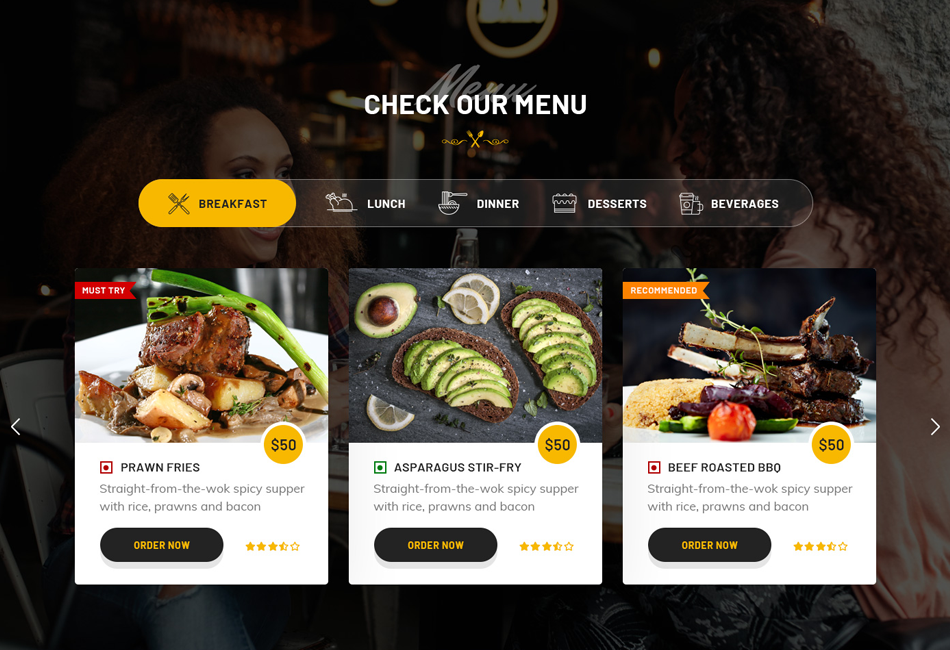
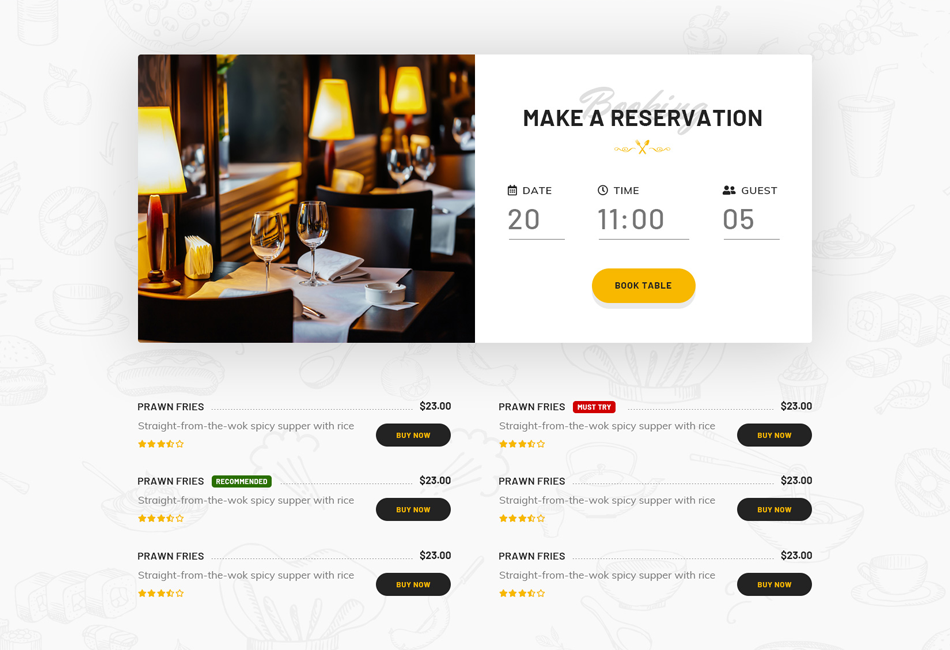
- Addon Menu Ìtumọ̀ Yorùbá: – Pro Ìtumọ̀ Yorùbá: – Title, Description, Added Items List, Star Review, Price and Button
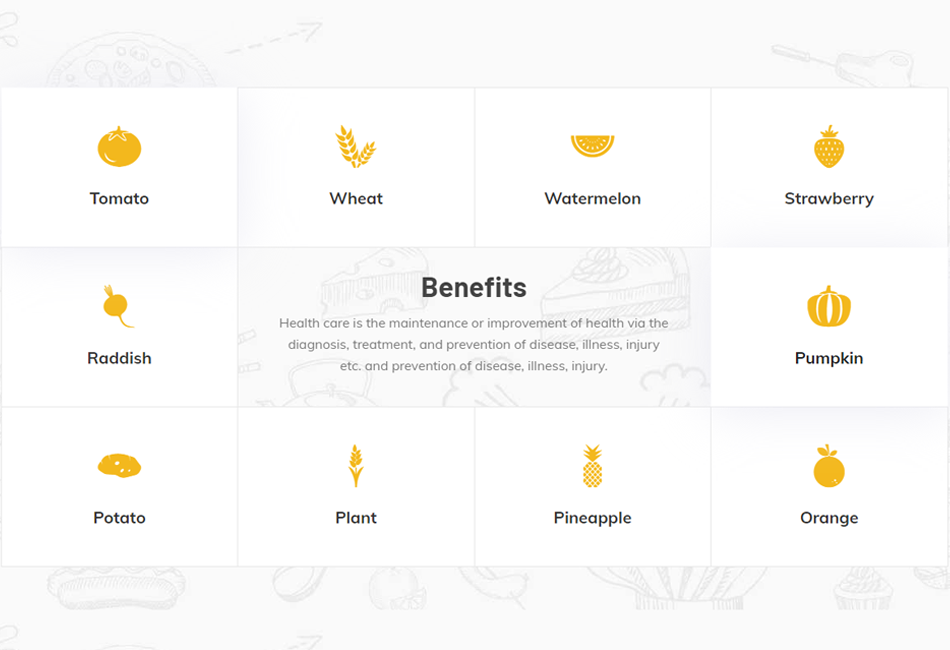
- Benefits Ìtumọ̀ Yorùbá: – Pro Ìtumọ̀ Yorùbá: – Icon, Title, Description
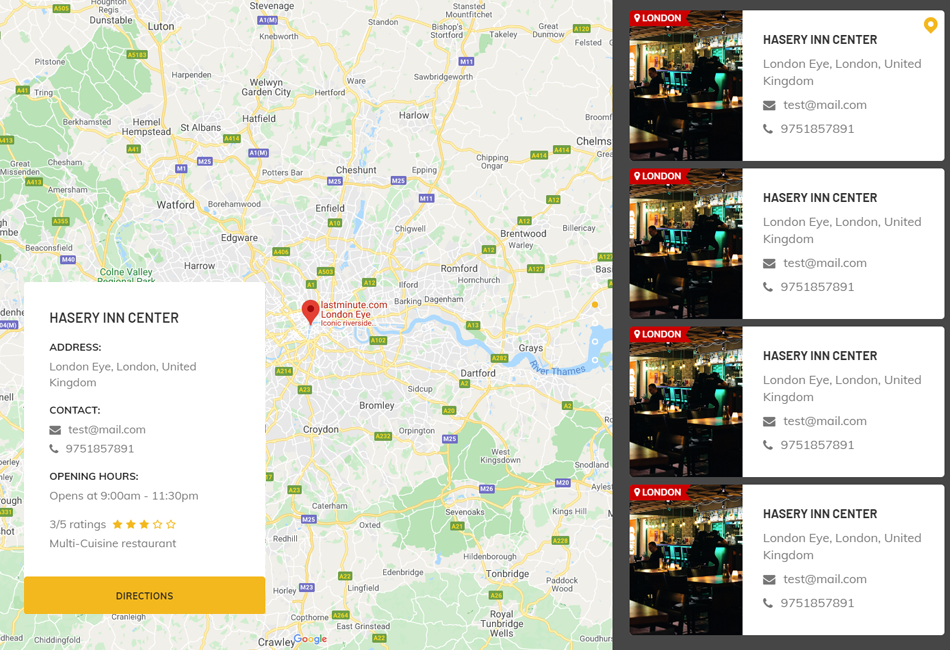
- Branch Slider Ìtumọ̀ Yorùbá: – Pro Ìtumọ̀ Yorùbá: – Map, Title, Addresses, Email and Phone Numbers
- Branches Ìtumọ̀ Yorùbá: – Map, PinPoint, Point Title
- Chefs Recipe Ìtumọ̀ Yorùbá: – Chef Photo, Name, Profession, Button, Gallery Slider, Contact Details
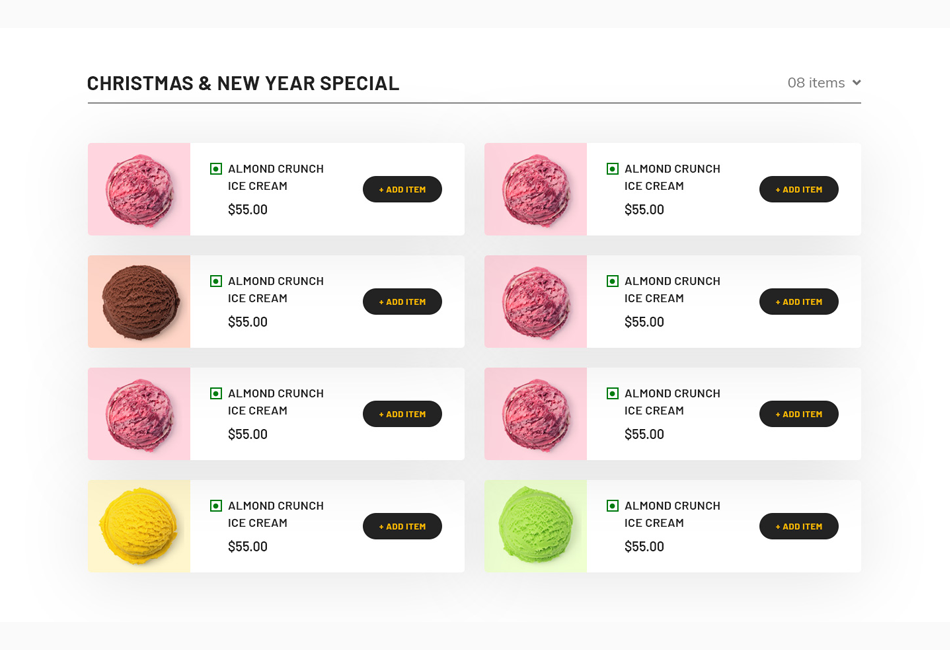
- Food Item Ìtumọ̀ Yorùbá: – Pro Ìtumọ̀ Yorùbá: – Food Item Style, Listing Style, Limits, Order, Order By, Food Item Column, Show Certain Categories, Hide Certain Categories, Show Certain Product, And All Carousel Controls like Speed Limit, Loop, Navigation, Auto Play so on…
- Food Menu Ìtumọ̀ Yorùbá: – Image, Title, Description, Price, Type
- Food Tab Ìtumọ̀ Yorùbá: – Image, Title, Name, Description, Number
- Gift Card Ìtumọ̀ Yorùbá: – Pro Ìtumọ̀ Yorùbá: – Title, Form, Form Controls, Price.
- Ingredients Ìtumọ̀ Yorùbá: – Icon, Title
- Layered Image Ìtumọ̀ Yorùbá: – Pro Ìtumọ̀ Yorùbá: – Each Image as in separate layer and Controls of scrollings
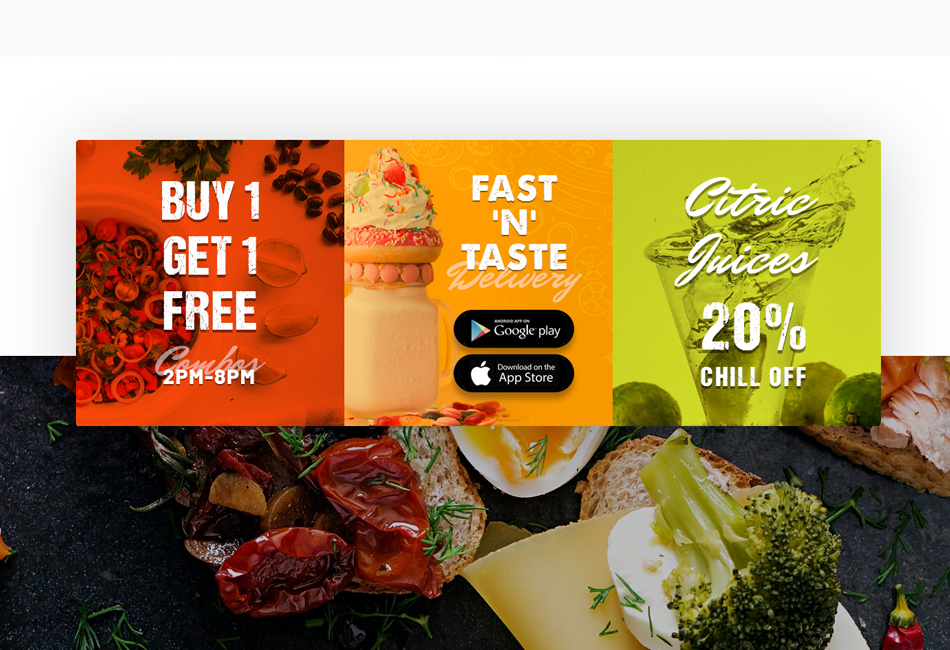
- Offers Ìtumọ̀ Yorùbá: – Title, Buttons, % of Offers value and more.
- Open Table Ìtumọ̀ Yorùbá: – Pro Ìtumọ̀ Yorùbá: – Pre-Defined Open-Table Form, Image, Title, Address Details, Offer Details and, Styles
- Image Parallax Ìtumọ̀ Yorùbá: – Pro Ìtumọ̀ Yorùbá: – Two Images scroll on parallax mode, speed control, positioning.
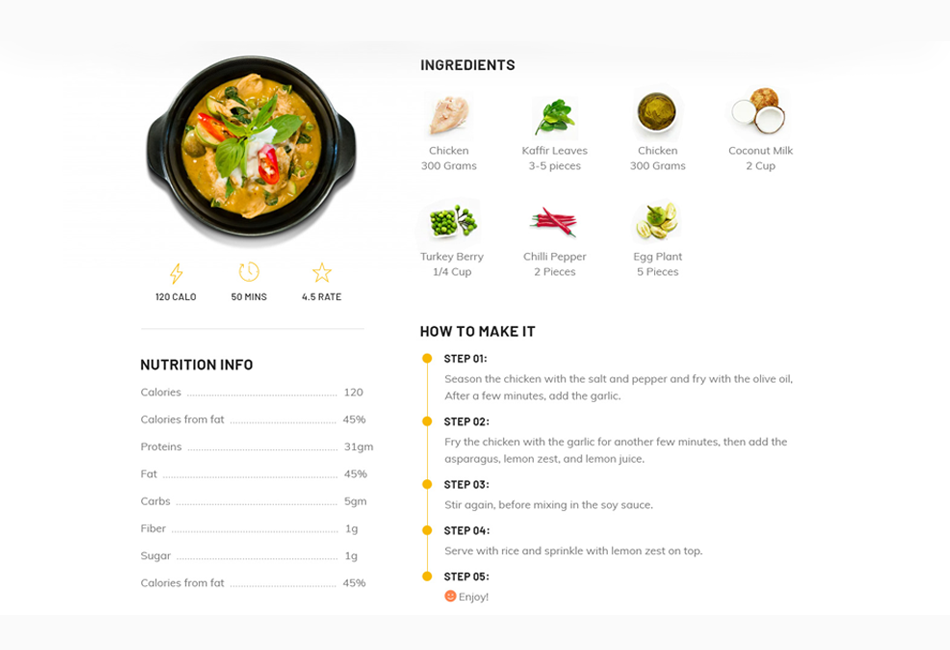
- Particular Recipe Ìtumọ̀ Yorùbá: – Pro Ìtumọ̀ Yorùbá: – Video in Popup, Ingredients, Nutrition info, Steps to Prepare Food and, more.
- Pricing Tab Ìtumọ̀ Yorùbá: – Pro Ìtumọ̀ Yorùbá: – Title, Description, Pricing Value, Features, Images and Buttons.
- Pricing Ìtumọ̀ Yorùbá: – Title, Features, Pricing Value and Currency, Button, Featured Pack.
- Restaurants Ìtumọ̀ Yorùbá: – Whole Image BG, Icon, Title, Description and, link.
- Rooms Ìtumọ̀ Yorùbá: – Title, Sub-Title, Image, Description, Pricing, Button and, Features.
- Rooms Slider Ìtumọ̀ Yorùbá: – Pro Ìtumọ̀ Yorùbá: – Same as Rooms widget but with full screen slider.
- Specialties Ìtumọ̀ Yorùbá: – Image, Title, Description, Points and, Positions.
- Stats Ìtumọ̀ Yorùbá: – Icon, Title, Counter Values.
- Tab Ìtumọ̀ Yorùbá: – Pro Ìtumọ̀ Yorùbá: – Tab Title, Image, Content Title, Description, Button and, More.
- Valuable Box Ìtumọ̀ Yorùbá: – Icon, Title, Description and Link.
- Working Hours Ìtumọ̀ Yorùbá: – Title, Sub-Title, Days and Time.
- Food Banner Ìtumọ̀ Yorùbá: – Pro Ìtumọ̀ Yorùbá: – Title, Sub-Title, Link Text & Link.
WooCommerce Specific Ìtumọ̀ Yorùbá: – All In Premium Version
- Product Addon Ìtumọ̀ Yorùbá: – Pro Ìtumọ̀ Yorùbá: – Limit, Order, Orderby, Show Particular Products by Categories & Product Titles, Hide Particular Products by Categories & Product Titles.
- Product Filter Ìtumọ̀ Yorùbá: – Pro Ìtumọ̀ Yorùbá: – Limit, Order, Orderby, Show Particular Products by Categories & Product Titles, Hide Particular Products by Categories & Product Titles, Filter “All” text, Product Columns, Categories Limit, Filter Enable & Disable, Filter Type(Ajax, Normal), Pagination.
- Food Item Ìtumọ̀ Yorùbá: – Pro Ìtumọ̀ Yorùbá: – Food Item Style, Listing Style, Limits, Order, Order By, Food Item Column, Show Certain Categories, Hide Certain Categories, Show Certain Product, And All Carousel Controls like Speed Limit, Loop, Navigation, Auto Play so on…
- Product Food Menu Ìtumọ̀ Yorùbá: – Pro Ìtumọ̀ Yorùbá: – Menu Style, Limit, Order, Show Certain Categories, Hide Certain Categories, Show Certain Product, Order, Order By.
Àwọn àwòrán ìbòjú
Ìgbéwọlẹ̀
- Make sure you already have a WordPress site and the Elementor plugin installed and activated.
Default Installation
- Install “Restaurant & Cafe Addon for Elementor” via WordPress plugin directory.
- Once installed, Activate “Restaurant & Cafe Addon for Elementor.”
Manual Installation
- Upload the plugin folder to the “/wp-content/plugins/” directory.
- Activate the plugin through the “Plugins” screen in WordPress
FAQ
-
This plugin work with any theme?
-
Yes, for sure! It will work with any theme that “Elementor Page Builder” works.
-
Is this plugin work without Elementor Page Builder?
-
No, itÌtumọ̀ Yorùbá: ’ll not work without Elementor Page Builder, itÌtumọ̀ Yorùbá: ’s an addon for Elementor.
Àwọn àgbéyẹ̀wò


Àwọn Olùkópa & Olùgbéejáde
“Restaurant & Cafe Addon for Elementor” jẹ́ ètò ìṣàmúlò orísun ṣíṣí sílẹ̀. Àwọn ènìyàn wọ̀nyí ti ṣe ìkópa sí plugin yìí.
Àwọn Olùkópa

Túmọ̀ “Restaurant & Cafe Addon for Elementor” sí èdè rẹ.
Ṣe o nífẹ̀ẹ́ sí ìdàgbàsókè?
Ṣàwárí koodu, ṣàyẹ̀wò ibi ìpamọ́ SVN, tàbí ṣe àgbékalẹ̀ sí àkọsílẹ̀ ìdàgbàsókè nípasẹ̀ RSS.
Àkọsílẹ̀ àwọn àyípadà
= 1.6.4
- Shortcode issue fix
= 1.6.3
- PHP warnings fixes for admin menu
= 1.6.2
- Deprecated functions updated
= 1.6.1
- Freemius SDK updated
= 1.6.0
- Content security updated
= 1.5.9
- Security updated
= 1.5.8
- Freemius SDK updated
= 1.5.7
- Security updated
= 1.5.6
- Security Fixes and Improvements
= 1.5.5
- Swiper classes updated
= 1.5.4
- Capability updated
= 1.5.3
- Security updated
= 1.5.2
- Slider widget fix
- Minor PHP warning fix
= 1.5.1
- Date picker field fixed
- Translation
= 1.5.0
- Option page updated
- Minor php warning fixes
- Translation
= 1.4.8
- Freemius Update 2.5.10
- Translation
= 1.4.6
- Security Fixes and Improvements.
= 1.4.5
- WooCommerce Pricing Settings
- Translation
= 1.4.4
- Gift Card WooCommerce Related Issues Fixed
- WordPress latest version checks
- Translation
= 1.4.3
- WooCommerce Condition
= 1.4.2
- WooCommerce Currency
- Open Table Popup in Same Page
- Quantity Field in Product Listing Design
- Style Improvements
- Translation
= 1.4.1
- Open Table Popup for Style One
- Translation
= 1.4
- Scheme_Color & Scheme_Typography Removed
- Translation
= 1.3.1
- ReadMe Documentation Links
= 1.3
- WooCommerce Support Added
- Addon Menu Functionality Added
- Gift Card Functionality Improved
- 7-Days Free Trial for Pro Version
- Security Improvement
- Translation
= 1.2.4
- Security Freemius Update
- Translation
= 1.2.3
- Translation
= 1.2.2
- Slider Effects Fixed
- Effect Coverflow to Flip
- Translation
= 1.2.1
- Slider Button Margins Added
- Translation
= 1.2
- JS file path fixed
- Open Table Widget Improved
- Translation
= 1.1
- Pro Version Added
- Scroll Issue Fixed
- Enable & Disable Un-Wanted Widgets
- Translation
- Other Improvements and Fixes
= 1.0
- Initial release