

Àpèjúwe
Bring a splash of creativity to your WordPress site with Awesomesauce Blocks! Transform your content with unique blocks that defy the ordinary. From dazzling text effects and mesmerizing particle animations to cutting-edge data blocks, this plugin is your gateway to a website that stands out. 🚀✨
Features:
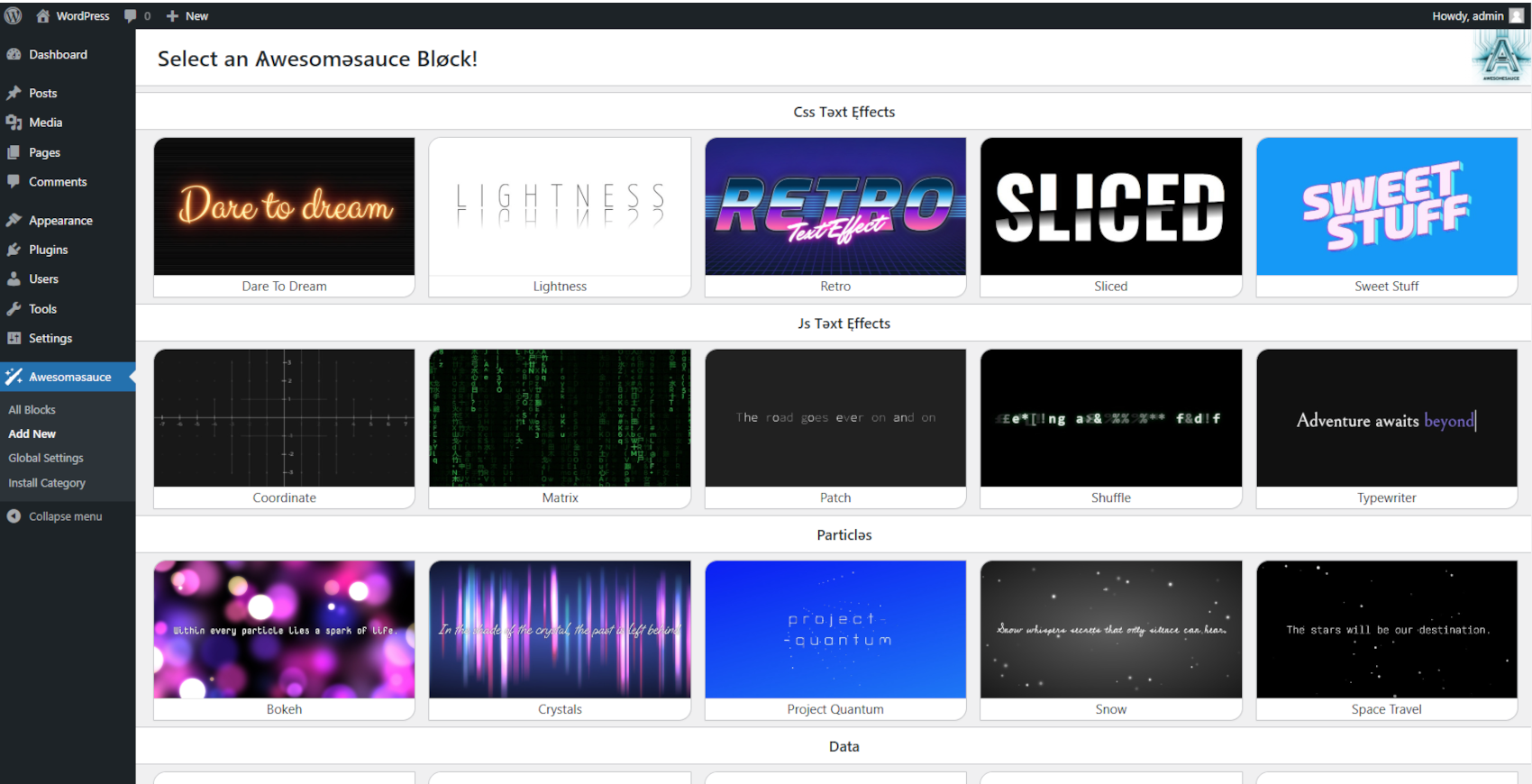
Ìtumọ̀ Yorùbá: – CSS Text Effects: Ultra-lightweight effects using just HTML and CSS! Create captivating text animations effortlessly.
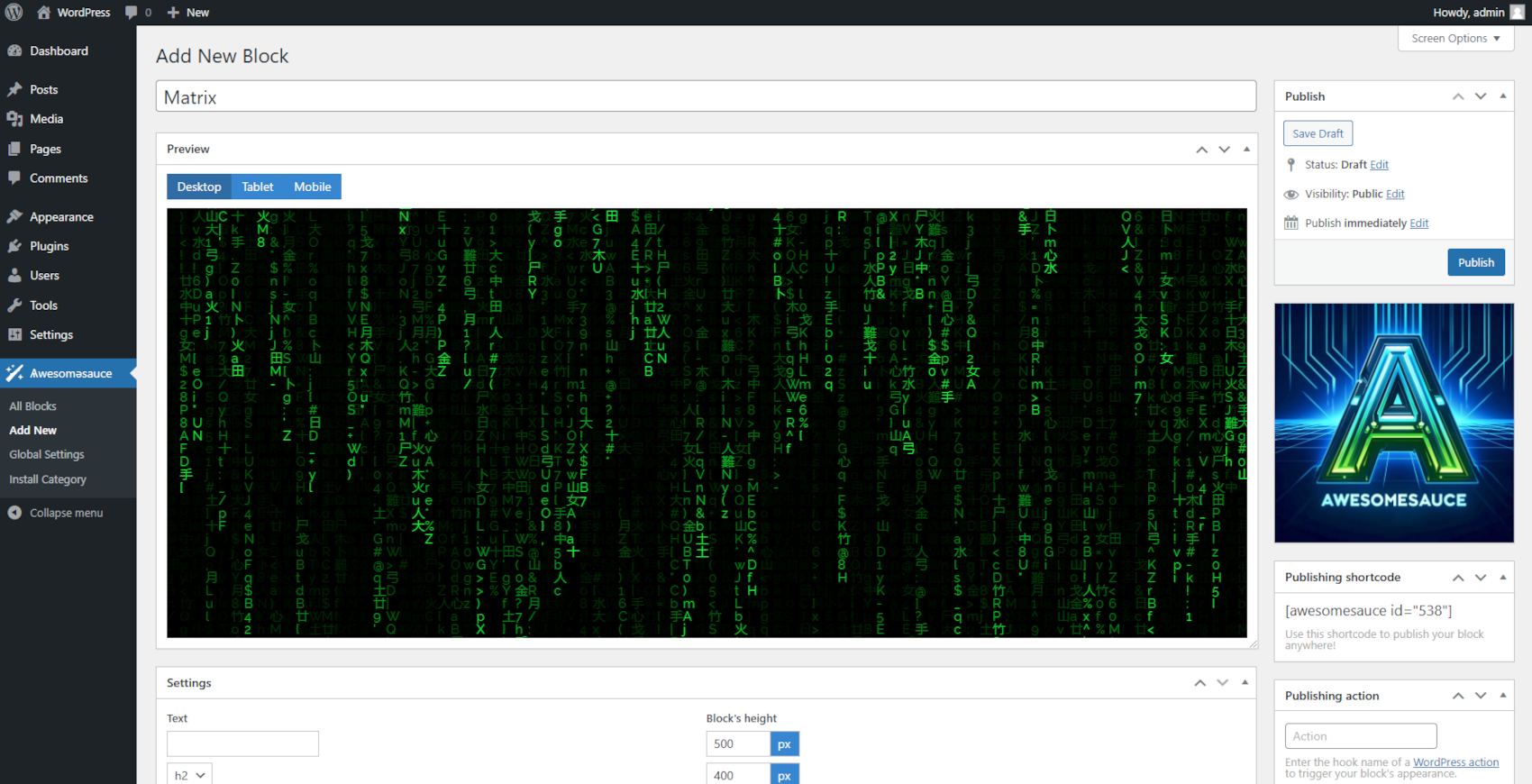
Ìtumọ̀ Yorùbá: – JS Text Effects: From the Matrix effect to text shuffling and typewriter animations, explore a range of dynamic text effects.
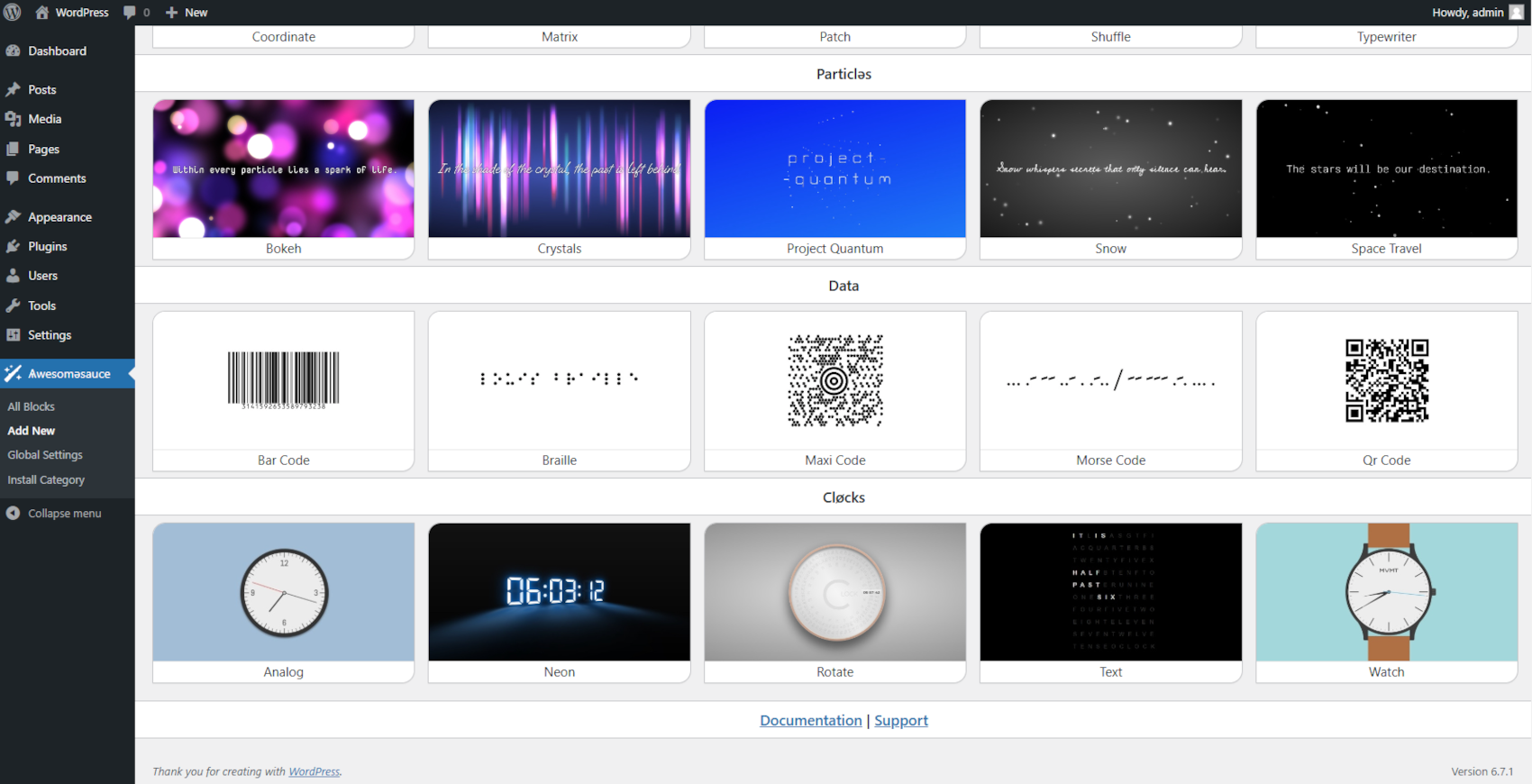
Ìtumọ̀ Yorùbá: – Particle Effects: Add visual flair with effects like Bokeh, Crystals, Snow, Space travel and more.
Ìtumọ̀ Yorùbá: – Clocks: Display time with style using Analog, Neon, Text and other innovative clock designs.
Ìtumọ̀ Yorùbá: – Data Blocks: Showcase information with unique blocks for Barcode, Braille, Maxi code, Morse code and QR code.
JavaScript Libraries
The non-minified versions of all JavaScript library files used in Awesomesauce Blocks are publicly available on GitHub: Awesomesauce Blocks GitHub Repository. Additionally, the minified JS files included in the plugin contain comments with links to their original, non-minified versions for reference.
Àwọn àwòrán ìbòjú



Àwọn ìdí
Plugin yìí pèsè 1 ìdí.
- Awesomesauce Block
Ìgbéwọlẹ̀
Automatic Installation
- Go to your WordPress admin dashboard.
- Navigate to Plugins > Add New.
- Search for Awesomesauce Blocks.
- Click Install Now and activate the plugin.
Manual Installation
- Download the plugin ZIP file.
- Go to Plugins > Add New > Upload.
- Choose the ZIP file and click Install Now.
- Activate the plugin through the Plugins menu in WordPress.
FAQ
-
1. How do I use Awesomesauce Blocks?
-
- Once activated, enter the WordPress left admin menuÌtumọ̀ Yorùbá: ’s Awesomesauce menupoint -> Add New.
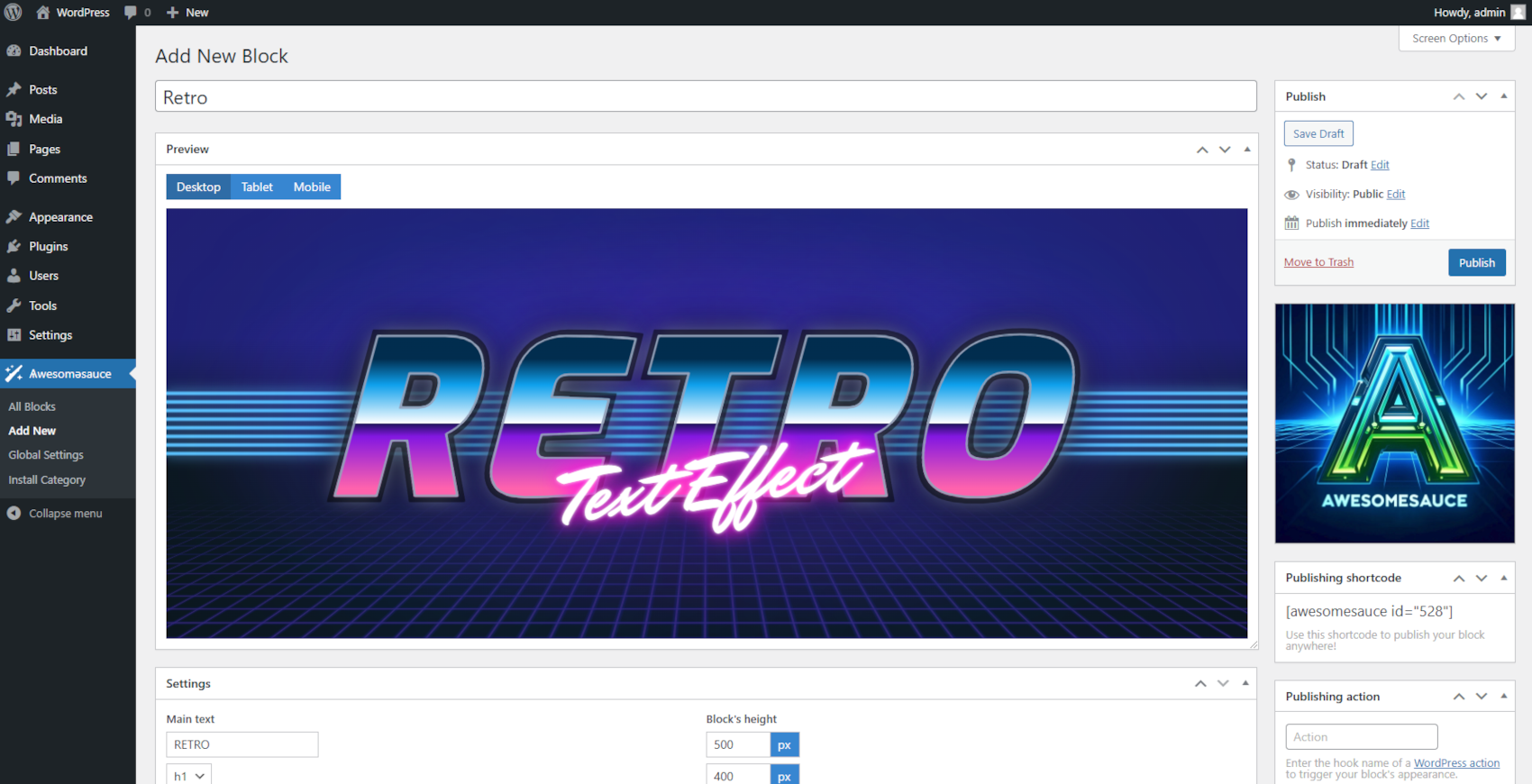
- There youÌtumọ̀ Yorùbá: ’ll find a range of exciting blocks. Choose one of them and configure its settings.
- When the block is done, press Save. Copy the blockÌtumọ̀ Yorùbá: ’s shortcode from the right sidebar, and paste it into one of your WordPress pages or posts.
-
2. Where can I get support?
-
For any questions or support, please visit our support page.
-
3. Where is the documentation?
-
You can reach the documentation on this link.
Àwọn àgbéyẹ̀wò
Kò sí àwọn àgbéyẹ̀wò fún plugin yìí.
Àwọn Olùkópa & Olùgbéejáde
“Awesomesauce Blocks” jẹ́ ètò ìṣàmúlò orísun ṣíṣí sílẹ̀. Àwọn ènìyàn wọ̀nyí ti ṣe ìkópa sí plugin yìí.
Àwọn Olùkópa
Túmọ̀ “Awesomesauce Blocks” sí èdè rẹ.
Ṣe o nífẹ̀ẹ́ sí ìdàgbàsókè?
Ṣàwárí koodu, ṣàyẹ̀wò ibi ìpamọ́ SVN, tàbí ṣe àgbékalẹ̀ sí àkọsílẹ̀ ìdàgbàsókè nípasẹ̀ RSS.
Àkọsílẹ̀ àwọn àyípadà
1.0 Ìtumọ̀ Yorùbá: – 2024-12-17
- Initial release. Prepare yourself to have a supercool website!