
Description
Advanced CSS Editor is a lightweight plugin that lets you write different CSS code for each device (desktop, tablets, and mobile phones) right from the Live Customizer, letting you can see the outcome in real time.
So, pick a device, write your custom CSS code, and watch the results while you’re editing.
Features:
- Possibility to add different custom CSS based on the type of deviced
- Experience live all the changes via Appearance -> Customize
- Minify your CSS to optimize your site
- Custom CSS for Phone
- Custom CSS for Tablet
- Custom CSS for Desktop
- Custom CSS for Global purpose
This plugin is maintained and supported by Themeisle, check out some of the other WordPress plugins and free themes we’ve developed.
Screenshots

Screenshot 1. Add a global custom CSS 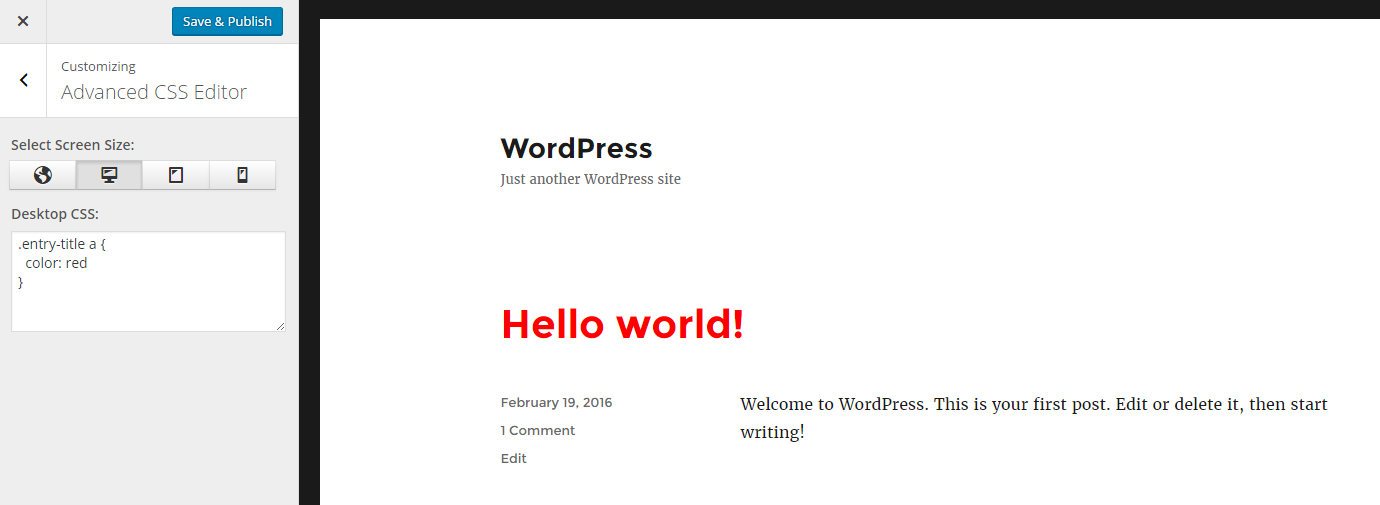
Screenshot 2. Add custom CSS for Desktop 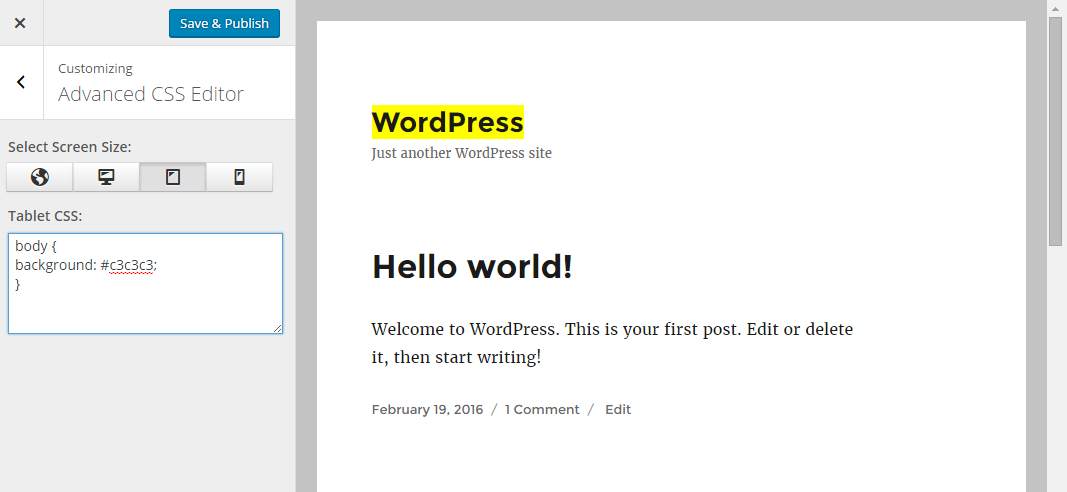
Screenshot 3. Add custom CSS for Tablet 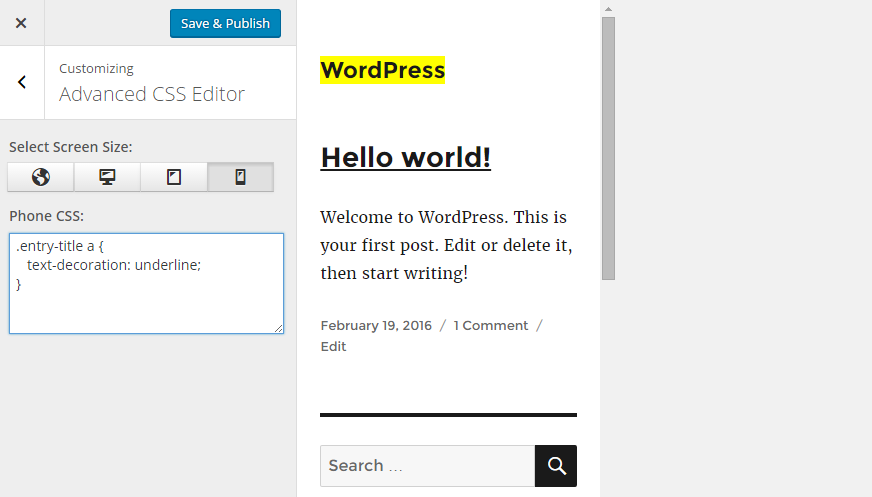
Screenshot 4. Add custom CSS for Phone
Installation
Activating the Advanced CSS Editor plugin is just like any other plugin. If you’ve uploaded the plugin package to your server already, skip to step 5 below:
- In your WordPress admin, go to Plugins > Add New
- In the Search field type “Advanced CSS Editor”
- Under “Advanced CSS Editor,” click the Install Now link
- Once the process is complete, click the Activate Plugin link
- Now, you’re able to add your custom CSS. For this, you need to go to Appearance -> Customize -> Advanced CSS Editor
- Here, you can add different CSS code for different devices. You can choose from Global, Desktop, Tablet and Phone
- Make the changes desired, then click the Save & Publish button at the top
Reviews


Contributors & Developers
“Advanced CSS Editor” is open source software. The following people have contributed to this plugin.
Contributors


Translate “Advanced CSS Editor” into your language.
Interested in development?
Browse the code, check out the SVN repository, or subscribe to the development log by RSS.